Image on hover in menu
-
Hi.
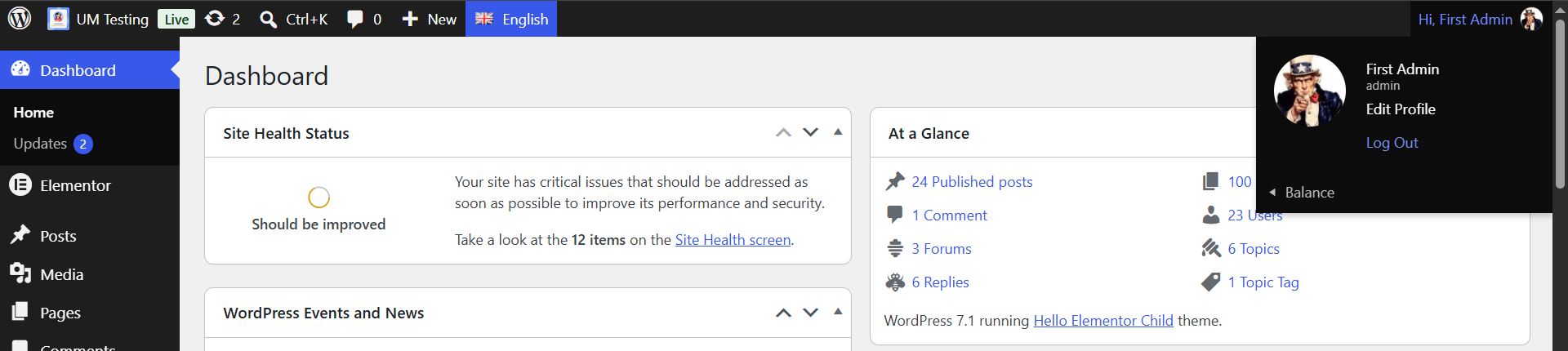
I’ve added the Ultimate Member plugin to my site. The plugin has added a few features, such as the ‘image on hover’ effect in the WordPress menu. Even though it doesn’t do anything, an ‘Item-Image’ appears above the menu. How can I disable it so that it doesn’t appear? I can’t find anything about this in the documentation.
Thank you very much
The page I need help with: [log in to see the link]

Viewing 2 replies - 1 through 2 (of 2 total)


Viewing 2 replies - 1 through 2 (of 2 total)
You must be logged in to reply to this topic.
