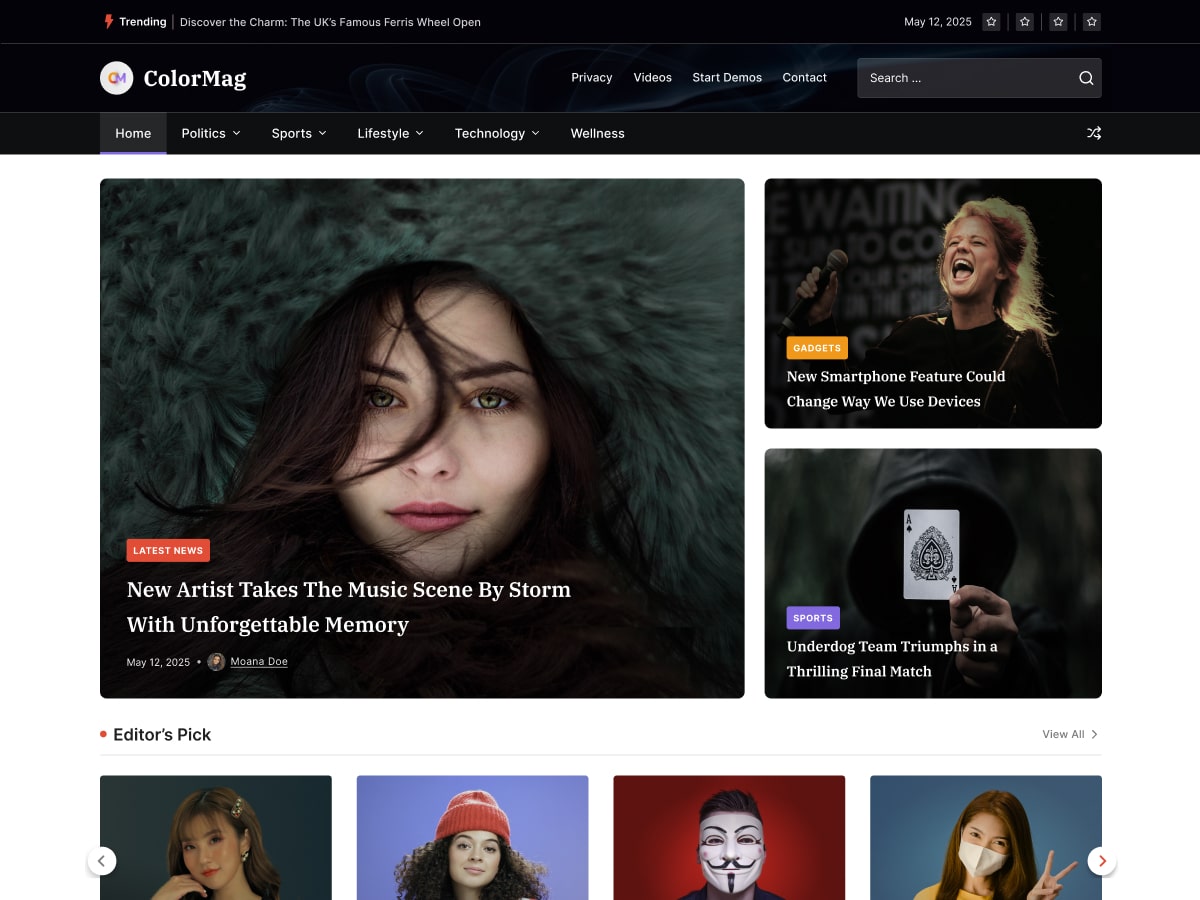
• Installed colormag theme and 2 post added. But image size is different. Here is the Block style 2 widget. But image is in different size. How to make the image in same size? Any settings available or do i need to use any plugin?

    • This topic was modified 2 months, 1 week ago by sibichan. Reason: thumbnail, post, image
    • This topic was modified 2 months, 1 week ago by sibichan.
Viewing 2 replies - 1 through 2 (of 2 total)
  • Thread Starter sibichan

    (@sibichan)

    Even though, we recommend these image sizes, it might not be practical to upload the image with the same size in all the cases. In that case, you can upload a larger size in both width and height than the above recommended image size. ColorMag will crop them to the required size and show them to the widget and post listing as necessary.

    This is from your doc, But why this not working or auto crop opion only work in pro version?

    Hi @sibichan,

    Thank you for your message. ColorMag provides recommended image sizes for each widget and post listing. The theme will automatically crop images to fit the widget only if the uploaded image is larger than the recommended size.

    To make your blog listing look consistent and professional, we recommend:

    • Always use featured images with the same dimensions across posts.
    • If needed, you can hide the featured image in single posts and use your preferred image size inside the post content area.

    If you do not want to follow the recommended image sizes but still want your site’s featured images to appear uniform, we can provide custom CSS for the Block Style 2 widget. Could you please share your site link so we can create the CSS specifically for your setup?

    Best Regards!

Viewing 2 replies - 1 through 2 (of 2 total)

You must be logged in to reply to this topic.