Hi Evi,
It is simple steps .
please follow the steps given in below screenshot-
https://aftabhusain.files.wordpress.com/2016/05/screenshot-1.png
https://aftabhusain.files.wordpress.com/2016/05/screenshot-21.png
Hope this will help.
If you are still facing issues , I am always here to help you.
Thanks,
Aftab
Thread Starter
 eviko
eviko
(@eviko)
Hi Aftab,
Thank you for your prompt reply.
My issue is that I do not see the Media Libray as shown in your screenshot-21.
In my case when I click the Set Feature Image I get this,
http://www.ppnet.gr/new/wp-content/uploads/2016/05/addbutton1.png
and when I click “show” next to the image I want to select I get this,
http://www.ppnet.gr/new/wp-content/uploads/2016/05/addbutton.png
There is no “Set Feature Image” option there.
Forgive my ignorance in these, I am really new in WordPress.
Thank you again,
Evi
Hi Evi,
Which version of WordPress you are using?
Add the logo is very simple steps as I mentioned in above screenshot.
I am not sure how you are getting the issue ( as screenshot provided by you).
Please suggest how can I help after reviewing. You ca suggest me on my email amu02.aftab at gmail dot com.
Thanks,
Aftab
Is this problem already solved? Because I have the same issue. I’m making my own wordpress theme, and maybe I’m missing something in the code why this plugin not working properly.
Thanks in advance,
Annette
Hi @visualcircle,
I have checked the plugin with many themes but not able to find such type of issue.
I will need you wp-admin details to debug out and I will fix asap if you reach me on amu02.aftab [at] gmail [dot] com
Thanks,
Aftab
Hi,
I have just installed the plugin, thank you, but I too cannot add any logos…
When I try to set ‘featured image’ I get this: https://www.dropbox.com/s/77zker0s1qr91wq/Screen%20shot%202016-07-08%20at%2016.50.56.JPG?dl=0
Where do I go from here?
Thanks,
Johan
Hi there,
It’s happening the same way just like this:
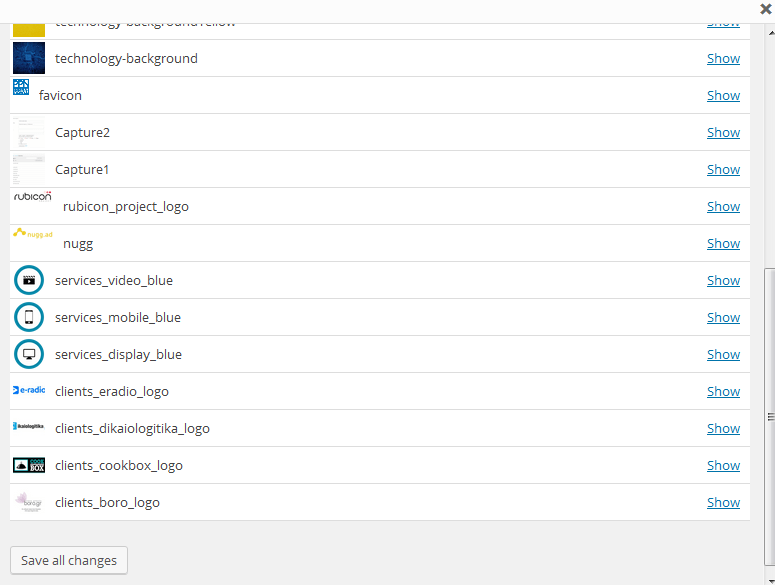
Version of WordPress: 4.6.1
I can’t choose ANY image. I need an urgent answer.
thanks,
hanan


