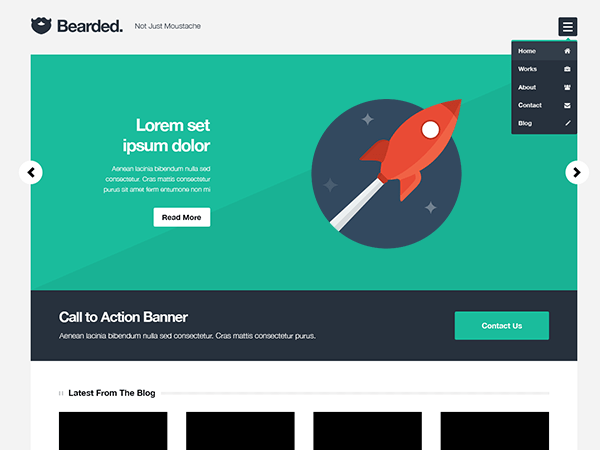
Home page (with icon)
-
Hi there!
First of all: a great theme! And the dummy content (you’ll have to select the 0.1.3. branch on Github as the dummy_data.xml file is not added to the master branch) works like a charm. I installed the website locally, so I’ll have to describe. But for now it still is an exact copy of your data, thus like http://themes.bonfirelab.com/bearded/.
I would like to change the “home” icon on the home page menu bar. If you hover over it it says: “visit shop”. And if selected, you will go to the shop page. How can I change the text to “visit home page” and how can I change the corresponding link.
Thanx for your help!

The topic ‘Home page (with icon)’ is closed to new replies.