Hi @zyves
You can disable it via Member Directory settings.
Go to WP Admin > Ultimate Member > Member Directory > Edit a directory > see “Profile Card” section > see the options “Choose field(s) to display in tagline” and “Choose field(s) to display in extra user information section”.
Regards,
Thread Starter
 zyves
zyves
(@zyves)
Hello,
Thank you for your help which allowed me to personalize the members page.
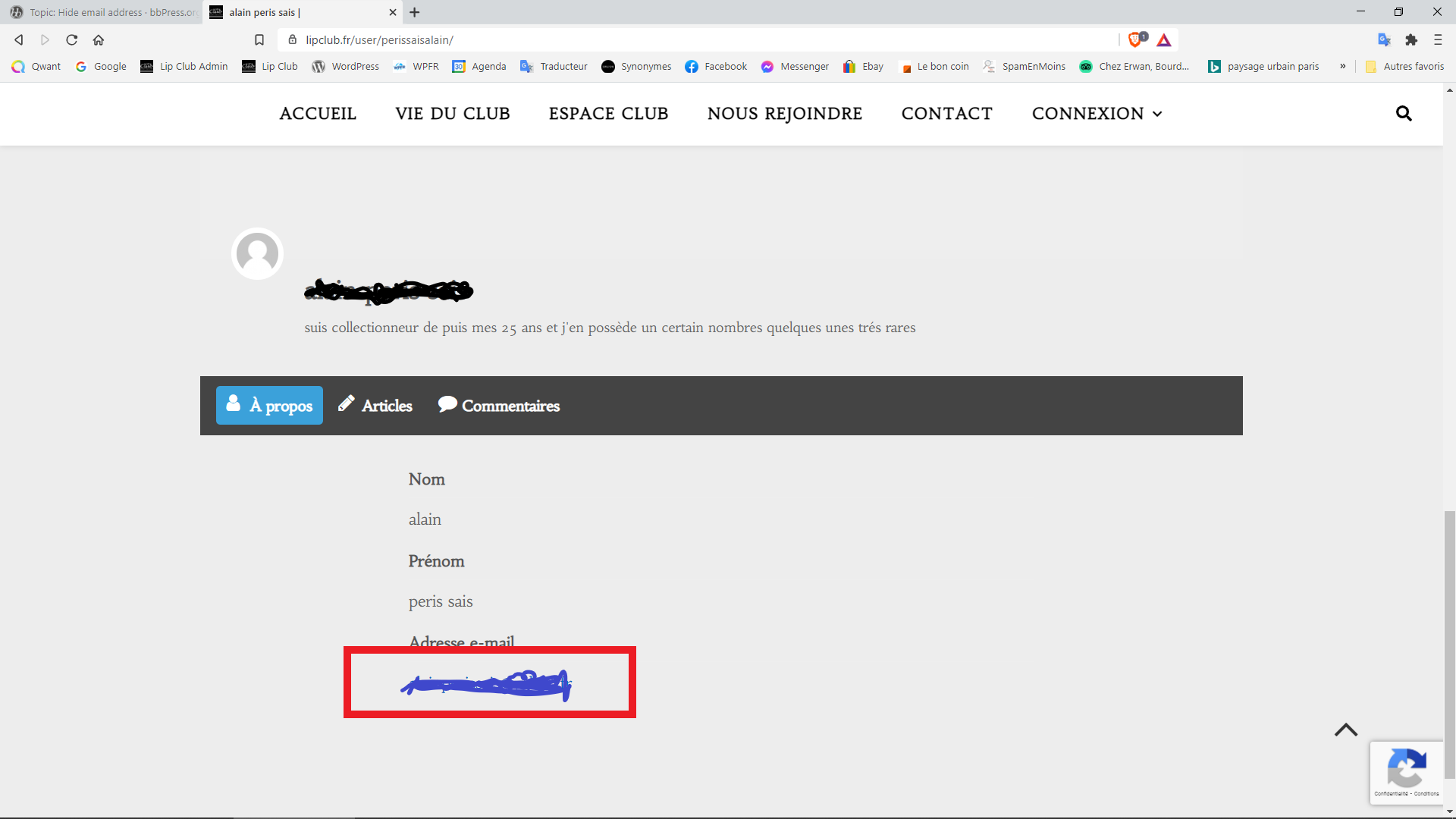
However, I cannot make the member’s email address invisible in the member directory page.
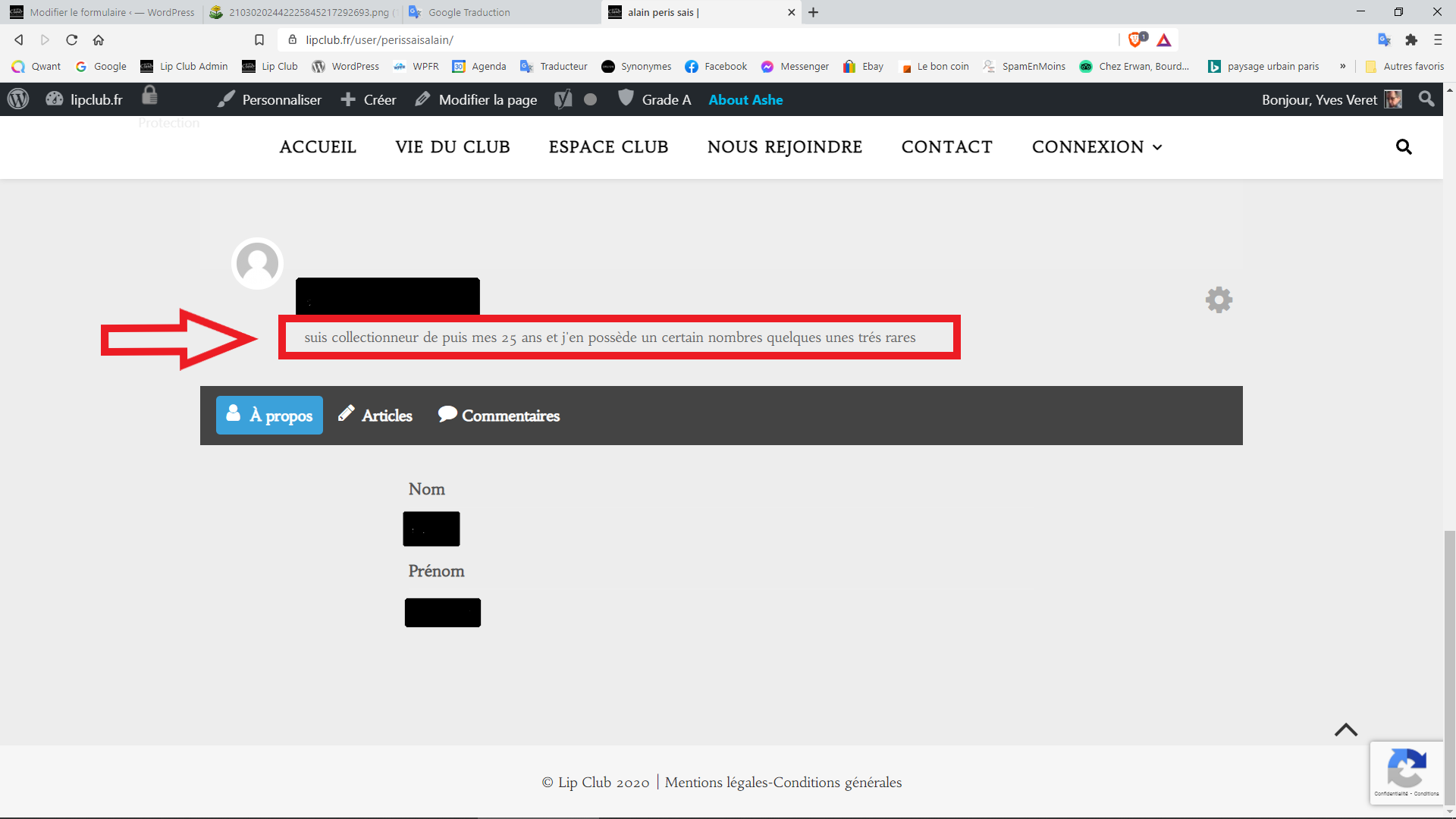
Also I would like to allow members to modify their slogan in their account page.
Greetings,
Image of the page to edit : https://nsm09.casimages.com/img/2021/03/02//21030202442225845217292693.png
-
This reply was modified 5 years, 2 months ago by
 zyves.
-
This reply was modified 5 years, 2 months ago by zyves.
Hi @zyves
1. You can remove the email field from the Profile Form.
Go to WP Admin > Ultimate Member > Forms > Edit Profile > see Addresse Email and click on ‘X’ to delete. Once you delete it, it won’t show up in the profile form based on the screenshot https://nsm09.casimages.com/img/2021/03/02//21030202442225845217292693.png
2. >>> Also I would like to allow members to modify their slogan in their account page.
Could you please provide a screenshot of the Account page that you’re referring to?
Regards,
Thread Starter
zyves
(@zyves)
Hello,
Thanks for your feedback.
“Could you please provide a screenshot of the Account page that you’re referring to?”
Screenshot you want: https://nsm09.casimages.com/img/2021/03/03//21030311175825845217293712.png
Thanks for your help.
Hi @zyves
Sorry for the late response.
Unfortunately, you can only edit that description/biography via Profile form by adding the Biography field via Form Builder.
Feel free to re-open this thread by changing the topic status to “Not Resolved” so that we can get back to you.
Regards,