Hi proverbs31woman
How are you doing?
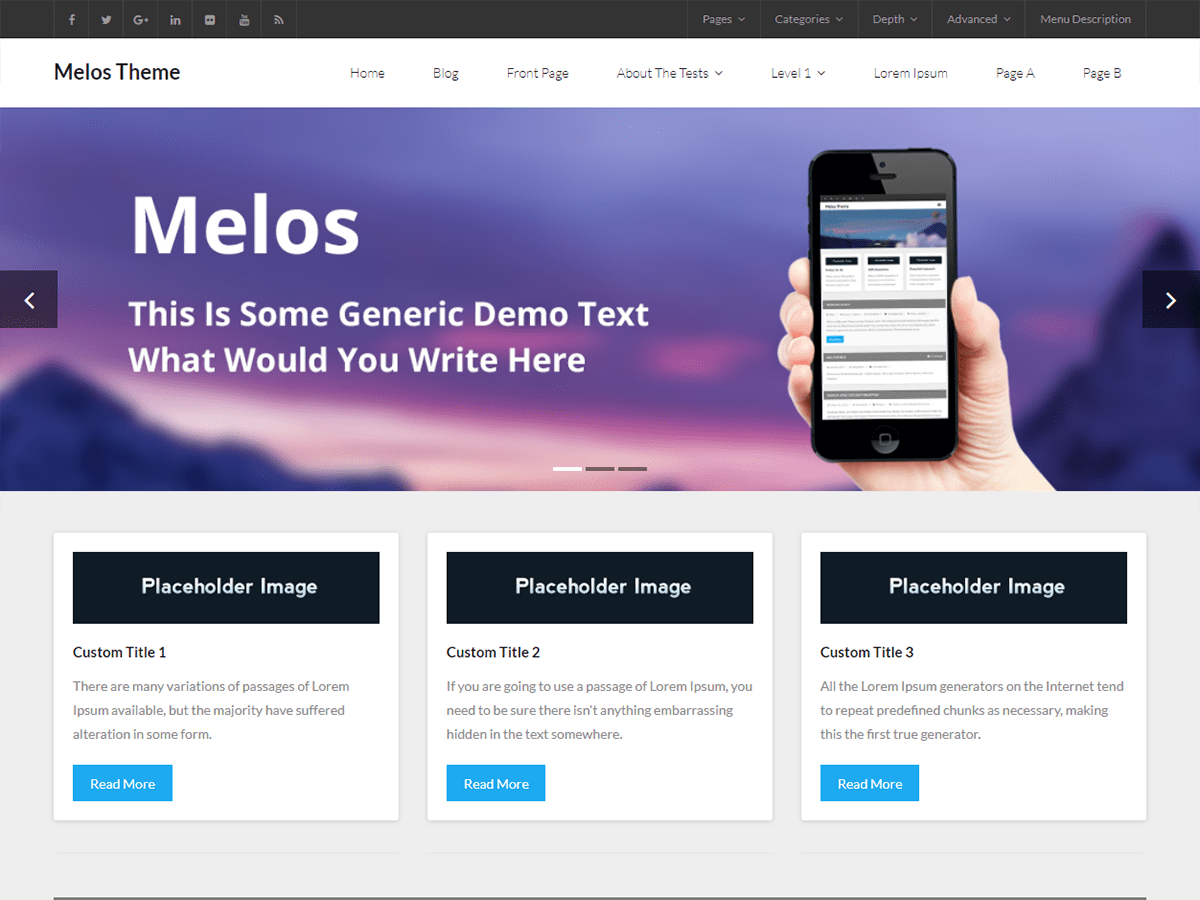
1. Sizes of your pictures are not same
1. one is 300x212px
2. and 3. ones are 300x152px
That is why you have size difference.
Solution:
1.Make picture one same as those others.
or
2. Force pictures to have same height: not the perfect solution- pictures get stretched by bad resolution
put this code to your Child Theme style.css file
OR
Install Simple Custom CSS plugin and put the code there.
.iconimage img {
    height: 212px;
}

or

.iconimage img {
    height: 212px!important;
}
Hope I was helpfull
Let me know if you need any help
Cheers
TR
Hi,
Are you talking about the header image, this one http://yourmobilemechanic.com.au/wp-content/uploads/2015/12/JM-blog-header-title.jpg ? or the images in boxes below the header ?
Regards,
Swayam
Hi
Concerning header image: size is 940×180 (px) – too small
Real place for this img is 1277×350 (px)
Consider to change size of your header image
You have now:
#slider .rslides img {
background-size: cover;
}
put this code to your Child Theme style.css file
OR
Install Simple Custom CSS plugin and put the code there.
I’m doing this on my testing server.
It can get to some different behavior then here on my site.
It can happen that it is not working.
Then we have to look further.
#slider .rslides img {
    background-size: 100%!important;
}
here you can control height of the container for slides:
ul.slides.rslides.rslides1 {
    height: 270px!important;
}
put any no instead of 270px
Hope this will clear you Qs
Let me know
Cheers
TR