Hi darko,
I’m not familiar with that plugin, but I did install it and run the basic protection and didn’t run into any difficulties. I did not activate some of the more advanced “security features” because I don’t want to alter my site so fundamentally.
I might be able to be more specific based on your actual usage (enhanced viewer may be more likely to break with some of these settings than the standard viewer, for example) but I would hazard a guess that changing some of the standard folder locations might cause a problem (wp-contents, admin, etc.). However it seems the plugin does a fair job of warning you which settings may break other plugins (the blue coloring of security items).
Hope this helps,
Kevin
I will try to re-install WP Better Security plugin. Maybe it worked.
As mentioned I installed the plugin and GDE still worked. You mentioned the error message you’re receiving, but without a link or something to see the actual problem, I’m left to guess.
Here’s the link: http://zelenaucionica.com/sunce/
GDE works only when the WP Better Security is not active.
I’m assuming the plugin is not active now, since it’s working? Can you activate it so I can see the difference?
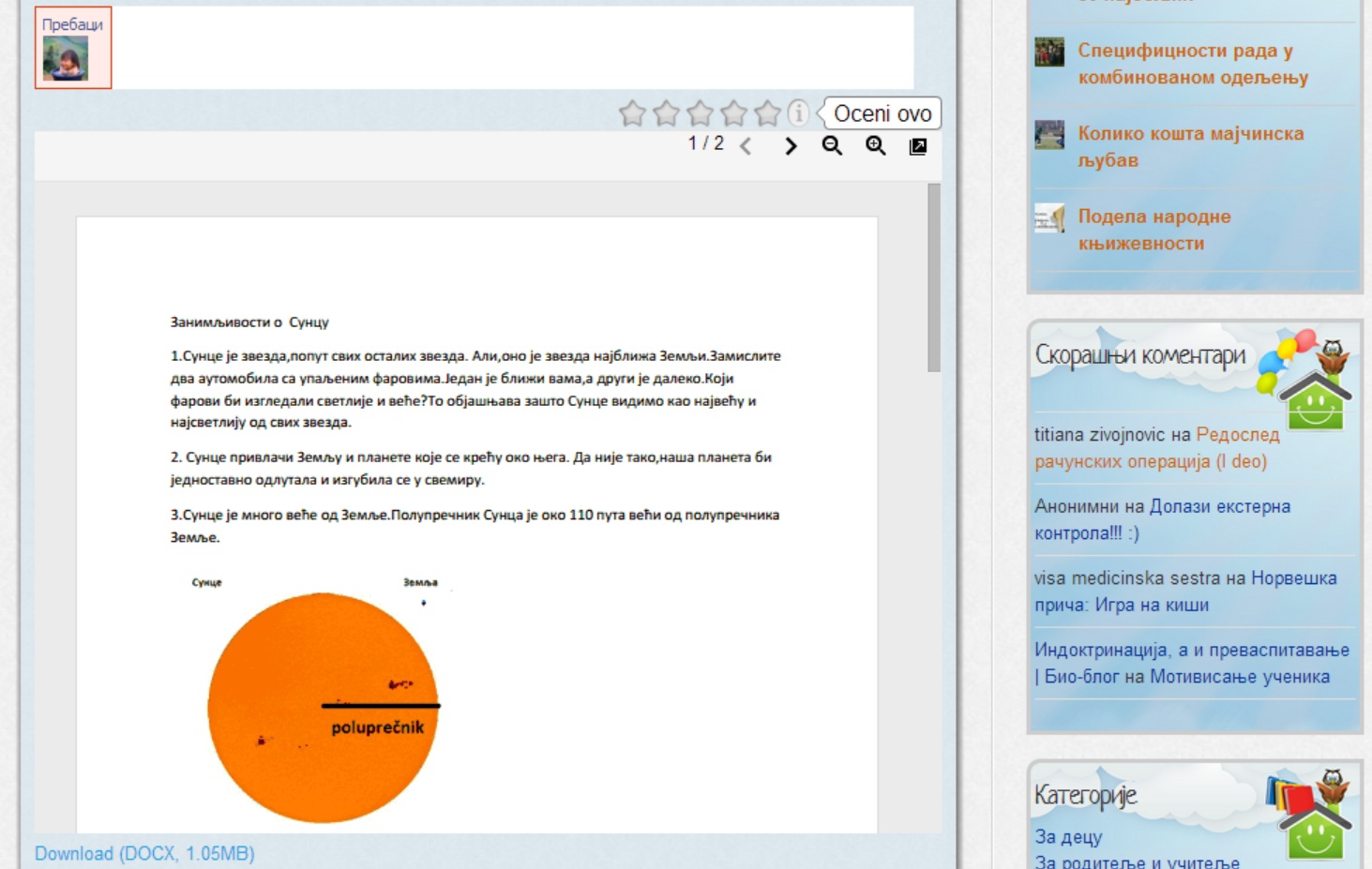
WP Better Security not active. GDE works:
LINK
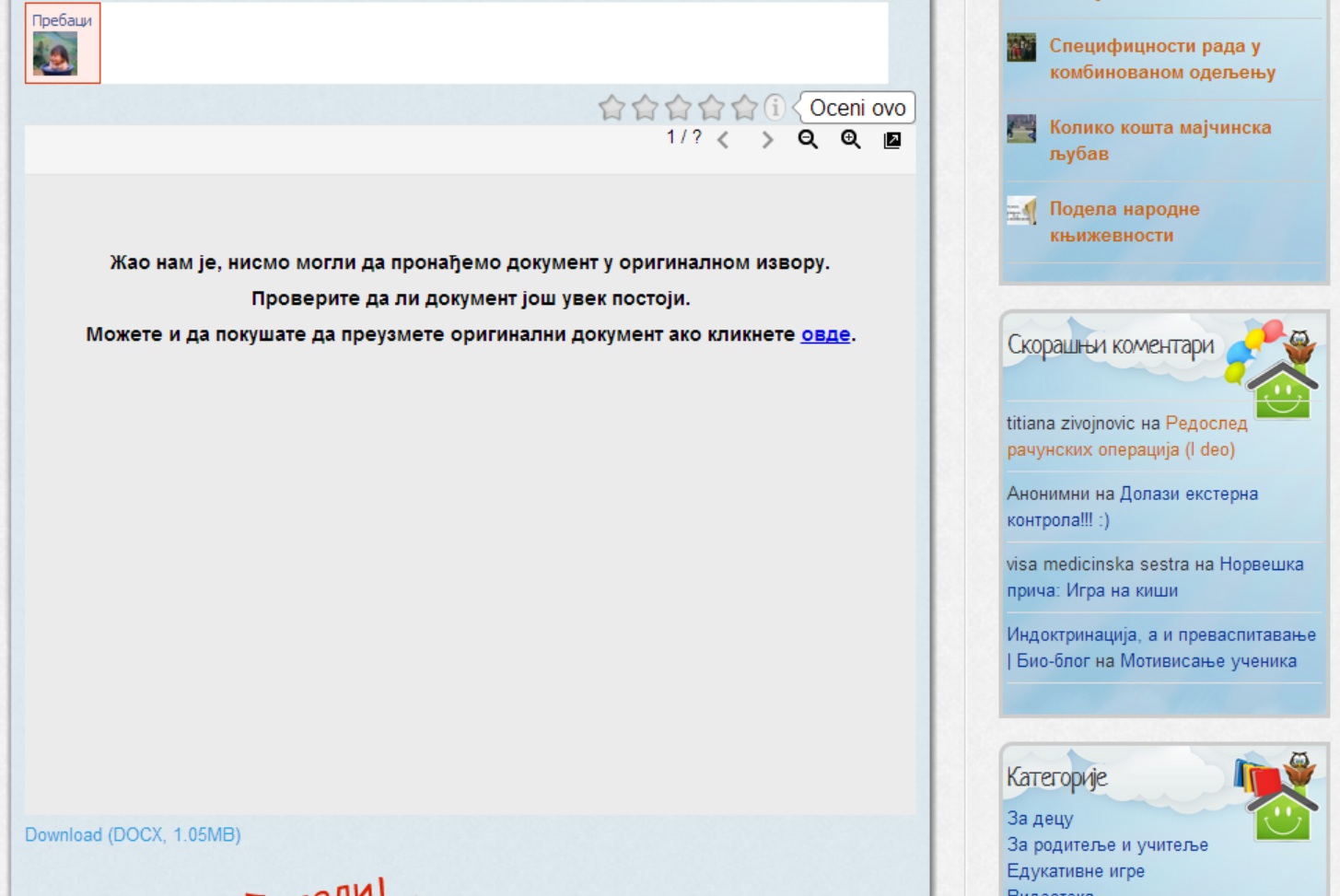
WP Better Security active. GDE not work (now):
LINK
You did mention the error message, I just wanted to see it on your site so I could look to see if there was a difference in the download link inside the error message and the download link underneath the viewer. Every time I read this thread and revisit your site you must have the plugin turned off, because the viewer is functioning normally 🙂
Okay. But how do I protect my site? Do you have any suggestions?
Thanks!
It’s fine to use the WP Better Security plugin if you wish. I noticed that it doesn’t remove all of its changes if you do uninstall it, so maybe something you activated before is interfering. When I did a basic activation of it, GDE wasn’t affected.
I can try to see if there is anything I can do to make the plugins work together better. It would help if you provided this information:
1) With WP Better Security and GDE activated, when you’re trying to view a document, in the error message inside the viewer (“sorry, we are unable to find the document…”), what is the link it takes you to when you click the “click here” part of the message? Does that load or download your document, or not?
2) With WP Better Security deactivated and GDE activated, and the viewer correctly displaying the document, what is the download link? Is it the same as the link above?
GDE isn’t a security focused plugin, so for a direct answer to your question, I would suggest you reach out to the author of that plugin instead. While I was able to use the two plugins together, if you’re not then you might have to choose which one is more important to you.
Thanks,
Kevin
1. Download link works correctly. (Sometimes the document is loaded within the GDE. Sometimes the display window to download.)
2. Yes. It’s the same link.
Again, I will try to reinstall the WP Better Security… I do not understand why only creates a problem for me.