Full Width Pages Sparkling 2.0
-
Hi,
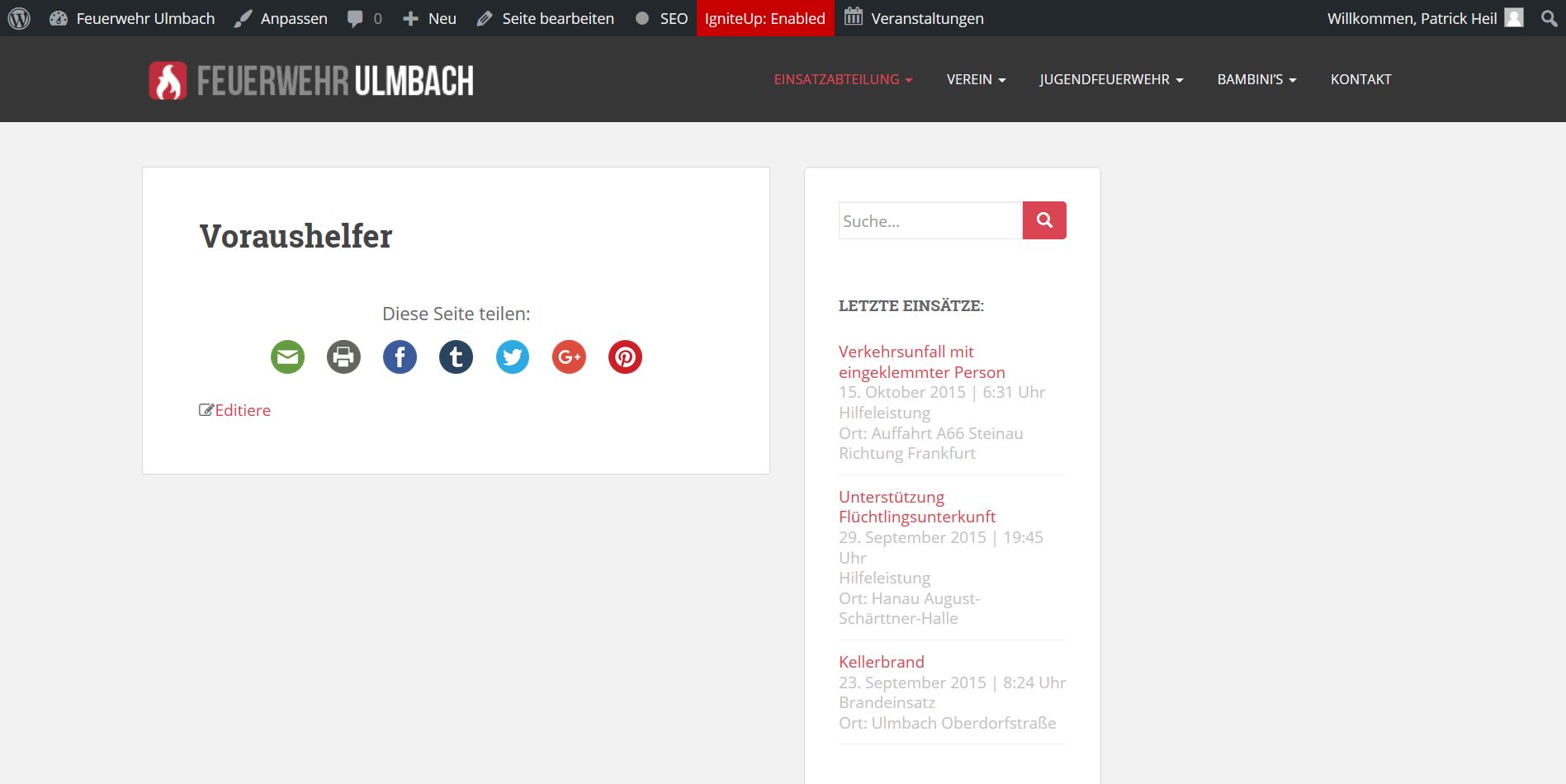
I’m not sure if I’m the only one with this issue or not but after updating Sparkling from 1.9.3 to 2.0 (And subsequently 2.0.1) I’ve noticed that full width pages are not automatically filling the full width of the page, they seem dependent on the elements within the page.
So for example if I only have a small amount of text on a page with a picture next to it and the page itself is set to full width, the page will actually display as if its on the default style with a right side bar, only the sidebar is missing.
This is also seems to happen with shortcode elements the don’t specify their width, and just use as much space as is available.
For right now I’ve been kinda cheating and using a 1020×1 white image at the bottom of each full width post with this issue to correct it but its not optimal.
I looked around in the new settings panel and looked through the readme a bit but wasn’t sure if I was just missing something or if its a legitimate bug.
Any help is greatly appreciated, Thanks! 🙂


The topic ‘Full Width Pages Sparkling 2.0’ is closed to new replies.