Hi Hermann.
Thank you for contacting us. My name is Sandra, and I’m on the Elementor Tier 2 Customer Experience team. I apologize for the inconvenience you’re experiencing with this warning on your site.
As a first step, make sure you are using the most updated versions of Elementor, Elementor Pro, WordPress & your theme. Sometimes it isn’t apparent that there is an update available. Go to Dashboard > Updates and click the Check Again button to be sure. We highly recommend you make a full backup before performing this task.
Update WordPress And WordPress Plugins » Elementor
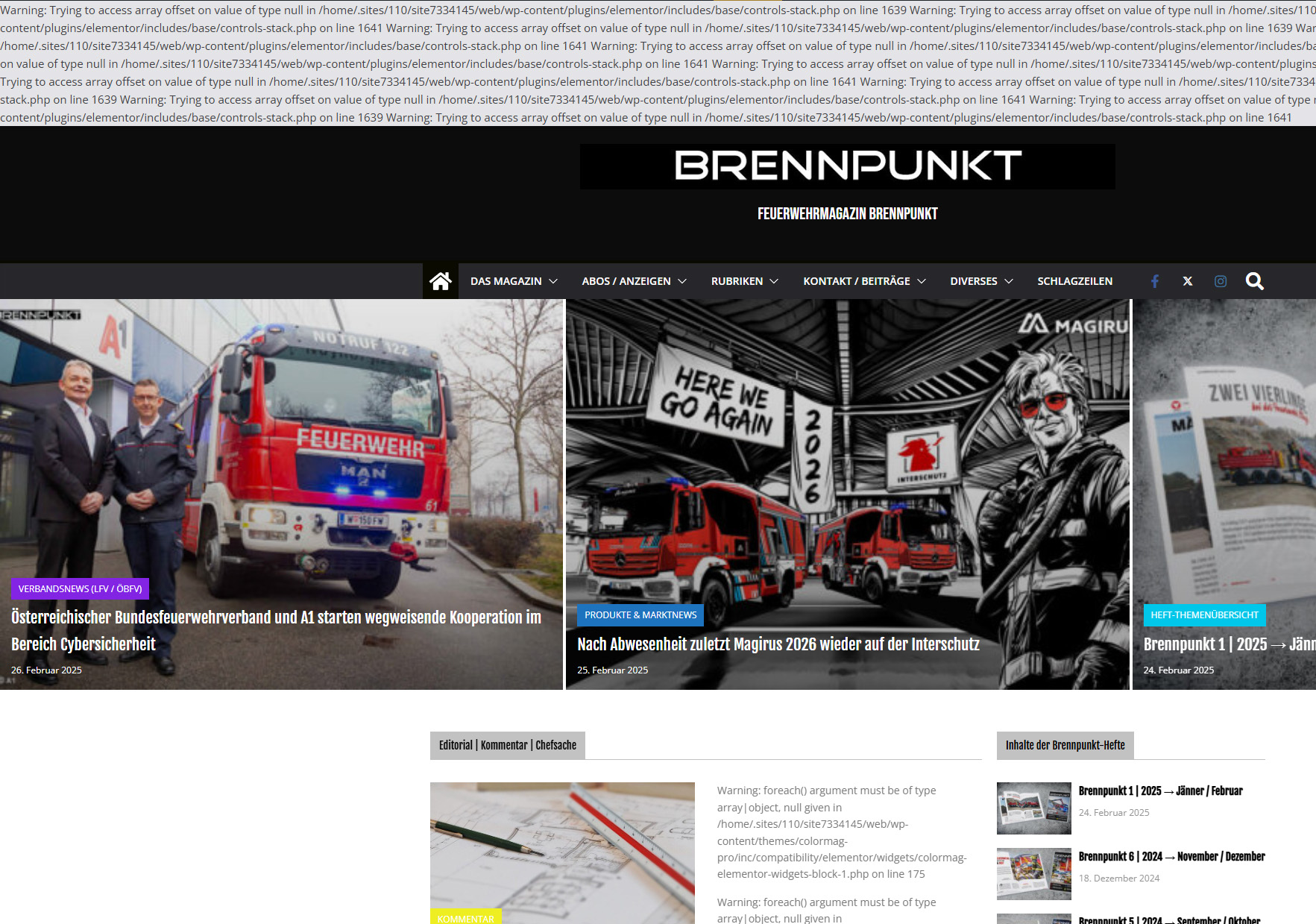
To hide this warning from your front end, you can edit your wp-config.php and make sure these lines are set:
define('WP_DEBUG', false);
define('WP_DEBUG_DISPLAY', false);
@ini_set('display_errors', '0');
If the problem persits, you will need to rule out the possibility of a plugin or theme conflict. I understand your may have already tried these steps, but please please deactivate all your plugins (besides Elementor and Elementor Pro) and see if it helps. If it solves the issue, reactivate them one by one to find the culprit. If it didn’t help, switch your theme (temporarily) to a default WP theme such as Twenty Twenty Three, for example and see if it makes any difference.
Please try this and let me know if you need further assistance.
Kind Regards,
Sandra
Hi again!
Well, thanx for answering.
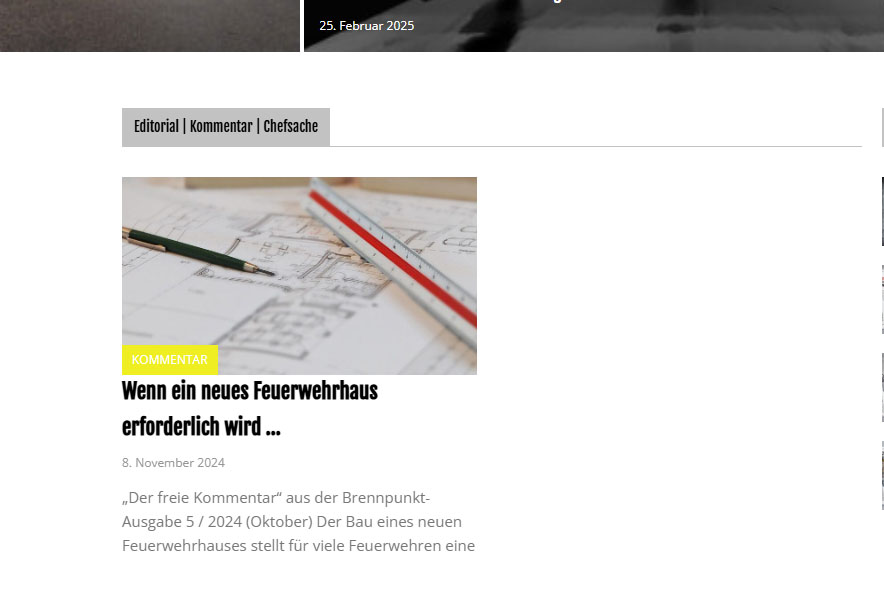
There shouldn’t normally be any general conflicts because I have exactly this combination with the same theme and Elementor on two other websites and they run without any problems. I had also already deactivated all plugins. Only when I deactivate Elementor do the error messages stop appearing. I have now followed your tip, the error messages are gone, but the content is still the same.
https://www.brennpunkt.net/wp-content/uploads/2025/02/Content.jpg
But at least it’s a workaround. It will probably be necessary to either wait for updates or use a different news field.
Regards
Hermann