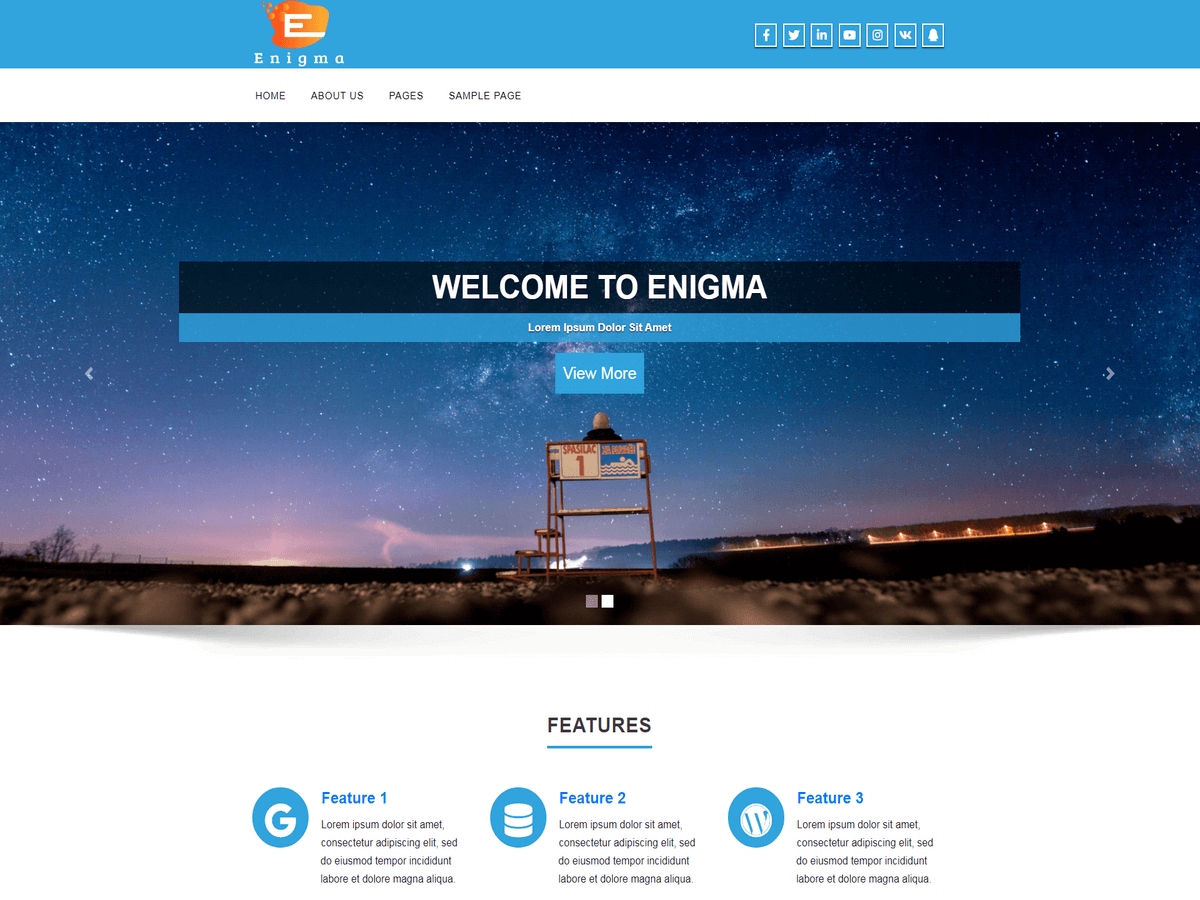
Hi @tal23,
1) For change the phone number on top to a larger font
Please go to Admin Dashboard >> Appearance >> Customize >> Theme Options >> Theme general Options.
Now, copy below code and paste into Custom Css.
.head-contact-info li a {
    font-size: 26px !important;
}
Here, 26px is replace as your requriment.
Save the changes.
And It’s not possible add another call to action at the bottom in free engima theme.
2) Add below code into Custom Css Editor.
.header_section {
    background-color: #fff!important;
	}
And Please let us know would you like to want change color, menu background-color or menu text color.
3) For creating SubMenus.
Please go to Admin Dashboard >> Appearance >> Menus.
Here you can create sub menus.
below screenshot describe esaily.
click here,LINK
4) Please metion your issue in detail.
And for page builderyou can use SiteOrigin plugin from LINK
Thanks.
Thread Starter
 tal23
tal23
(@tal23)
hey, thank you so much for the quick respone.
update on the result:
1. The phone number and email disappeard on me after i saved the code changes, and i can’t see the social icons as well unless i go over them with the mouse.
If you will get into the link of my weebsite, you’ll see what i mean.
2. I want to change the menue’s backround color to blue navy, and manue text color to blue navy, and the manue’s icons backround to white. Another thing: can i move the whole munue to the right, instead of being like this on the left?
3. got it, thank you so much!
4. It’s not that urgent right now, so it’s ok.
http://emunamizug.co.il/
Much appriciated!
-
This reply was modified 9 years, 9 months ago by
 tal23.
hello
do you still have problem with your site ?
Please go to Admin Dashboard >> Appearance >> Customize >> Theme Options >> Theme general Options.
Now, add below code into Custom Css.
.social i {
    color: #000 !important;
}
.social li:hover i {
    color: #fff !important;
}
	.head-contact-info li a {
    color: #000 !important;
}
.header_section {
    color: #000 !important;
}
.logo p {

    color: #000 !important;
}

.navigation_menu {
    background-color: #000080 !important;
}
.navbar-default .navbar-nav > li > a {
    color: #000 !important ;
	}
	.navbar-default .navbar-nav > .active > a, .navbar-default .navbar-nav > .active > a:hover, .navbar-default .navbar-nav > .active > a:focus, .dropdown-menu .active a {
    background-color: #fff !important;
}

.navbar-default .navbar-nav > li > a:hover, .navbar-default .navbar-nav > li > a:focus {
    background-color: #fff !important;
	}
	.dropdown-menu {
    background-color: #fff !important;
	}
@media (min-width: 768px){
.navbar-nav {
    float: right !important;

}
}

.navbar-default .navbar-nav > li > a {
    color: #fff !important;
	}
	.navbar-default .navbar-nav > .open > a, .navbar-default .navbar-nav > .open > a:hover, .navbar-default .navbar-nav > .open > a:focus{
	color:#000 !important;
	}

	.navbar-default .navbar-nav > li > a:hover, .navbar-default .navbar-nav > li > a:focus {
    color: #000 !important;
}

.dropdown-menu > li > a {

    color: #000 !important;
	}
	.nav > li > a:hover, .nav > li > a:focus{
	   background-color: #fff !important;
	}
Save the changes.
Thanks.
Thread Starter
tal23
(@tal23)
hey, it worked perfectly!
I now have a couple of small issues, but i will write later. the main changes that i wanted to do are now done thanks to you.
much appriciated! 🙂
-
This reply was modified 9 years, 9 months ago by tal23.
Thread Starter
tal23
(@tal23)
yes, some minor issues. i will write soon, with some pictures attached.
thank you for your willing to help!
Hi Guys….. Firstly like to say thanks for a brilliant theme….! And from what i have seen of your support that appears to be the same…:-)
I am trying to change the blue theme color and have tried your suggestion of installing the Inferno theme and changing the color codes. This did not work for me. So I tried pasting the full code from the wl_orange.css file in the custom css box which then changed just some of the colors but not all…….
Maybe you can suggest the best way of doing this.
Thanks in advance. Graham