• Resolved francofusari

    (@francofusari)


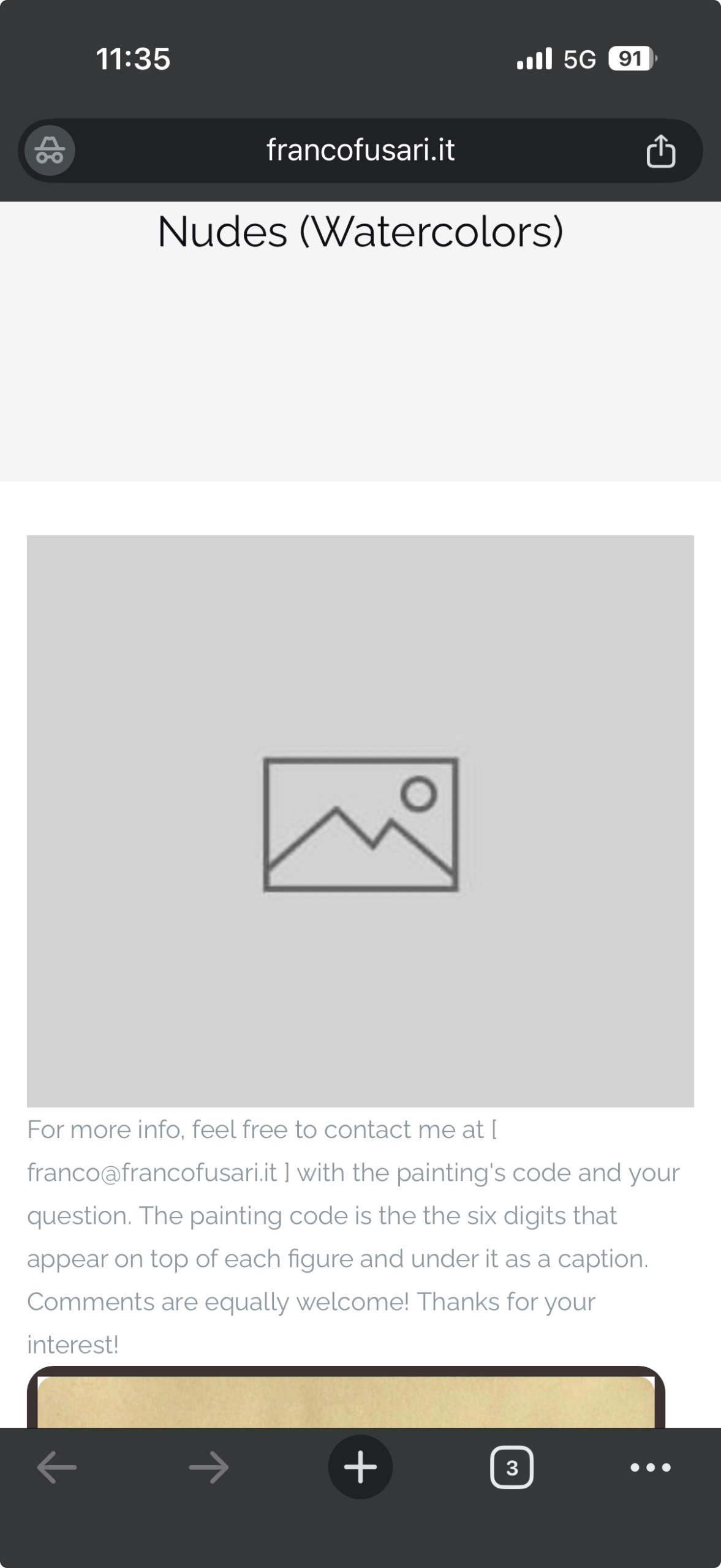
    All galleries of the website present a preview that is empty and I cannot do anything to either get rid of the preview or upload a working preview. Any suggestion?
    • This topic was modified 3 weeks, 4 days ago by francofusari.

    The page I need help with: [log in to see the link]

Viewing 2 replies - 1 through 2 (of 2 total)
  • Plugin Support roboalexsupport

    (@roboalexsupport)

    From the screenshot you shared, I can see that the gallery itself is loading correctly further down the page. The gray placeholder image at the top is not generated by Robo Gallery. It looks like this placeholder belongs to your theme or the page/post featured image, rather than the gallery itself. If your goal is to remove or replace that placeholder, please check:

    – the page’s Featured Image settings,
    – your theme’s page header/hero image settings,
    – or any page builder options that may display a default placeholder.

    The gallery itself appears to be working normally. If you’re referring to a different preview, please send us the page URL and we’ll be happy to take a closer look.

    Thread Starter francofusari

    (@francofusari)

    thanks! all sorted out. it was part of the page template. Silly me! thanks again!

Viewing 2 replies - 1 through 2 (of 2 total)

You must be logged in to reply to this topic.