Custom Header Option
-
Hello guys,
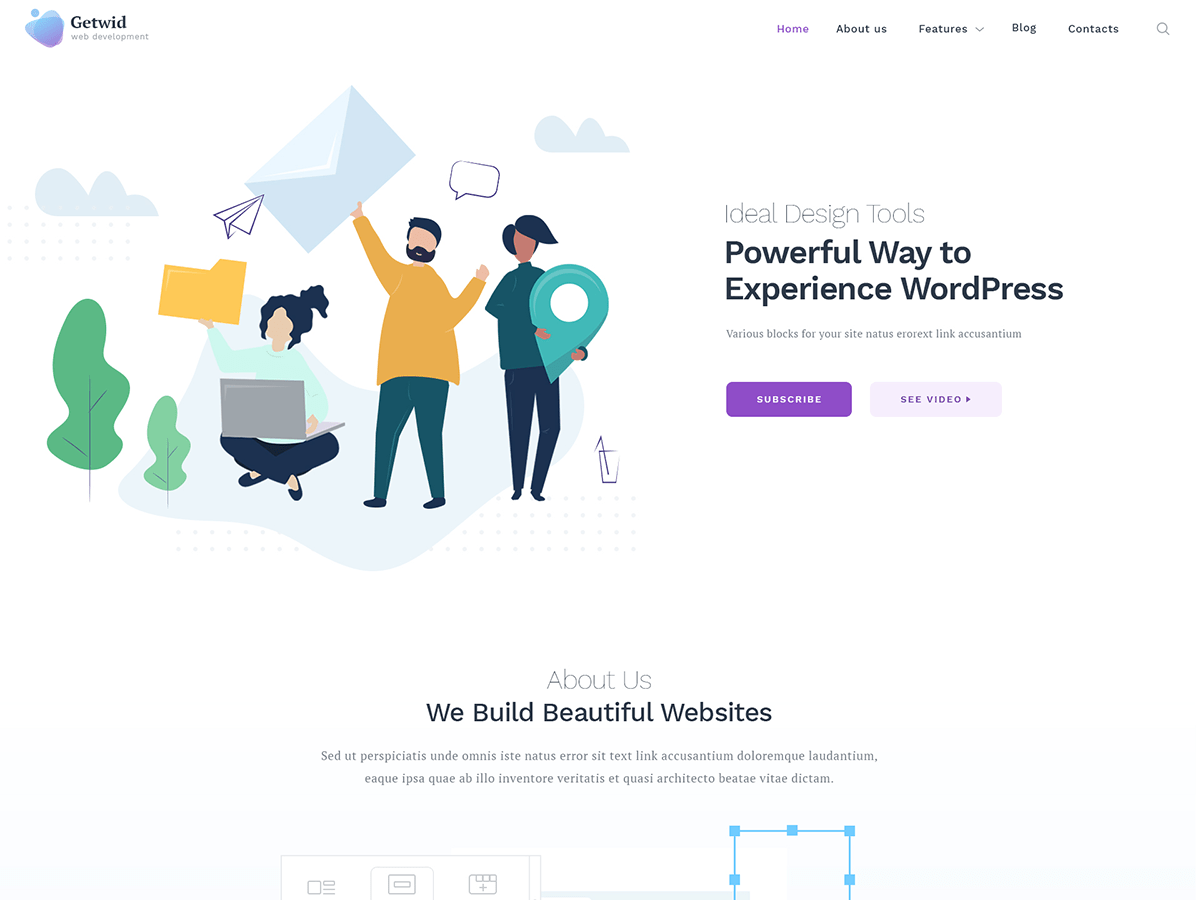
Just installed your theme. Although I haven’t checked the theme in-depth, I’m quite impressed with this. However, something that caught my attention primarily is the inability to manipulate the header structure. In the theme, I could only find a header with the logo on the left and menu on the right style. My design requires a split header with the logo on the centre and the menu split into two halves on each side of the logo. Is there a setting somewhere on the theme that lets us do switch these?
If there isn’t an option at the moment, having at least three options (1. the default one with the logo on the left and menu on the right 2. the one with the logo on the centre and menu split on each side[my design requirement] 3. the logo centrally aligned on top with the menu right below the logo ) for the header would be a great addition.
Cheers!
Midhun Jose


The topic ‘Custom Header Option’ is closed to new replies.