Hello @arunthewise1,
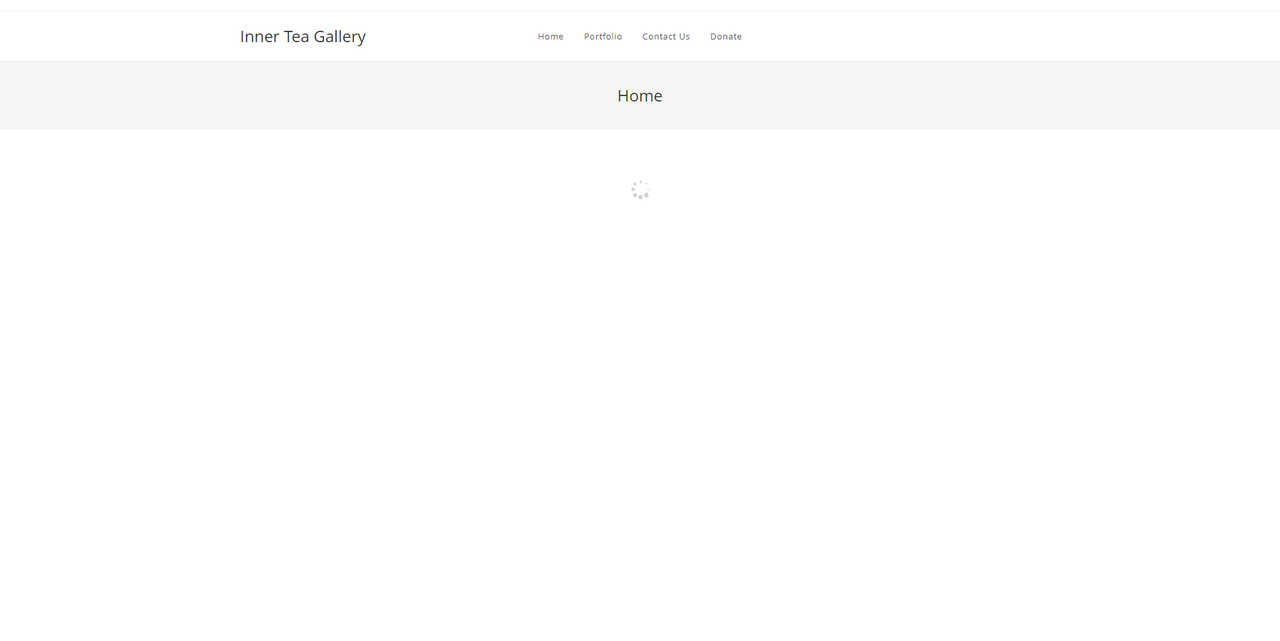
I can’t see your web page. It is just loading. Please check this screenshot: https://i.postimg.cc/jSZJS43T/image.png.
Please explain your issue, including screenshots, URLs, and any other document so we can understand and check it better. You can upload your files to one of the following online services:
https://postimages.org
https://loom.com
https://drive.google.com
https://wetransfer.com
https://dropbox.com
For troubleshooting, please do the following steps and let me know the results:
1. Head over to WP Dashboard > Plugin.
2. Deactivate all plugins.
3. Then, first activate the Ocean Extra plugin.
4. Check your issue.
5. Then, activate your plugins one by one
6. After activation of any plugins, check your issue
Note 1: You can try troubleshooting on the staging website.
Note 2: if you have any cache plugin or server cache(CDN / Browser Cache and Cookies and …), you need to clear its cache contents or disable them to see your changes. Also, remember to click on the regenerate all assets file and data in Elementor > Tools(if you have Elementor).
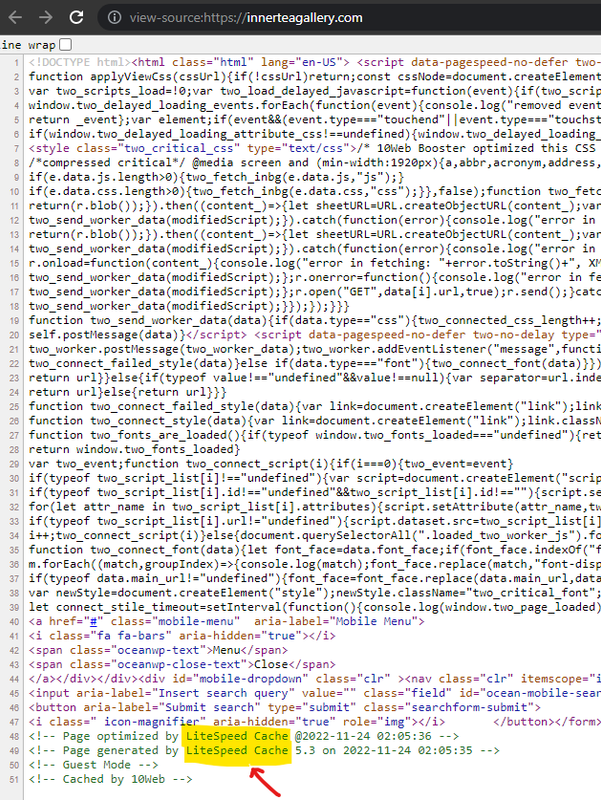
Note 3: Maybe Litespeed cache is not configured on your website; you should find a way to configure it for your website. The settings on each website can be different, and it doesn’t have any instructions for performance; or use another plugin like autoptimize, etc and test your issue again: https://i.postimg.cc/tgJDqT5r/image.png.
I hope that helps.
Best Regards