• Hi there,

    I’m not sure exactly when this happened but the copyright in the bottom footer was fine and showing – white – but now it’s just invisible. If I go to customize and change the colour to white it does appear but as soon as I publish the changes it disappears again. Also I don’t seem to be able to change the colour of the hover on the main menu anymore?

    All help gratefully received.

    The page I need help with: [log in to see the link]

Viewing 3 replies - 1 through 3 (of 3 total)
  • Hello @casket21,

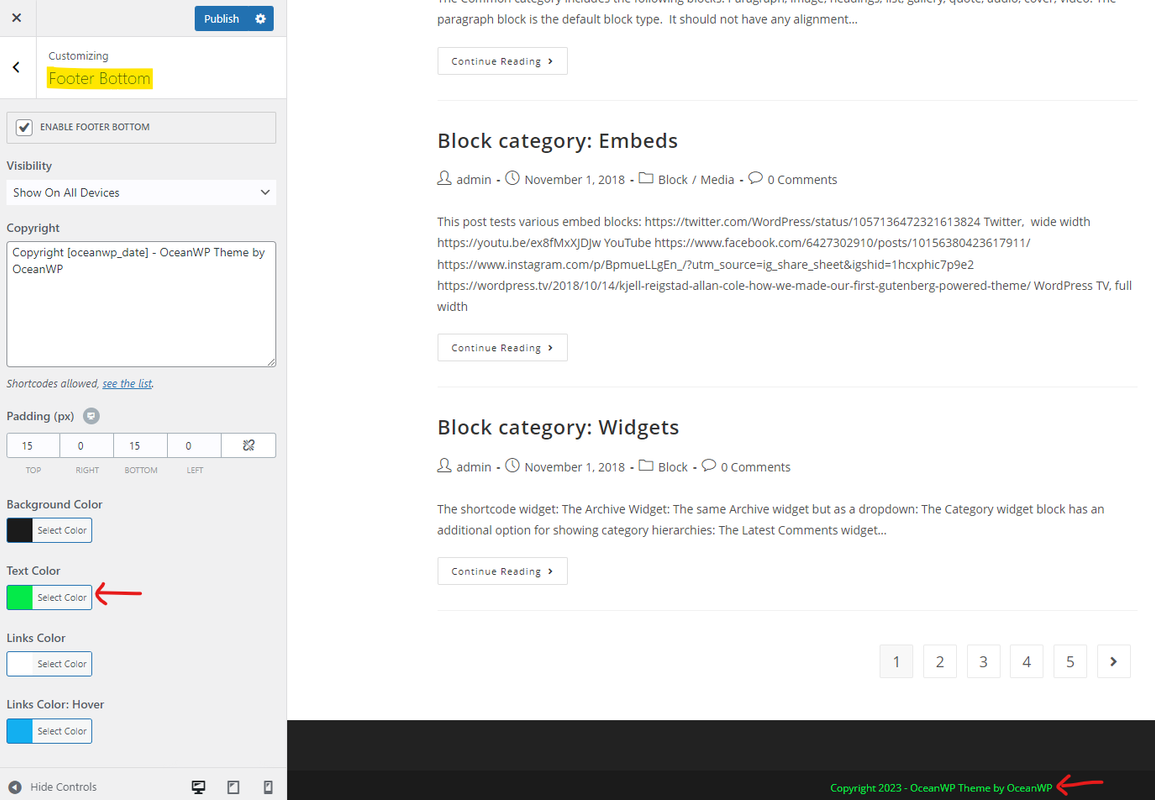
    Please ensure the theme and Ocean Extra plugin are in the latest version. We have already solved an issue regarding the footer bottom style. Then navigate to Customizer > Footer Bottom and set the “Text Color”, please check this screenshot: https://i.postimg.cc/Nf1MgNrz/image.png.

    Note: if you have any cache plugin or server cache(CDN / Browser Cache and Cookies and …), you need to clear its cache contents or disable them to see your changes. Also, remember to click on the regenerate all assets file and data in Elementor > Tools(if you have Elementor).

    I hope it helps.
    Best Regards

    Thread Starter casket21

    (@casket21)

    Thanks – I had done all that and theme and plugins were latest. Changing to a different colour has worked but for some reason it won’t work if I choose white. No worries – I’ve used the brand colour but a bit weird. Thanks for your help anyway.

    Hello @casket21,

    I fully examined the issue you have raised on this topic and could not see it on my end. If there is still an issue, please let us know how we can replicate your steps to arrive at the issue on a fresh WordPress installation.

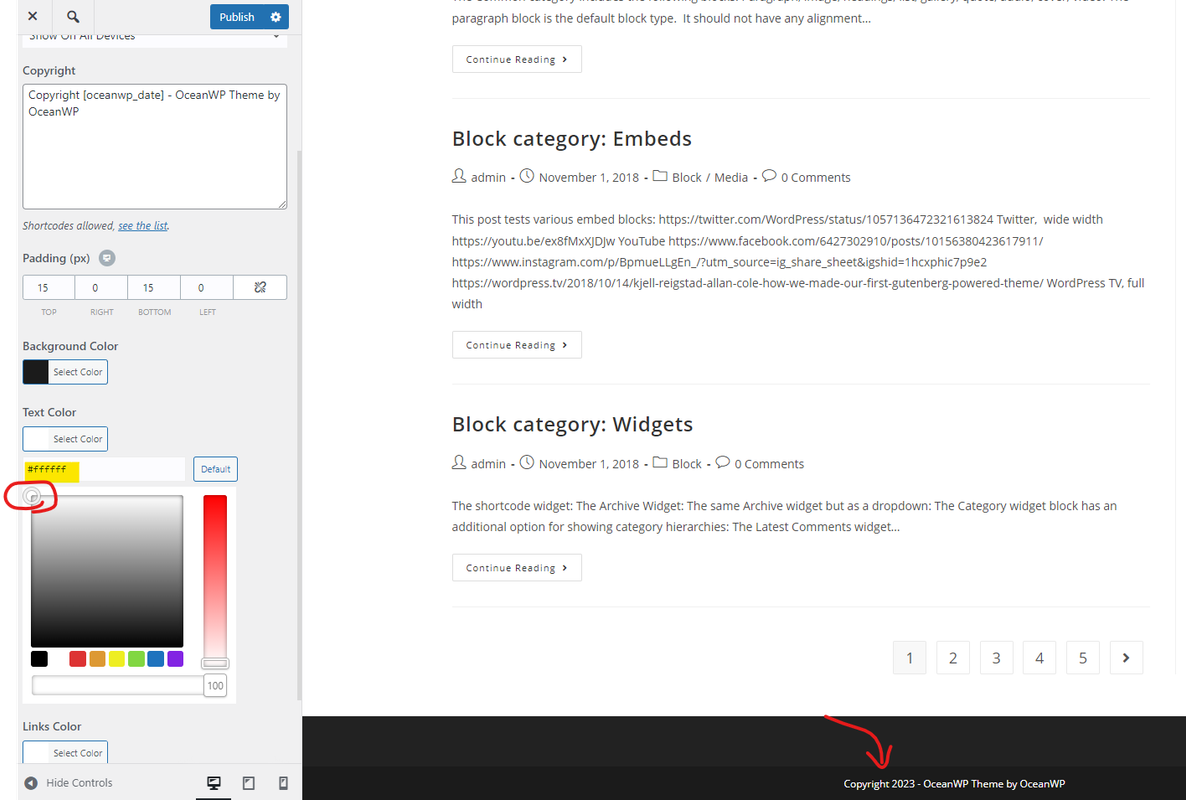
    Screenshot: https://i.postimg.cc/RCH30Cw0/image.png.

    However, it could be a cache issue, if you have any cache plugin or server cache(CDN / Browser Cache and Cookies and …), you need to clear its cache contents or disable them to see your changes. Also, in Elementor, please don’t forget to click on the regenerate all assets file and data in Elementor > Tools; and finally, use hard-refreshing keys and recheck the issue. To refresh the page, please follow the steps explained in this link:
    https://www.documate.org/automation/what-is-a-hard-refresh-how-to-do-a-hard-refresh-in-any-browser/.

    Win: Ctrl+Shift+R
    Mac: Shift+Command+R

    Best Regards

Viewing 3 replies - 1 through 3 (of 3 total)

The topic ‘Copyright not showing’ is closed to new replies.