Missy a11n
(@m155y5)
Automattic Happiness Engineer
Hi @anteste –
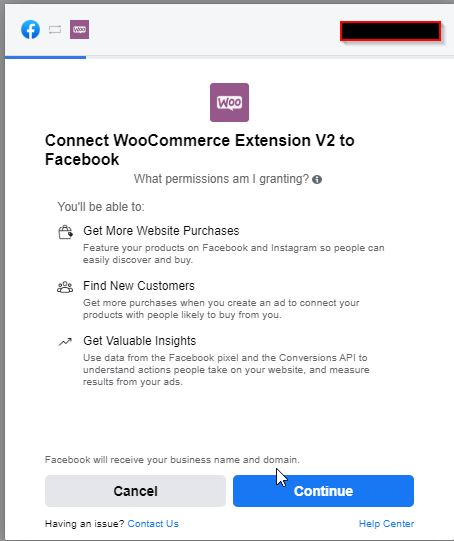
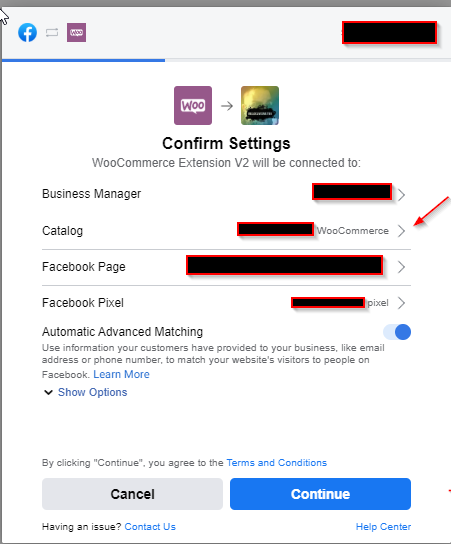
Facebook recently updated their settings to toggle “Manage your business” permission to OFF by default. In order for the plugin to function, the setting does need to be enabled for WooCommerce Extension V2. Can you please confirm that permission is switched to ON?
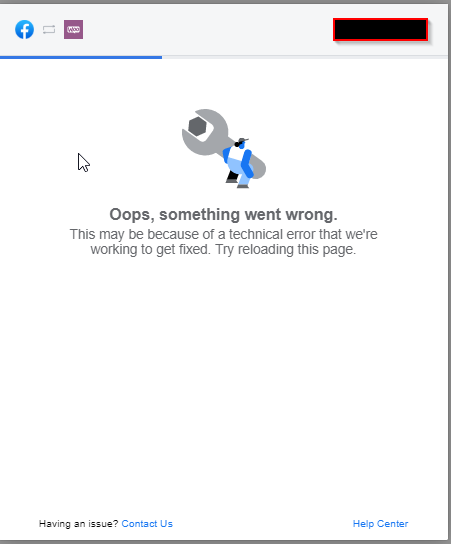
I tried to switch it ON but I have the same error
Hi @anteste ,
This generic error message can happen for a few different reasons, but there are a couple things you can check:
First, is your default WooCommerce currency (WooCommerce > Settings > Currency options) one of the currencies supported by Facebook?
If it is, check for the wc_facebook_external_business_id in your site options. It should either not exist at all in the database or must contain a value. It can’t be blank or contain non-Latin characters (example: store-name-ouh3ylhlrnm0j). It also must be unique for each merchant.
You can check that value in the wp_options in your WordPress database, or you can go to https://<your-site>/wp-admin/options.php, which lists all the options.
If it exists in the database, make sure it meets the criteria, or backup the information and delete that option. That will allow the option to be added back during the onboarding process.
Let us know how that goes!
We haven’t heard back from you in a while, so I’m going to mark this as resolved – if you have any further questions, you can start a new thread.