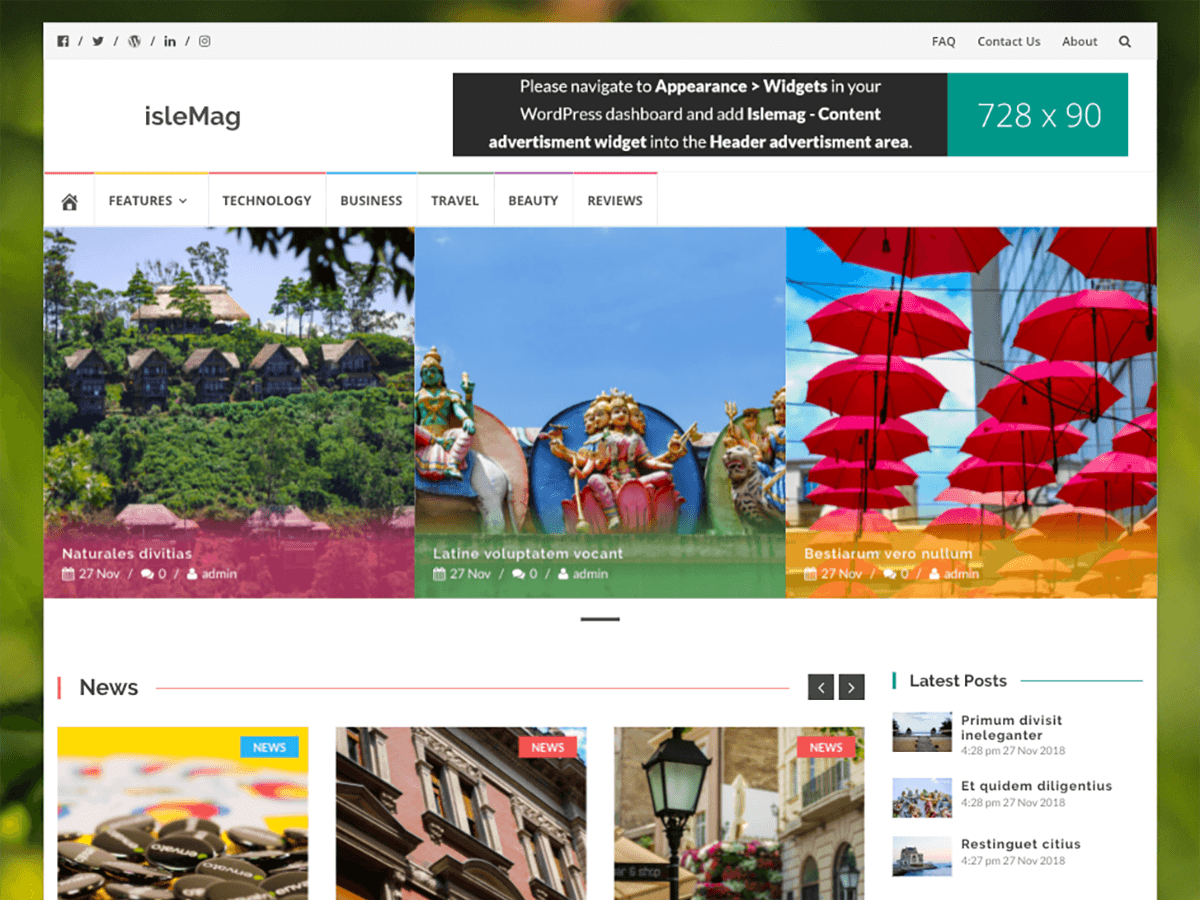
You can copy this to Sidebar with php widget:
——————————————————————————-
<?php $islemag_sticky_menu = get_theme_mod( ‘islemag_sticky_menu’, false ); ?>
<div id=”navbar” class=”navbar <?php if ( isset( $islemag_sticky_menu ) && $islemag_sticky_menu == false ) { echo ‘islemag-sticky’;} ?>”>
<nav id=”site-navigation” class=”navigation main-navigation” role=”navigation”>
<button class=”menu-toggle”><?php _e( ‘Menu’, ‘islemag’ ); ?></button>
“><?php _e( ‘Skip to content’, ‘islemag’ ); ?>
<?php wp_nav_menu( array( ‘theme_location’ => ‘islemag-primary’, ‘menu_class’ => ‘nav-menu’, ‘menu_id’ => ‘primary-menu’, ‘depth’ => 6 ) ); ?>
</nav><!– #site-navigation –>
</div><!– #navbar –>
<?php
islemag_main_nav_after(); ?>
——————————————————————————-
But… when I scroll down the page and if the first name of menu touch the top of the web browser it return to first name of the menu. Is there any possibility to fix this issue?
I know now, that for this is responsible “sticky”, but if I turn off it, the color lines between names in the menu disappear 🙁
Hello,
This task requires some knowledge of CSS and HTML, you can add CSS of different color of the menu by using that particular menu id.
Let us know if you need help with anything else!