Hello @erdalf
Checking the screenshot and your form, I assume you want to transform the fieldset as collapsible. There are different methods to do it, however, a very simple alternative would be:
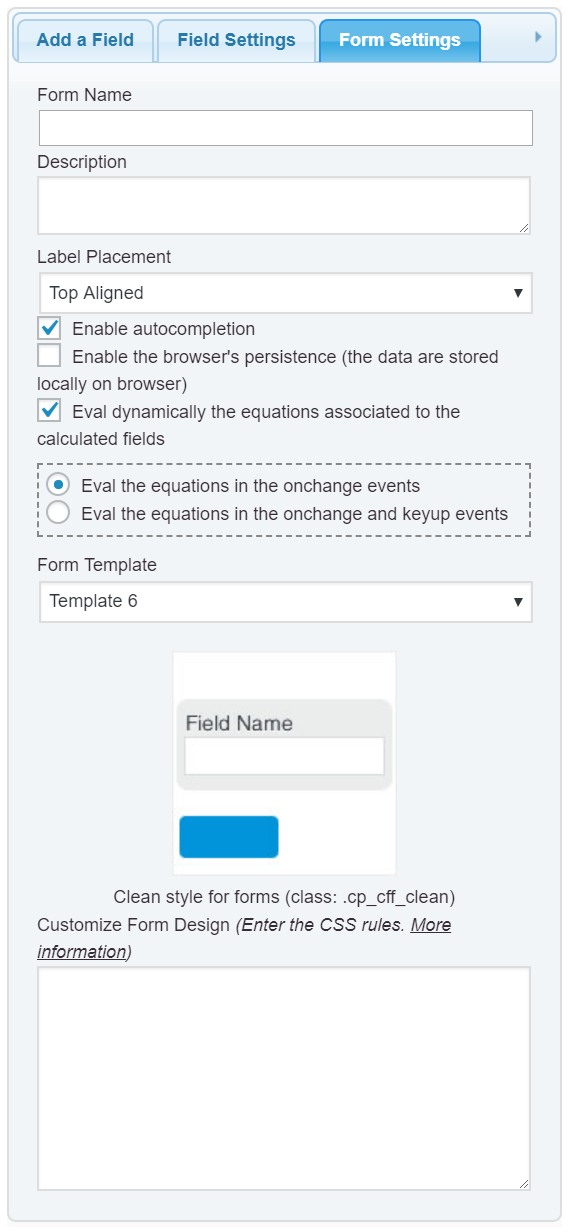
1. Enter the following style definition into the “Customize Form Design” attribute in the “Form Settings” tab (https://cff.dwbooster.com/images/documentation/form-settings-tab.png)
#fbuilder .cff-container-field fieldset .fields{display:none;}
#fbuilder .cff-container-field fieldset legend{cursor:pointer;}
2. Insert a “HTML Content” field in the form with the following piece of code as its content:
<script>
jQuery(document).on('click', '#fbuilder .cff-container-field legend', function(){jQuery(this).closest('fieldset').find('.fields').toggle();});
</script>
If you need additional customizations in your form, you should contact me directly through my private website: Custom Coding Service
Best regards.
Thread Starter
 erdalf
(@erdalf)
Wow that did work. Thanks a lot! I will use your website for additional customizations.
Also a quick question. Can I disable selection? When I click on the button to collapse the fieldset it sometimes highlights the text.
I’ve tried the following :
#fbuilder .cff-container-field fieldset .disable-select{
  -webkit-user-select: none;
  -moz-user-select: none;
  -ms-user-select: none;
  user-select: none;
}
Edit: Nevermind I managed to do it by removing “.disable-select”.
I’ll be sure to check out your website for customization. Thanks!
Good day!
-
This reply was modified 5 years, 8 months ago by
 erdalf.
-
This reply was modified 5 years, 8 months ago by erdalf.
-
This reply was modified 5 years, 8 months ago by erdalf.
Thread Starter
erdalf
(@erdalf)
Hello! I see you have added collapsibles into the plugin. I am currently using them instead of my version because its more simplified. However I have a question. How can I make them not collapsed by default but visible by default with the option to collapse them? AKA reverse the toggle?
Hello @erdalf
Insert a “HTML Content” field in the form with the following piece of code as its content:
<script>
fbuilderjQuery(document).one('showHideDepEvent', function(){
jQuery('.cff-collapsed').removeClass('cff-collapsed');
});
</script>
Best regards.