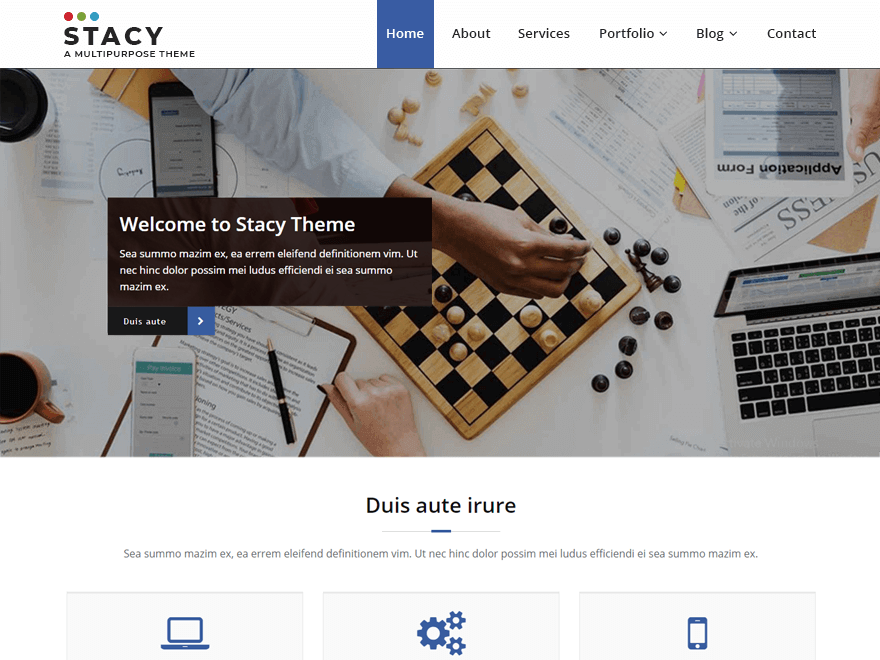
Hi mrbrendel1982
Thanks for getting in touch with us.
To change the menu color, Please go to the https://pastebin.com/z5pMzQjR and copy the whole CSS code.
And paste the css code in additional css filed (Theme Dashboard -> appearance -> customize -> additional css filed.)
Change the menu color code as per the need.
Let me know if it works..!
Thanks
Thanks, it worked!
Another question: how can I do the same for the page title? That title is currently in blue as well and I would like to change that color too.
The same goes for the title bars in the sub-pages. So basically I’d like to change the theme color from blue into green. Is there a way to do that?
Hello mrbrendel1982
For this, Please add the following CSS code in additional CSS filed (Theme Dashboard -> appearance -> customize -> additional css filed.)
.page-title-section .overlay {
    background-color: #008000;
}
Change the menu color code as per the need.
Let me know if it works..!
Thanks
Hi mrbrendel1982
I’m really glad to hear I was able to help.
Please let me know if you have any other issues. We’re happy to help.
If you are happy with the Stacy theme Could you please provide us with a review on WordPress.org. Review form can be found here: https://wordpress.org/support/theme/spicepress/reviews/#new-post
Have a good day. 🙂
Best Regards