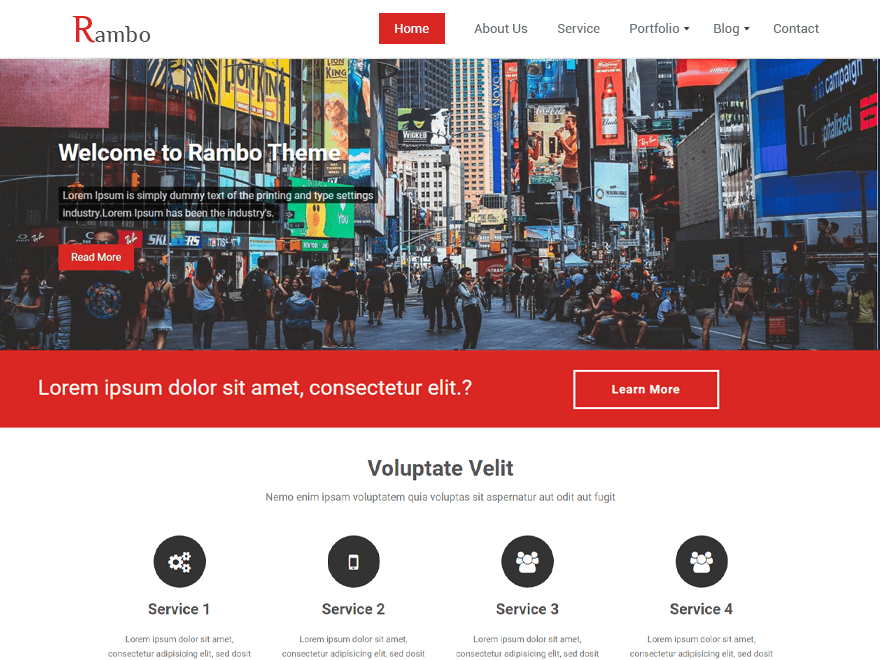
Hi @rishni
Following the instruction given below, you can change the height or Width of the logo.
1. First of all you can download code-snippets plugin from wordpress.org, You can download the plugin with this link. https://wordpress.org/plugins/code-snippets/
2. Now you activate code-snippets plugin.
3. Then click on the add menu of Snippets plugin and paste it in the below code then click on the save changes button
function workpress_customlogo() {
        add_theme_support( 'custom-logo', array(
             'width'       => 150,
			'height'      => 100,
        ) );
}
add_action( 'after_setup_theme', 'workpress_customlogo', 11 );
You can follow the screenshot below.
http://prntscr.com/frspzf
You can change the height or width according to your need.
4. Now you can click on All Snippets and activate the code, you can follow the given screenshot.
http://prntscr.com/frsqpn
Hope this helps!
Thanks
Thread Starter
 rishni
(@rishni)
Hi Imran,
It works.thank you.