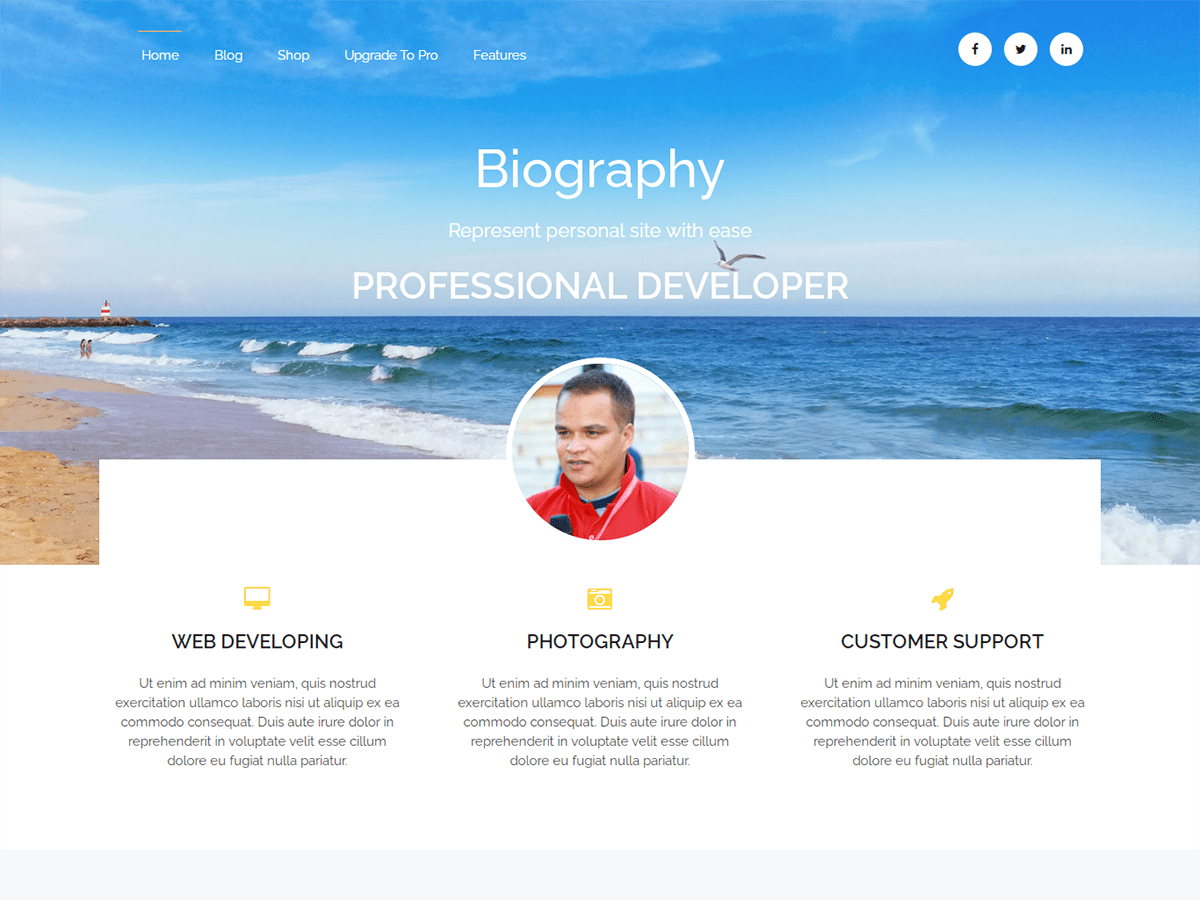
Change icone service with FA
-
Hello,
I use a WordPress with a kimsufi solution on OVH.
After the installation of biography theme i have some problems for change services icones.
In this menu exactly : “Home/Front Service Section”I on https://fontawesome.com/icons for take the name of free icone.
After i enter the name of icone with prefixe fa- but the new icone isn’t display on my website. 🙁I tried with 5/6 free icones and i have alwais this same issue…
Do you have a solution for this ?
I can use juste this 3 primary icones for my services :
fa-rocket, fa-desktop and fa-camera-retroThank you for your help 🙂
Best regards.
Anthony.c
The page I need help with: [log in to see the link]

Viewing 2 replies - 1 through 2 (of 2 total)

Viewing 2 replies - 1 through 2 (of 2 total)
The topic ‘Change icone service with FA’ is closed to new replies.