Hi Rodrigo,
Welcome to the forum! If I understand correctly, you want to change the color of only one of the navigation menu items. If so, you will want to either make a Child Theme or install a custom CSS plugin that will let you easily add some custom CSS to your site.
Once you have either a child theme or a custom css plugin installed, you will need to determine the ID of the menu item you want to change. You can use something like Firebug in Firefox or a similar element inspector in your browser. Most browsers have these now when you right click, you can inspect an element.
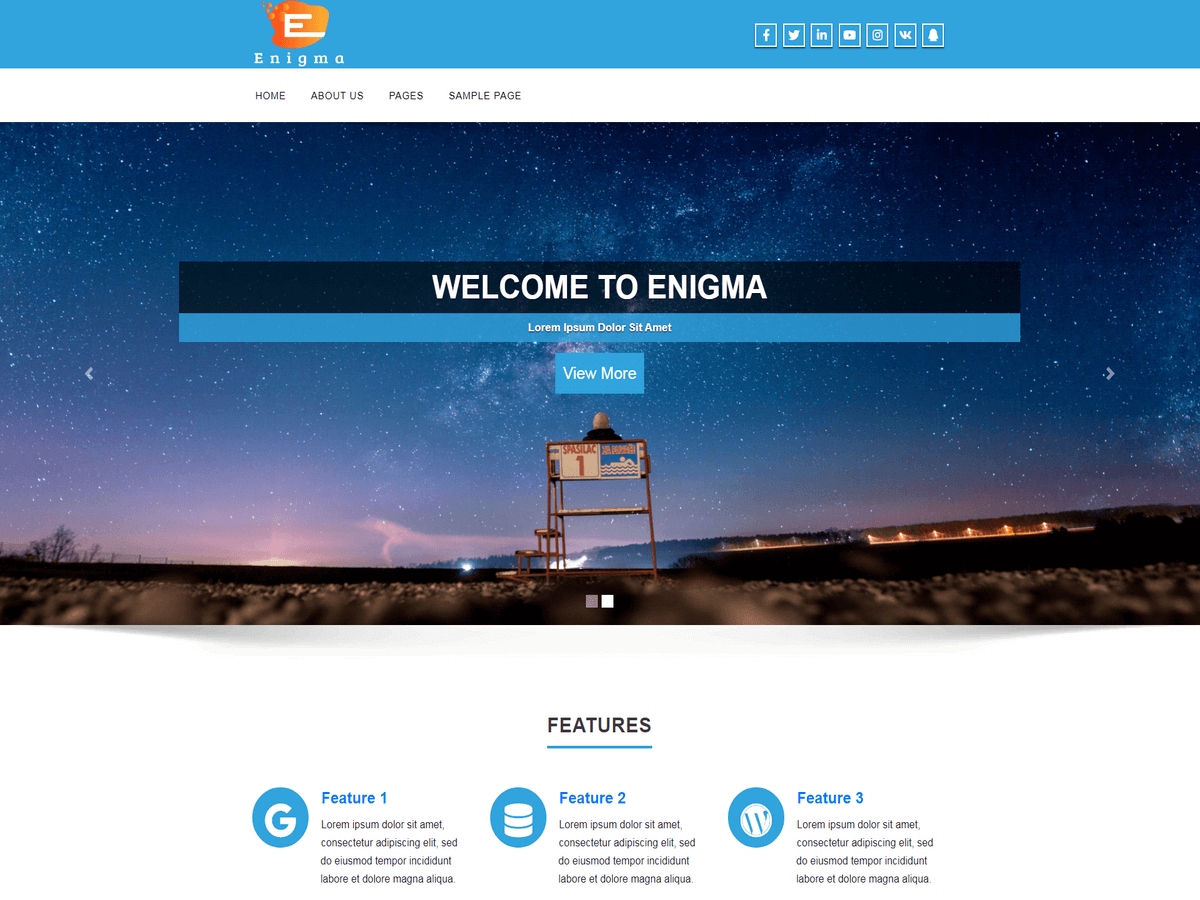
I took a look at the theme demo as an example: http://demo.weblizar.com/enigma-free-theme/
If I wanted to change the font color of the words “SAMPLE PAGE” I would add the following CSS:
#menu-item-10 a {
	color: #990000;
}
If I wanted to change the background color and the font color when you hover over the words “SAMPLE PAGE” I would add the following CSS:
#menu-item-10 a:hover {
	background-color: #990000;
	color:#ffffff;
}
If I misunderstood what you’re looking to do, please give a link to your site with a few more details on what you want to change.
Hope this helps!
Christi
Hi Christi!!!!!
worked perfectly , I am very grateful for your help. I find his work excellent . Once again thank you very much for everything.
Salute you. Rodrigo.
Hi Rodrigo,
You are welcome! I’m so glad to hear that worked for you. Please take a moment to mark this thread as resolved.
Thanks!
Christi
Hi Rodrigo, Thanks very much..
I’m making this ticket close.
Thanks