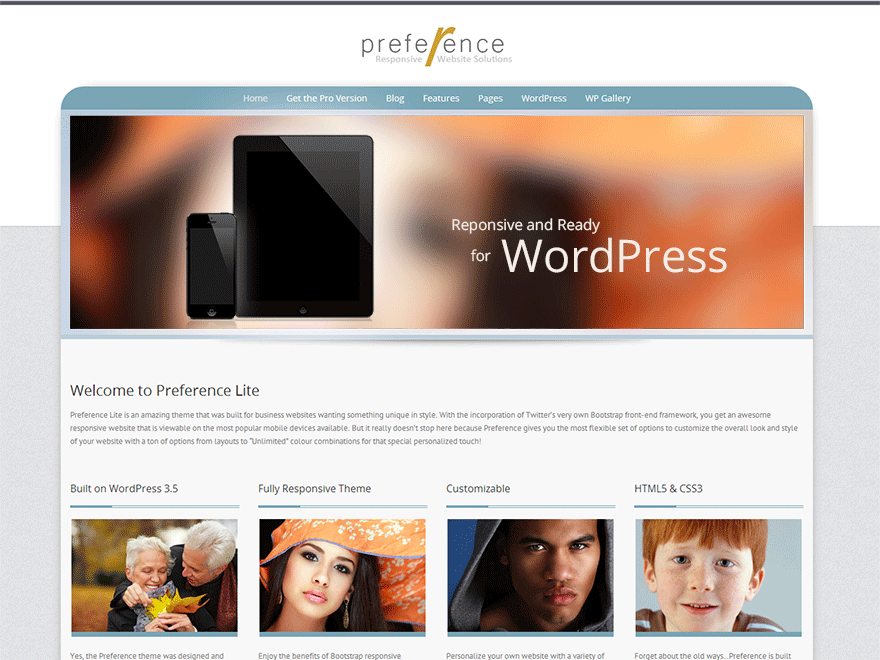
Sorry for late reply… the styling for this is in the theme’s /css/menu.css file for the “Toggle” styling that begins around line 3 to line 50.
Because it’s using a gradient, this tutorial is for the submenu background but it also applies to the button to get the gradient (unless you decide to make it a solid background colour, then you don’t need the gradient method.
http://www.styledthemes.com/preference-lite-setup/120-change-the-submenu-background
Many thanks, that’s solved it! Thanks for your support, now I love the theme even more!
Hello Sir,
same problem here, but the link, you´ve provided, leads to an error-site.
Your help would be much appreciated.
@tuberkel The link has changed since then. You can now find it here:
Submenu Background
your prompt support is legendary 😉
Thanks a lot.
@tuberkel You’re very welcome 🙂
Also thanks for bringing the link error to my attention.
Hello, i tried to change the theme menu button also but it seems i got no “menu.css”.
When i follow the path like on the page top i only have:
/wp-content/themes/preference-lite.
after this i got a bootstrap.css and an ie.css
is there something wrong with my installation?
 Andrew Nevins
(@anevins)
WCLDN 2018 Contributor | Volunteer support