Plugin Support
 qtwrk
qtwrk
(@qtwrk)
Hi,
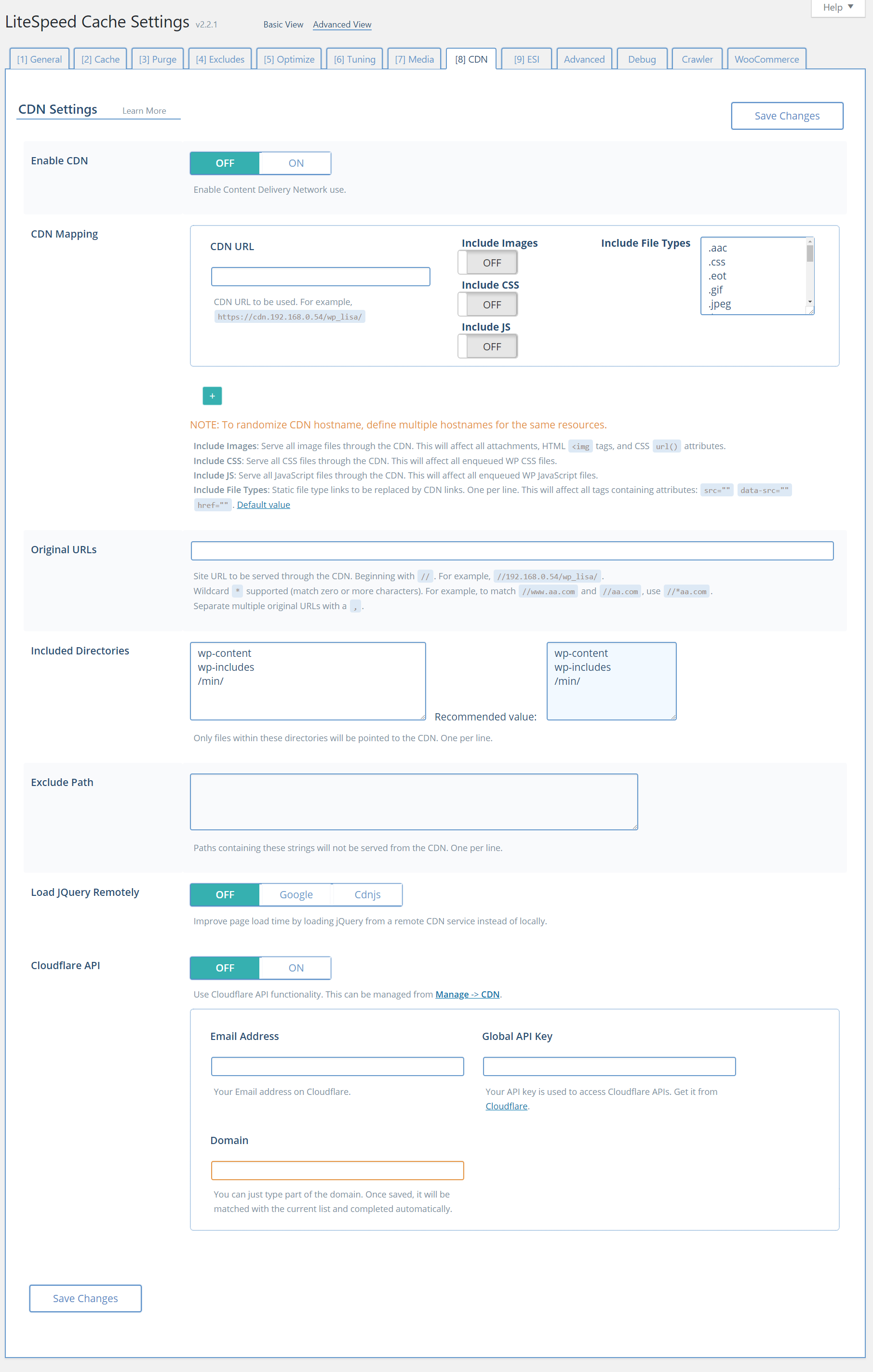
Please check this screenshot
https://www.litespeedtech.com/support/wiki/lib/exe/fetch.php/litespeed_wiki:cache:lscwp:lscwp-settings-cdn.png
the “Origin URL” needs to be set like //www.phenomnaltwincities.com/
Best regards,
Thanks for your reply! When I set that every image breaks. Looking at the source this is the pattern I see for the src.
<img width="495" height="400" src="https://ptc.bernhardtmediall.netdna-cdn.com/ https://ptc.bernhardtmediall.netdna-cdn.com/ https://ptc.bernhardtmediall.netdna-cdn.com/wp-content/uploads/2019/04/call-to-mind-495x400.jpg" alt="" />
For some reason “https://ptc.bernhardtmediall.netdna-cdn.com/ https://ptc.bernhardtmediall.netdna-cdn.com/” gets added to the src attribute for every image. When I remove the Origin URL, the images src goes back to normal.
Plugin Support
qtwrk
(@qtwrk)
Hi,
Please double check the CDN URI and Origin URI , and make sure you did not mess the “/” and correctly set up as tips below it instructs.
Once you have verified the setting again , please do a screenshot of the CDN page or send new report number.
Best regards,
ok works now, I needed to use my SSL CDN URL. Still weird how this reacted though. Thanks!!
Plugin Support
qtwrk
(@qtwrk)
Hi,
If the SSL works on your CDN , then it should be as simple as replace http:// with https:// in your CDN URL.
Best regards,