Are you logged in as Administrator and have installed the latest version (https://downloads.wordpress.org/plugin/tinymce-comment-field.0.6.zip)? I can’t reproduce the error. The URL to the settings page should looks like this => http://www.yourdomain.com/wp-admin/admin.php?page=tinymce-comment-field
Yes, I logged as Administrator and have installed the latest version. Also the URL to the settings page looks like you describe. But I have no idea.
Now version is 0.7.
BTW after update from 0.6 to 0.7 I have a blank screen at settings page.
I can provide you with administrator account via email if it can be useful for reproducing the error.
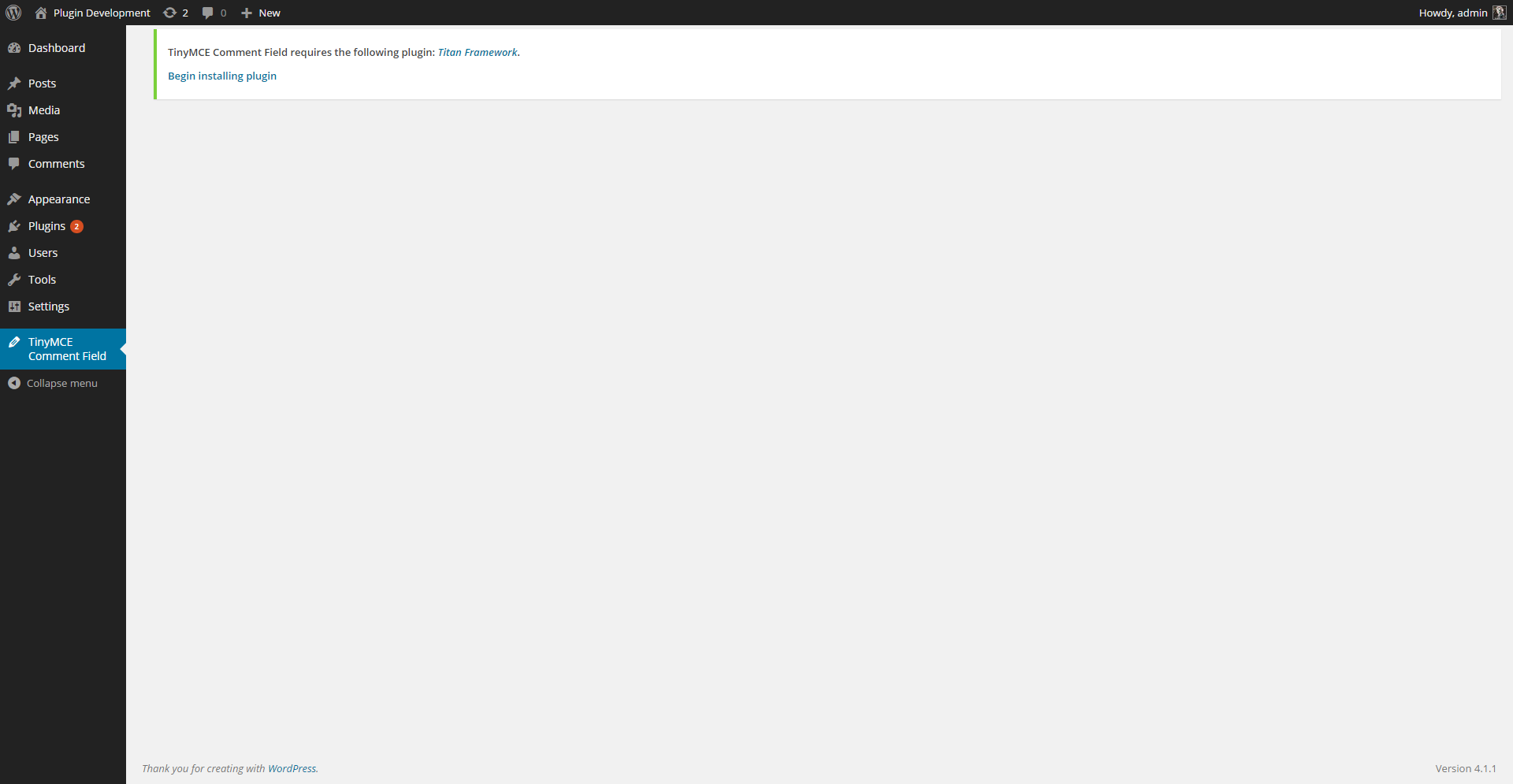
I think you didn’t installed or activated the Titan Framework Plugin (https://wordpress.org/plugins/titan-framework/) that is required to use my Plugin. Don’t you see the notification like in this screenshot?
I didn’t see notification, but yes, the reason was as you supposed. Thank you!