Hello @jlymanglga,
If you don’t want send any email after submit the form, leave in blank the “Destination emails (comma separated)” attribute in the form’s settings, and select the “No” option for the attribute: “Send confirmation/thank you message to user?”
If you want to display the result after submit the form, insert the results shortcode into the content of a page/post of your website: [CP_CALCULATED_FIELDS_RESULT] and then, enter the URL to this page through the attribute: “Thank you page (after sending the message)” in the form’s settings.
and that’s all.
Best regards.
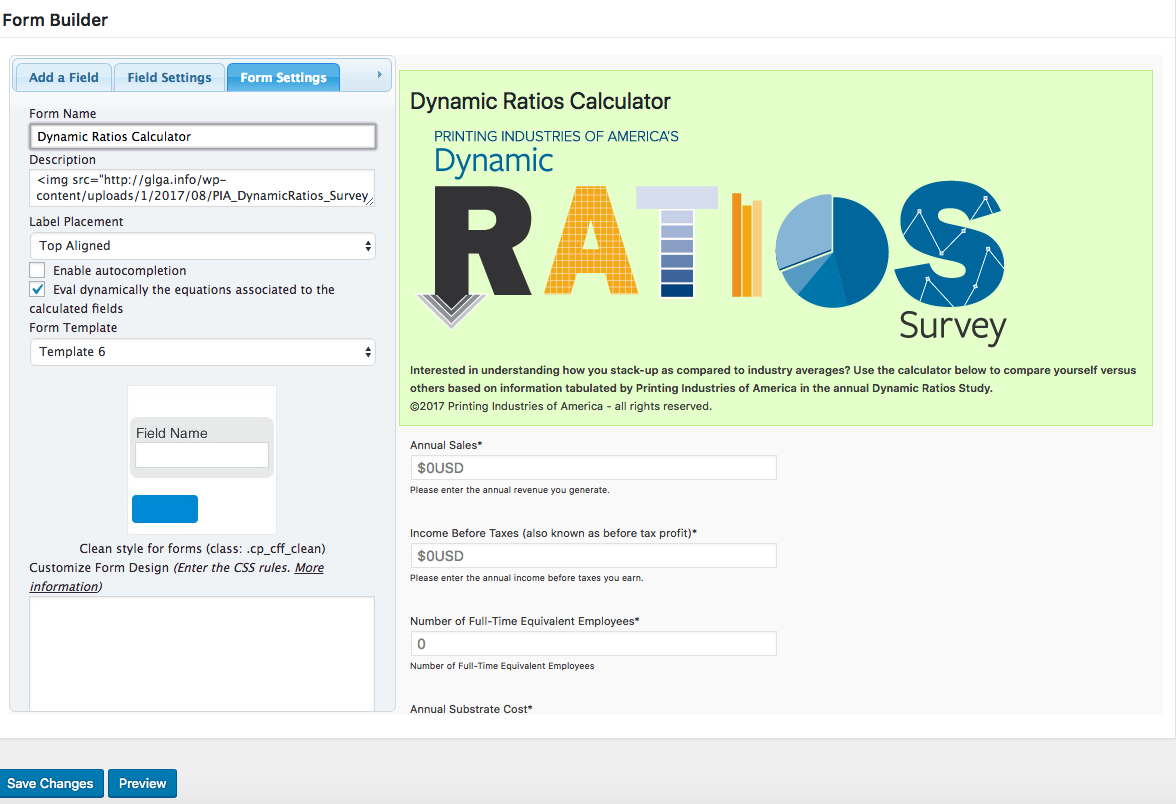
I do not see a “Destination emails (comma separated)” attribute in the form’s settings. Maybe I am looking in the wrong place.
Click Here
-
This reply was modified 7 years, 11 months ago by
 jlymanglga.
-
This reply was modified 7 years, 11 months ago by jlymanglga.
I believe I figured it out in a different way! As always, great plugin, great service! Thank you so much!