• Resolved fennex

    (@fennex)


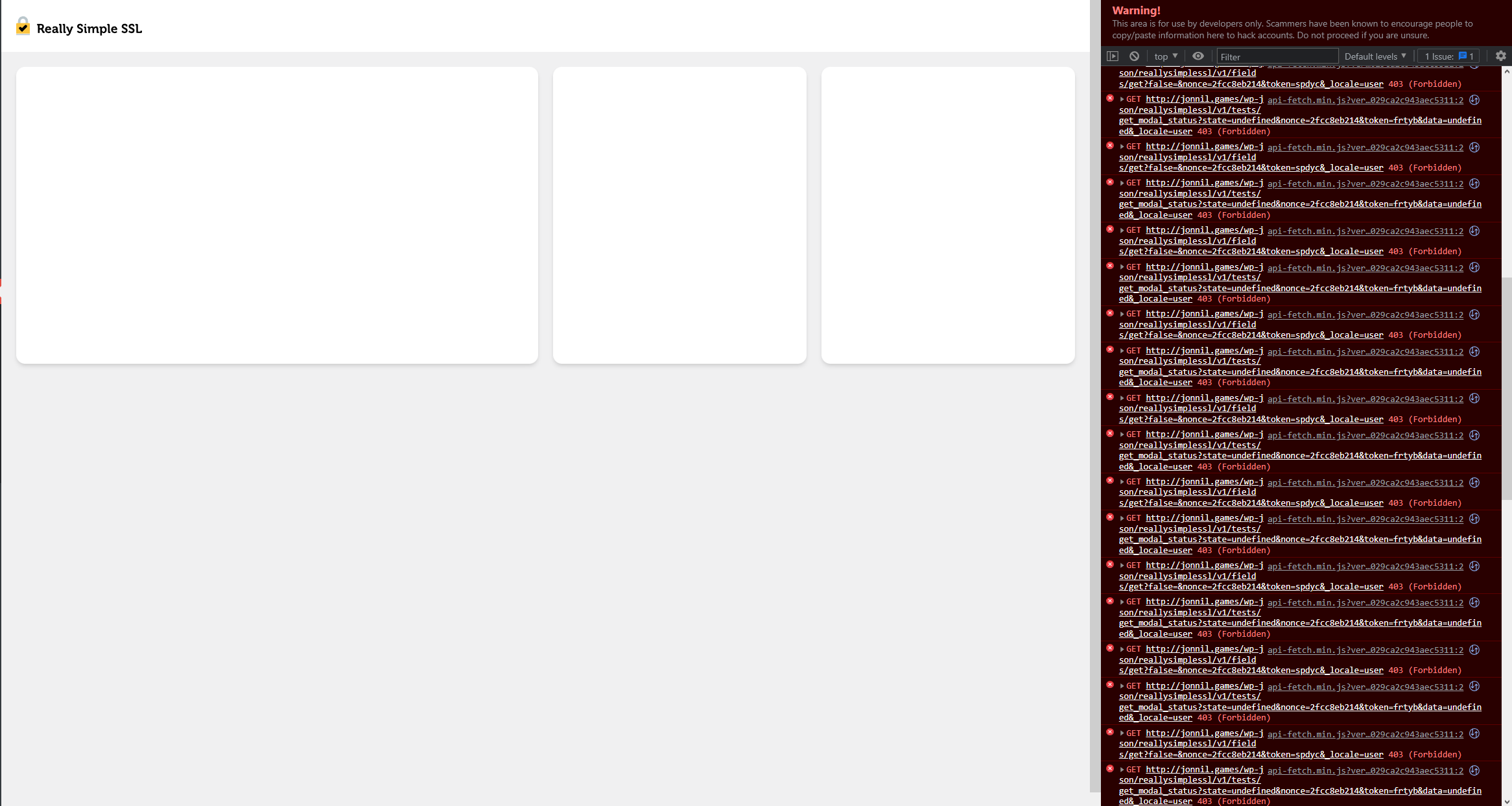
    https://i.gyazo.com/bf945b56c1d7c8675acefdd0f3b2d7bc.png

    Above is the console showing lots of 403 errors. I’ve gone through the docs for the blank page error. Rest API is enabled and working, brand new WordPress and plugin install. The only plugins installed are Kubio, Really Simple SSL, and Wordfence. Rest API is enabled. My permalinks are not set to plain. Clearing cache does nothing, tried on multiple browsers.

Viewing 6 replies - 1 through 6 (of 6 total)
  • Aert

    (@aahulsebos)

    Hi @fennex,

    A 403 error mostly means either a permission issue, or a firewall. Could you disable other plugins, and a standard WordPress theme to rule them out?

    regards Aert

    Thread Starter fennex

    (@fennex)

    Hello!

    I disabled all other plugins and switched to the default theme Twenty Twenty One to rule out those. I still have the same issue.

    Plugin Contributor Rogier Lankhorst

    (@rogierlankhorst)

    Can you try to re-save the permalinks in settings/permalinks?
    if that doesn’t help, please check with your host if rest api requests other then WordPress core are blocked.

    Thread Starter fennex

    (@fennex)

    Re-saving the permalinks didn’t do anything, and other rest api requests are not blocked.

    Plugin Contributor Rogier Lankhorst

    (@rogierlankhorst)

    @fennex the forbidden 403 error means something is blocking it. As it’s not caused by a plugin or theme it must be the server. Your hosting company should be able to tell you what the problem is.

    I had the same problem and went into permalinks/save and it was resolved

Viewing 6 replies - 1 through 6 (of 6 total)

The topic ‘Blank Screen’ is closed to new replies.