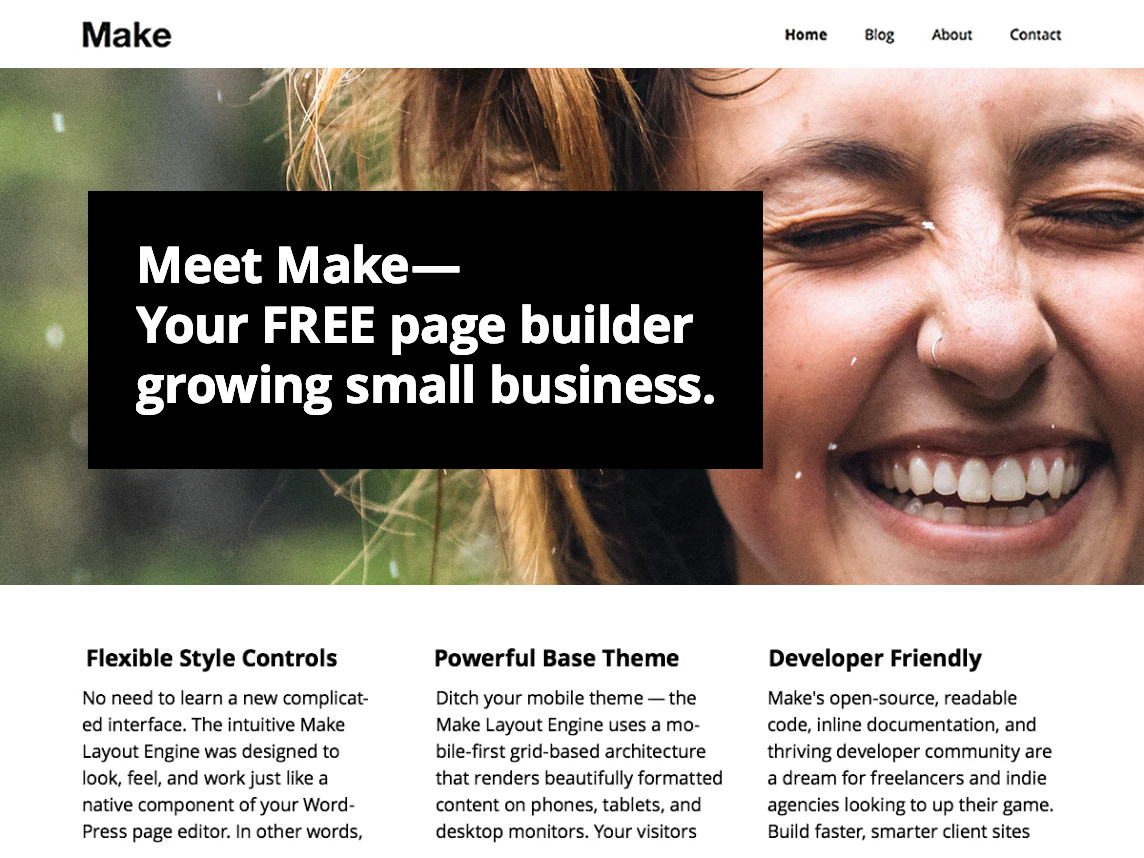
• New to Make. I have edited my header and added a banner. Below the banner, I want to add text content, about my product. But it seems I only have 3 choices–Banner, Gallery and Columns. I do not want columns, I want it to read from one side straight across to the other.

    I really love the flexibility of this theme. If this is the only issue I have, can I change the code? One of the things I love about this theme is that you don’t really have to touch the code, but oh well.

    Crossing my fingers here!

Viewing 4 replies - 1 through 4 (of 4 total)
  • Hi,

    Do you mean you added banner to page (using make builder) or banner to header of your site?
    If you add banner to page you can write content – text whatever in editor without adding picture to that banner.

    Also you can change Template – to Default and you will see editor like usually in WordPress. It is on right site column under Page Attributes. Then you can not use banner, gallery, Columns function which belongs to “Builder”

    Not sure if I understand your question well 🙂

    I think I may understand what you want to do – text from left to right across the page while using the page builder mode? I did this using a columns section, changing the number of columns to 1 for that section, added text and no photo. I used columns below it, and so far it has worked out well for me.

    http://lisaweberjewelry.com/?page_id=83
    I hope that helps!

    Thread Starter EarleeBird

    (@earleebird)

    We have a winnah! Thanks, silvervine! And thanks to you too, Peter. I am well on my way now, to having a great-looking, easy-to use site. Whew!

    Hey EarleeBird — we’d love to see your site when you’re finished with it!

    Let us know if any other questions come up while you’re building it!

Viewing 4 replies - 1 through 4 (of 4 total)

The topic ‘adding content to homepage’ is closed to new replies.