3 basic queries
-
Updated php and got GB working
1: When I create container, click grid and choose grid, i’m left with 2 containers, one empty and the above one I created – how to delete the one i didn’t create?
2. Would like 3 rows in one column so as to place images or whatever – can’t see rows option?
3. Undo button is not undoing hence unable to amend previous …. Is there another way to undo previous action? Tks

-
or how do i create this pls
http://menspleasures.com/wp-content/uploads/2020/09/hp.jpgHi there,
To create this:
http://menspleasures.com/wp-content/uploads/2020/09/hp.jpgStart with a grid block with 50-50 split.
Then add three container blocks on the right grid.
Let me know if this helps 🙂
pennies not dropping mate.
“add 3 container blocks”
there is a container and there is a block… am i adding a container in a block to create a row and then strecthing out left block so it is the main rectangle then shrinking down the 3 on the right individually so they are equal.http://menspleasures.com/wp-content/uploads/2020/09/gb-hp.jpg
seems a long way round without success on my part…
wp plugin page states u can create rows – is this how you create a row.
do you by chance have slow vid guide on this?tks.
Hi there,
1. The grid block automatically adds Container blocks into the grid. You can delete them like you delete any other block – use backspace, delete key or click the three dots and choose remove.
2. This should help: https://www.screencast.com/t/hedyuaSnydkJ
Here’s the code you can paste into your editor:
<!-- wp:generateblocks/container {"uniqueId":"67d83975"} -->
<div class="gb-container gb-container-67d83975"><div class="gb-inside-container"><!-- wp:generateblocks/grid {"uniqueId":"937dcd11","columns":2} -->
<div class="gb-grid-wrapper gb-grid-wrapper-937dcd11"><!-- wp:generateblocks/container {"uniqueId":"5af4790e","isGrid":true,"gridId":"937dcd11","paddingTop":"40","paddingRight":"40","paddingBottom":"40","paddingLeft":"40","paddingSyncUnits":true,"backgroundColor":"#abb8c3"} -->
<div class="gb-grid-column gb-grid-column-5af4790e"><div class="gb-container gb-container-5af4790e"><div class="gb-inside-container"></div></div></div>
<!-- /wp:generateblocks/container -->

<!-- wp:generateblocks/container {"uniqueId":"eefef856","isGrid":true,"gridId":"937dcd11","paddingTop":"0","paddingRight":"0","paddingBottom":"0","paddingLeft":"0"} -->
<div class="gb-grid-column gb-grid-column-eefef856"><div class="gb-container gb-container-eefef856"><div class="gb-inside-container"><!-- wp:generateblocks/container {"uniqueId":"89f821a6","paddingTop":"0","paddingRight":"0","paddingBottom":"0","paddingLeft":"0","paddingSyncUnits":true} -->
<div class="gb-container gb-container-89f821a6"><div class="gb-inside-container"><!-- wp:generateblocks/container {"uniqueId":"32b2690e","marginBottom":"20","backgroundColor":"#abb8c3"} -->
<div class="gb-container gb-container-32b2690e"><div class="gb-inside-container"></div></div>
<!-- /wp:generateblocks/container -->

<!-- wp:generateblocks/container {"uniqueId":"ffe32c32","marginBottom":"20","backgroundColor":"#7bdcb5"} -->
<div class="gb-container gb-container-ffe32c32"><div class="gb-inside-container"></div></div>
<!-- /wp:generateblocks/container -->

<!-- wp:generateblocks/container {"uniqueId":"c35eaa9e","backgroundColor":"#8ed1fc"} -->
<div class="gb-container gb-container-c35eaa9e"><div class="gb-inside-container"></div></div>
<!-- /wp:generateblocks/container --></div></div>
<!-- /wp:generateblocks/container --></div></div></div>
<!-- /wp:generateblocks/container --></div>
<!-- /wp:generateblocks/grid --></div></div>
<!-- /wp:generateblocks/container -->
Hope this helps!
That’s very kind, thank you – the vid helps immeasurably.
Really decent of you to do that + additional help, cheers guys.
No problem! Glad we could help 🙂
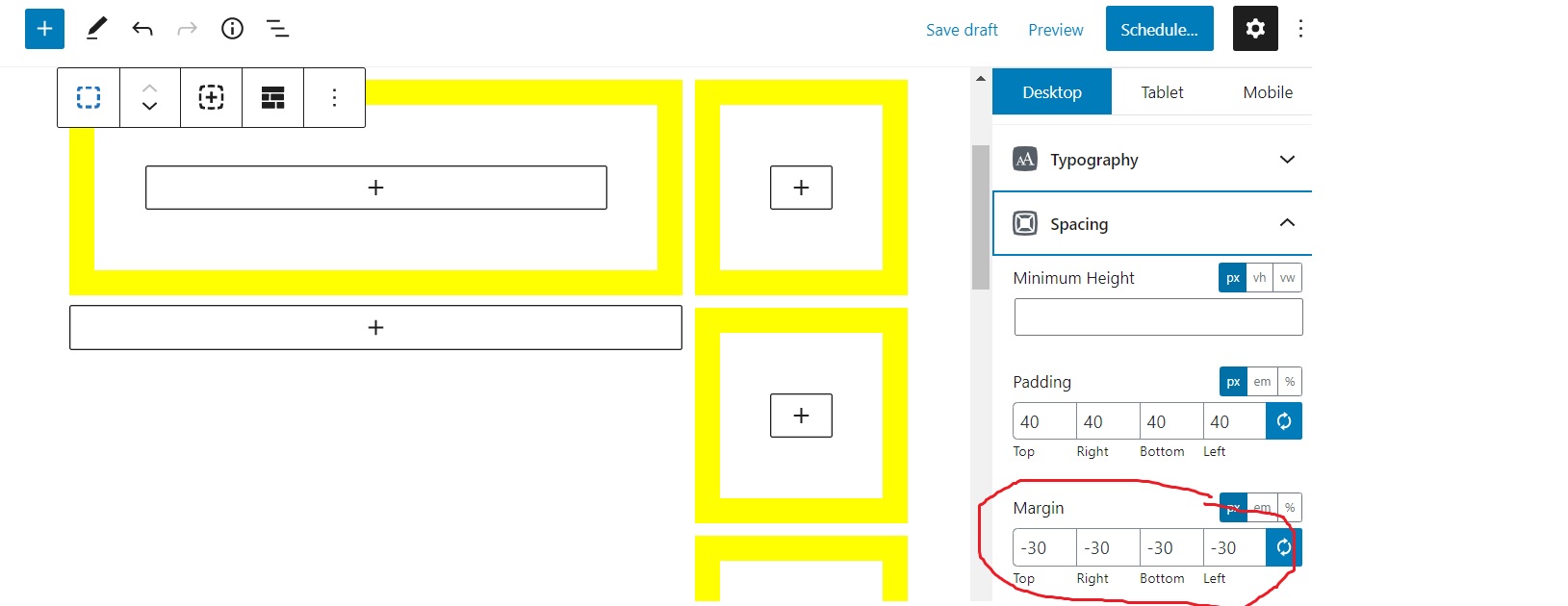
Just a quick follow up – in order to raise the height and extend right side of left container so it runs flush with right column of 3 containers I have reduced the margins. Just checking if this is correct procedure:
http://menspleasures.com/wp-content/uploads/2020/09/margins.png
Thanks.
Hi there,
to close the gap between grid items, select the Grid parent:
https://docs.generateblocks.com/article/grid-overview/#editing-our-grid-block
Then reduce the Horizontal gap to 0
If you need to adjust them on a per grid item basis then, yes you can use negative margins.
And to align the grid items to the top select the vertical alignment options. Note this will stop grid items from being the same height.
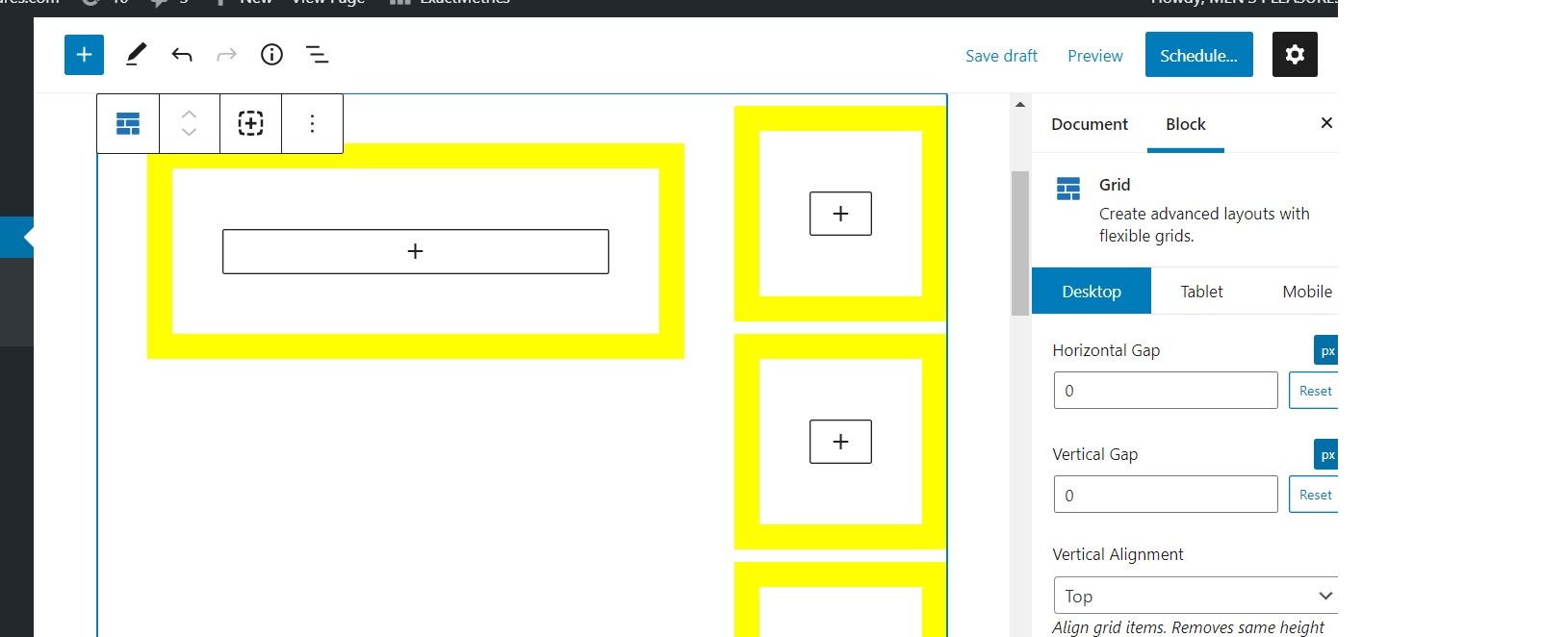
Thanks David. Using Grid parent with Vertical and Horizontal alignment set to zero and the negative margins also at zero they do not align –
http://menspleasures.com/wp-content/uploads/2020/09/margins-1.jpgAlternatively with margins all set to negative 30 they shift out and up which aligns the block correctly I believe.
http://menspleasures.com/wp-content/uploads/2020/09/marg3.jpg
Perhaps I should be using Sections or “removing vertical gap”. Either way latter part aligns.
Also – placing screenslider to be full page width above these blocks is possible I believe but unable to drag a new block up to up – does this require starting from scratch, pretty sure I’m probably missing smth :/
cheers
Can we see this layout on a page ?
Not too sure why those images didn’t upload
http://menspleasures.com/wp-content/uploads/2020/09/margins-1.jpg
http://menspleasures.com/wp-content/uploads/2020/09/marg3.jpgi’ve had to reset db as separate issues so page no longer but essentially thats how it looked in block editor. Will give it another try .
Strange, that certainly doesn’t look right. Does the same issue exist on the frontend?
yeah odd – deleted plugin then re-installed – seems ok now
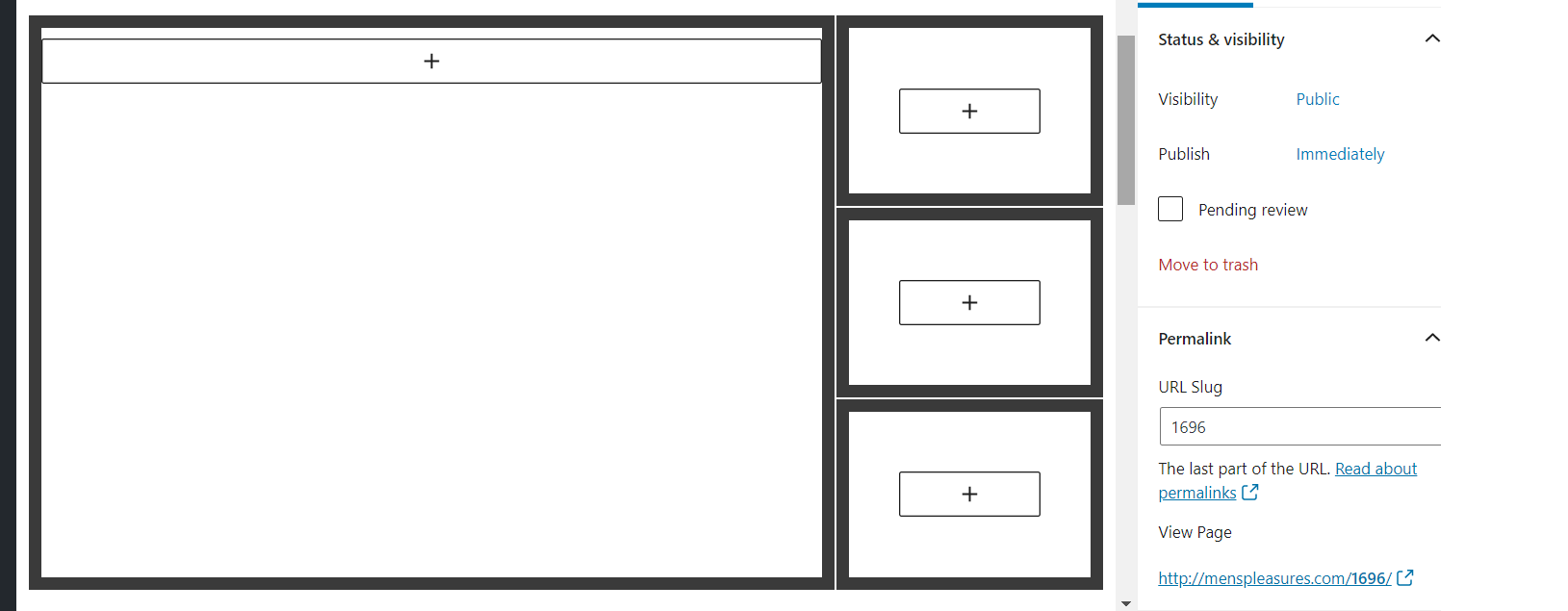
http://menspleasures.com/wp-content/uploads/2020/09/two-third-one-thrid.png
:/
Very weird – let us know if it happens again, especially if you notice it on the frontend – that way we’ll be able to debug it.
Will do. Cheers.


The topic ‘3 basic queries’ is closed to new replies.