2021 Theme Adding Open Menu Button in Menu
-
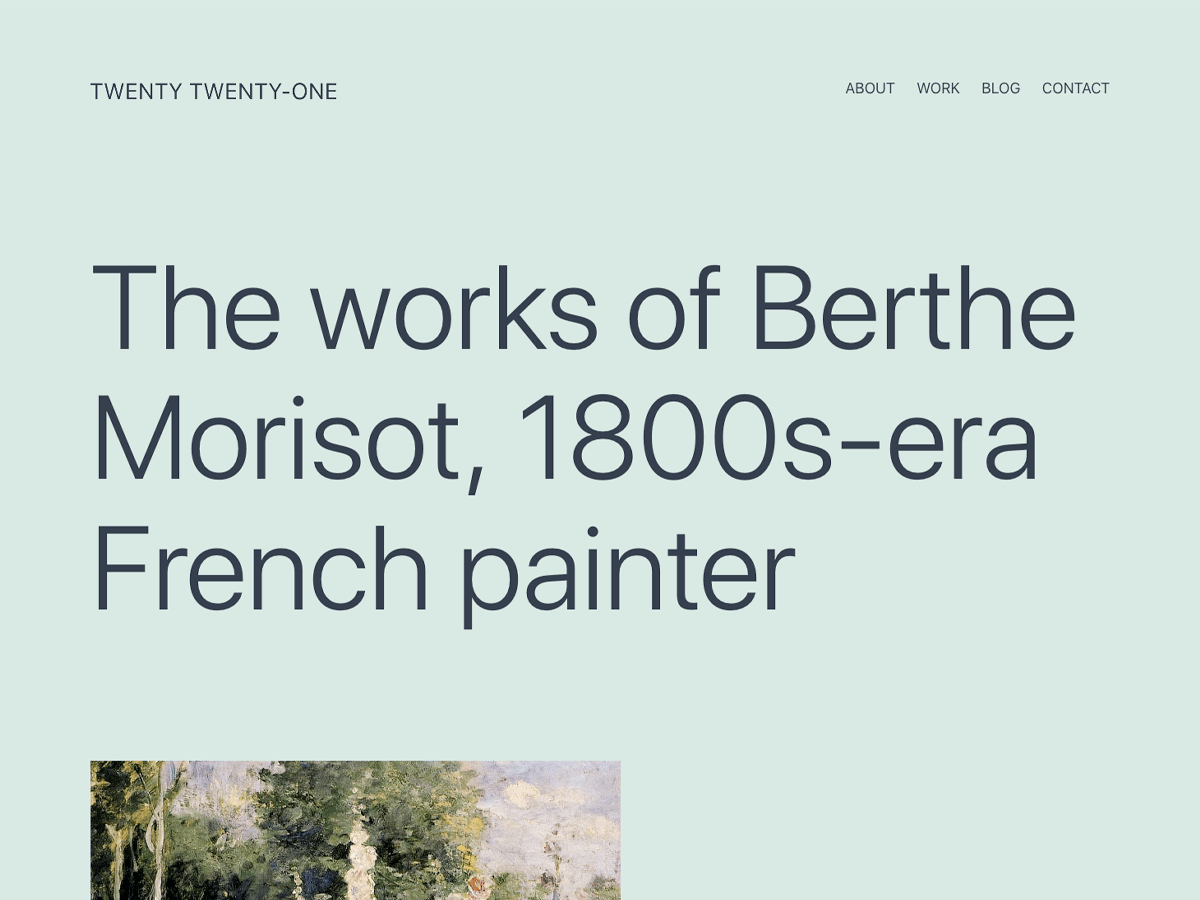
I am working on a localhost child version of the new 2021 theme, and I haven’t been able to find a way to remove the “Open menu” button that appears when there are sub-menu items added to a primary menu item. I am not enquing the parent theme’s styles, so I assume the style.css of the 2021 theme hides this button by default?
What I am wondering is how to get rid of this button completely. Is there a way/function I can use to override the default addition of this button when there are sub-menu items added to a menu?

Viewing 4 replies - 1 through 4 (of 4 total)

Viewing 4 replies - 1 through 4 (of 4 total)
The topic ‘2021 Theme Adding Open Menu Button in Menu’ is closed to new replies.