Hi @tokolo
Thanks for the using Appointment theme.
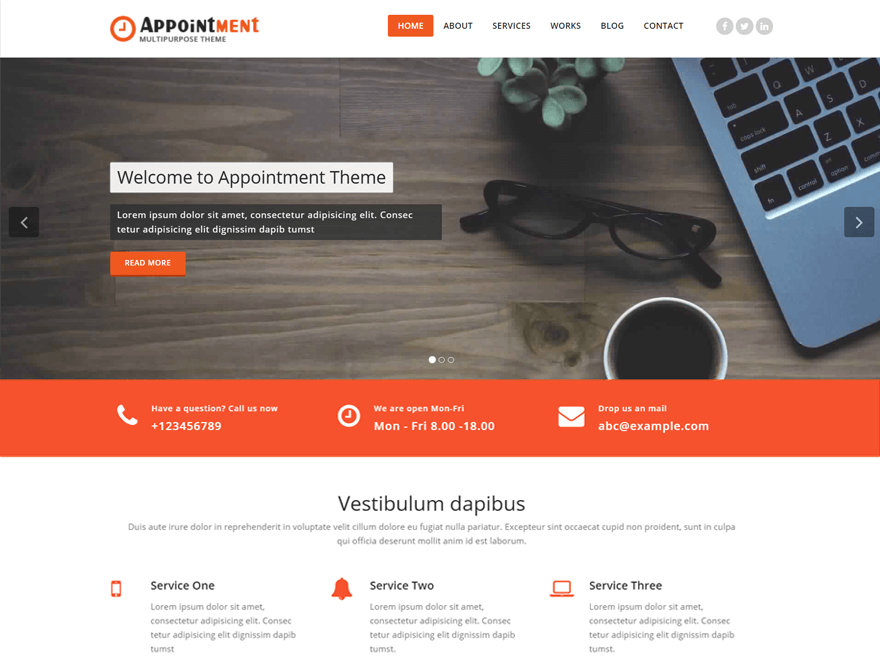
For this, Go to in (Theme Dashboard -> Appearance -> Customize -> Header settings -> Header Logo Settings).
Now, You can change logo size (dimensions) as per the need. For more help refer this screenshot: https://prnt.sc/hkt9j8
If you need more help let me know..!
Regards
—
Shahid
Thread Starter
 tokolo
(@tokolo)
Thank you, that was helpful
Hi @tokolo
Glad to know it worked for you. If you like our theme and help kindly share your feedback: https://wordpress.org/support/theme/appointment/reviews/#new-post
If you have any questions, please let me know.
Have a good day. 🙂
Best Regards
—
Shahid