I found this under theme functions
` register_sidebar(array(
‘name’ => __(‘Under Header Sidebar’, ‘businesscard’ ),
‘id’ => ‘under-header-image-sidebar’,
‘description’ => __(‘This is the widgetized sidebar under the header image.’, ‘businesscard’ ),
‘before_widget’ => ‘<div id=”%1$s” class=”widget %2$s”>’,
‘after_widget’ => ‘</div>’,
‘before_title’ => ‘<h3>’,
‘after_title’ => ‘</h3>’
));
register_sidebar(array(
‘name’ => __(‘Left footer Sidebar’, ‘businesscard’ ),
‘id’ => ‘footer-sidebar-1’,
‘description’ => __(‘This is the widgetized sidebar.’, ‘businesscard’ ),
‘before_widget’ => ‘<div id=”%1$s” class=”footerwidget widget %2$s”>’,
‘after_widget’ => ‘</div>’,
‘before_title’ => ‘<h3>’,
‘after_title’ => ‘</h3>’
));
register_sidebar(array(
‘name’ => __(‘Right Footer Sidebar’, ‘businesscard’ ),
‘id’ => ‘footer-sidebar-2’,
‘description’ => __(‘This is the widgetized sidebar.’, ‘businesscard’ ),
‘before_widget’ => ‘<div id=”%1$s” class=”footerwidget widget %2$s”>’,
‘after_widget’ => ‘</div>’,
‘before_title’ => ‘<h3>’,
‘after_title’ => ‘</h3>’
));
}
do i just remove this code or what ?
That code registers the widget area, the widget area is added to the output in a separate code block. If you remove the code above you’ll probably get either an error message or a WSoD (white screen of disappointment)
Which theme are you using? Please provide a link to your site.
An if statement where the widget area is added would enable the widget area to only be output if it is not empty. The code to edit to add this would depend on the theme.
I already got a syntax error LOL , now what ? , I cant access the wordpress menu even
use an ftp app such as filezilla to restore the file you edited to a fresh copy from a download of the same version of the theme you are using
this is really frustrating because every single theme I install has something it it which I want out and in order to do that I have to edit code . I can do this and that with code , by that I mean find what I want but I have no idea what the different symbols and stuff mean as I have no knowledge about HTML . I will try learning something about it soon so I dont have problems like these .
your hosting company will be able to tell you, but it is most likely to be 21
im about to give up on this . Anything related to programming and desgin has the absolute [quack] explanations ever . I went through quite a few tutorials all of them tell you download a FTP program , go to your theme file and edit it ? Are you kidding me ? Its way more complicated than that . Im really good with computers but Im only good at using stuff and I have no idea what people who give tutorials on programing are even talking about , all of them use some extremely weird words which I wouldnt use even if I knew what they meant .
Then you have to the website creating tutorials , telling you click this , click that , no explanation what so ever .
I know exactly what I want my site to look like , why cant they just make it as if I was creating a powerpoint presentation rather than having to go though all these options , most of which are useless , and all this code which I hate looking at .
it cant connect , why cant I just go to my host site and reset everything , how simple can that be ?
your hosting company will be able to advise you of the correct ftp connection settings to use
https://i.gyazo.com/16bf855066782056bcbacac9043b0bbd.png
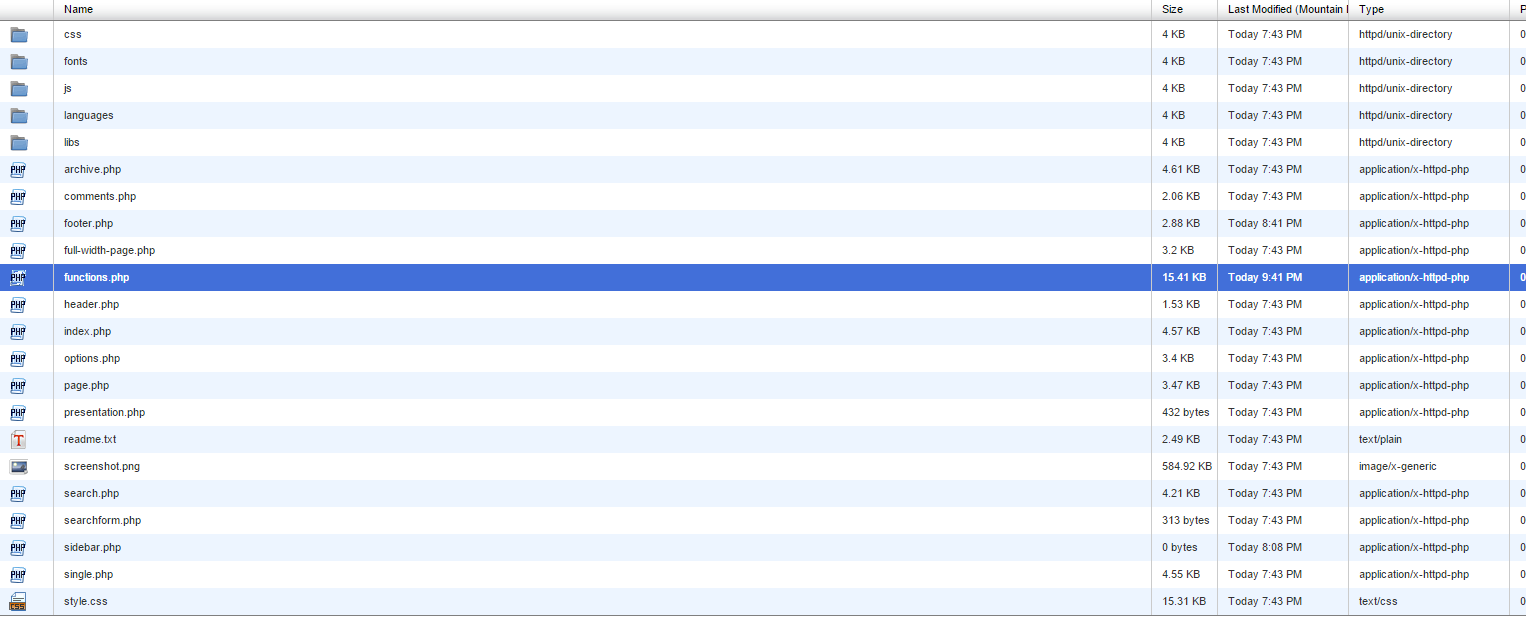
somehow I found the file i need , functions.php , so now I replace it with a fresh version ?
download a fresh copy of the same version your theme as you have on your site, extract the files from the zip, find the file equivalent to the one you edited & upload it to replace the edited one.
thank god I fixed it
So as for the sidebar thing , what exactly do i gotta do ? Thanks for the help man , I guess I will be learning java and html from tomorow on LOL
https://wordpress.org/themes/business-card/ – this is my theme
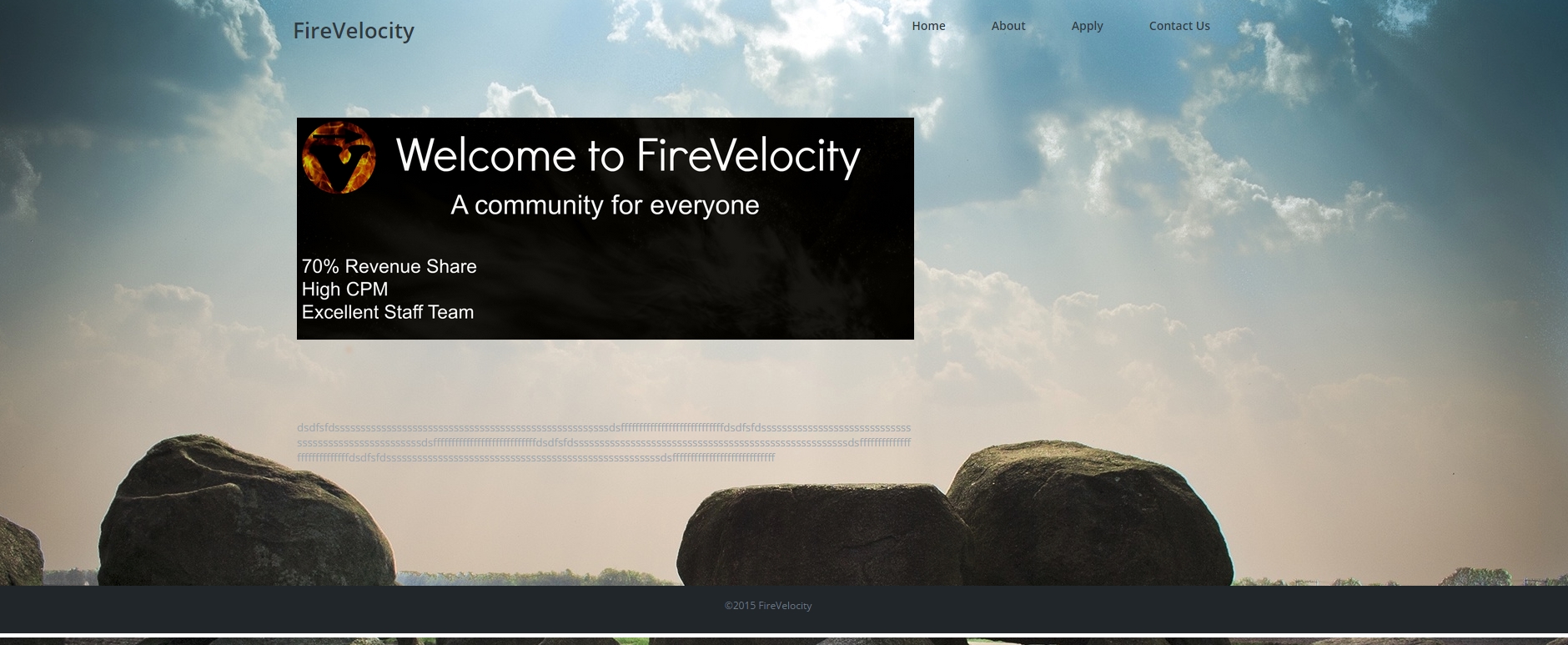
http://www.firevelocity.com – this is my website
not going to brag but i managed to remove the thing at the bottom ( footer ) that says The name of theme and has a ling to their site basically saving 50$