Hi
If you are using any css code please use custom css filed for provided Appointment Theme
Follow this path
Theme Dashboard >> Appearance >> option panel >> Custom css filed .
Thanks.
Still no luck it seems to have vanished
Hi
To get your previous stylesheet download new package then replace new style.css with your current stylesheet.
Then
make all Style regarding changes in custom css field.
Follow this path
Theme Dashboard >> Appearance >> option panel >> Custom css filed .
Thanks.
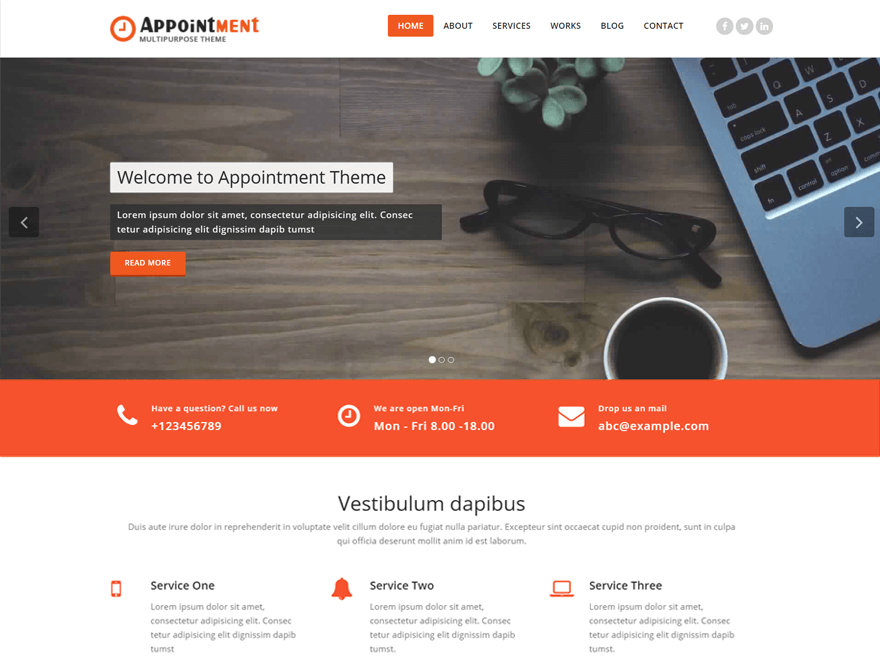
I copied over the original style sheet but it still does not show the banner
Are you using a static front page or posts on the front page? The slider/banner works with the second.
Sorry for late reply……….how do I check and where do I check if I am using a front page or posts?
Can I give you access to my website so you can fix it please?
Hi
Yes share your admin detail my email id : – imranali818@gmail.com
Thanks.
I have just sent you my details.
Thank you so much for your help!
So to summarize there are 2 issues, the missing banner in the middle and the slideshow
This has been resolved now. Thank you