request to the authentication proxy has failed
-
I cannot sign in to Site Kit, I get the “The request to the authentication proxy has failed with an error: a site with the given URL already exists Get help.”
Can I get some help please?

-
Hi @cvnmktg. It sounds like Site Kit may have been connected when your site URL or maybe a callback URL based on your wp-admin path changed from a migration. While a plugin reset does typically resolve such issues (Tools > Available Tools > Reset Site Kit), it means you and any other connected administrators if any will need to set up the plugin once more.
Rather than resetting, in the address bar of your site, do you see any references to your old site URL in this callback URL? If so you can manually change this and proceed with the new URL. Do let me know, and should you not see any references, please share your Site Health information and we can determine more, or perform a plugin reset. When sharing your Site Health information, please include any previous URL you may be aware of, from where you may have Site Kit connected previously, if applicable.
Let me know if you have any questions with the above. Thank you.
Thanks so much for your prompt reply James. I do have a question about the above:
“do you see any references to your old site URL in this callback URL? “
what is the callback url?Apologies @cvnmktg, I should have provided more clarity. A callback URL is a wp-admin address related to your site and Site Kit uses to land back on your website to complete set up. During set up a site connects with what we call the Site Kit service, which is used by Site Kit to connect with the various Google services. When landing back on your website during setup, or in the event you encounter an error, the address back in your site may contain a reference to a previous setup, as part of a this callback URL.
To troubleshoot your case specifically, when you encounter the site with the given URL already exists error, do you see anything unusual in the browser address bar? This is where a callback URL may appear, and it may reference a previous setup. Ie. If you migrated your site from staging to live, it may contain the staging URL.
Do let me know if you see anything unusual in the browser address bar, or as advised above you can reset Site Kit if you’re happy to reconfigure the plugin in full once more.
Quite alright James, thanks for the thorough explanation. I don’t see anything unusual in the browser address bar, there are no references to other urls in there. I have filled out the share your Site Health information form.
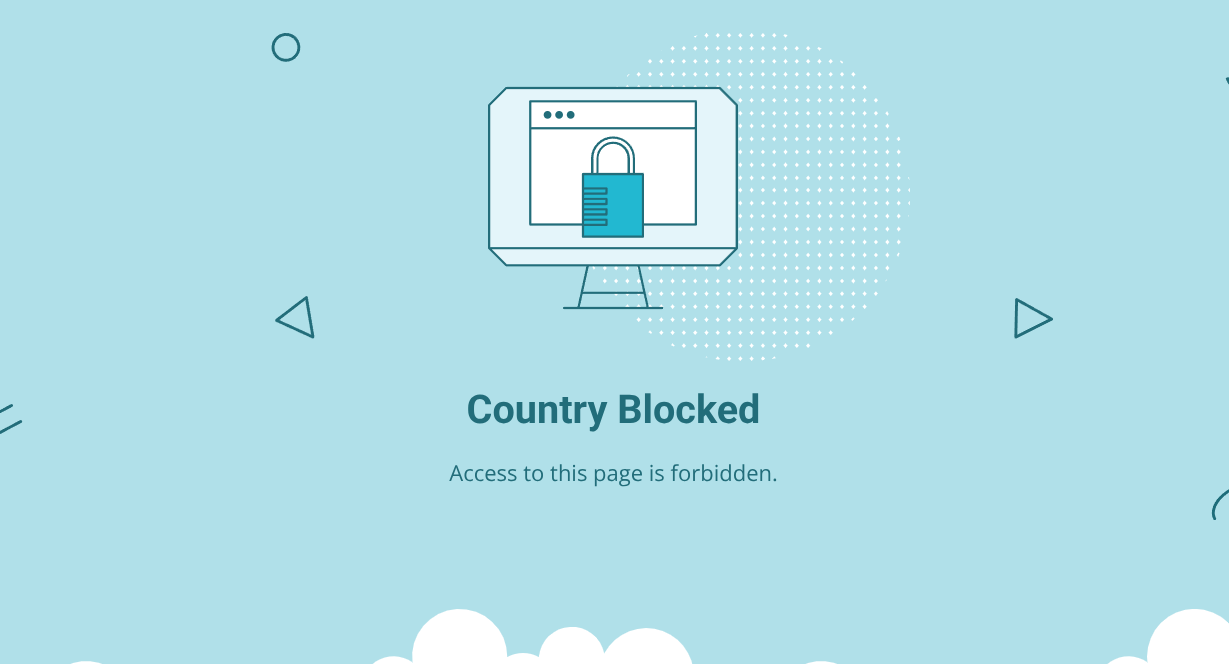
Thanks for sharing @cvnmktg. I can’t seem to access your site based on a security plugin or features geoblocking (screenshot). Not to worry however, I don’t suspect this is related to the error you’re facing. To troubleshoot this further, so that Site Kit recognizes your site as new, please follow the steps below:
- Visit your site settings (Settings > General).
- Change your site address (URL) and WordPress address (URL) from
https://yoursite.comtohttps://www.yoursite.com(replacing the yoursite.com reference with your own site URL. - Press the save button.
- Attempt Site Kit setup once more after logging back into your site.
As long as you’re able to complete set up, we can revert the steps above, but do let me know how you get on, or ask if you have any questions.
Hi James, I have found have a staging copy from October 2024 with Site Kit installed, cloned from production. Would resetting Site Kit there clear the registration for the production site, or only for the staging hostname?

You must be logged in to reply to this topic.