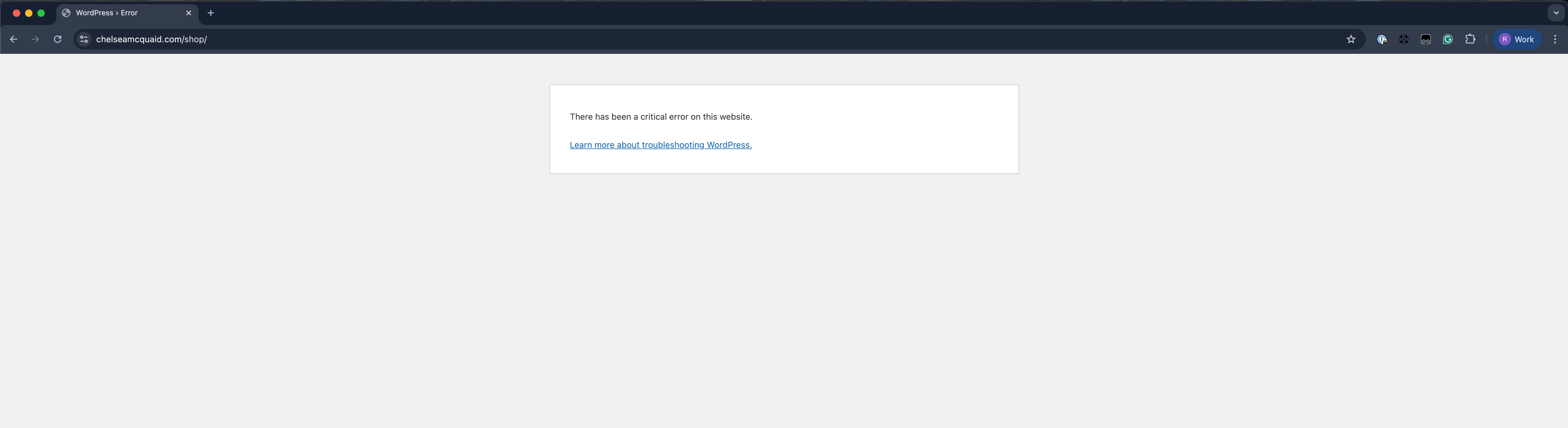
Critical Error
-
My site seems to be working, but I can’t login to admin
WordPress version 6.8.1
Active theme: Namaha (version 1.0.65)
Current plugin: Jetpack (version 14.8)
PHP version 8.1.33
Error Details
=============
An error of type E_ERROR was caused in line 109 of the file /homepages/33/d4298661487/htdocs/wordpress/wp-content/plugins/jetpack/vendor/jetpack-autoloader/class-version-loader.php. Error message: Uncaught Error: Failed opening required ‘/homepages/33/d4298661487/htdocs/wordpress/wp-content/plugins/woocommerce/src/Blocks/Domain/Services/functions.php’ (include_path=’.:/usr/lib/php8.1′) in /homepages/33/d4298661487/htdocs/wordpress/wp-content/plugins/jetpack/vendor/jetpack-autoloader/class-version-loader.php:109Stack trace:#0 /homepages/33/d4298661487/htdocs/wordpress/wp-content/plugins/jetpack/vendor/jetpack-autoloader/class-autoloader-handler.php(124): Automattic\Jetpack\Autoloader\jpf11009ded9fc4592b6a05b61ce272b3c_jetpackⓥ14_8\al5_0_8\Version_Loader->load_filemap()#1 /homepages/33/d4298661487/htdocs/wordpress/wp-content/plugins/jetpack/vendor/jetpack-autoloader/class-autoloader.php(80): Automattic\Jetpack\Autoloader\jpf11009ded9fc4592b6a05b61ce272b3c_jetpackⓥ14_8\al5_0_8\Autoloader_Handler->activate_autoloader()#2 /homepages/33/d4298661487/htdocs/wordpress/wp-content/plugins/jetpack/vendor/autoload_packages.php(13): Automattic\Jetpack\Autoloader\jpf11009ded9fc4592b6a05b61ce272b3c_jetpackⓥ14_8\al5_0_8\Autoloader::init()#3 /homepages/33/d4298661487/htdocs/wordpress/wp-content/plugins/jetpack/jetpack.php(144): require_once(‘/homepages/33/d…’)#4 /homepages/33/d4298661487/htdocs/wordpress/wp-settings.php(545): include_once(‘/homepages/33/d…’)#5 /homepages/33/d4298661487/htdocs/wordpress/wp-config.php(198): require_once(‘/homepages/33/d…’)#6 /homepages/33/d4298661487/htdocs/wordpress/wp-load.php(50): require_once(‘/homepages/33/d…’)#7 /homepages/33/d4298661487/htdocs/wordpress/wp-login.php(12): require(‘/homepages/33/d…’)#8 {main} thrown
The page I need help with: [log in to see the link]



The topic ‘Critical Error’ is closed to new replies.
