How to order brands via slug rather than name in a-z listing?
-
Hello,
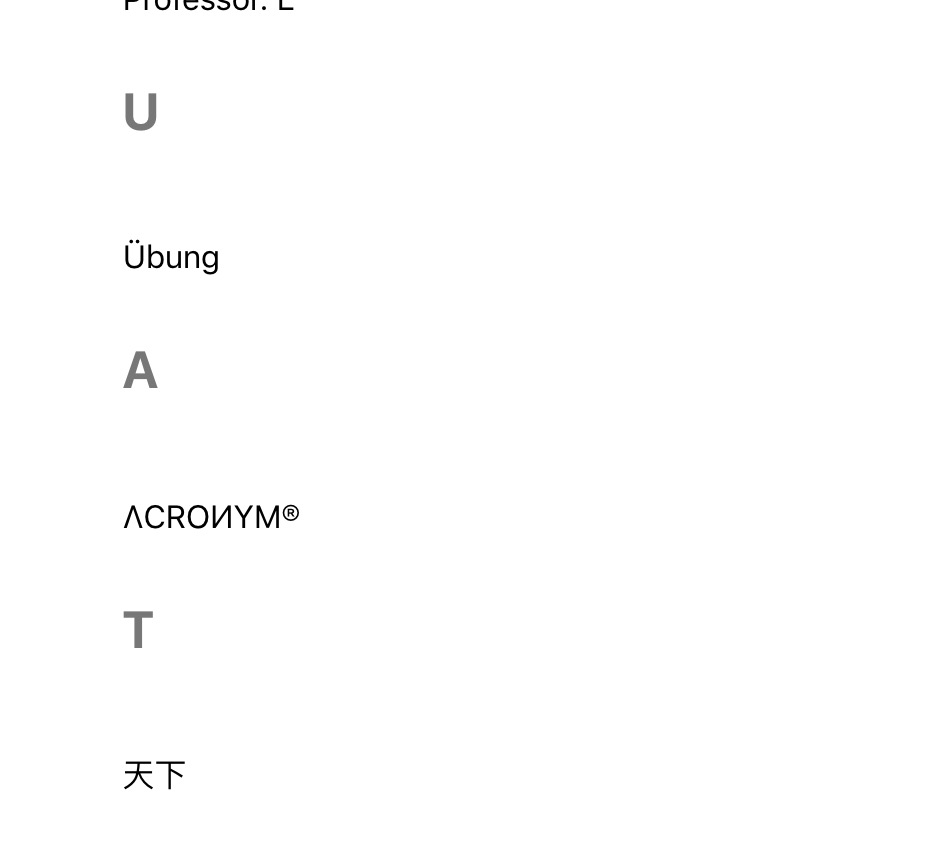
as some brands names include char that still cannot be recognized, for example brand name ΛCROИYM® with slug acronym will result a null navigation for the listing.
Changing the following code does not work:
protected static function replace_specials_characters($s){
		$s = preg_replace("/á|à|â|ã|ª/","a",$s);
		$s = preg_replace("/Á|À|Â|Ã|Λ/","A",$s);//not working
		$s = preg_replace("/é|è|ê/","e",$s);
		$s = preg_replace("/É|È|Ê/","E",$s);
		$s = preg_replace("/í|ì|î/","i",$s);
		$s = preg_replace("/Í|Ì|Î/","I",$s);
		$s = preg_replace("/ó|ò|ô|õ|º/","o",$s);
		$s = preg_replace("/Ó|Ò|Ô|Õ/","O",$s);
		$s = preg_replace("/ú|ù|û/","u",$s);
		$s = preg_replace("/Ú|Ù|Û/","U",$s);
		$s = preg_replace("/Ü/","UE",$s);
    	$s = preg_replace("/ü/","ue",$s);
		$s = preg_replace('/[^a-zA-Z0-9_.-]/', '', $s);
		return $s;
	}

Viewing 3 replies - 1 through 3 (of 3 total)


Viewing 3 replies - 1 through 3 (of 3 total)
The topic ‘How to order brands via slug rather than name in a-z listing?’ is closed to new replies.