

Description
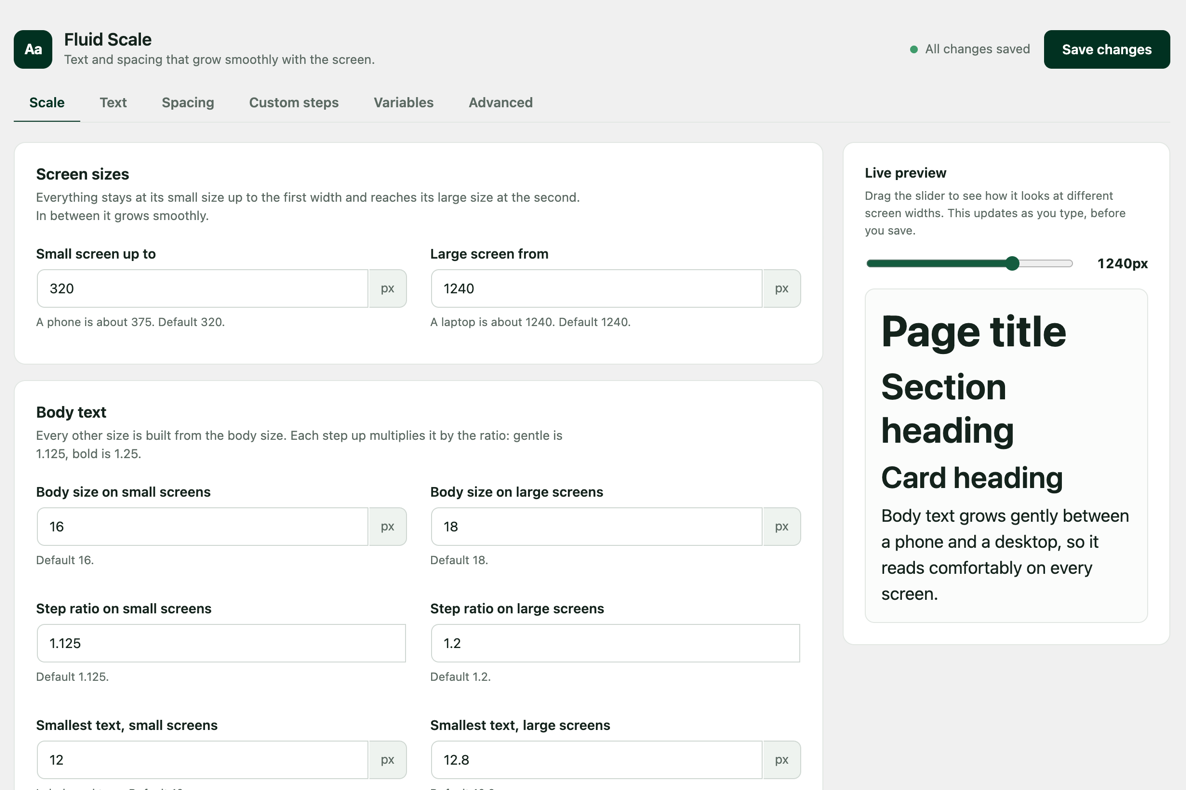
WebTrendPro Fluid Scale publishes a set of CSS custom properties for text sizes and spacing. Each one grows smoothly between a small-screen size and a large-screen size, so you do not need breakpoints or media queries to make a layout fluid.
It is based on the Utopia fluid design method by James Gilyead and Trys Mudford. WebTrendPro Fluid Scale is not affiliated with or endorsed by Utopia. Oxygen and Breakdance are trademarks of their respective owners, and this plugin is not affiliated with or endorsed by them.
What you get
- Text sizes:
--text-xs,--text-sm,--text-base,--text-lgup to--text-4xl - Space sizes:
--space-3xsup to--space-3xl, plus pairs such as--space-s-mthat grow faster than a single size - Your own extra text sizes, space sizes and pairs, as many as you need
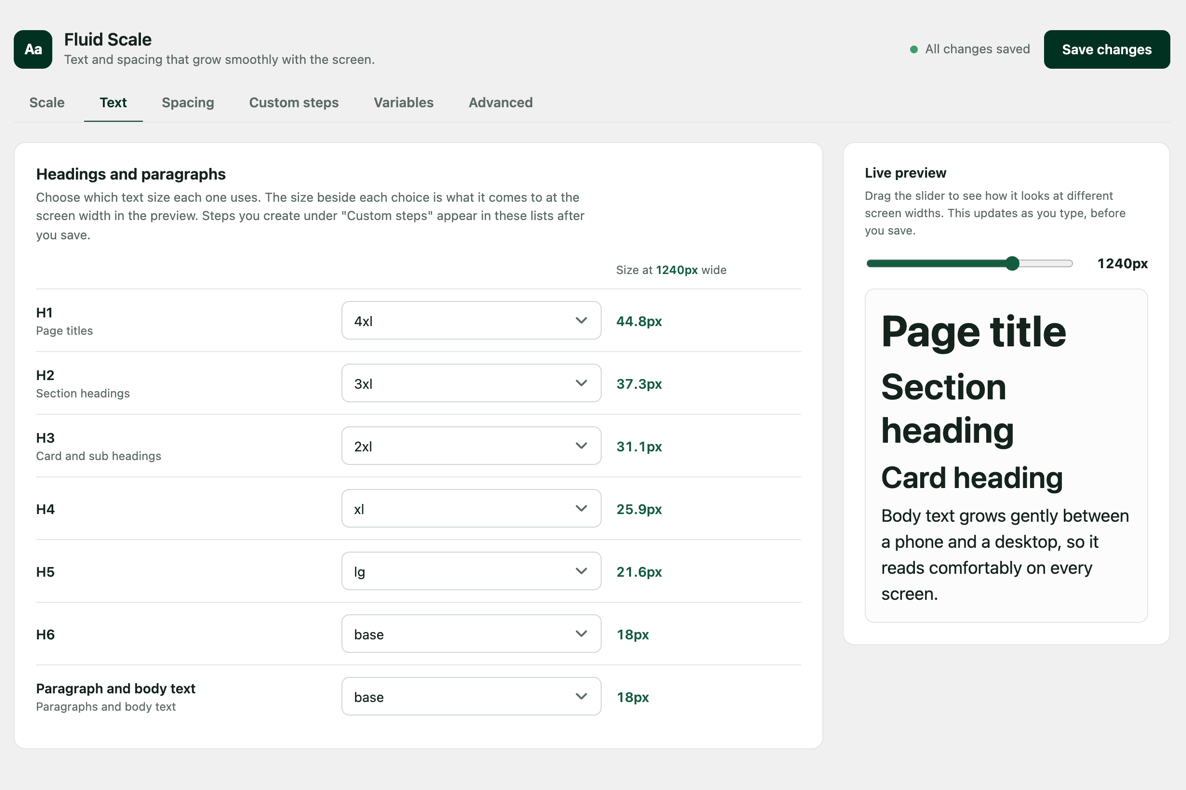
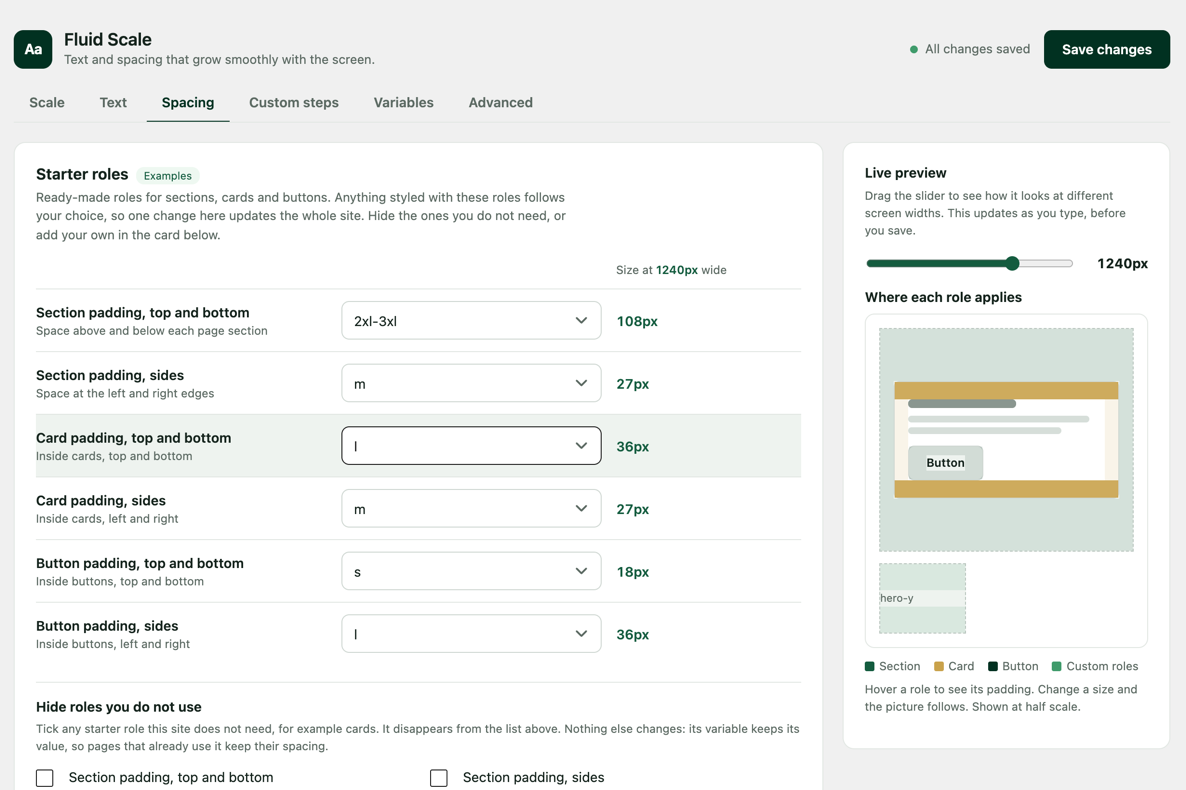
- Roles that pick which size headings, paragraphs, sections, cards and buttons use, so one change updates the whole site
- A settings page with a live preview and a screen-width slider
- Plain CSS you can copy for sites where you cannot install plugins
- Export and import of settings between sites
Good to know
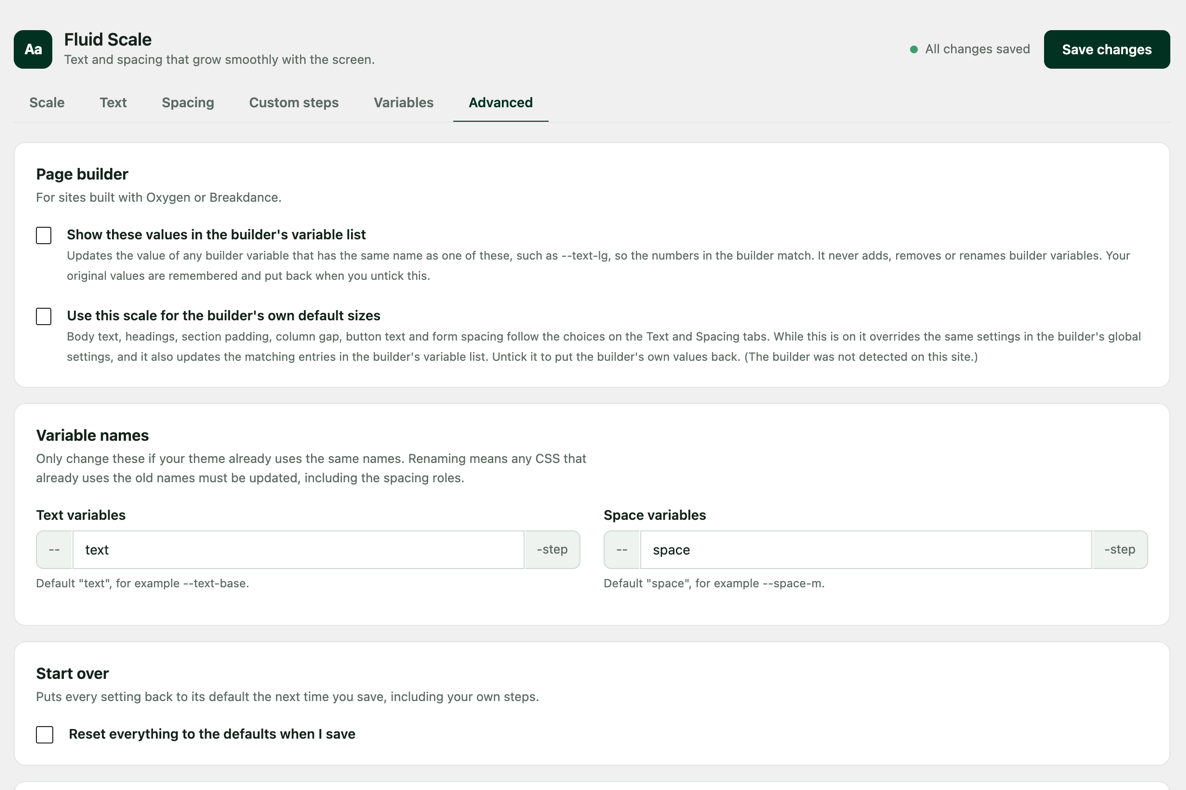
The variables use common names (--text-* and --space-*) and are published so that they win over a theme’s variables with the same name. If your theme already uses those names, change the prefixes under Advanced.
How to use it
The plugin only defines variables. Point your CSS at them, for example:
font-size: var(--text-base); padding: var(--space-m);
Page builder option
If the site uses Oxygen or Breakdance, two optional boxes under Settings > Fluid Scale > Advanced connect the plugin to the builder. Both are off by default.
- Show these values in the builder’s variable list: updates the value of any builder variable that has the same name as a Fluid Scale variable, such as
--text-lg, so the numbers in the builder match. - Use this scale for the builder’s own default sizes: makes the builder’s default text and spacing follow the scale, overriding the same settings in the builder’s global settings. It also updates the matching entries in the builder’s variable list.
The plugin only changes the value of entries that already exist in the builder’s variable list. It never adds, removes or renames entries and never touches fonts. It remembers each original value and puts it back when you untick the box or delete the plugin.
Screenshots

Installation
- Upload the plugin under Plugins > Add New > Upload Plugin, then activate it.
- Open Settings > Fluid Scale.
- Choose your screen sizes and body text size, then save.
FAQ
-
Does it change my site’s look by itself?
-
No. It only defines variables. Nothing changes until your theme, builder or CSS uses them.
-
Does it make any outside connections?
-
No. It does not contact any other site and does not collect data.
-
What happens when I uninstall it?
-
Deleting the plugin removes its saved settings. The variables it published stop being defined. If you had ticked a page builder option, the builder values the plugin changed are put back to their originals.
-
Can I use different variable names?
-
Yes. Change the prefixes under Advanced. Anything already using the old names needs updating.
Reviews
There are no reviews for this plugin.
Contributors & Developers
“WebTrendPro Fluid Scale” is open source software. The following people have contributed to this plugin.
Contributors
Translate “WebTrendPro Fluid Scale” into your language.
Interested in development?
Browse the code, check out the SVN repository, or subscribe to the development log by RSS.
Changelog
1.11.3
- The plugin is now called WebTrendPro Fluid Scale. Your settings and variables are unchanged. If you have the older copy installed, deactivate it after activating this one.
1.11.2
- Pressing Enter in the Variables search box no longer saves the settings.
- Importing settings now rejects files over 100 KB and handles unexpected values in the variable name fields.
- Internal clean-up: duplicate script code removed, fixed keys for the Variables groups, and a tidier Advanced tab structure.
1.11.1
- Variables tab: the copy icon now sits inside the name button, and there is more space between the groups.
1.11.0
- New Variables tab: every size the plugin makes in one list, with a search box, a copy button on each name, and the Plain CSS box. It replaces the two collapsed sections that used to be under Advanced.
1.10.0
- Spacing tab: the built-in roles are now “Starter roles” (examples you can hide), your own roles have their own “Custom roles” card, and a picture shows where each role’s padding applies. Hover a role to see it, and the picture follows when you change a size.
- “Your steps” is now “Custom steps”, and “yours” labels now say “custom”.
1.9.3
- The settings tabs now work with a keyboard (arrow keys, Home and End) and are announced properly by screen readers.
- Inline styles moved into the stylesheet.
- Deleting the plugin on a multisite network now cleans up every site.
- Upgrade notice for 1.9.2 corrected.
1.9.2
- Fix: moving the live-preview slider no longer shows “Unsaved changes”.
- The text and space variable names can no longer be set to the same word.
- The builder’s default sizes option now says it also updates the builder’s variable list.
- The scale variables are no longer added to every admin page.
- Slider range follows the large-screen width. Largest extra text step is now 10.
- Longer internal names for the notice, import field and script data. Inline handlers moved into the script file.
1.9.1
- Code clean-up from the WordPress Plugin Check tool. No change in behavior.
1.9.0
- Page builder options are now separate and off by default. The plugin remembers the builder values it changes and restores them when you untick a box or delete the plugin, and it checks the builder’s data before writing.
1.8.0
- The settings page styles and script now load as separate files, and the scale variables are added with the standard WordPress style functions.
- All text on the settings page can now be translated.
1.7.0
- The plugin is now called Fluid Scale. Settings and variables are unchanged.
- If an older copy named Fluid Scale (Utopia) is still active, a notice asks you to deactivate it.
1.6.1
- Settings page: no doubled divider line when the first role is hidden.
1.6.0
- Spacing: add your own roles and hide built-in roles you do not use.
1.5.0
- New settings page: flat tabbed layout, live preview and the resulting size next to every dropdown.
1.1.0
- Extra text sizes, space sizes and pairs.
1.0.0
- First release.