

Description
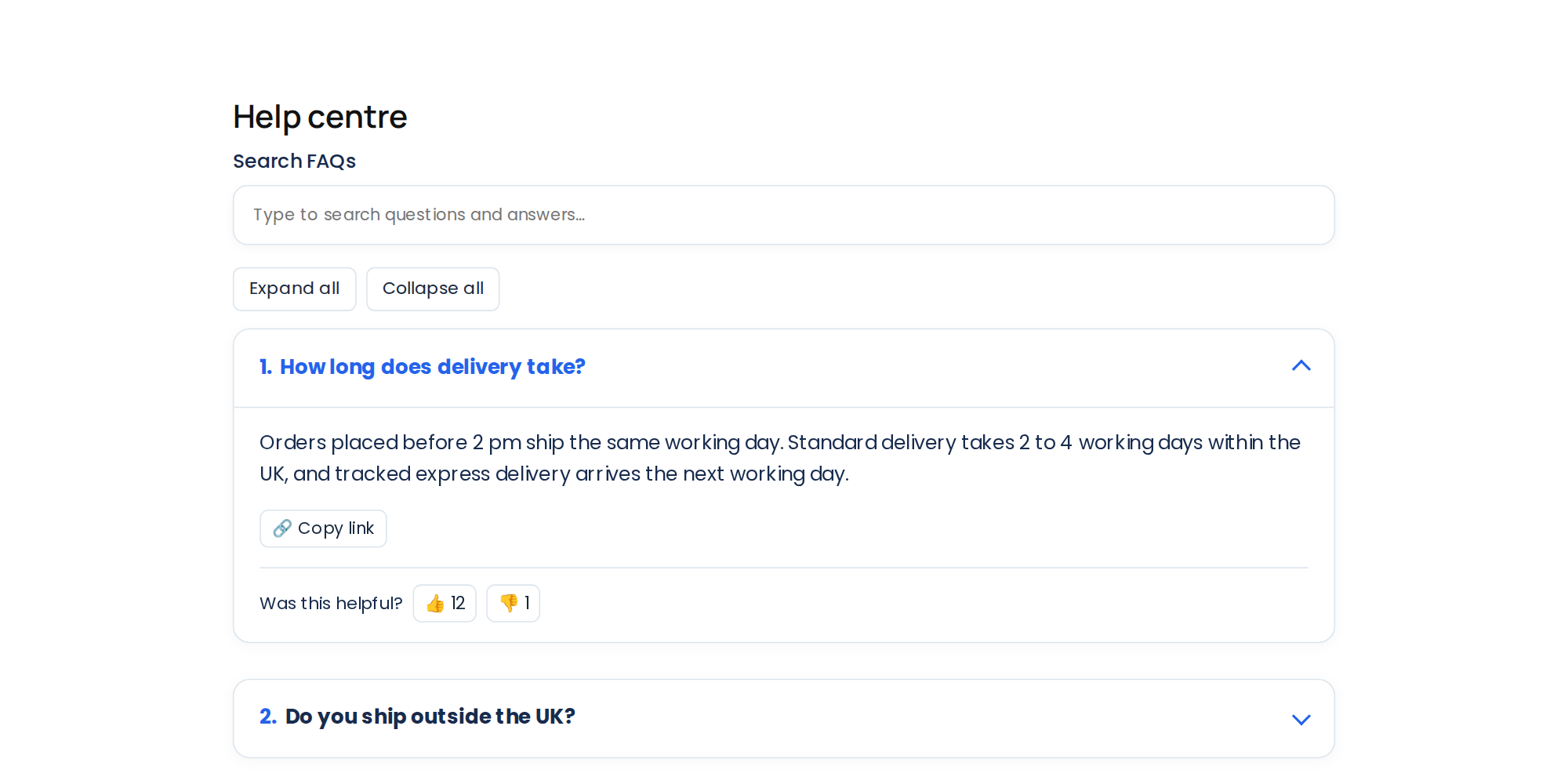
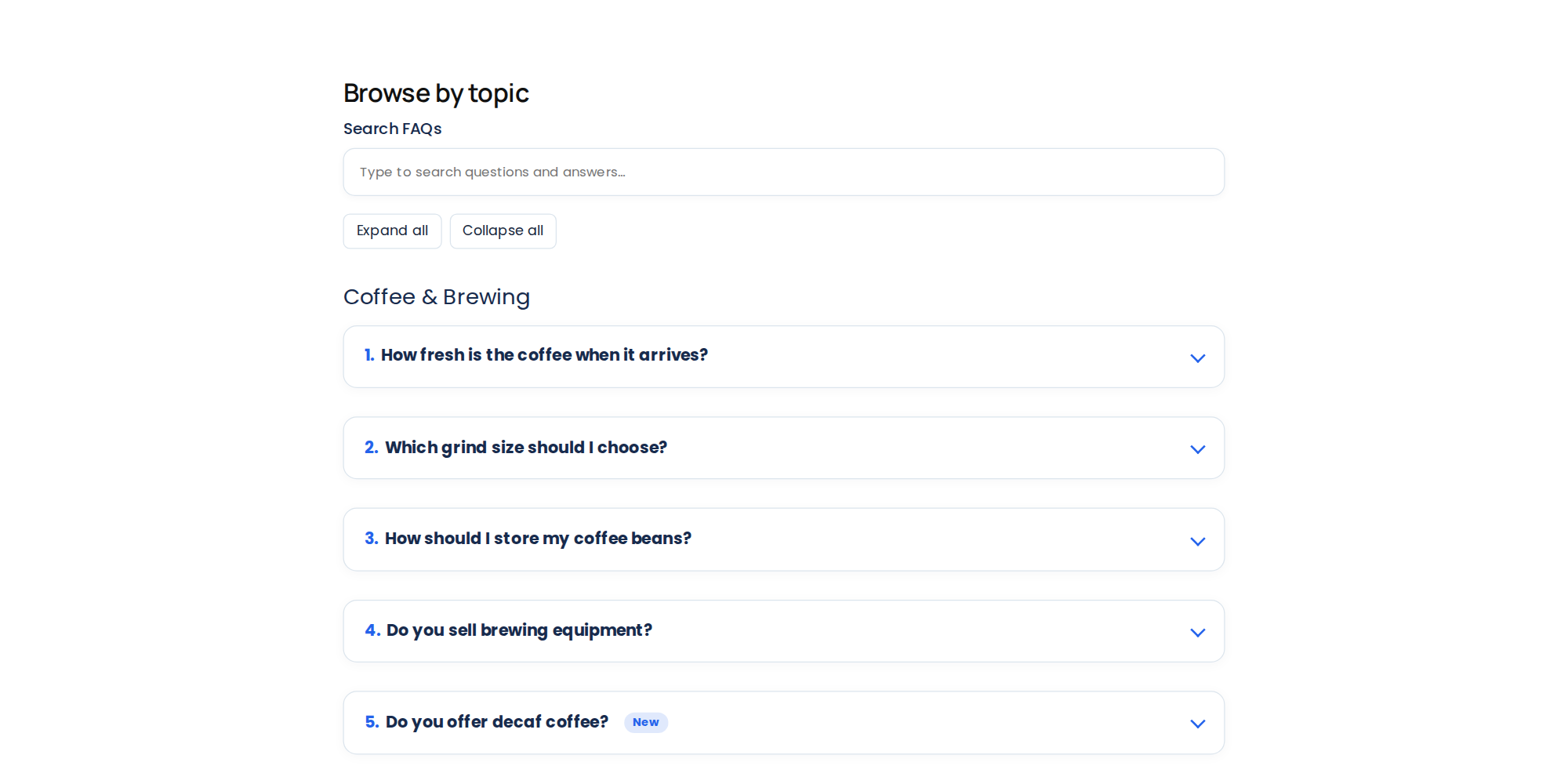
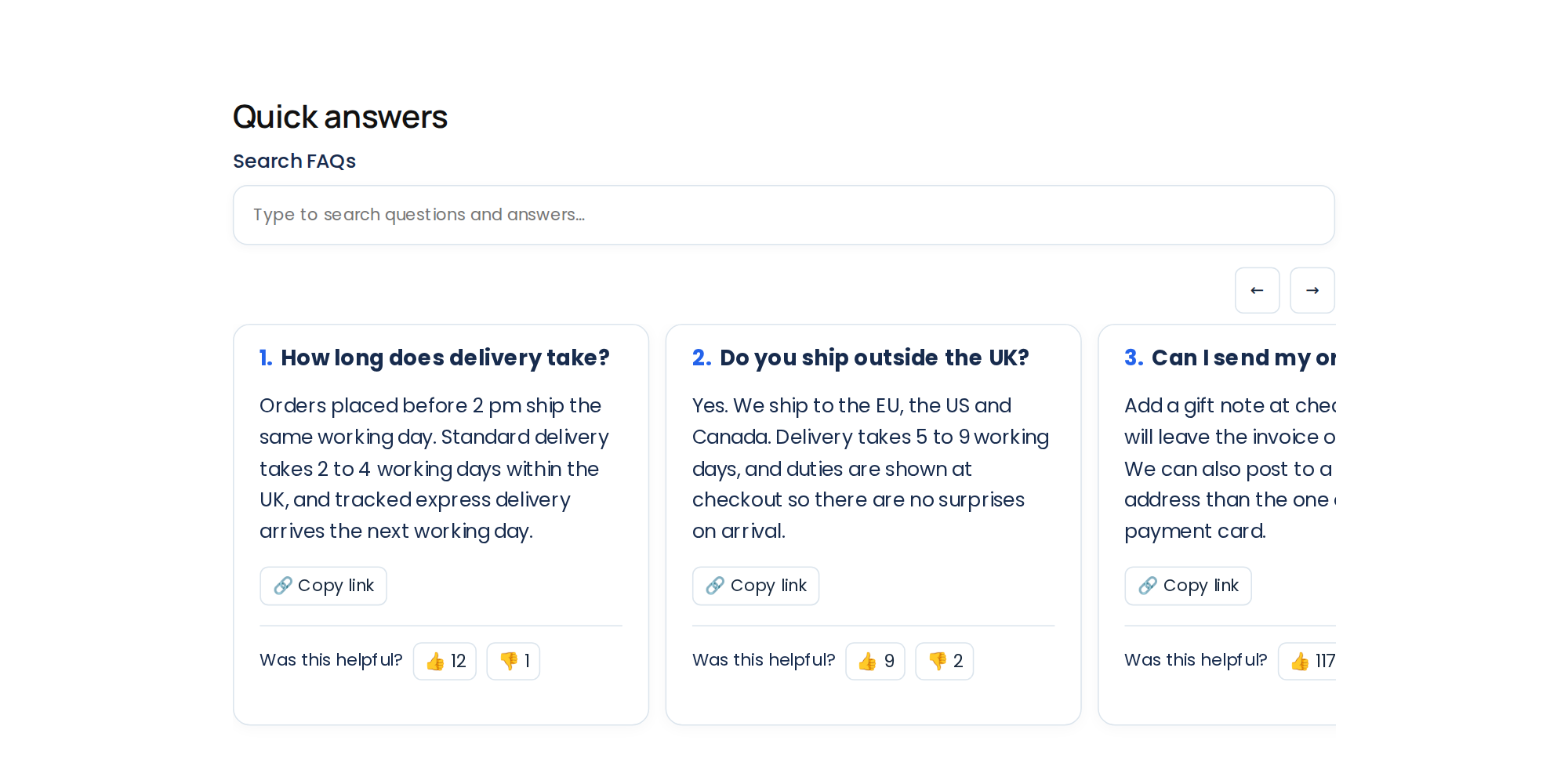
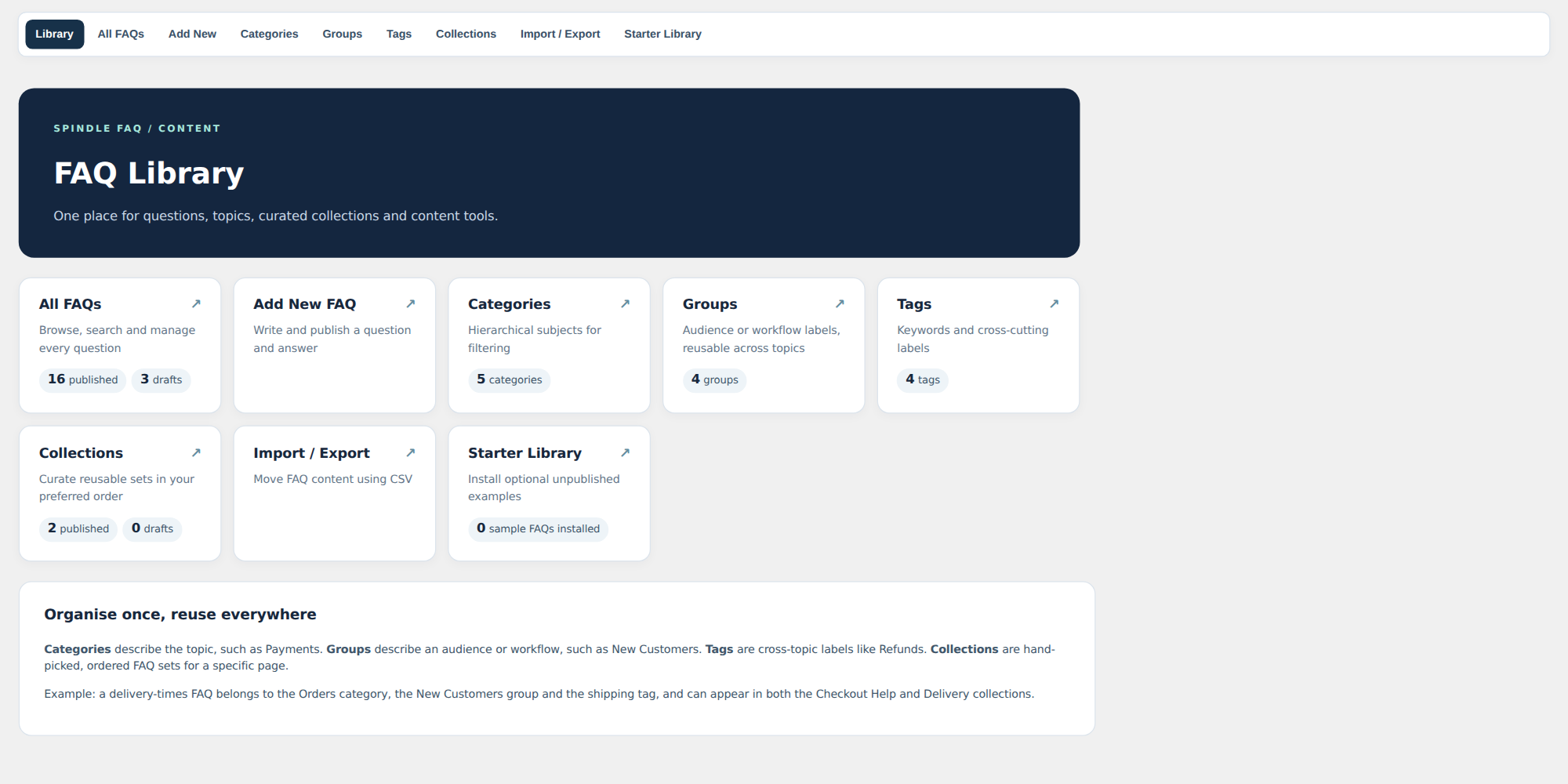
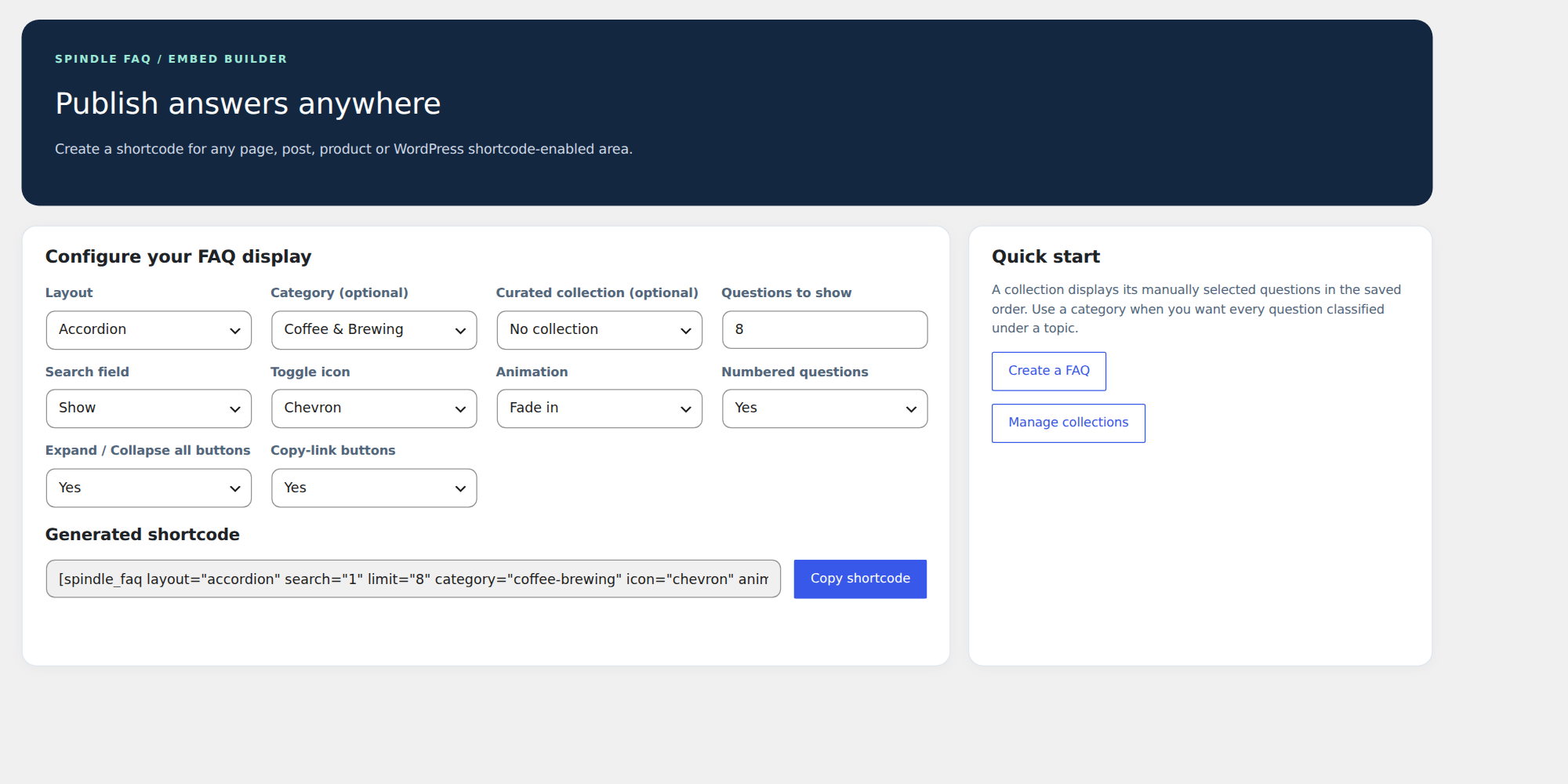
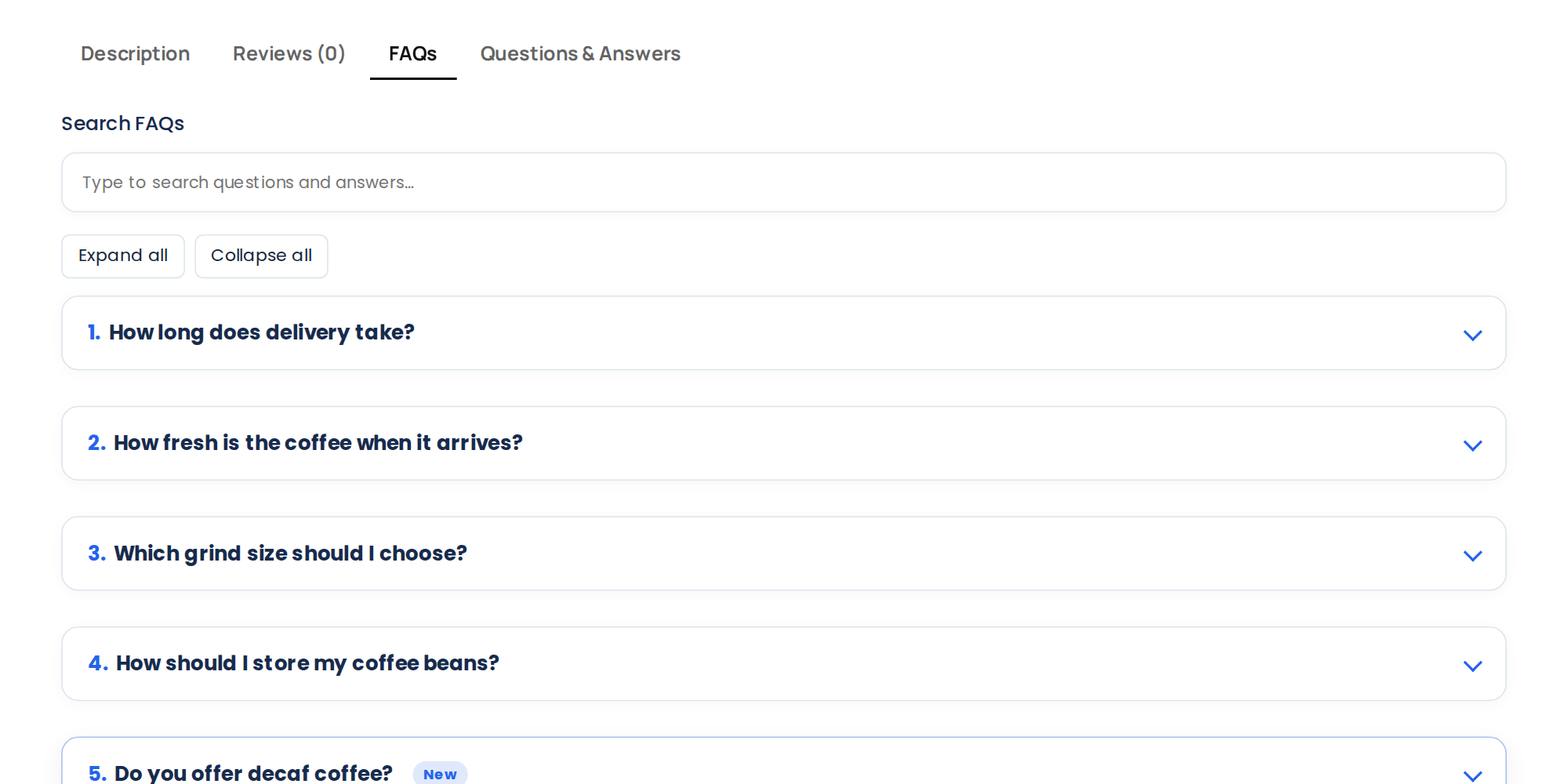
Build a reusable FAQ library and show it anywhere as an accessible accordion, list, cards, grid, category view or carousel. Organise answers with categories, groups, tags and drag-to-order collections.
- Six layouts, a Gutenberg block, shortcodes and optional Elementor widgets.
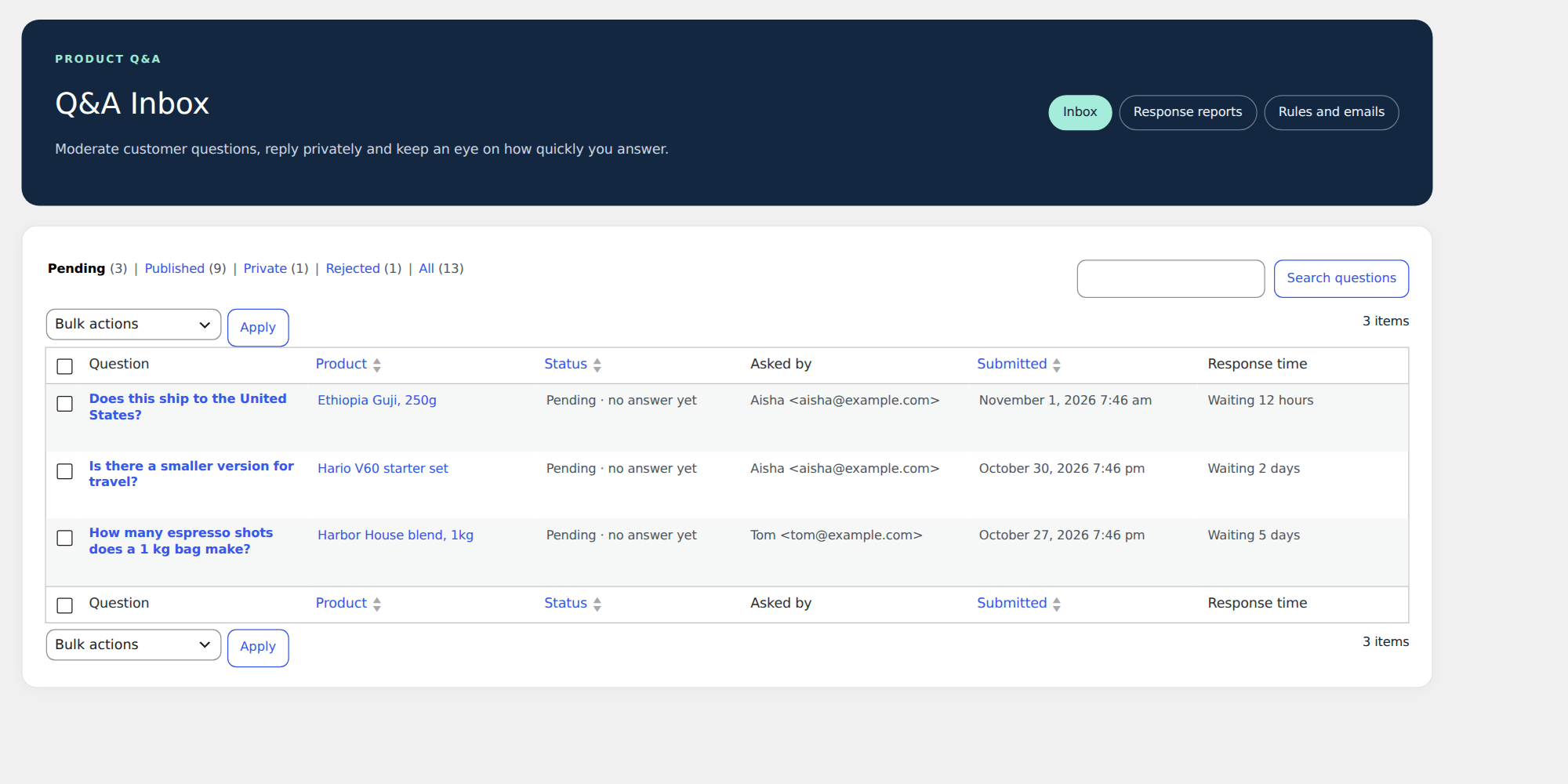
- WooCommerce product FAQs, plus moderated product questions with replies, voting and search.
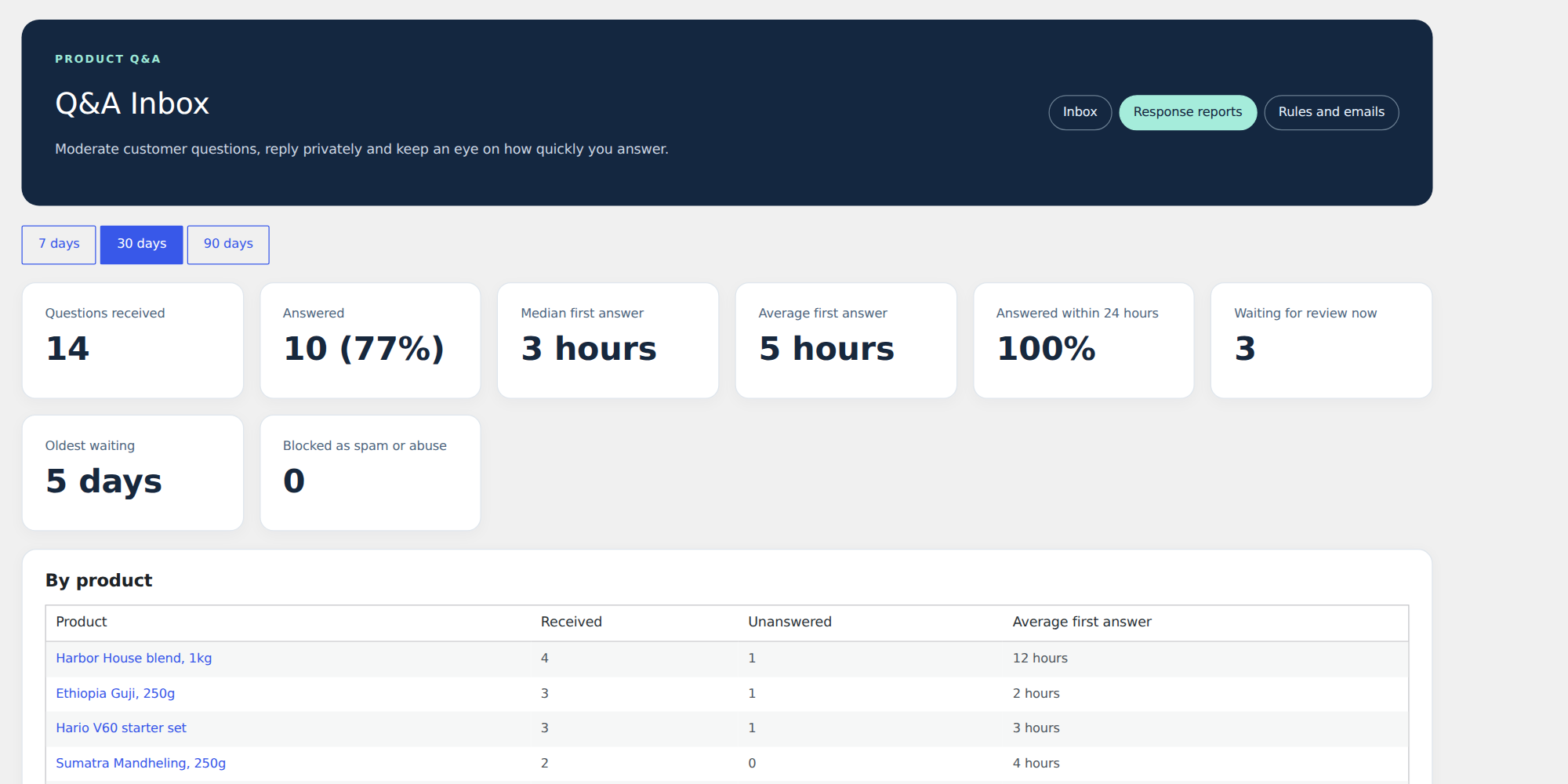
- Q&A Inbox with response-time reports, email templates and private customer questions.
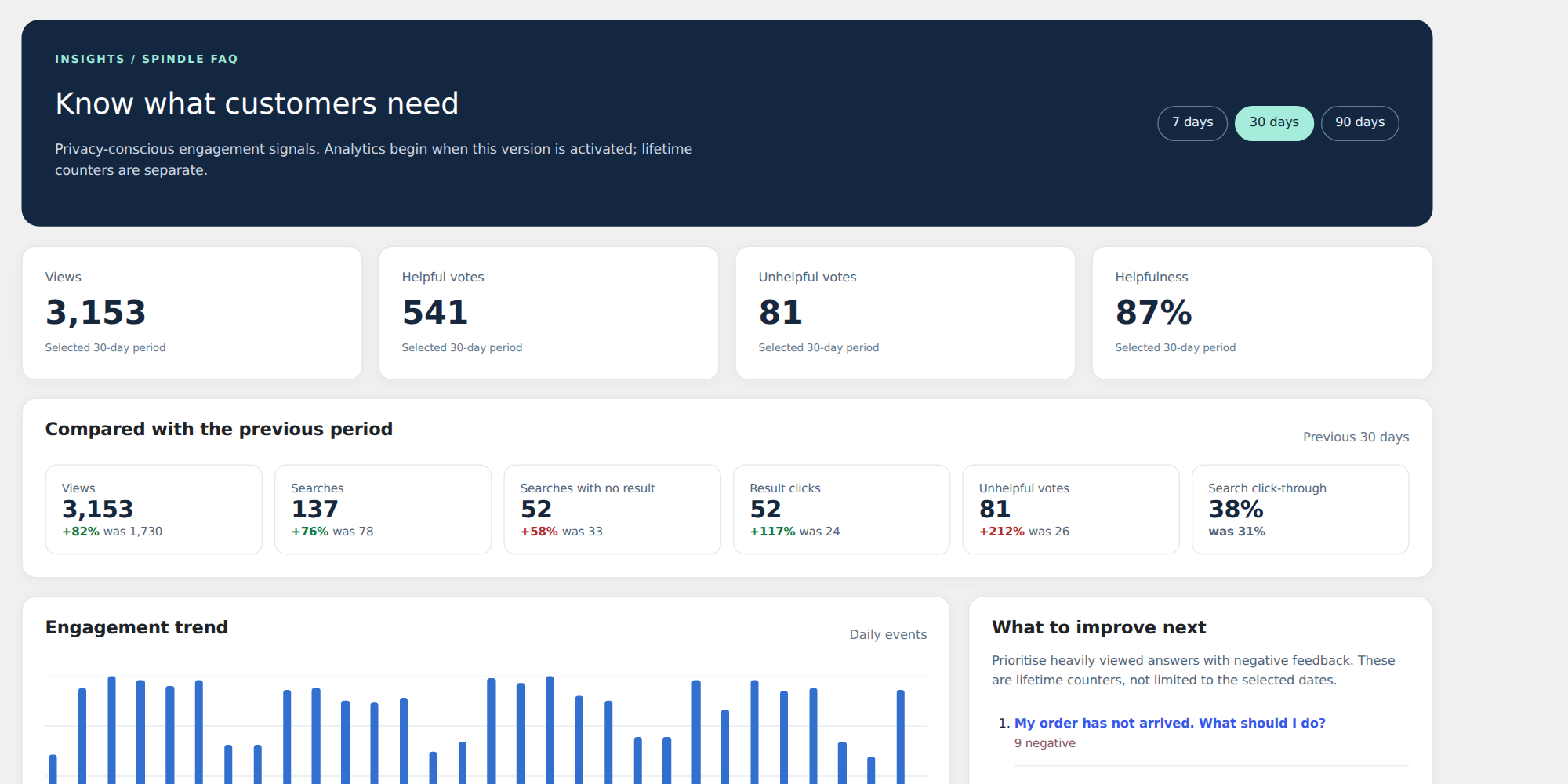
- Instant smart search with search-term reporting.
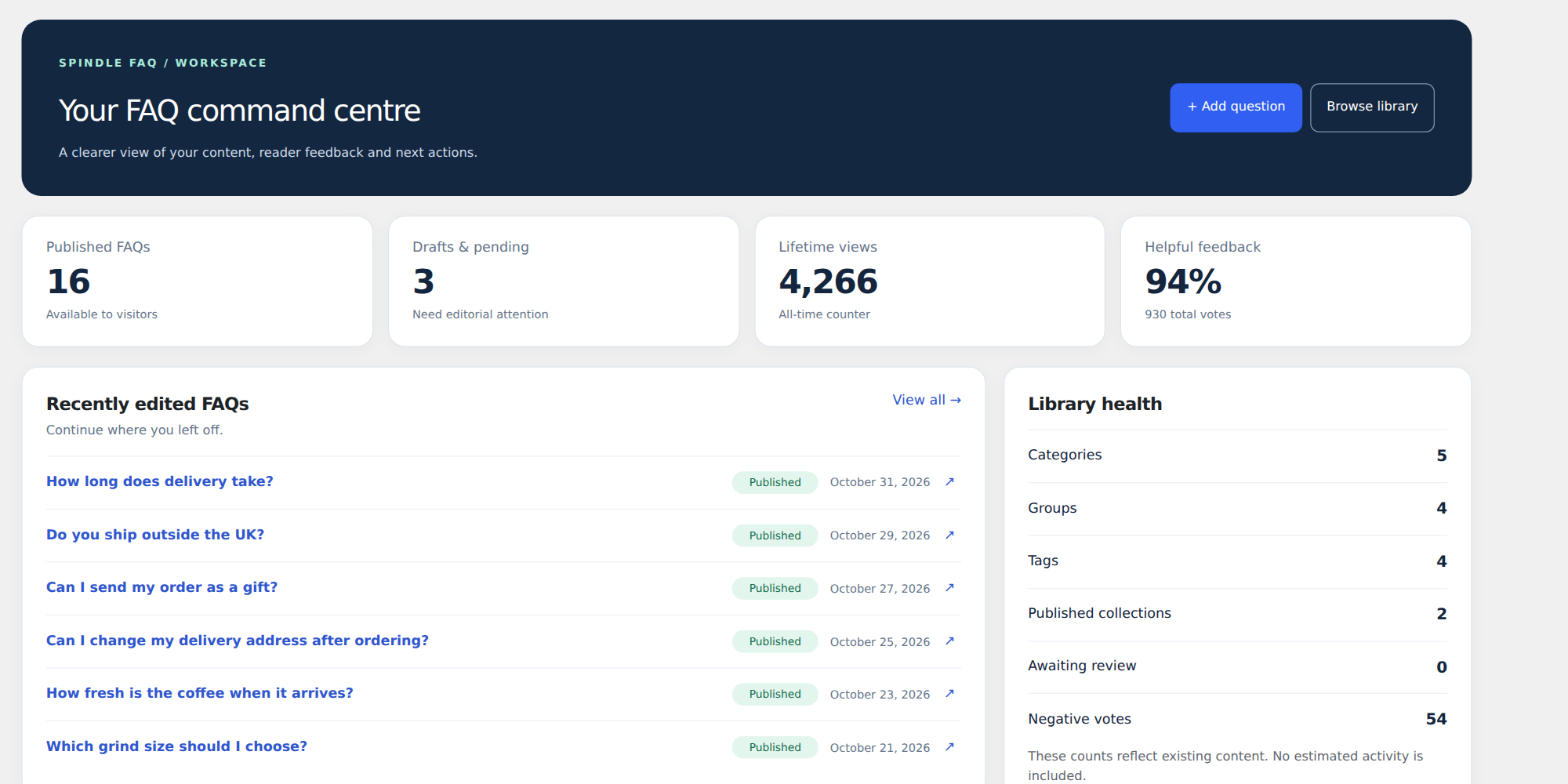
- Helpfulness votes, moderated visitor submissions and an Insights dashboard.
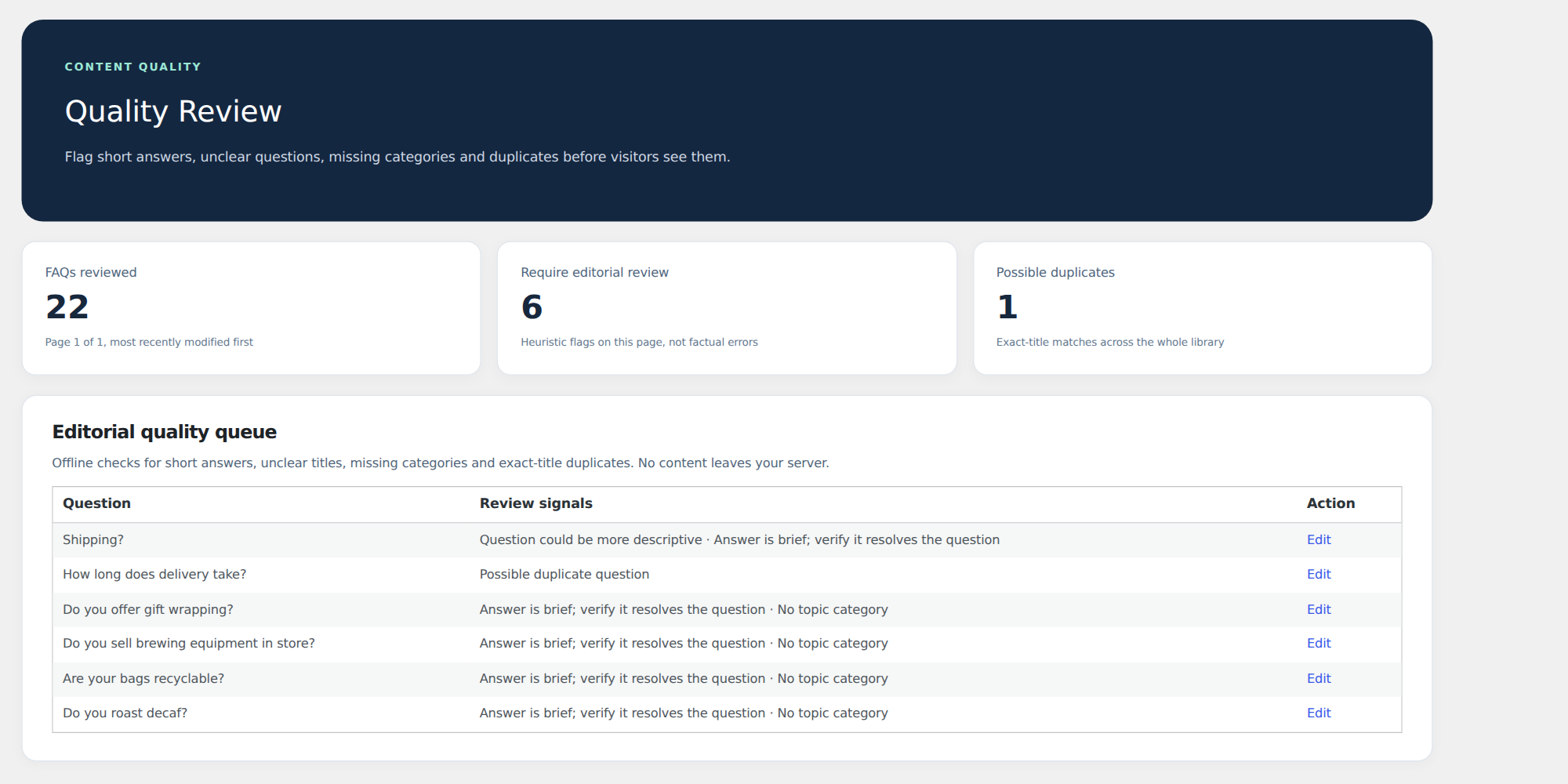
- Quality Review flags short answers, unclear questions, missing categories and duplicates.
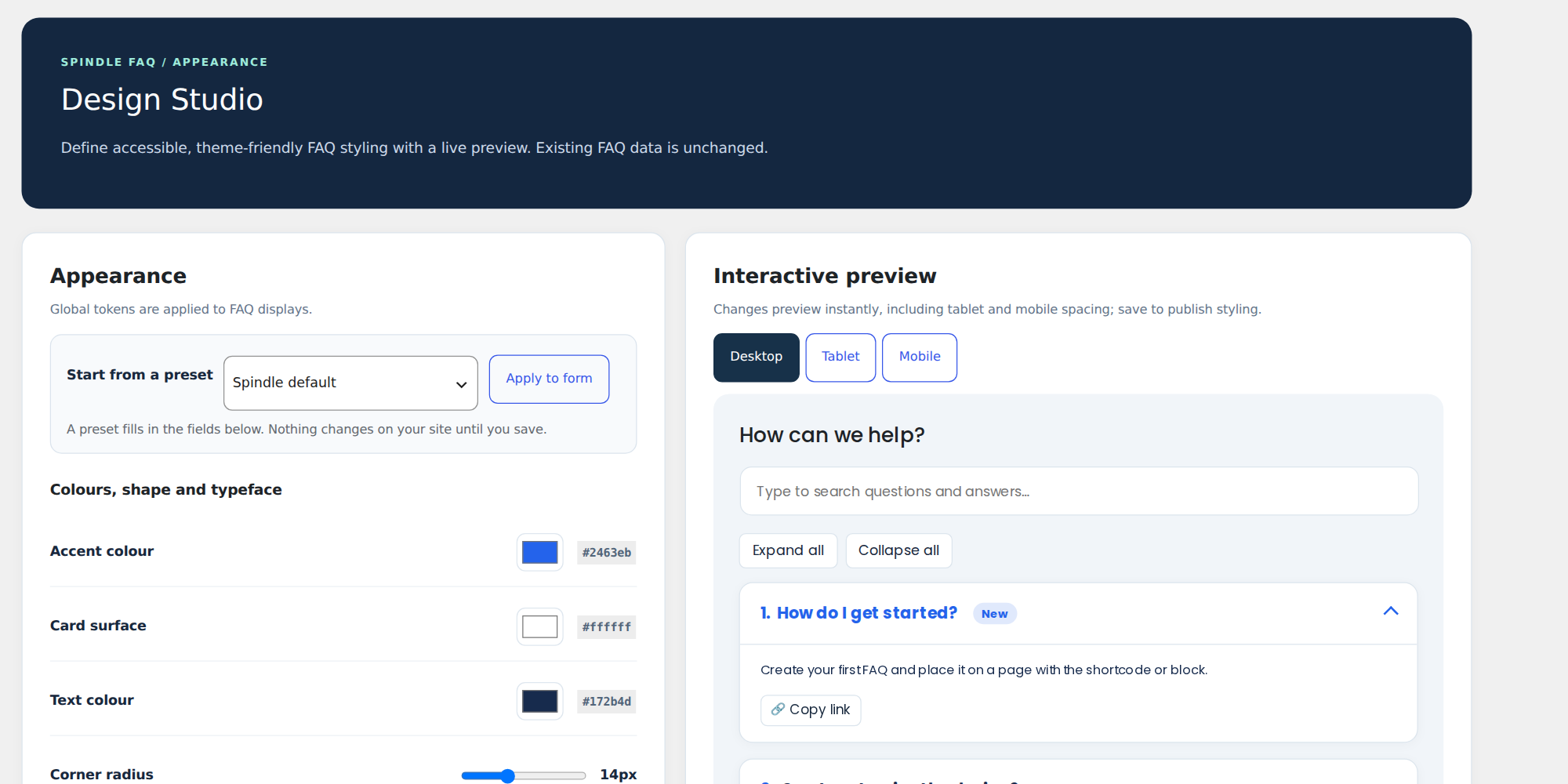
- Design Studio with presets, icons, numbering, animation and a live preview.
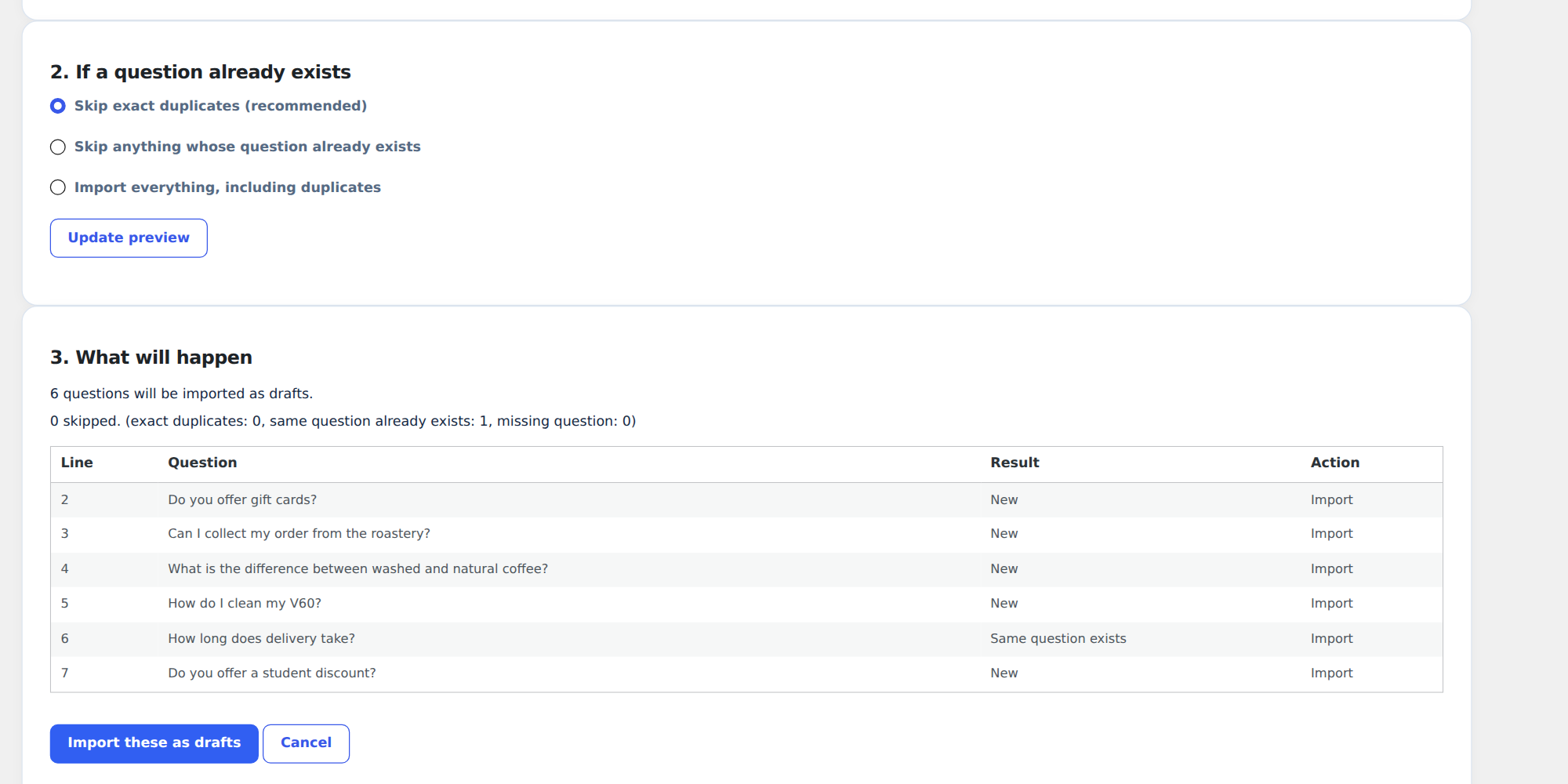
- CSV import with preview and undo, plus CSV export.
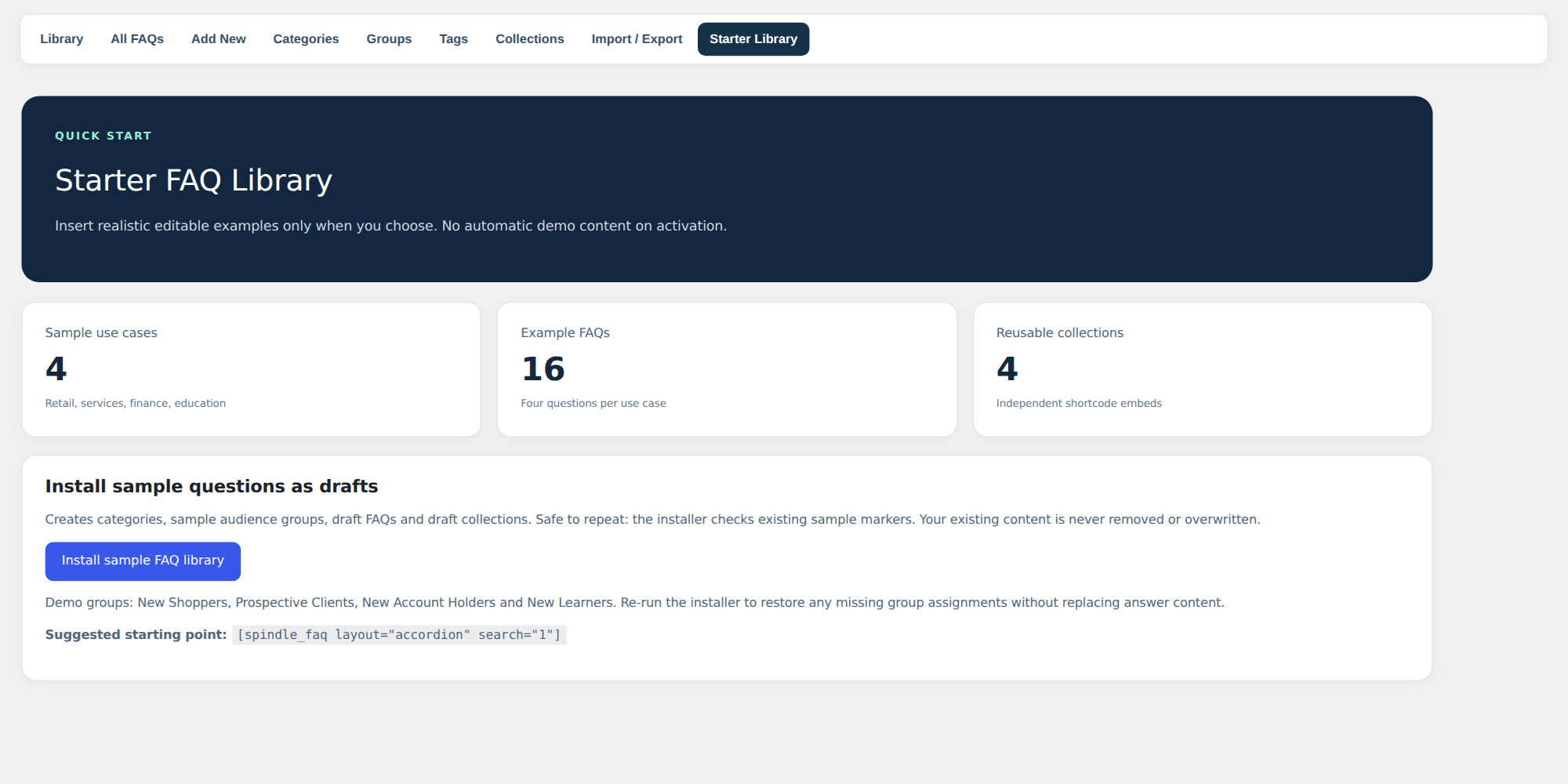
- Optional starter library of 16 sample FAQs, always created as drafts.
- FAQPage structured data (rich results are not guaranteed).
Shortcodes
[spindle_faq layout="accordion" search="1" limit="20"]
[spindle_faq_group id="123"]
[spindle_faq_smart_search]
[spindle_faq_submission]
Fonts
Josefin Sans and Poppins (SIL Open Font License 1.1) are bundled and served from your own site. No CDN or remote asset is contacted.
Privacy
Spindle FAQ needs no external account and loads no third-party scripts. Nothing is sent to any third party.
- Views and votes are stored on your site with a daily hash of the visitor IP address. The raw IP address is not stored.
- Smart-search phrases are stored with the result count, date and clicked FAQ, with no visitor identifier.
- Analytics and search records are deleted automatically after your chosen retention period (one year by default).
- Visitor questions are saved as pending posts. Replies are saved as comments with the name, email, IP address and browser the visitor supplies.
- Product question emails are stored only for notifications, private questions or logged-in users. Notifications use double opt-in and include an unsubscribe link.
- Questions, private replies and subscriptions are covered by WordPress Export and Erase Personal Data.
- The Knowledge API and email reports are off by default.
Set a lawful basis and retention policy for your jurisdiction before enabling analytics, submissions or replies.
Screenshots



Blocks
This plugin provides 2 blocks.
- Spindle FAQ
- Spindle FAQ: Manual Accordion
Installation
- Upload the ZIP in Plugins > Add Plugin > Upload Plugin, then activate.
- Optional: open Spindle FAQ > FAQ Library > Starter Library to create sample draft FAQs and collections.
- Review, edit and publish the FAQs you want, then insert
[spindle_faq]into a page. - Open Insights & Analytics to review engagement. Check public pages and permalinks on a staging site first.
FAQ
-
What does the Knowledge API ever expose?
-
Only published FAQs that are not password protected and not excluded in the FAQ editor. Drafts, private posts, pending questions and visitor data are never returned.
-
Are sample FAQs published automatically?
-
No. Import is an explicit administrator action and examples are saved as drafts.
-
Categories classify FAQs by subject. Groups label an audience or workflow. Tags are cross-topic keywords. Collections are hand-picked, individually ordered sets of FAQs for a specific page.
-
Can I display a collection on several pages?
-
Yes. Publish the collection and use its
[spindle_faq_group id="123"]shortcode wherever needed. -
Can visitors submit questions?
-
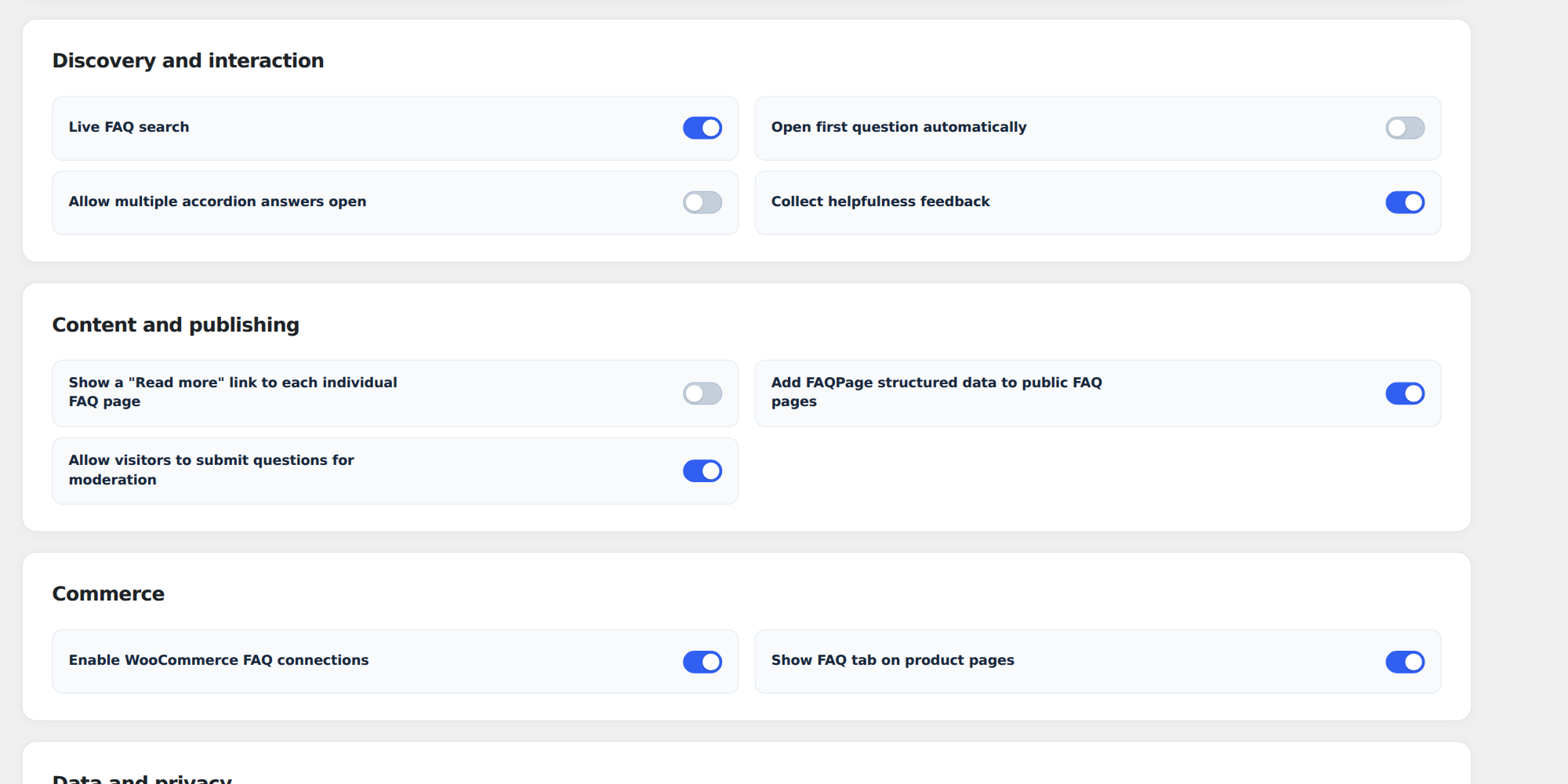
Yes. Enable submissions in Settings; every submission is held for moderation.
-
How do I show FAQs on WooCommerce product pages?
-
Pick FAQs in the Spindle FAQ box on the product edit screen. Turn on “Show FAQ tab on product pages” in Settings to add a FAQs tab, or place
[spindle_faq]in the product description. -
Does it work with Elementor and the block editor?
-
Yes. Gutenberg blocks are included, and Elementor widgets appear automatically if Elementor is active. All use the same layouts and Design Studio styling.
-
Is it translation and right-to-left ready?
-
Yes. A translation template is included, and right-to-left stylesheets load automatically on RTL sites.
-
Does uninstall remove my FAQs?
-
Not by default. To remove all data when the plugin is deleted, first switch on “Delete all plugin data” in Settings > Data and privacy.
-
How long are analytics and search logs kept?
-
One year by default. Choose 30 days to 2 years, or keep them forever, in Settings > Data and privacy. FAQs and questions are never deleted.
Reviews
There are no reviews for this plugin.
Contributors & Developers
“Spindle FAQ” is open source software. The following people have contributed to this plugin.
Contributors

Translate “Spindle FAQ” into your language.
Interested in development?
Browse the code, check out the SVN repository, or subscribe to the development log by RSS.
Changelog
2.14.0
- First release on WordPress.org.
- FAQs, categories, groups, tags and curated collections, shown with shortcodes, a block, a manual accordion block and Elementor widgets.
- Smart search, feedback votes, Insights, CSV import and export, Design Studio and a Q&A Inbox with WooCommerce product questions.
- Optional Knowledge API (off by default) for companion plugins.