Search results for: “WhatsApp Chat Button”
-

Quidget – AI Chatbot & Live Chat
Quidget is an AI chatbot and live chat plugin for WordPress that automates support and connects visitors with real agents.
-

Click to Chat Button – Live Customer Messaging, Support & Conversions for WooCommerce
WhatsApp chat 💬 with a floating WhatsApp chat button 🟢, WhatsApp integration for WooCommerce 🔥, and fast, mobile-optimized customer support ⚡
-

Chat Support for Telegram – Bubble & Button with Gutenberg, Elementor and Shortcode
Unlimited customer support tool that allows visitors to engage using Telegram
-

Brevo for WooCommerce
All-in-one WooCommerce email marketing, automation, SMS, and CRM by Brevo. Grow your store with powerful marketing tools.
-

Events Slider, Events Carousel, Events Grid, Events Timeline and Events Filter Bar for The Events Calendar – Eventful
Events slider, carousel, grid, list & timeline with filter bar. Eventful is a The Events Calendar addon with Gutenberg block & shortcode support.
-
-

ST Elementor Addons
A lightweight plugin that adds customizable widgets to Elementor, including a button widget, marquee, Flexbox carousel, WooCommerce widgets, and more.
-

LiveAgent – Omnichannel Help Desk & Live Chat Software
LiveAgent is a multichannel help desk software that offers over 180 help desk and live chat features. Discover the power of the universal inbox, a hyb …
-

Points and Rewards for WooCommerce
Points and Rewards for WooCommerce offer a reward for points to your customers for their activities & increase customer loyalty.
-
OTP Login With Phone Number, OTP Verification
Passwordless OTP login for WordPress. Login or register with phone number via SMS or Firebase. Compatible with WooCommerce. GDPR-compliant.
-

Event Tickets Manager for WooCommerce
Use this powerful WordPress event plugin to create and sell events, manage tickets, check-ins, recurring schedules, venues, and attendee details with …
-
Social Share Block – Help Visitors Spread Your Content Everywhere
Add lightweight social share buttons to WordPress posts and pages. Gutenberg-native, fully customizable, with shortcode support and share themes.
-
Click n Chat (Chat Widget Integration)
All-in-one floating chat widget with social platforms, smart auto replies, AI chatbot integration, analytics tracking, and full customization.
-

Chatbot for WordPress by Collect.chat ⚡️
Chatbots without AI are the easiest way to collect leads & data from visitors. Create a free chatbot without coding using Collect.chat.
-

2ConnectMe – Video Chat, Screen Share & Stripe Payments
Interaction center helpdesk remote desktop control & recording. Auto-collect client consulting fees with timer billing. HIPAA & HK PDPO compliant.
-

Anicons – Chat Button & Scroll to Top
Add an animated floating WhatsApp chat button and scroll-to-top button. Ideal for WooCommerce stores, local businesses, and service websites.
-

Product Badge, Label, Countdown Timer for WooCommerce – Sale Booster
WooCommerce Product Badge and Label, Sale Badge, Sold Out Badge, Countdown Timer, Notification Bar (PRO), Quick View, out-of-stock badge.
-

Squad Modules Lite – Free Divi 5 & Divi 4 Modules for Divi Builder
65 free Divi modules + 8 extensions — the largest free Divi library, all native in the Divi 5 Visual Builder and Divi 4. Nothing to migrate.
-
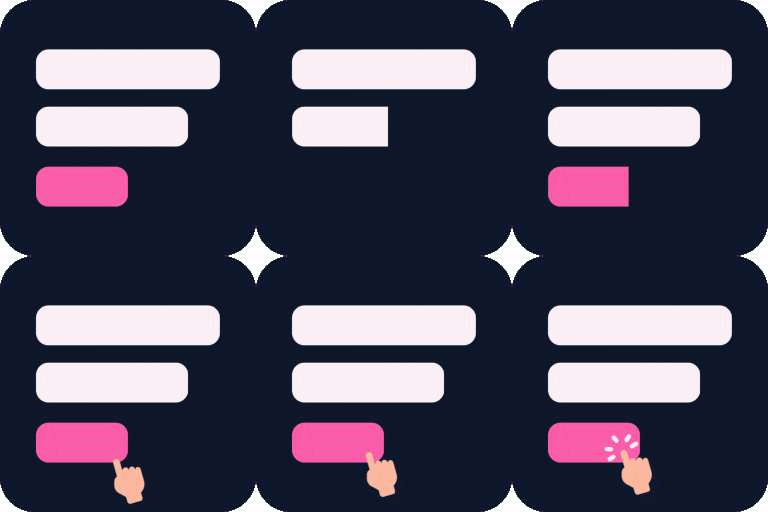
Cool FormKit Lite – Advanced Form Builder for Elementor
Contact form addon for Elementor. Create forms in Elementor Free or extend Elementor Pro forms with conditional logic, country code and extra fields.
-

ActiveCampaign – The autonomous marketing platform
Add ActiveCampaign contact forms and live chat to any post, page, or sidebar. Also enable ActiveCampaign site tracking for your WordPress blog.