

Description
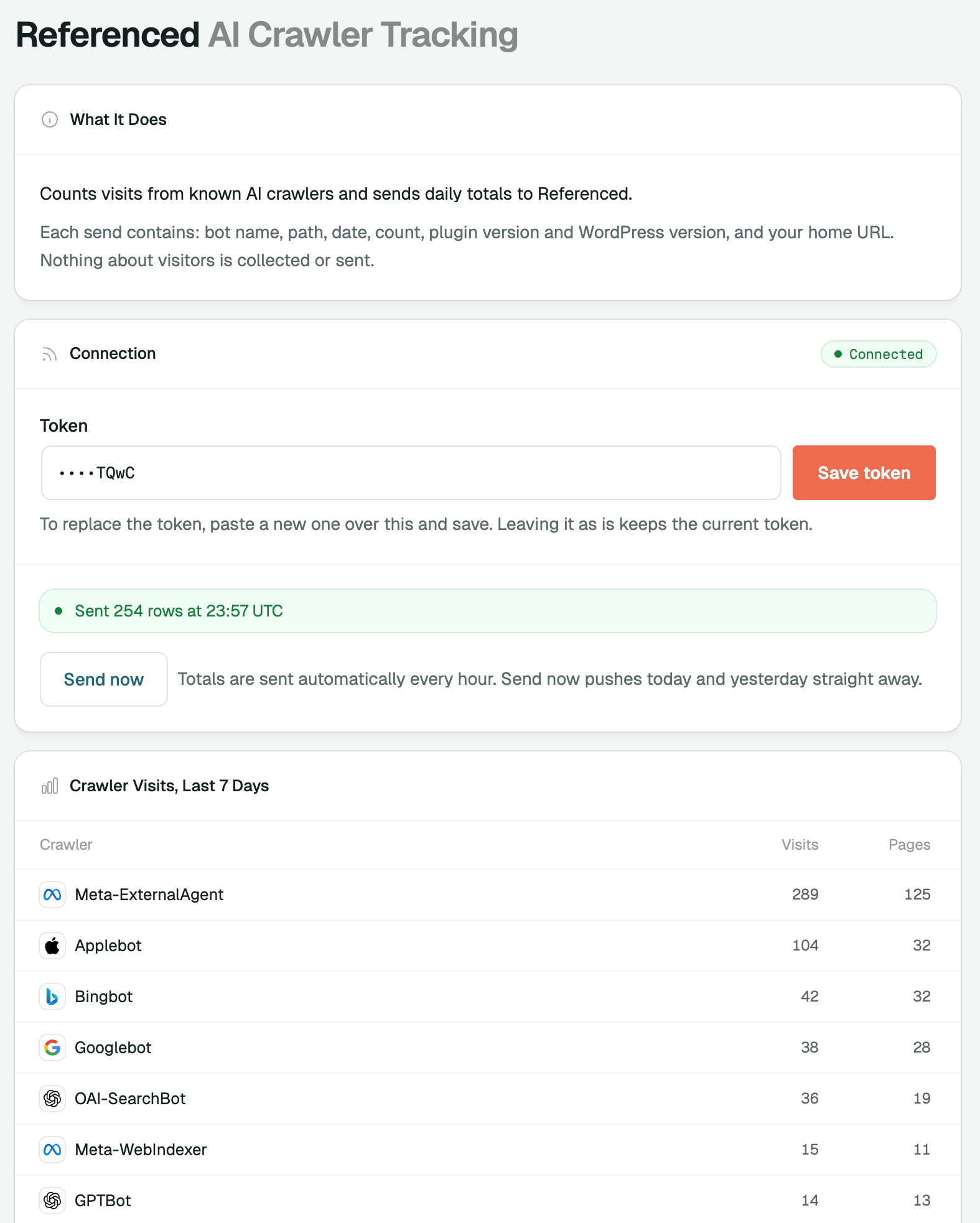
Referenced – AI Crawler Tracking counts visits from known AI crawlers, such as GPTBot, OAI-SearchBot, ClaudeBot, PerplexityBot and Googlebot, and posts hourly day totals to your Referenced AI account. You can then see which AI engines are reading which pages of your site.
The plugin is a reporter only. It writes nothing to your pages or content, and it records no visitor data: no IP addresses, cookies or user accounts. For each known crawler it keeps a count per bot, path and day in one small table of its own.
You need a Referenced AI account and a connection token. Until you save a token, nothing is sent anywhere.
External Services
This plugin sends crawler visit totals to Referenced AI, the service whose account you connect it to.
- Service: Referenced AI
- Endpoint: https://getreferenced.ai/api/ingest/bot-hits
- What is sent: the bot name, the page path, the date, the visit count, the plugin version, the WordPress version and your site’s home URL.
- When: once an hour, and when you press “Send now” on Settings Referenced. Nothing is sent until a connection token has been saved.
Privacy policy: getreferenced.ai/privacy
Terms of service: getreferenced.ai/terms
Credits
- Geist and Geist Mono fonts, SIL Open Font License 1.1 (see assets/fonts/OFL.txt).
- Interface icons from Heroicons, MIT licence, copyright Tailwind Labs, Inc.
- AI company logos from Lobe Icons, MIT licence, copyright 2023 LobeHub; the Amazon mark is from Simple Icons, CC0.
- Full notices are in THIRD-PARTY-NOTICES.txt. The logos belong to their respective owners and are used only to identify those crawlers.
Screenshots


Installation
- Upload the plugin zip under Plugins Add New Upload Plugin, or install it from Plugins Add New once it is listed. Then activate it.
- In Referenced AI, open Settings Connections and create a WordPress token.
- In WordPress, open Settings Referenced and paste the token.
- The first report arrives within about an hour of your site’s next visits (WordPress runs scheduled tasks on traffic). Use “Send now” in Settings Referenced to send at once.
FAQ
-
Why do some crawler visits not appear?
-
Pages served from a full-page cache or a CDN never reach PHP, so the plugin cannot count them. Static files such as images, scripts and PDFs are served without PHP too, so they are not counted either. This is a known blind spot: the numbers are a floor, not an exact total.
-
What leaves my site?
-
Only the following, and only after you have saved a token: the bot name, the page path, the date, the visit count, the plugin version, the WordPress version and your site’s home URL. No visitor IP addresses, cookies, user agents or personal data are sent.
-
Does it slow my site down?
-
No. Each request costs a handful of cheap string comparisons (about twenty substring checks) and one small row write only when a known crawler matched.
-
Why does every page show as “/” with plain permalinks?
-
With plain permalinks (
/?p=123) the page is identified by its query string, and query strings are not sent. Every page is then reported as/. Pretty permalinks (Settings Permalinks) give each page its own path. -
Can I stop it?
-
Yes. Use Disconnect on Settings Referenced to remove the token and stop all reporting, or deactivate the plugin. Deleting the plugin removes its table and options.
Reviews
There are no reviews for this plugin.
Contributors & Developers
“Referenced – AI Crawler Tracking” is open source software. The following people have contributed to this plugin.
Contributors

Translate “Referenced – AI Crawler Tracking” into your language.
Interested in development?
Browse the code, check out the SVN repository, or subscribe to the development log by RSS.
Changelog
1.0.0
- First release.