
Description
Radio Player Page provides dedicated, standalone player pages for your radio broadcasts on WordPress. It lets you create a full weekly radio schedule, manage your broadcasts, and present everything on pages designed for reliable playback without theme conflicts.
The Power of Standalone Player Pages
- Standalone Player Pages – Each station lives on its own independent HTML page, completely bypassing your WordPress theme. This ensures zero theme conflicts, optimal performance, and one clear URL per station.
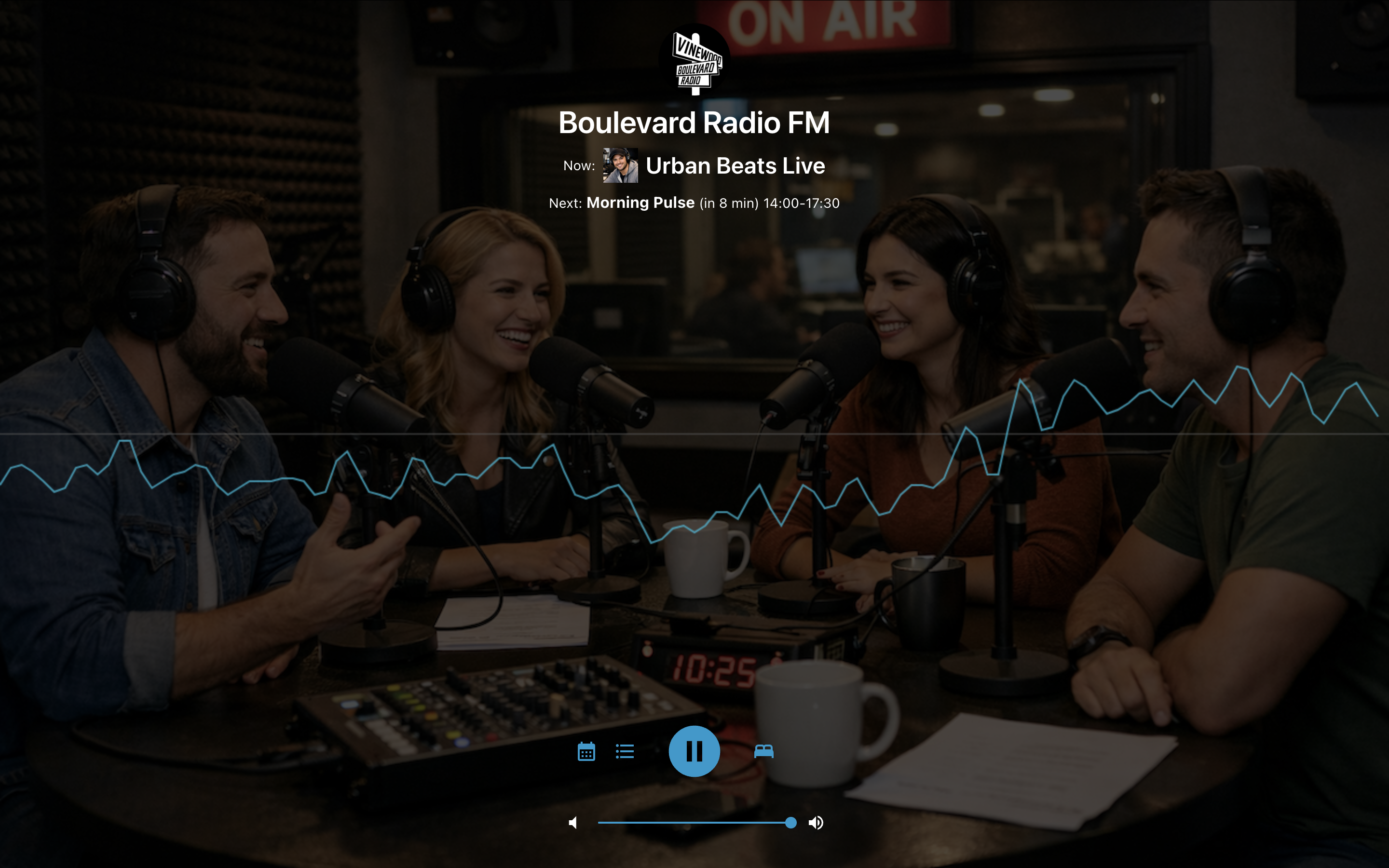
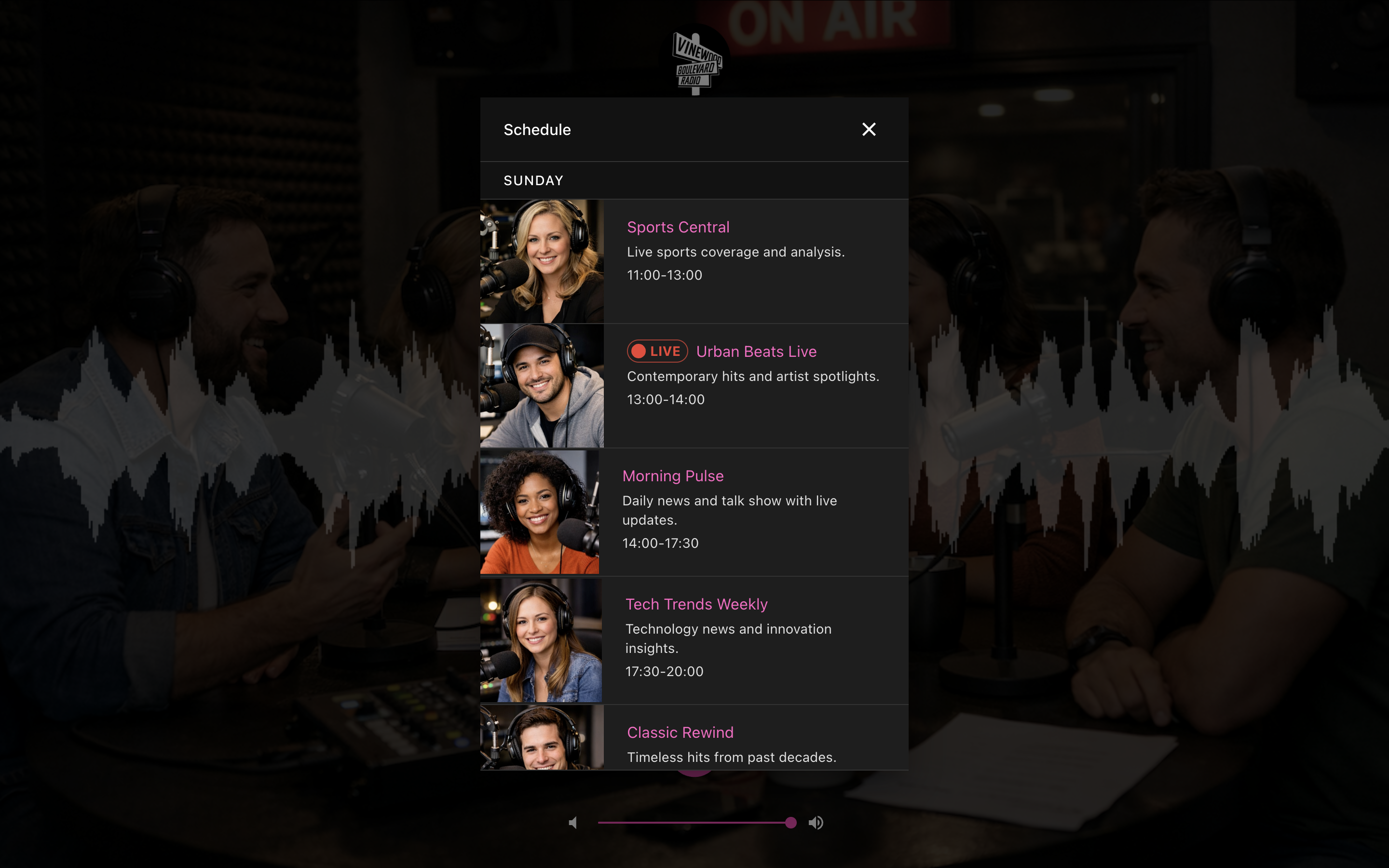
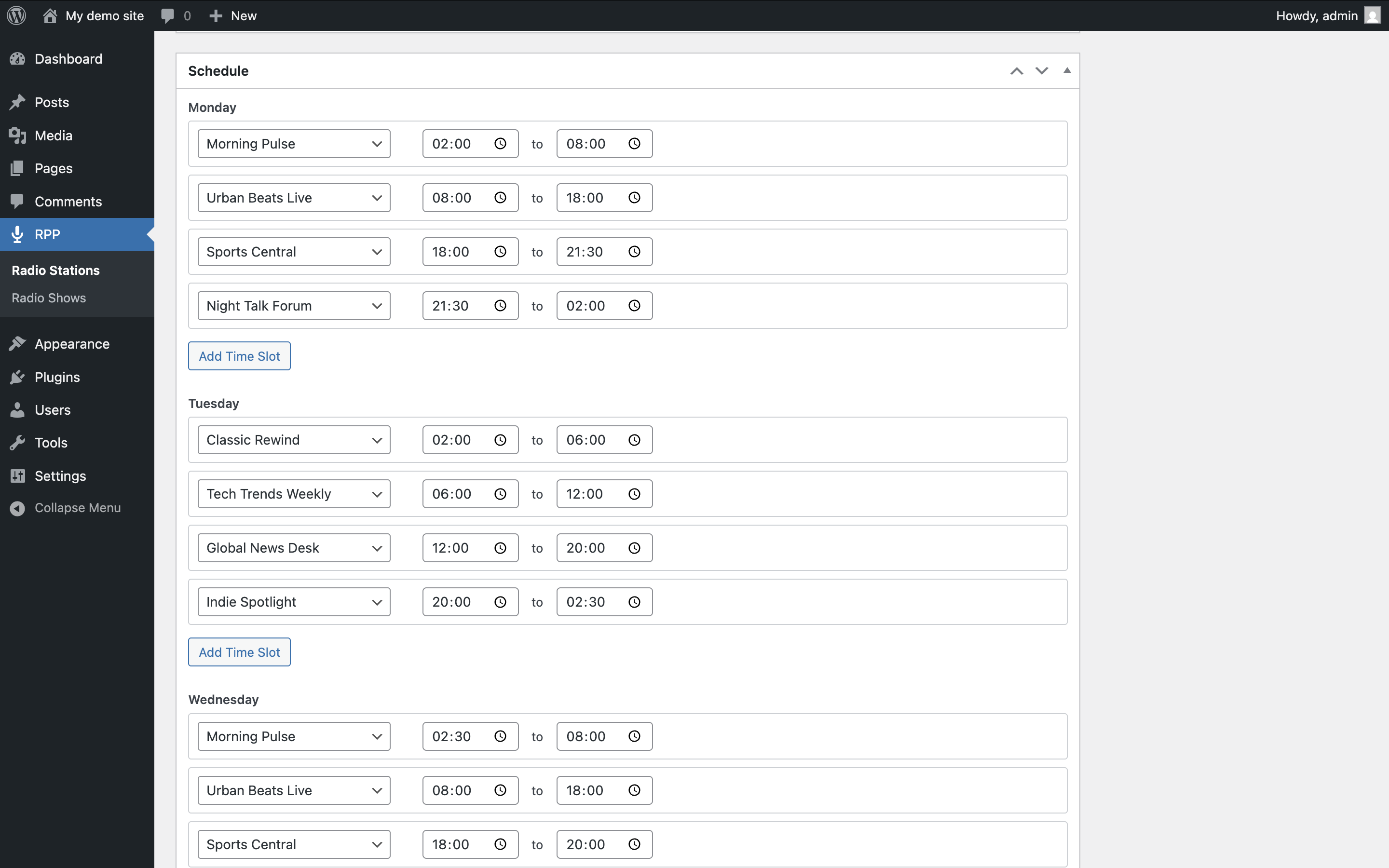
- Full Radio Scheduling – Create a weekly lineup with named radio shows and optional logos. The player intelligently displays the current and next radio show, with timezone-aware calculations and overlap prevention.
- Universal Stream Compatibility – Works seamlessly with Icecast, Shoutcast, HLS (.m3u8), DASH (.mpd), and MP3 streams. Automatic protocol detection with native iOS Safari support for HLS.
Broadcast Management
- Multi-Station Control – Manage multiple independent stations from a single WordPress installation, each with its own stream, schedule, and branding.
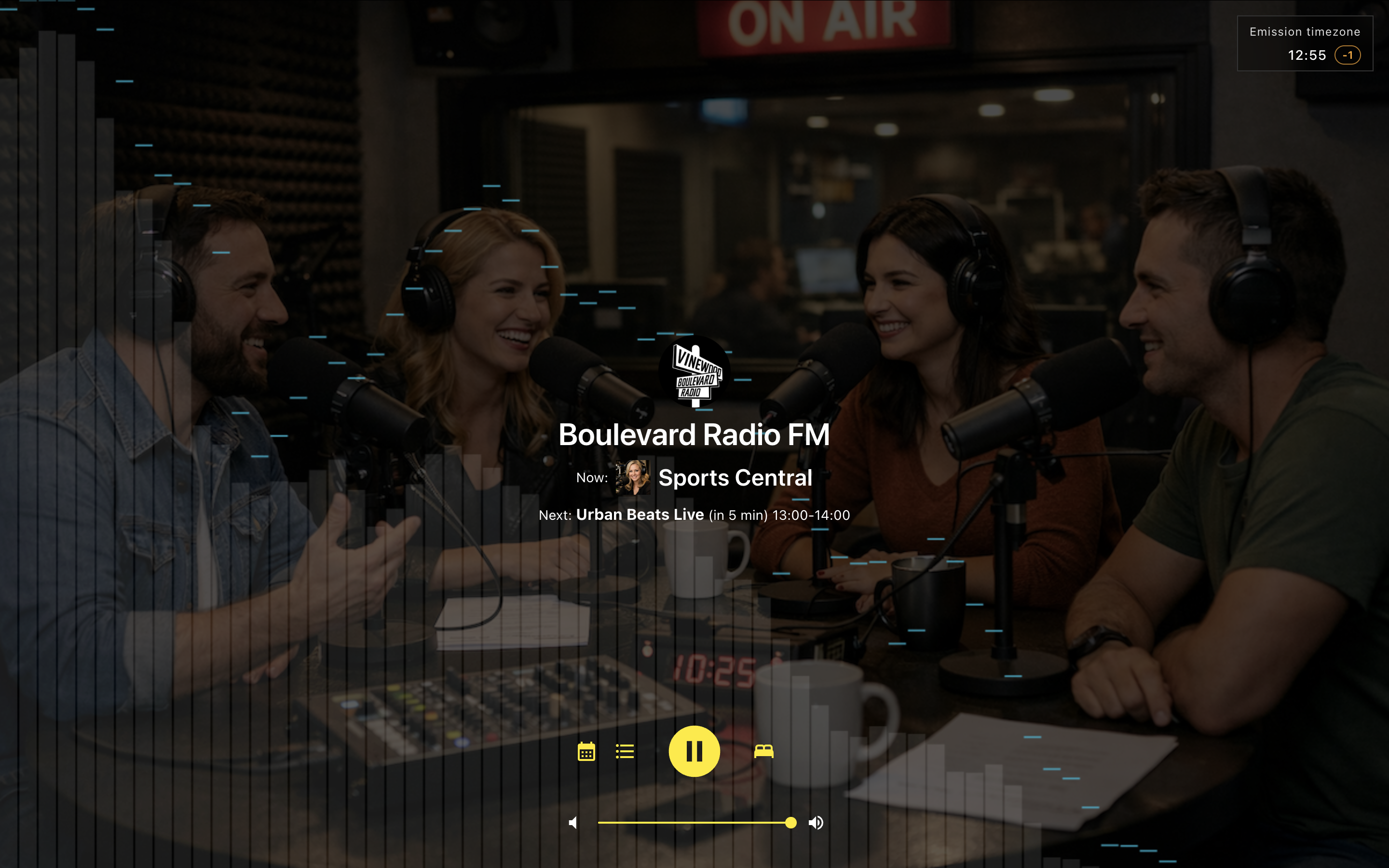
- Broadcast Timezone Clock – Keep a global audience informed. When your station’s timezone differs from the listener’s, a discreet clock shows the station’s local time and the offset.
- Media Session API – Professional integration with device lock screens and media controls, displaying station art and info.
- Radio Schedule Block – Add a Gutenberg block (Block Editor) to any post or page to display the full weekly radio schedule for a selected station. Design is controlled by the editor and theme (Block Supports, theme.json).
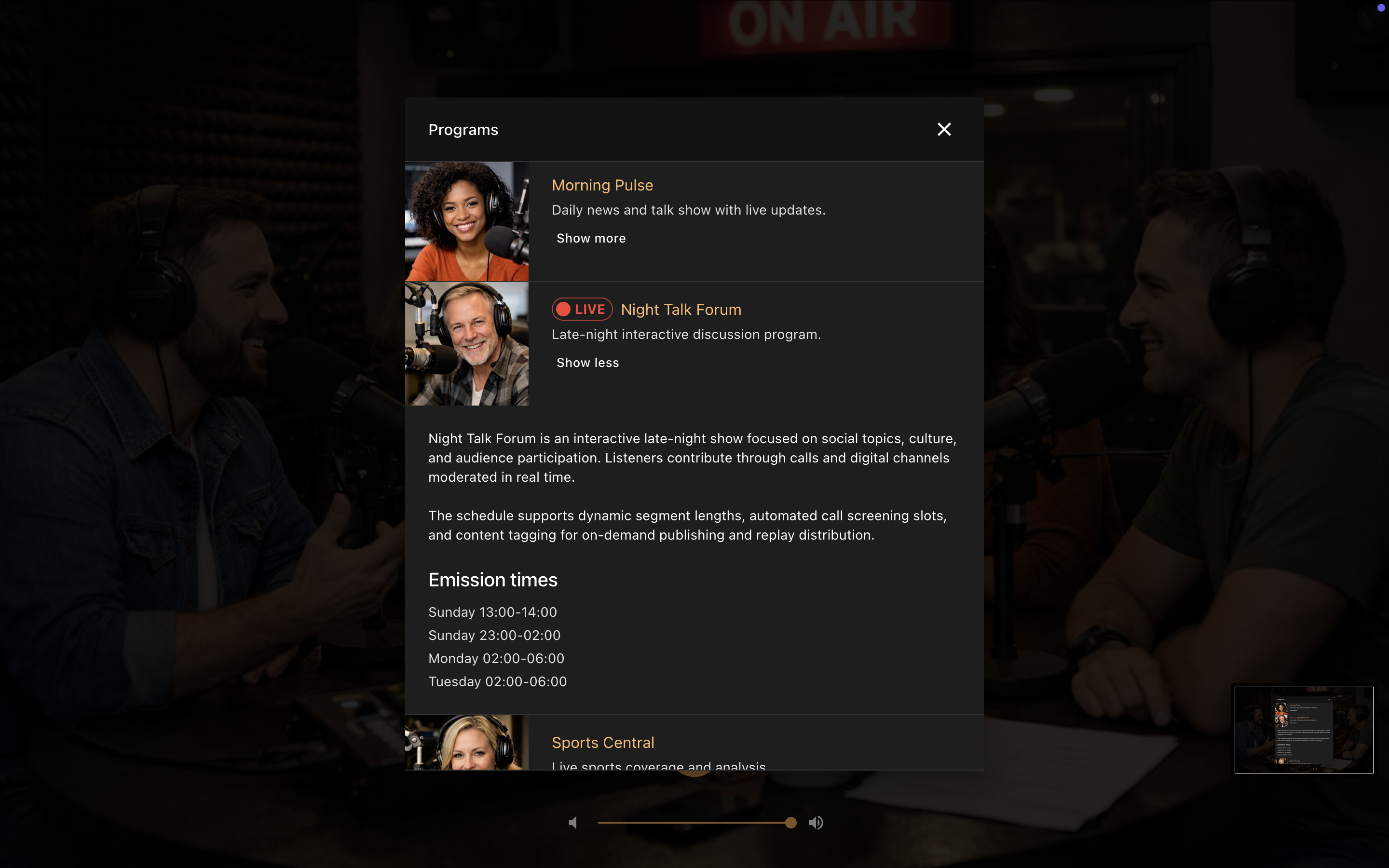
- Radio Shows List Block – Add a Gutenberg block to list all radio shows for a selected station, with optional image, extended description, and broadcast schedule.
Listener Experience
- Informed Listening – The player clearly shows what’s on air now and what’s coming next.
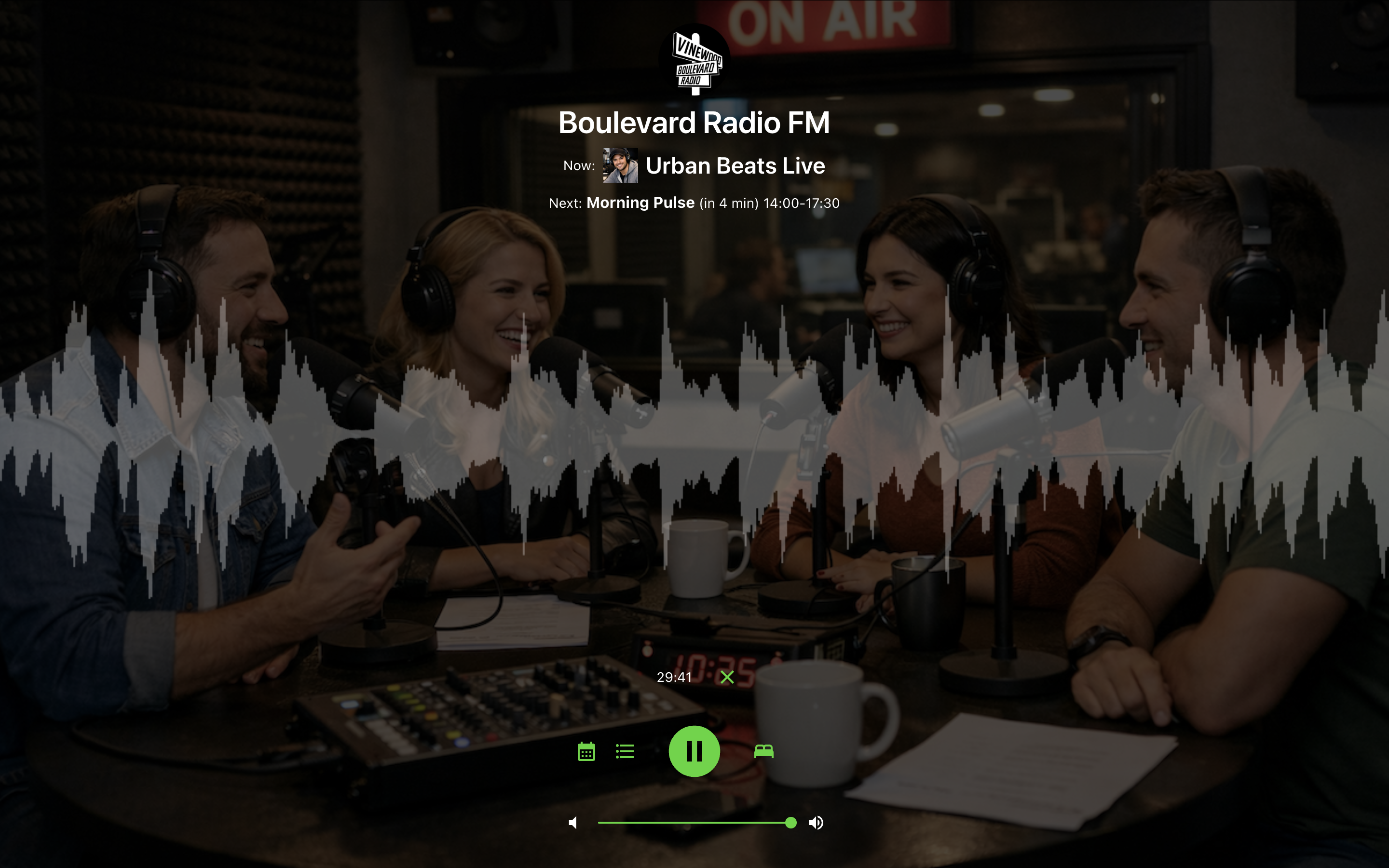
- Visual Customization – Choose from 8 color themes and 4 real-time audio visualizers (powered by Web Audio API) to match your station’s brand.
- Station Branding – Upload custom background images and logos for each station.
- Convenience Features – Sleep timer, responsive design, and social sharing meta tags for rich link previews.
Built for Modern Web Performance
The player is a self-contained application built with React 19, TypeScript, and Vite, ensuring a fast, accessible, and maintainable experience. It uses manifest-based asset loading for seamless updates.
Screenshots
Installation
- Upload the
radio-player-pagefolder to the/wp-content/plugins/directory, or install the plugin through the WordPress Plugins screen directly. - Activate the plugin through the ‘Plugins’ screen in WordPress.
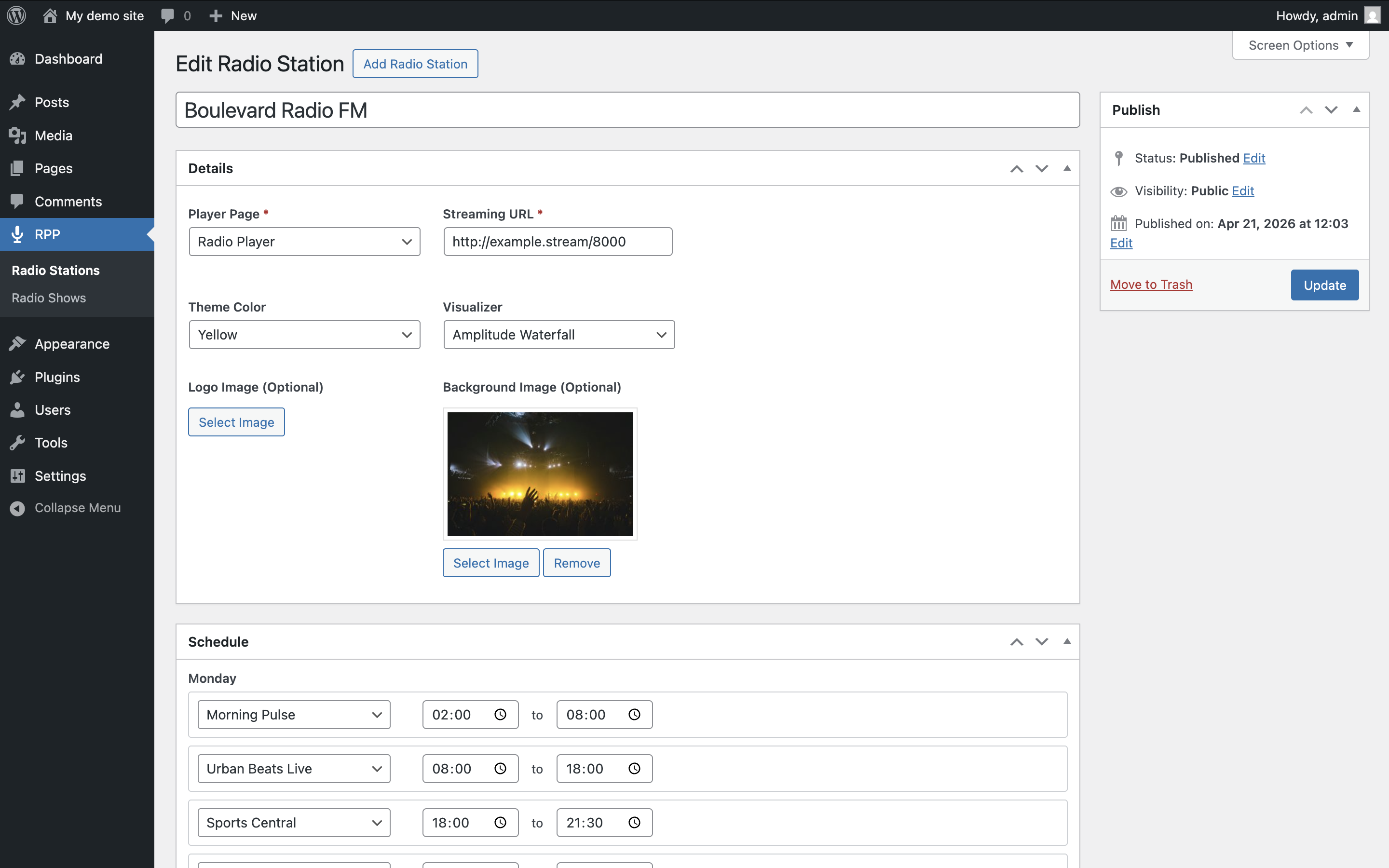
- Go to RPP Stations in the admin menu. Click Add New to create a station.
- For each station:
- Enter your streaming URL (Icecast, Shoutcast, HLS, DASH, or MP3)
- Select the WordPress page where the player should appear
- Optionally customize: title, theme color, visualizer type, background image, and logo
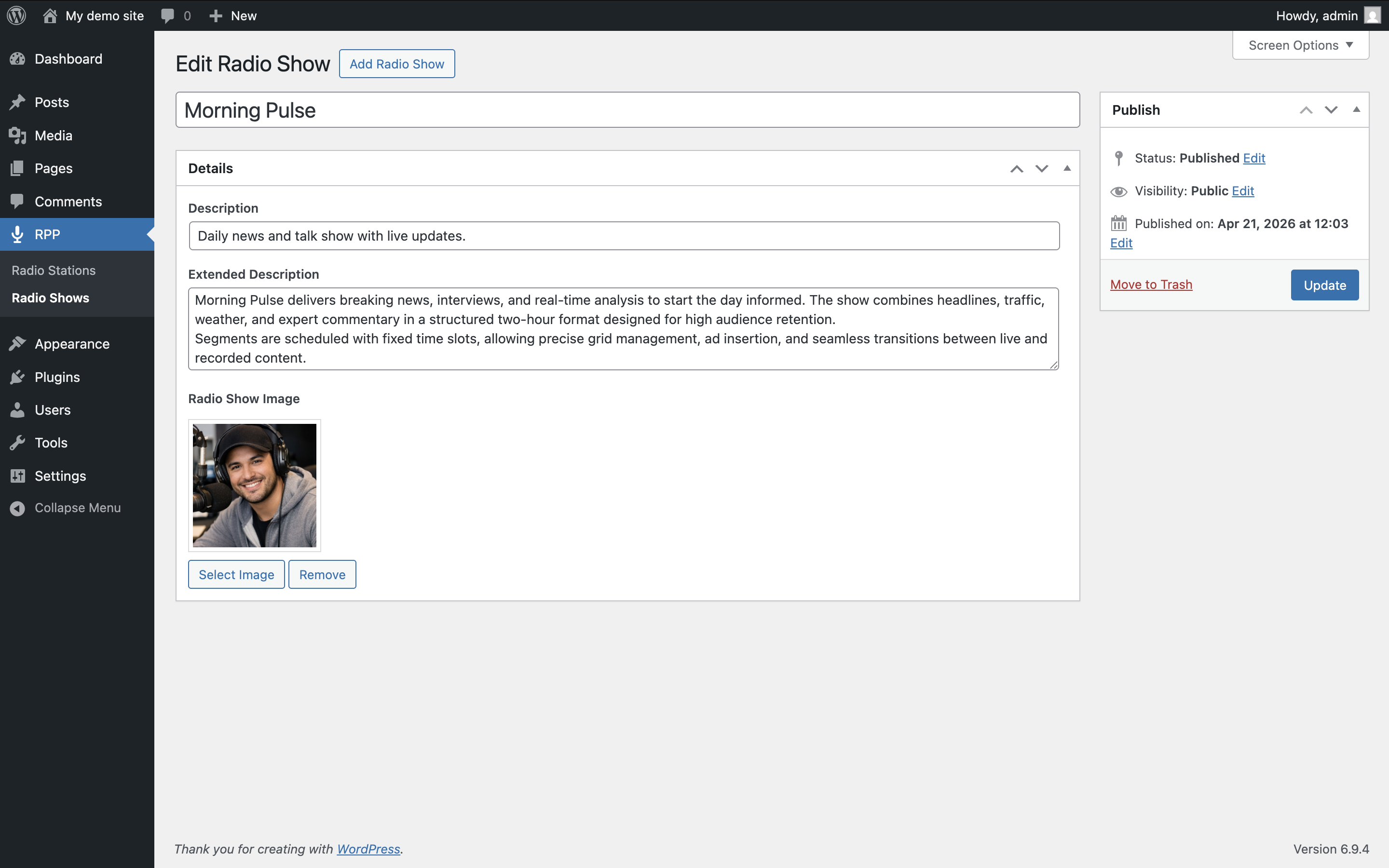
- Publish or update the station and visit the assigned page. Optionally use RPP Radio Shows to create radio shows and build the weekly schedule on each station.
Important Notes
- Each station requires both a valid streaming URL and an assigned WordPress page.
- Stations and radio shows are stored as WordPress content (custom post types). Uninstalling the plugin removes that data; deactivating does not.
FAQ
-
Do I need to configure anything on the WordPress page?
-
No. Once you assign a page to a station on the RPP Stations edit screen, no additional configuration is needed on the page itself. The plugin intercepts page requests using WordPress template redirect hooks and serves a standalone HTML page with the player. The page’s normal front-end output (content, template, blocks) is bypassed for that URL, so the player always loads reliably without page-level setup.
-
I upgraded from a version before 3.3.0. What happens to my data?
-
If your site still had the legacy settings format, the plugin migrates stations, radio shows, and schedules to the new post types the next time an administrator loads the dashboard (or right after a plugin update from the dashboard). See the 3.3.0 changelog entry for details, conflict handling, and what happens to the old option.
-
Where can I get support or report issues?
-
Visit the WordPress Support Forum for help, feature requests, and to report any bugs.
-
Can I use this for commercial radio stations?
-
Yes. The plugin is free and open-source (GPLv2 or later), suitable for both commercial and non-commercial radio stations.
-
Where can I view the full source code?
-
The source code is hosted on GitHub.
Reviews


Contributors & Developers
“Radio Player Page” is open source software. The following people have contributed to this plugin.
Contributors
“Radio Player Page” has been translated into 12 locales. Thank you to the translators for their contributions.
Translate “Radio Player Page” into your language.
Interested in development?
Browse the code, check out the SVN repository, or subscribe to the development log by RSS.
Changelog
3.3.1
- Raised minimum requirements to WordPress 6.6 and PHP 7.4. Required for Gutenberg blocks (Block API v3 and modern JSX runtime). Sites below these versions can keep the installed plugin but cannot update until they upgrade.
- Tested up to WordPress 7.0.
- Modernized PHP codebase for PHP 7.4+ (typed classes, short array syntax, null coalescing).
- Aligned admin, player, and Gutenberg block copy around consistent terminology (Radio Station, Radio Show, Broadcast Time, On Air).
- Updated player translations across all supported languages.
- Improved empty states and block editor settings labels for the Radio Schedule and Radio Shows List blocks.
- Improved radio show image layout in the player schedule and radio shows modals.
3.3.0
- Added Radio Schedule block.
- Added Radio Shows List block.
- Radio stations and radio shows now use CPTs.