

Description
ChatGPT can now suggest products from online stores when people shop in a chat. To be included, a store sends OpenAI a product feed, and each product needs data such as a brand, an image, a description and a price.
PromptStocked is a ChatGPT product feed plugin for WooCommerce. It checks your whole catalog against OpenAI’s product feed requirements, shows exactly what to fix, and builds the feed for you, so your products can appear in ChatGPT shopping results.
It follows the product feed spec that OpenAI publishes for merchants as part of its agentic commerce program. The plugin prepares the feed; it does not handle checkout or payments.
Readiness check
- Store checks: HTTPS, seller name, privacy policy and terms of service links, product structured data (works with Yoast SEO and Rank Math), store currency.
- Product checks on every product and variation: description, brand, main image, regular price, GTIN (UPC, EAN, ISBN) length and check digit, title length.
- Problems are grouped, with links straight to the products that need work.
- Downloadable products are flagged, because OpenAI does not support most digital goods.
Product feed in the OpenAI format
- One
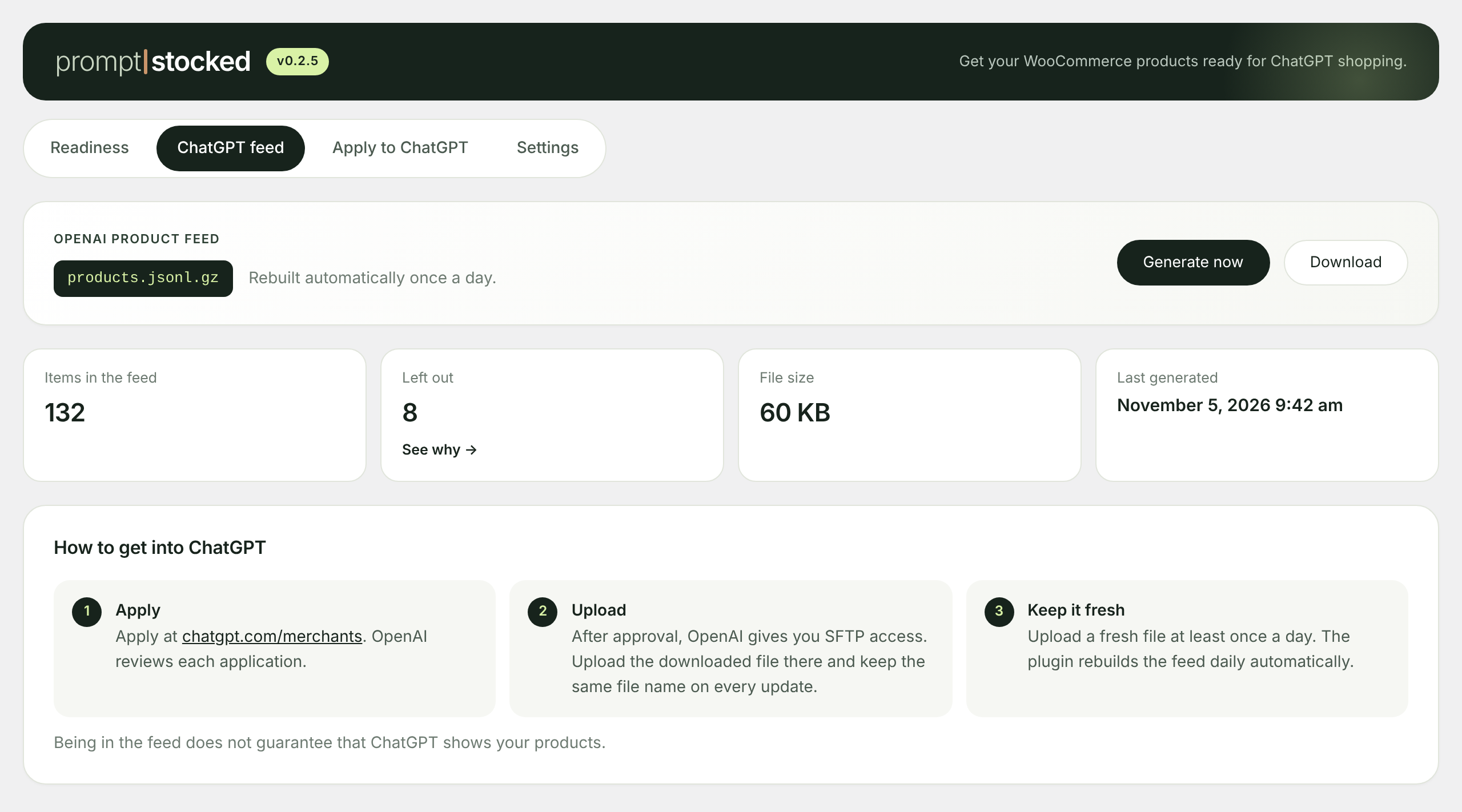
products.jsonl.gzfile, the format OpenAI accepts for file uploads. - Variations become separate items linked to their parent product.
- Regular and sale prices, availability, gallery images, category path, weight and dimensions, reviews.
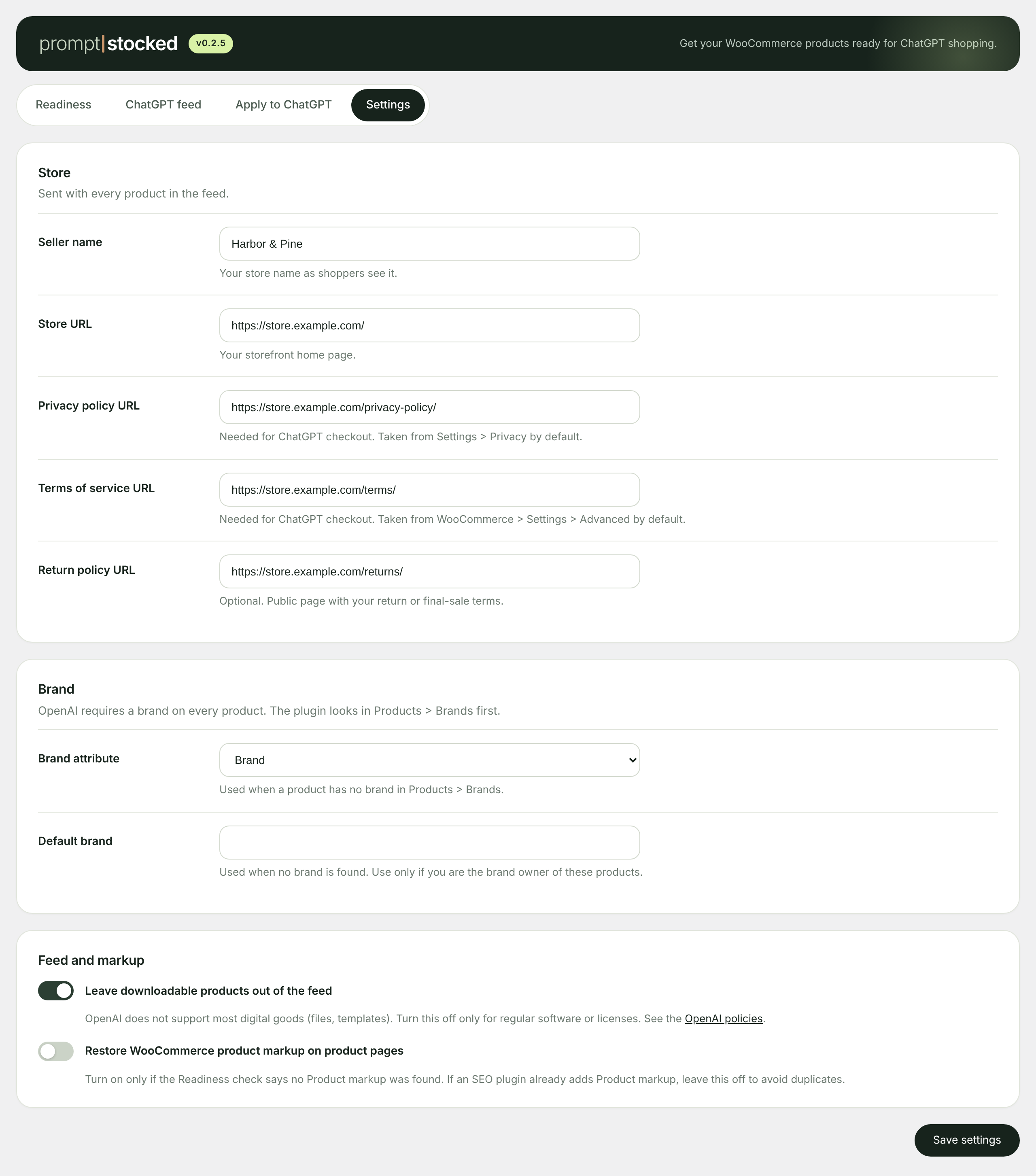
- Seller name, store URL, privacy policy, terms and return policy links.
- Rebuilt once a day, or on demand with one click.
Apply to ChatGPT
A checklist of what OpenAI looks for before you apply, and ready answers for the merchant application form, taken from your store.
Good to know
- There is no product limit.
- Being in the feed makes products eligible. It does not guarantee that ChatGPT shows them.
- OpenAI’s standard feed upload currently targets stores that sell in the US with prices in USD. The readiness check works for any store.
- The plugin does not send any data to OpenAI or to us. You download the feed and upload it yourself after OpenAI approves your application.
PromptStocked Pro
The free plugin is complete on its own. PromptStocked Pro is an optional paid add-on for stores that want the feed handled for them: automatic upload to OpenAI over SFTP, a rebuild when prices or stock change, the shipping price in the feed and email alerts when products drop out or an upload fails.
PromptStocked is not affiliated with or endorsed by OpenAI. ChatGPT and OpenAI are trademarks of OpenAI.
Screenshots


Installation
- Install and activate WooCommerce.
- In WordPress, go to Plugins > Add New, search for “PromptStocked” and click Install, then Activate.
- Open WooCommerce > PromptStocked and click “Check my store”.
- Fix the problems the check finds, then open the “ChatGPT feed” tab and download the feed.
FAQ
-
How do I get my WooCommerce products into ChatGPT?
-
Run the Readiness check, fix the problems it lists, generate the feed, and apply as a merchant at chatgpt.com/merchants. After OpenAI approves you, upload the feed file. The “Apply to ChatGPT” tab walks you through each step.
-
What is a ChatGPT product feed?
-
A file with all your products and their details (title, description, price, availability, images, brand, GTIN, links) in the format OpenAI reads. ChatGPT uses it to show your products when someone asks for something you sell. PromptStocked creates it as products.jsonl.gz.
-
Is this the same as a Google Shopping feed?
-
No. Google Merchant Center and OpenAI use different fields and rules. PromptStocked builds the OpenAI format only, so you can keep your current Google feed plugin next to it.
-
Do I need an OpenAI merchant account?
-
Yes. You apply at chatgpt.com/merchants and OpenAI reviews each application. The “Apply to ChatGPT” tab has a checklist and ready answers for the form.
-
How does the feed get to OpenAI?
-
OpenAI receives feeds over SFTP as a full snapshot at least once a day. After approval, OpenAI gives you the upload details. Download the file from the “ChatGPT feed” tab and upload it with the same name each time. The optional Pro add-on can upload it for you.
-
Where is the feed file stored?
-
In a folder inside your uploads directory, under a long random file name. In wp-admin, only users who can manage WooCommerce see the Download button.
-
Can I sell digital products?
-
Most digital goods, such as downloadable files and templates, are not supported by OpenAI. Regular software and licenses are an exception. Downloadable products are left out of the feed by default; you can change this in Settings.
-
Where does the brand come from?
-
From Products > Brands (WooCommerce 9.6 and newer), then from a product attribute you choose in Settings, then from the “Default brand” setting. Use the default brand only if you own the brand of these products.
-
Does it work with Yoast SEO or Rank Math?
-
Yes. The markup check understands their structured data. If a theme or plugin removed WooCommerce product markup, you can turn it back on in Settings.
-
Is it compatible with High-Performance Order Storage?
-
Yes. The plugin does not read or change orders.
Reviews
There are no reviews for this plugin.
Contributors & Developers
“PromptStocked – ChatGPT Product Feed for WooCommerce” is open source software. The following people have contributed to this plugin.
Contributors
Translate “PromptStocked – ChatGPT Product Feed for WooCommerce” into your language.
Interested in development?
Browse the code, check out the SVN repository, or subscribe to the development log by RSS.
Changelog
0.2.6
- A short note about the optional Pro add-on at the bottom of the ChatGPT feed tab. It is hidden when Pro is installed.
0.2.5
- A one-time request to rate the plugin on WordPress.org, shown on the PromptStocked screen a day after your first feed. You can close it for good.
0.2.4
- Developer hooks: promptstocked_feed_row, promptstocked_feed_generated, promptstocked_admin_tabs.
0.2.3
- New admin design: progress meters, collapsible problem list, stat tiles, copy buttons, settings with switches. Works on phones.
0.2.1
- Product markup check uses an in-stock product with a price.
- Every variant has listing_has_variations and variant_dict, as the OpenAI spec requires.
- Variants no longer list photos of other variants.
- “Main categories” leaves out “Uncategorized”.
0.2.0
- Warning when most items get their brand from the “Default brand” setting.
- Downloadable products are flagged and left out of the feed by default.
- Markup check understands @graph (Yoast, Rank Math), ProductGroup and microdata.
- Option to restore WooCommerce product markup.
- Settings for store URL, privacy policy, terms and return policy.
- New “Apply to ChatGPT” tab.
0.1.0
- First version: readiness check, OpenAI feed, settings.