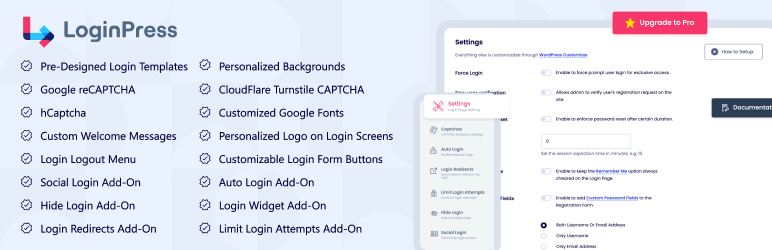

Description
LoginPress Plugin by LoginPress holds a lot of customization fields to change the layout of the login page of WordPress. You can modify the look and feel of login page completely even the login error messages, forgot error messages, registration error messages, forget password hint message and many more.
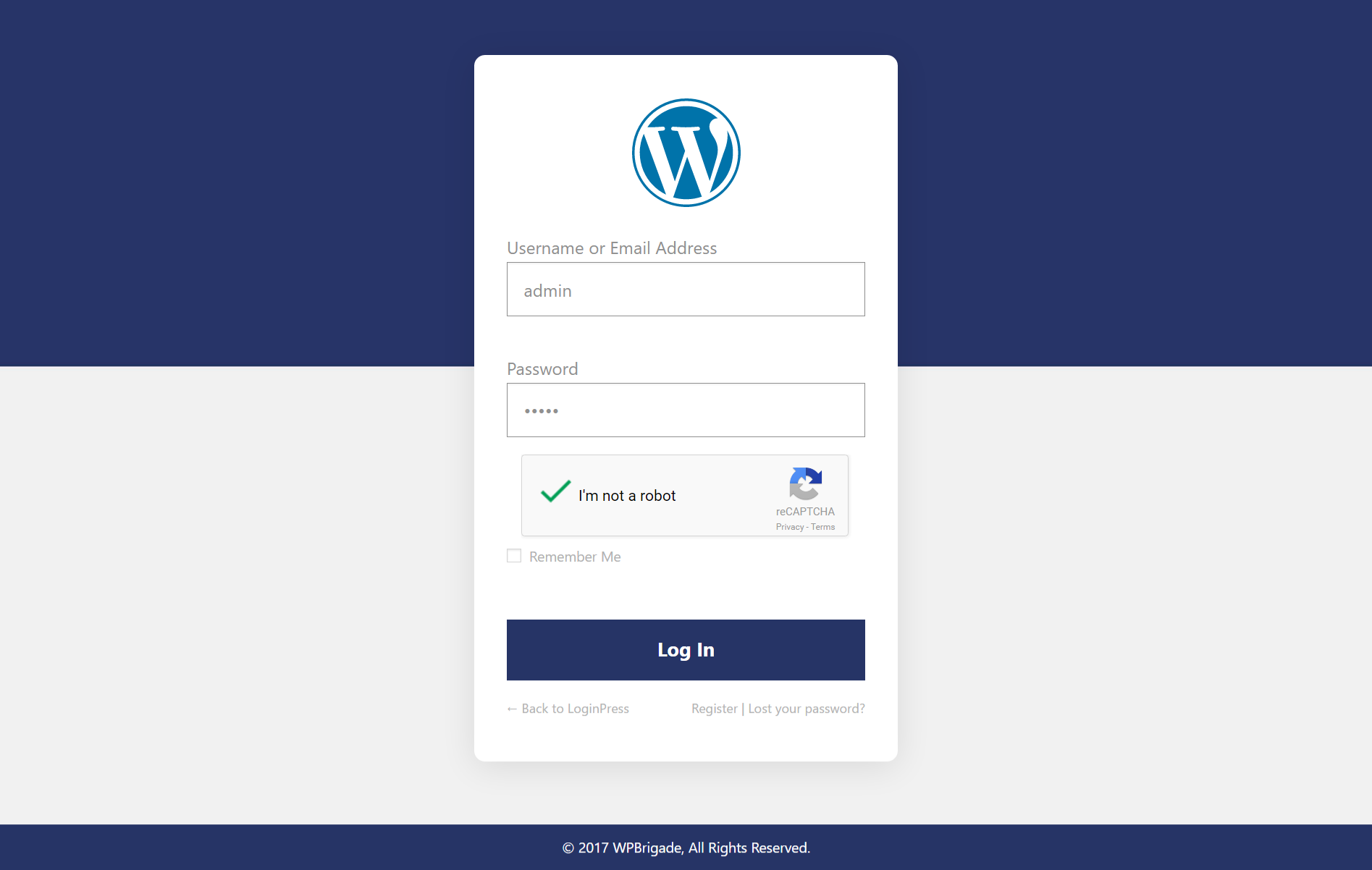
LoginPress Plugin would give you and your users a feeling that it is a custom login page and a part of the site layout. You must checkout the Demo video of how you can customize WordPress login page.
Getting Started video for customizing login page using LoginPress
Why You Should Upgrade to LoginPress Pro?
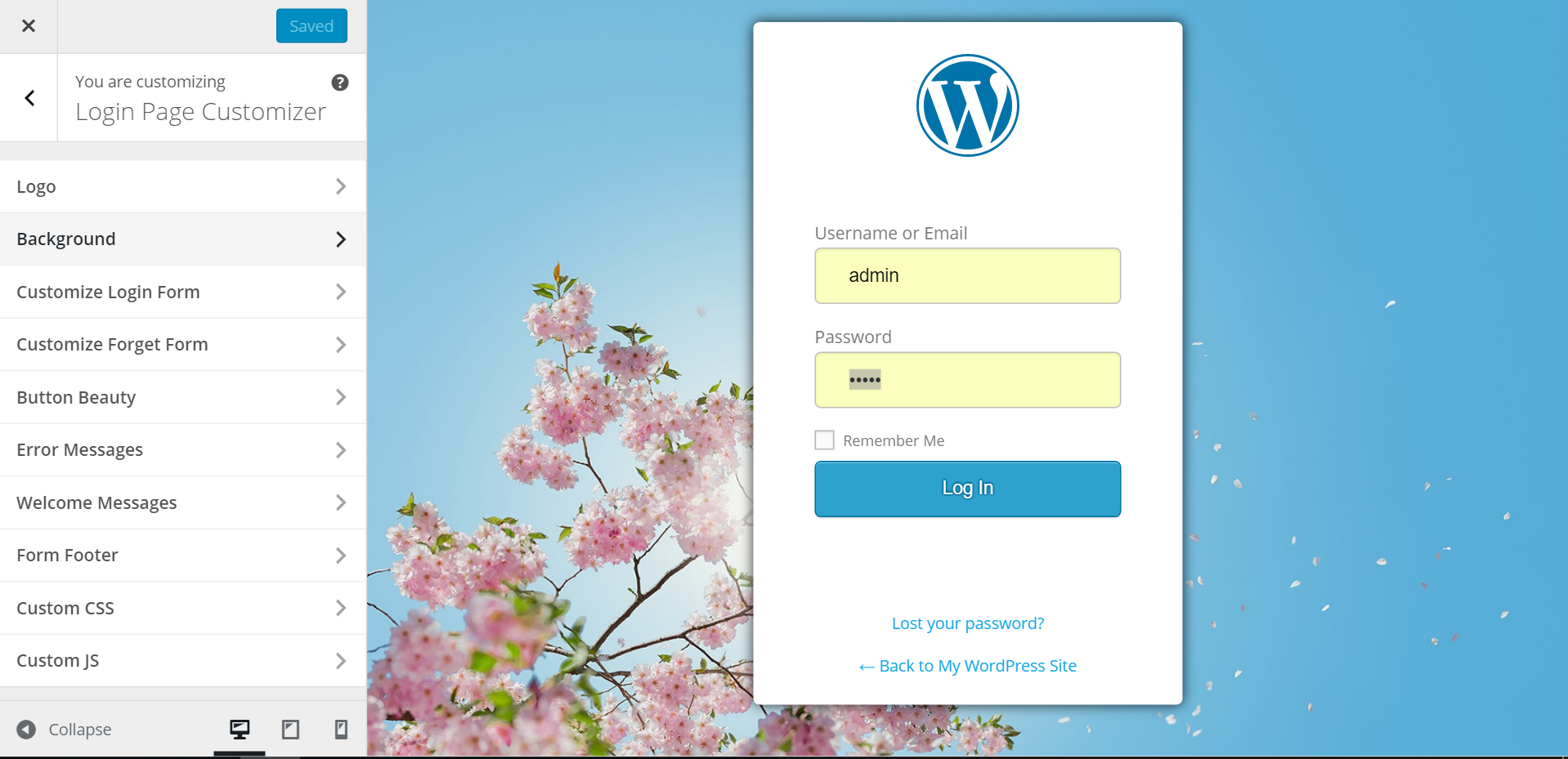
LoginPress plugin is built using The Customizer API which is getting popular for live-previewing any changes to the layouts of WordPress. So, with LoginPress you can preview your login page changes instantly. This login customizer plugin is easy enough & required no coding skills. Just have options for each element on the login form and make a new customized login page within seconds.
Multilingual & Translatable
WPML Compatible
LoginPress Addons:
We have a collection of great Free and Pro addons that makes LoginPress more powerful. Upgrade to Pro package and enjoy the show.
- Login Logout Menu (FREE)
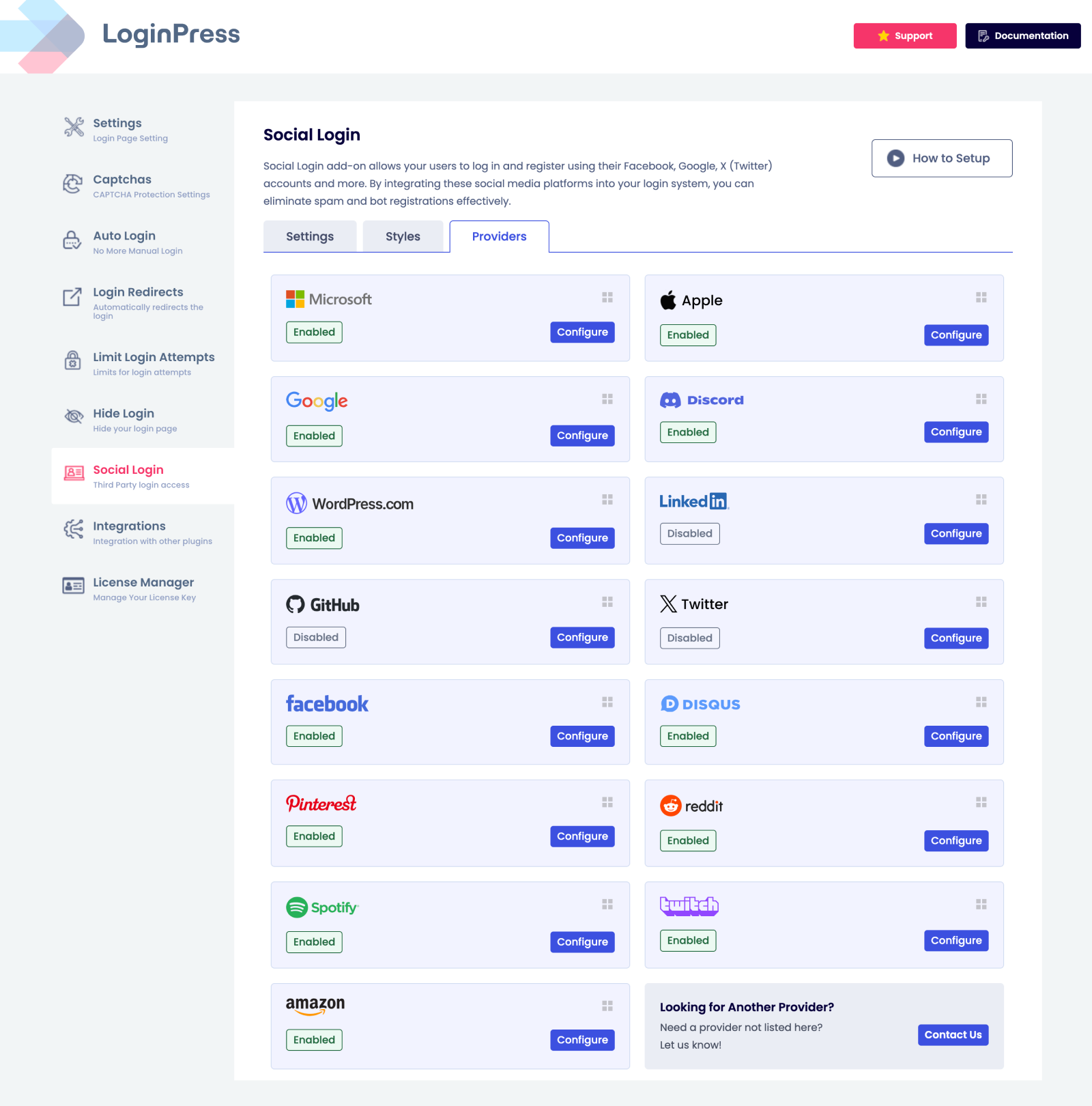
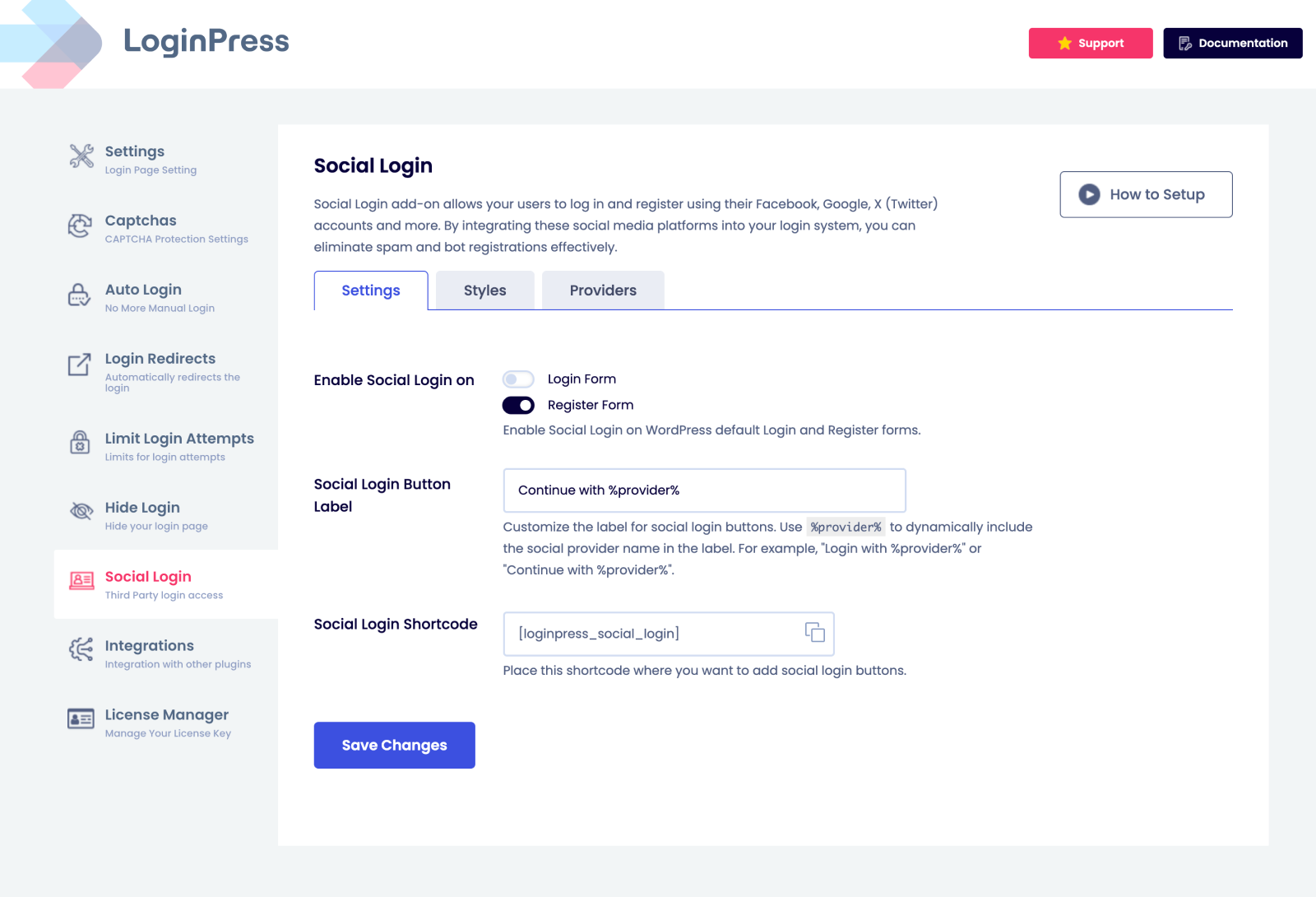
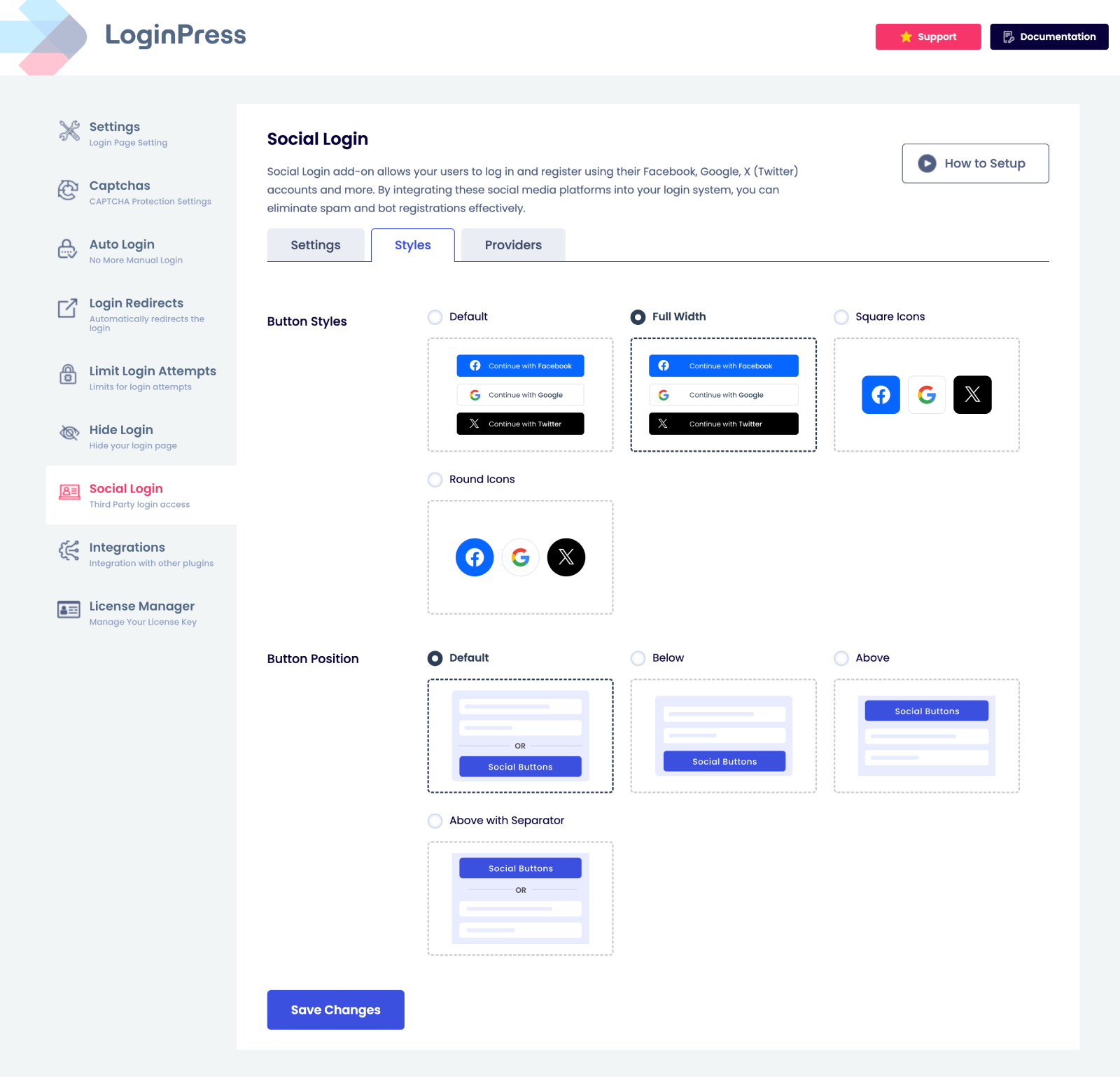
- Social Login
- Login Widget
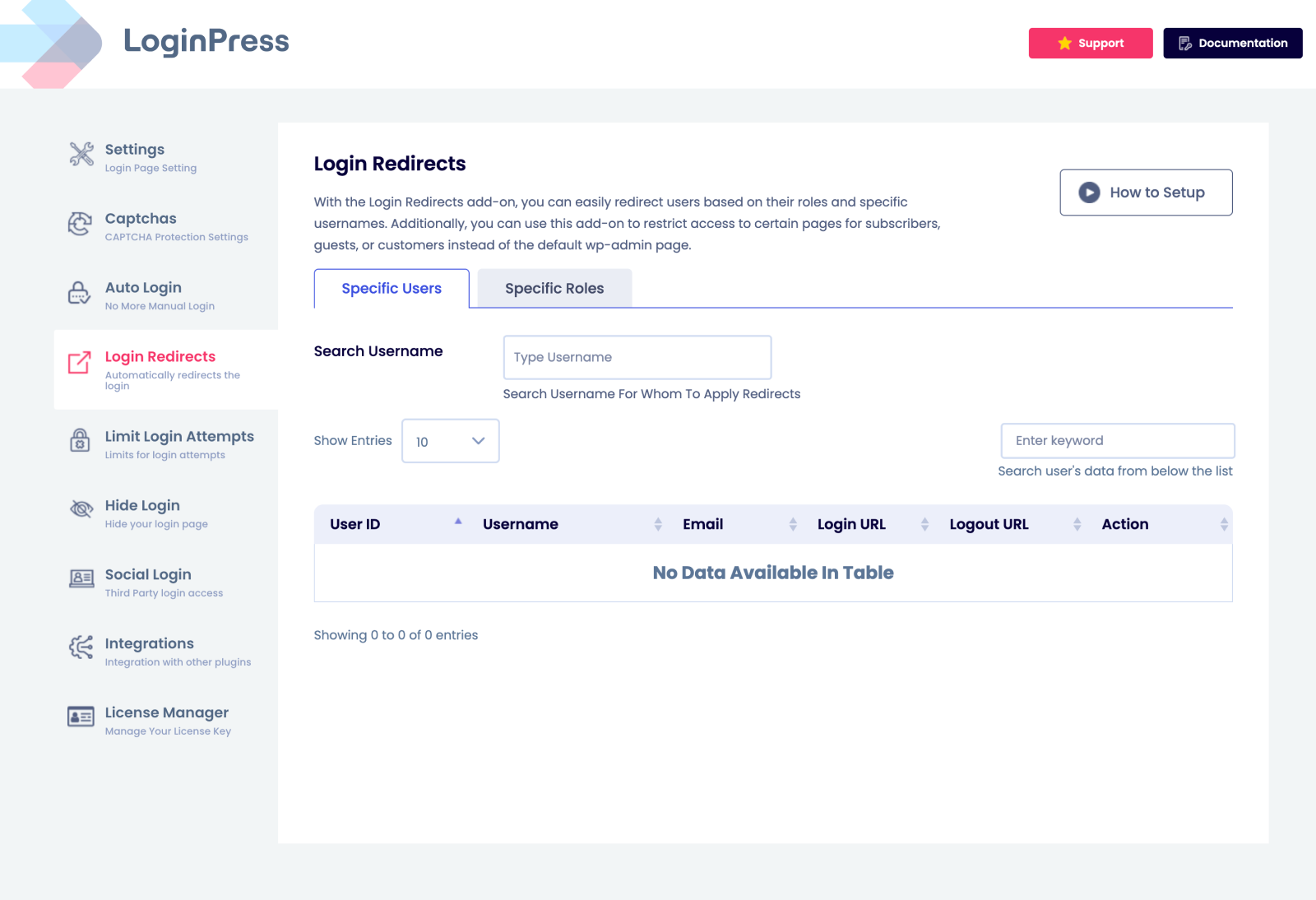
- Login Redirects
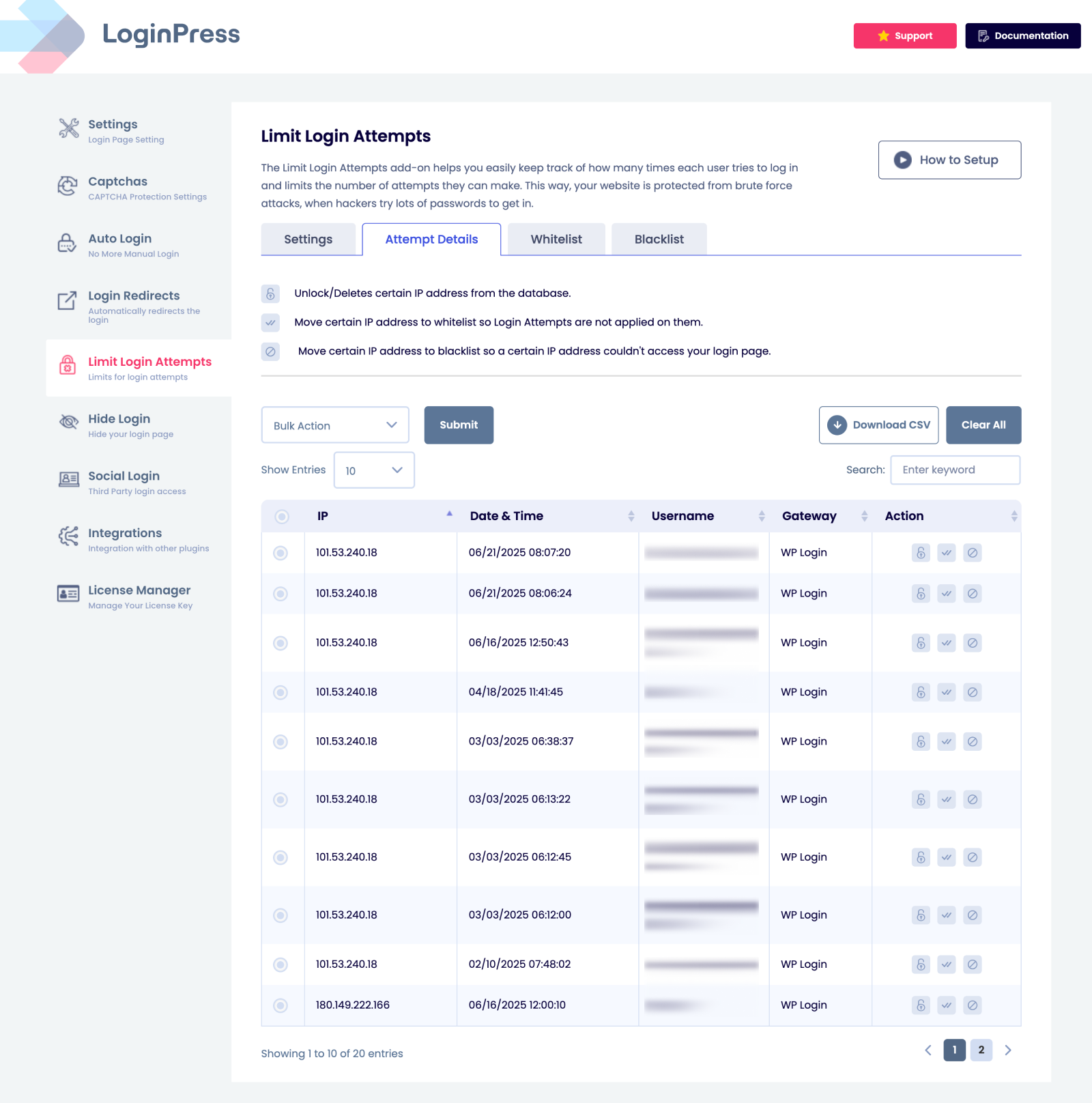
- Limit Login Attempts
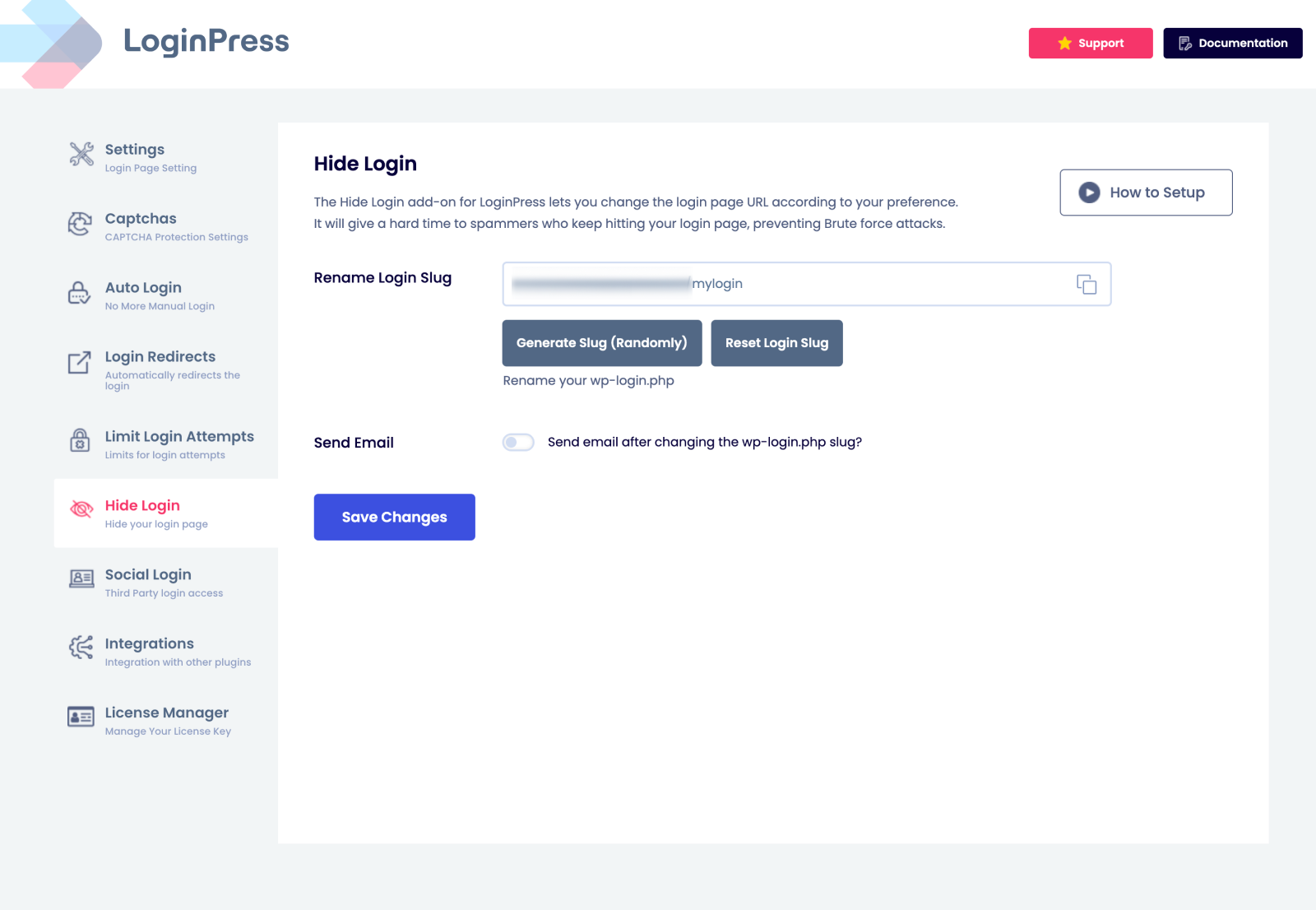
- Hide Login
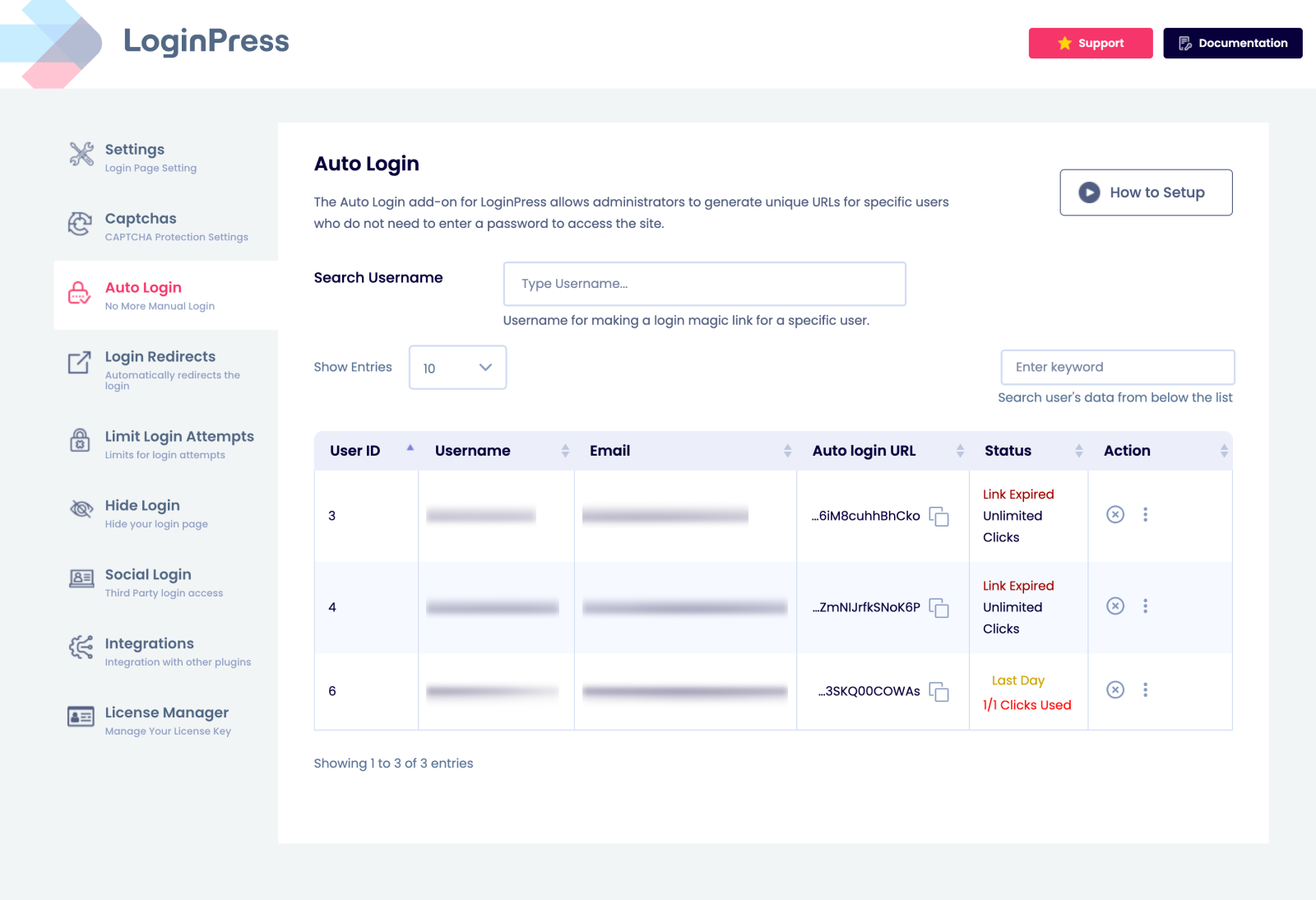
- Auto Login
LoginPress Features:
-
Logo: Can change the login logo {image, width, height, padding, URL and Title}.
-
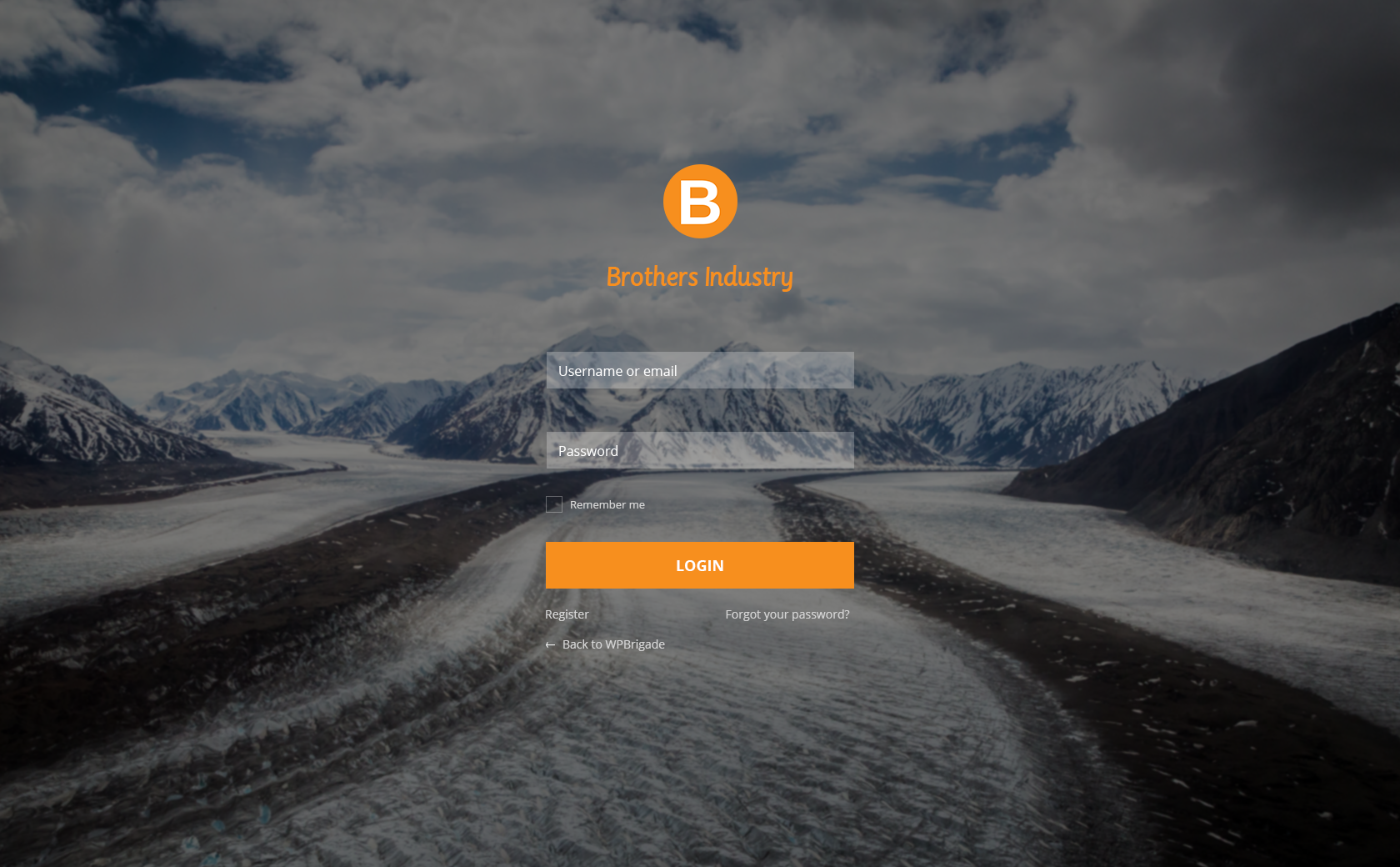
Background: You can customize background Image or Color. Set its position, Size and repeatable property.
-
Login Form: Even you can customize the login form {image or color, width, height, padding and border}. More over customize Input Text Field {width, margin, text color, label color and background color}.
-
Forget Form: Beauty of the plugin here you can change the background or color of the forget form.
-
Button: You can set the color of your button WYSIWYG.
-
Error Messages: Main Feature of the plugin. You can change the error log messages as you want to show users form LoginPress Error Messages.
-
Welcome Messages: Same as error log messages you can customize the welcome messages from LoginPress Welcome Messages.
-
Form Footer: After the login Button, here is form footer. You can customize the footer {text, display, text decoration, text color, text hover color and text size}. In this section you can also customize the page footer text.
Making WordPress Login page mobile friendly after customization
This plugin is also responsive. It means that when you customize login page, It will look good on mobile i.e It is Responsive.
LoginPress Features in Detail:
- Customize login error messages. You can change every error message whether it is on login form, forgot password form, register form or reset password form.
- Customize login logo image.
- Customize login logo image width.
- Customize login logo image height.
- Customize login logo image hover title.
- Customize login logo image hover link.
- Customize login logo padding bottom.
- Customize login page background image.
- Customize login page background color.
- Background Gallery with a selected set of HD Backgrounds for Login Screen.
- Customize login page background image size.
- Customize login page without background image. You can keep it simple with different login form style.
- Customize login form width.
- Customize login form height.
- Customize login form border style.
- Customize login form input styling.
- Customize login form label styling.
- Customize login form field text color.
- Customize login form background color.
- Customize login page “lost your password?” text.
- Customize login forgot password form background color and image.
- Customize login form button styling.
- Customize login form notice messages.
- Add copyright notice message at the bottom of login page.
- Customize “Back to” text at login page. You can hide or show or change the color or even the text size as well.
- Customize login page footer. We call login page footer area under the login form fields.
- LoginPress has a Custom CSS area which can Customize login page in more advanced way. Recommended for advanced users.
- Customize your login page in more advanced way using our Custom JS area. Add your JS there and make your login page more advanced.
- Customize login page with unlimited features available in LoginPress.
After going through this extensive list of features you can imagine Why LoginPress is the best login page customizer in the WordPress market.
Beautify and Innovate your WordPress login page without any coding knowledge!
Languages compatible
- Arabic
- Chinese (Traditional)
- Dutch
- Spanish
- French Translated by Jean Scheider
- Dutch (Netherlands) Translated by Harm10
- Russian Translated by satone667
- Portuguese (Brazil) Translated by Rodrigo
- Polish (Poland) Translated by Mateusz
What’s Next
If you like this plugin, then consider checking out our other amazing plugins:
- Analytify – Google Analytics WordPress Plugin
- WordPress Related Posts – Best Related Posts Plugin
- Simple Social Buttons – Simple Social Sharing WordPress Plugin
- Under Construction, Coming Soon & Maintenance Mode – Plugin for Under construction & Coming soon page
- Insert Scripts in Headers and Footers
Notes
LoginPress is absolutely, positively the most beginner friendly WordPress custom login form plugin on the market. It is both easy and powerful.
Also, I’m the founder of WPBrigade, We do custom WordPress themes for clients and can transform any website in WordPress. It was a huge priority for me to make a WordPress custom login form plugin that beginners can use without any training.
I feel that we have done that here. I hope you enjoy using LoginPress.
Thank you
Muhammad Adnan
Screenshots
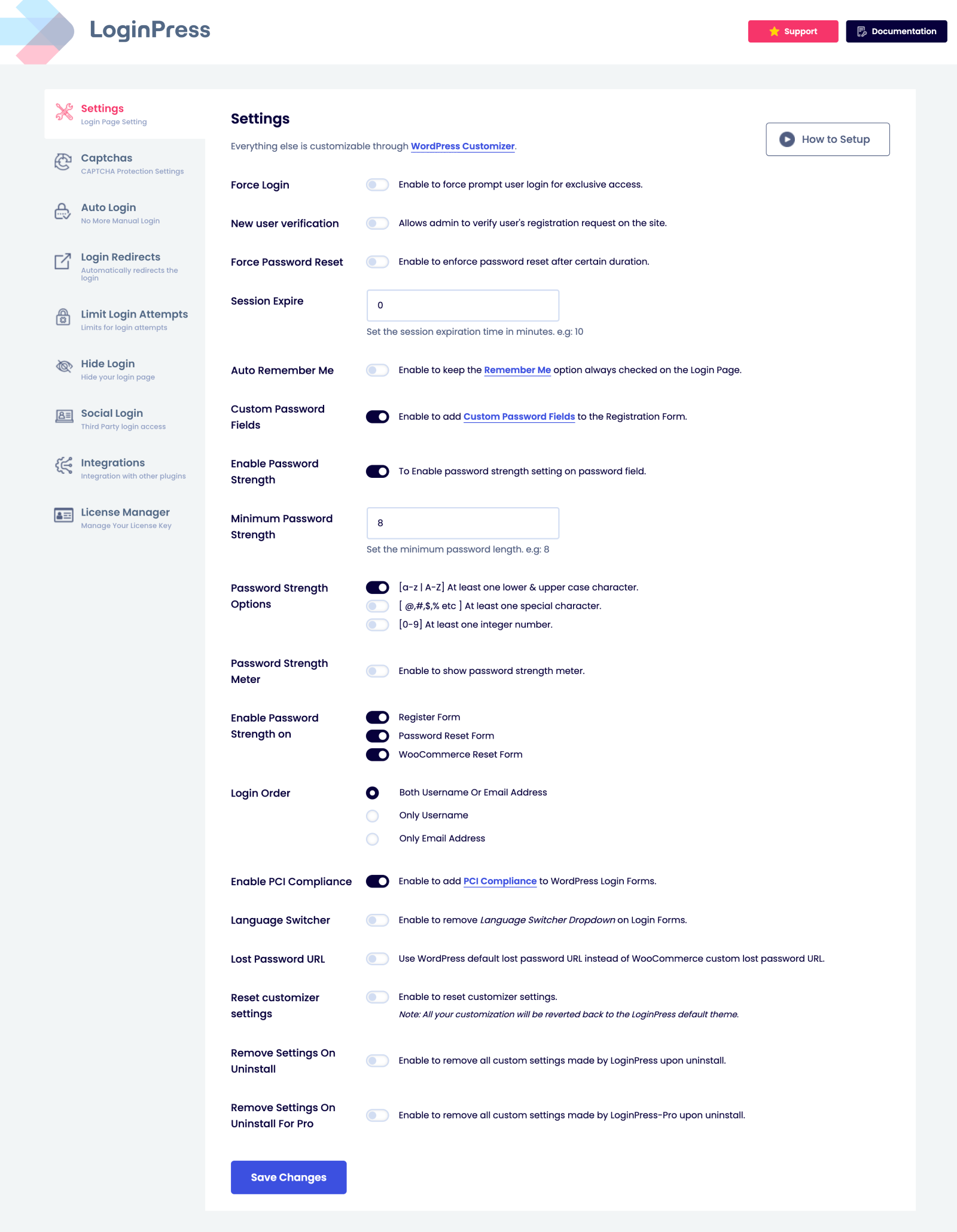
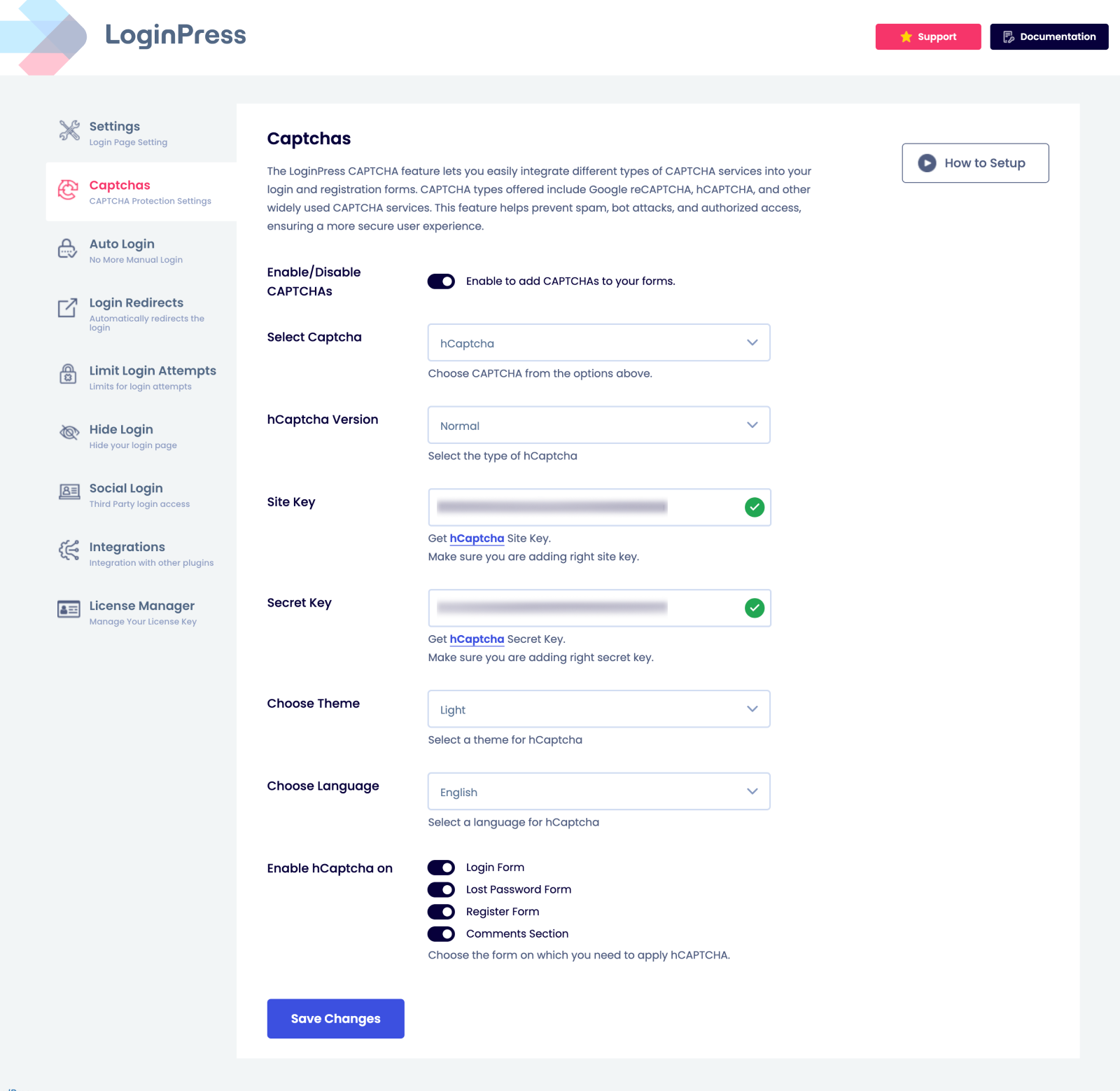
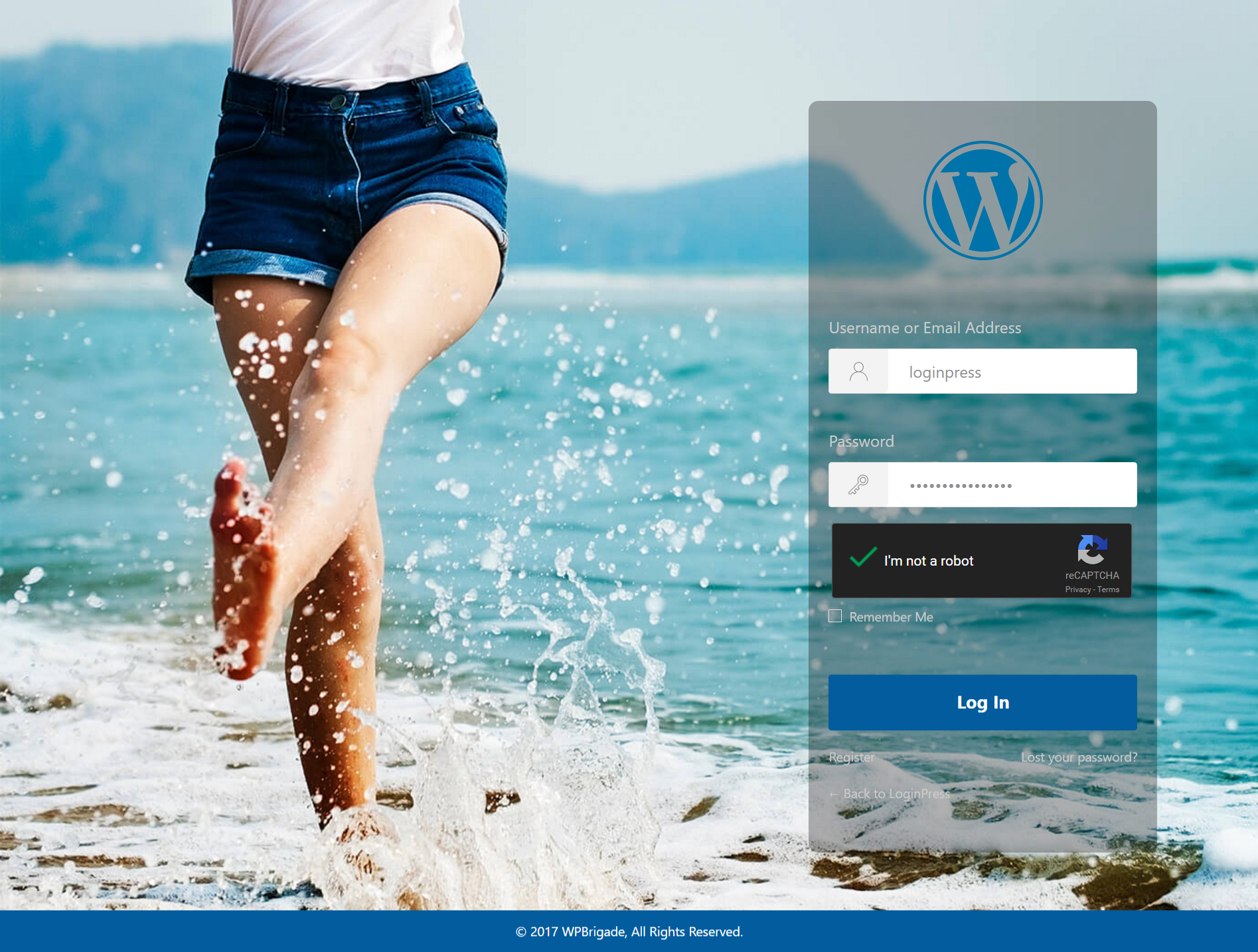
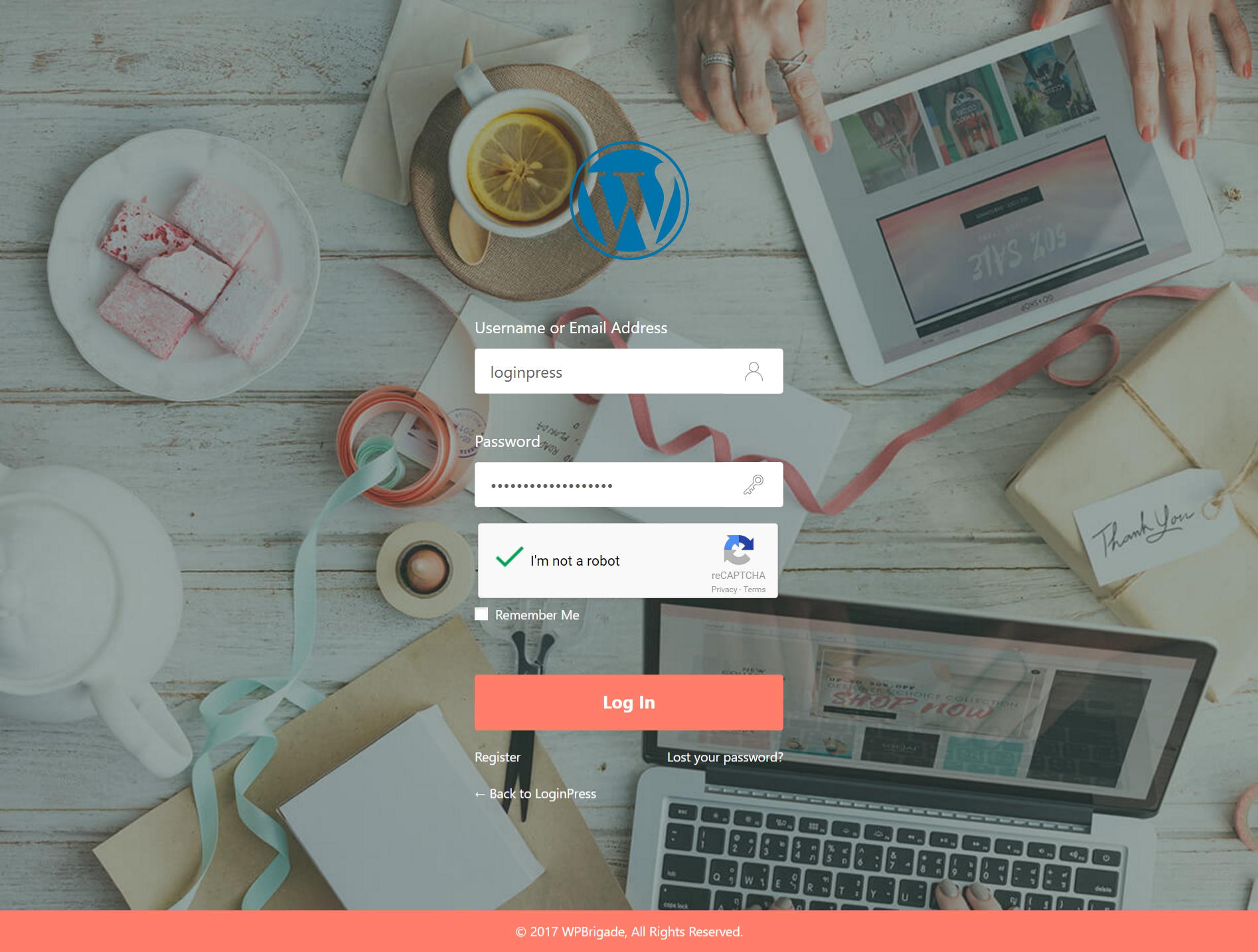
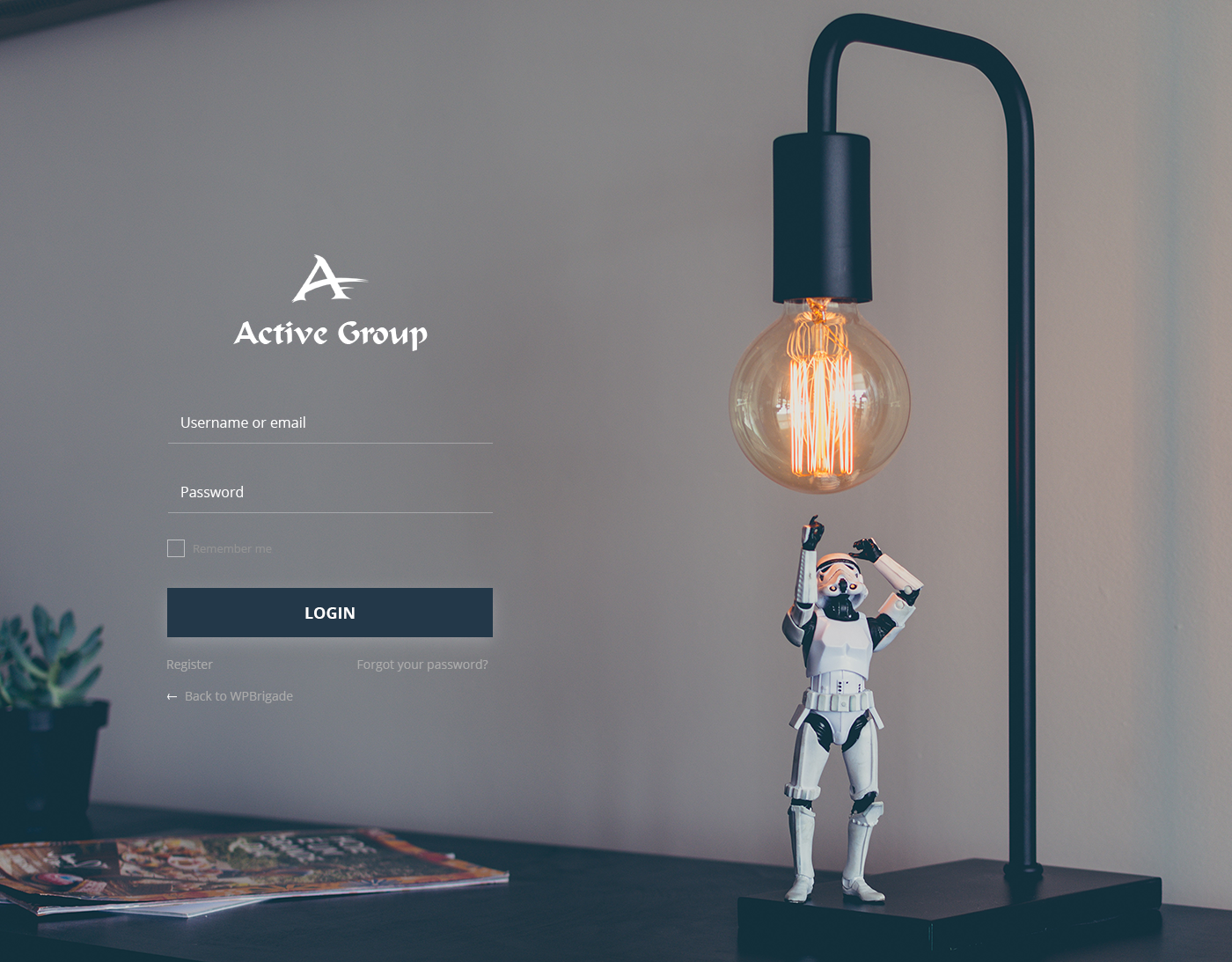
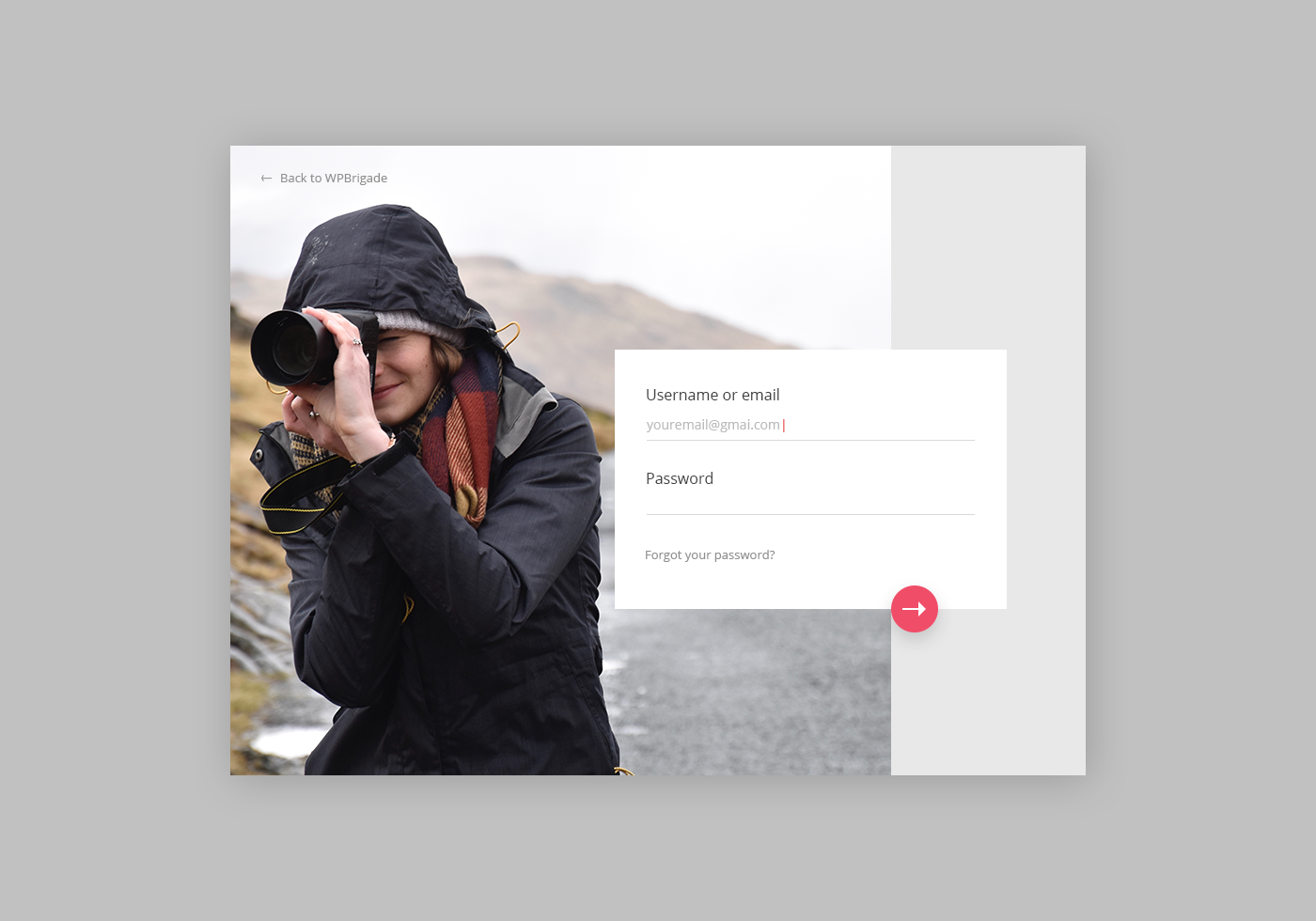
![Integration tab in LoginPress where you can enable compatibility with popular plugins like BuddyBoss, LearnDash, WooCommerce, and more. [Pro feature]](https://ps.w.org/loginpress/assets/screenshot-1.png?rev=3321651)
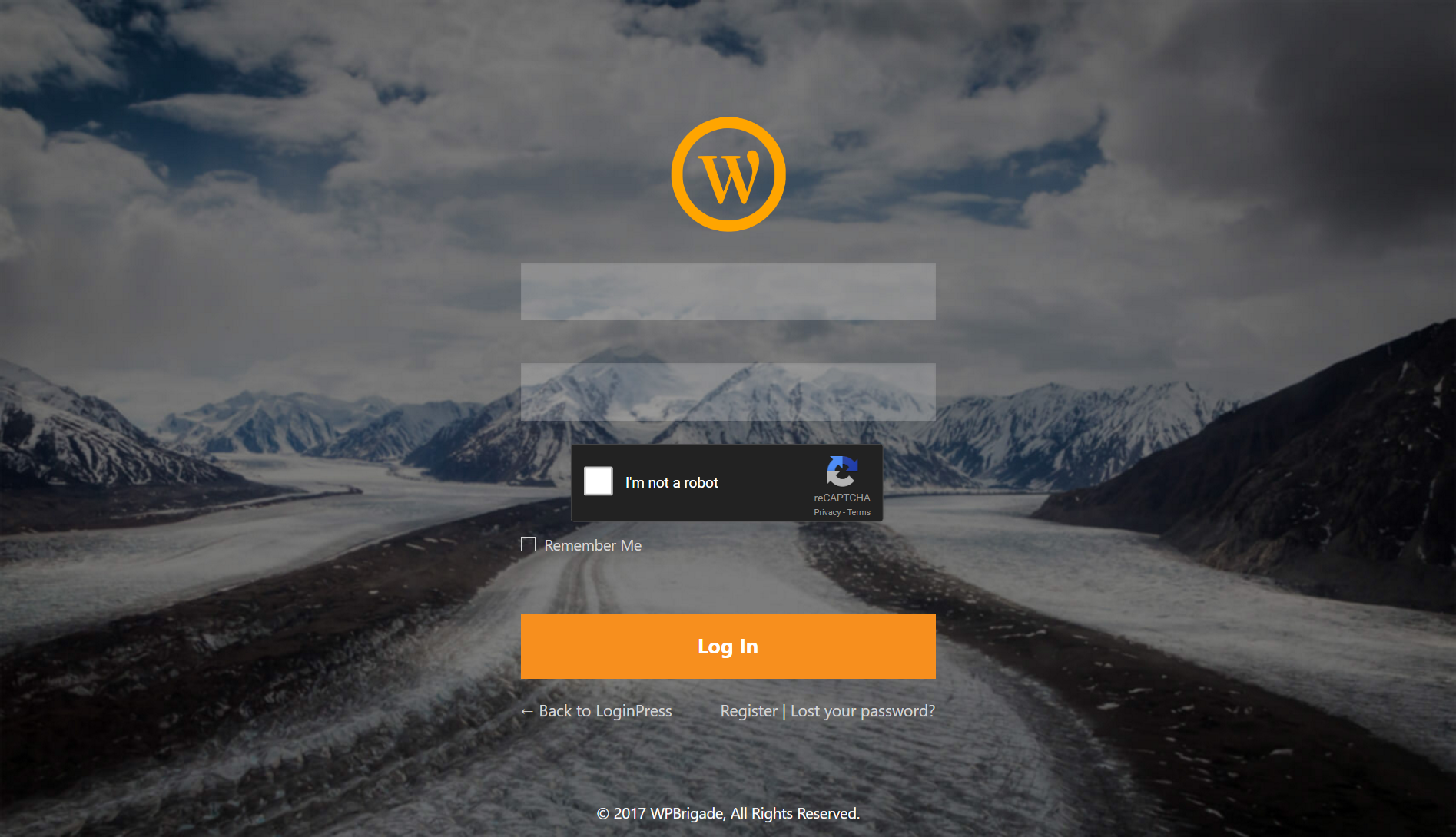

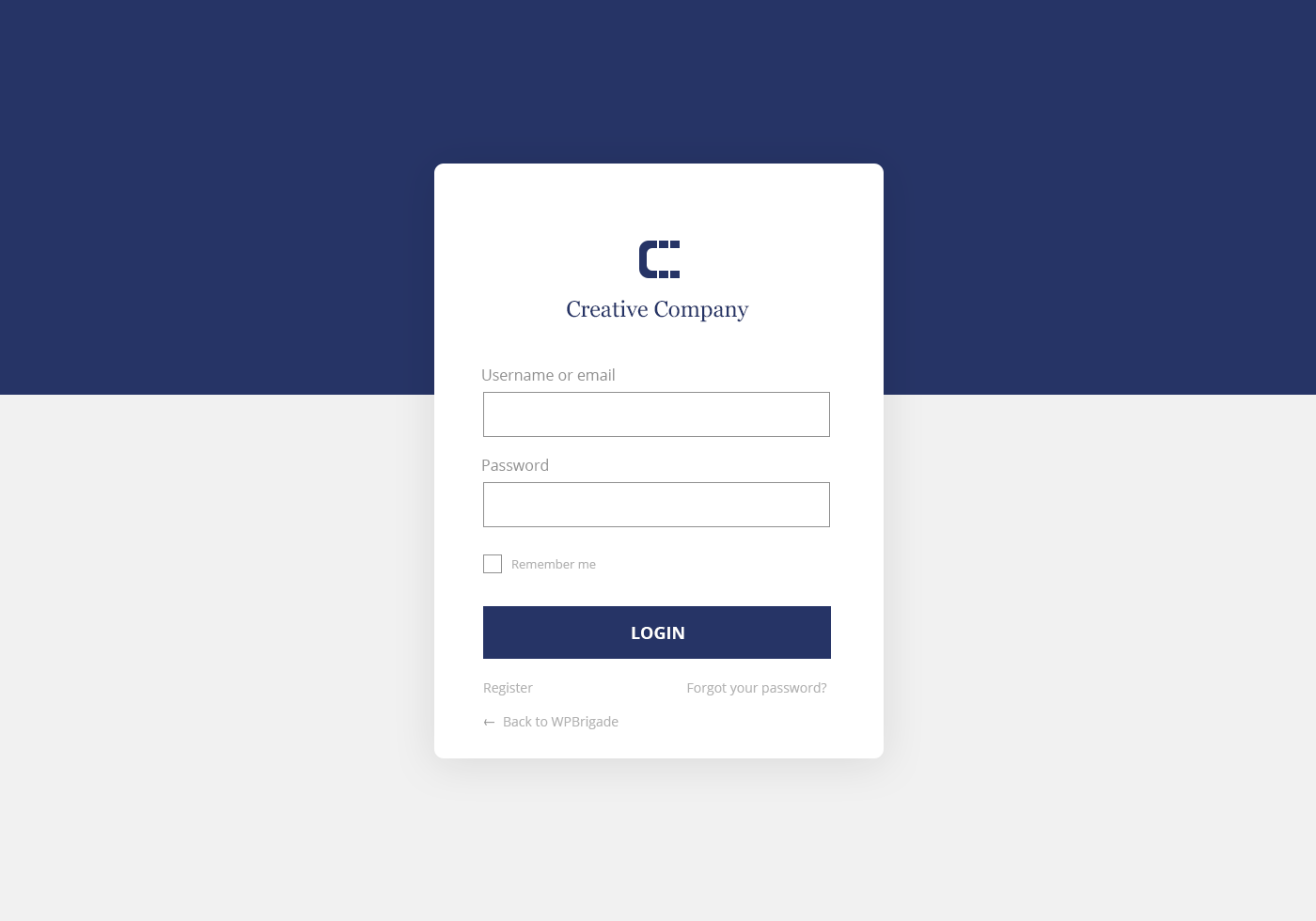
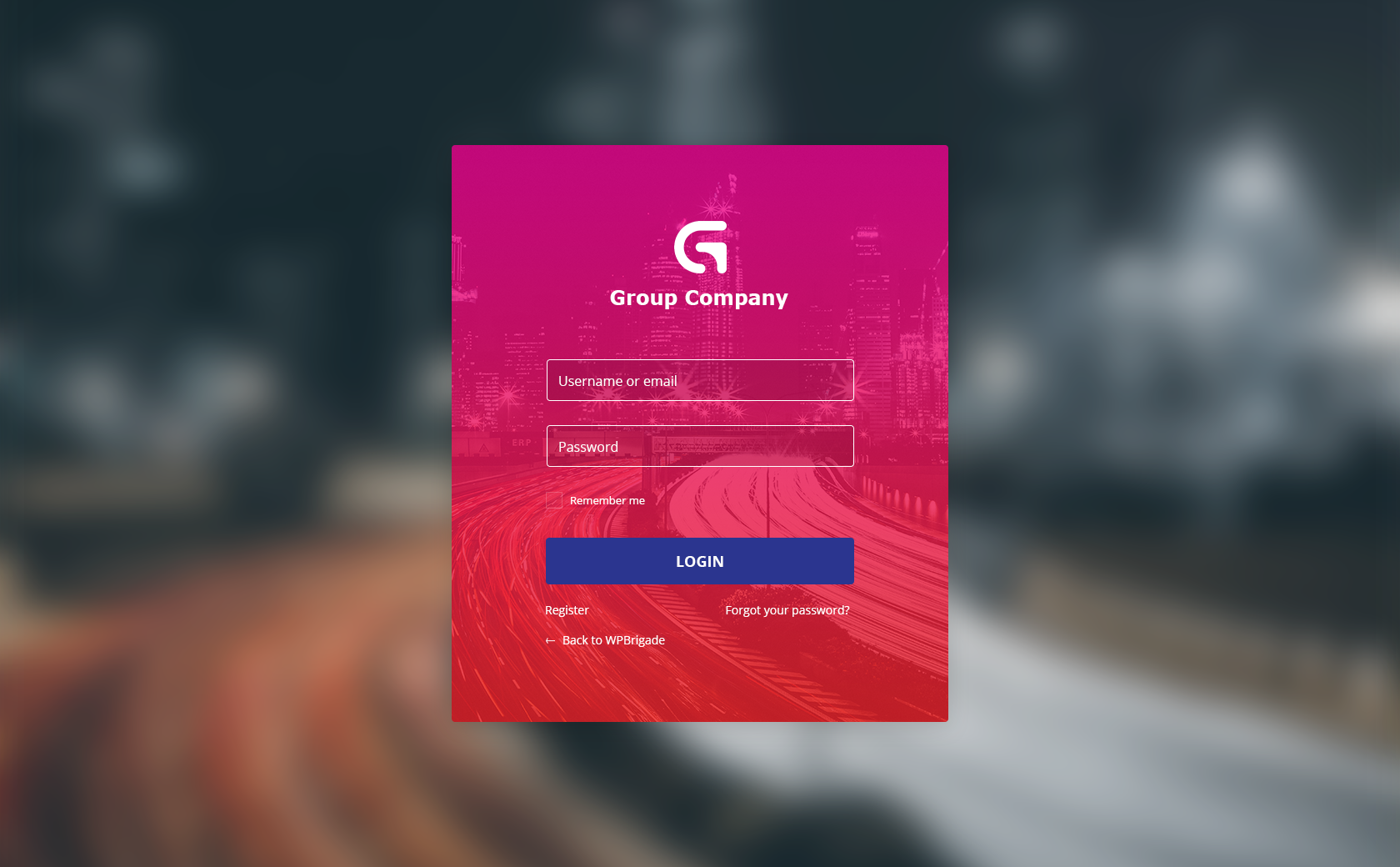
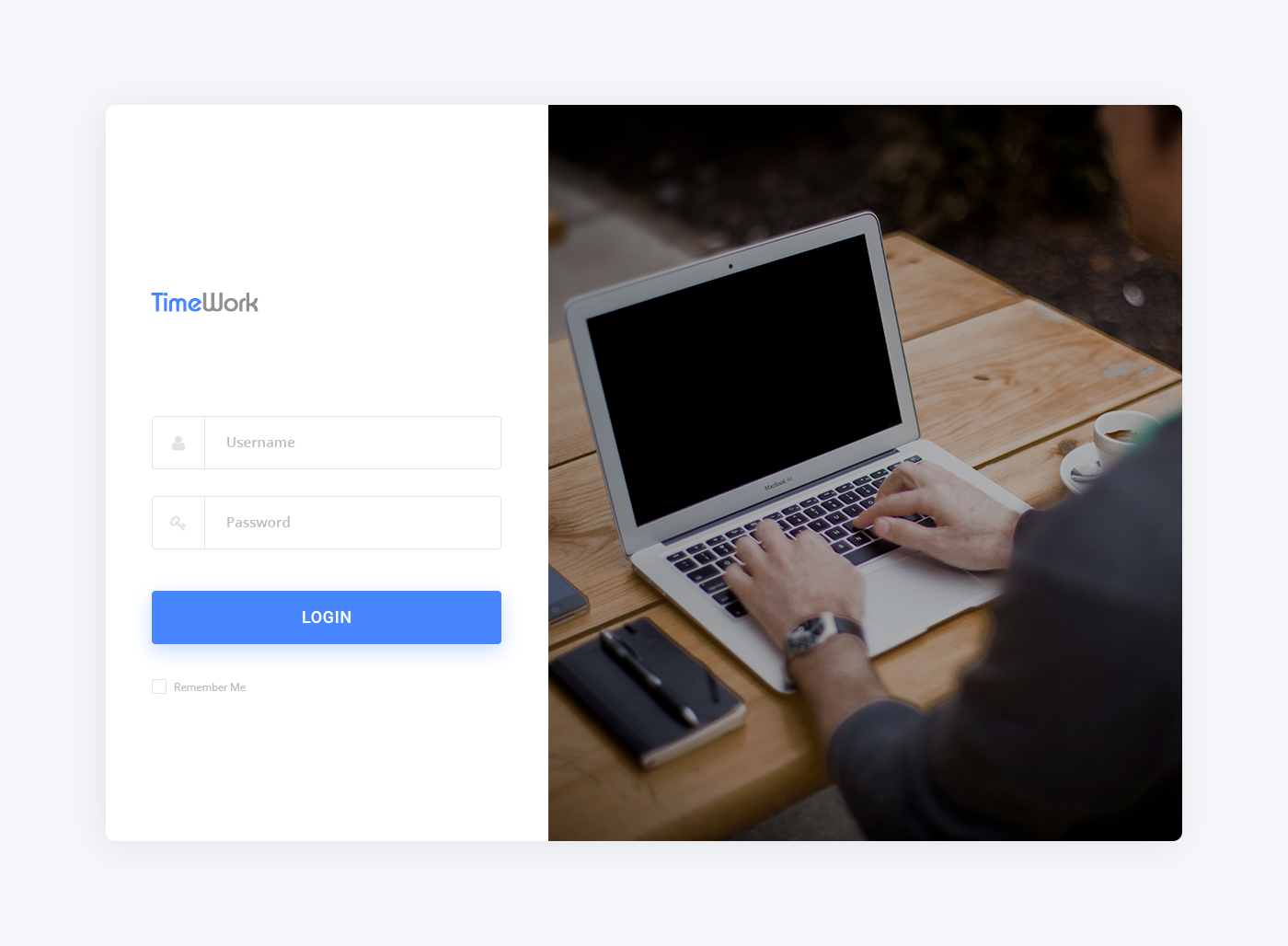
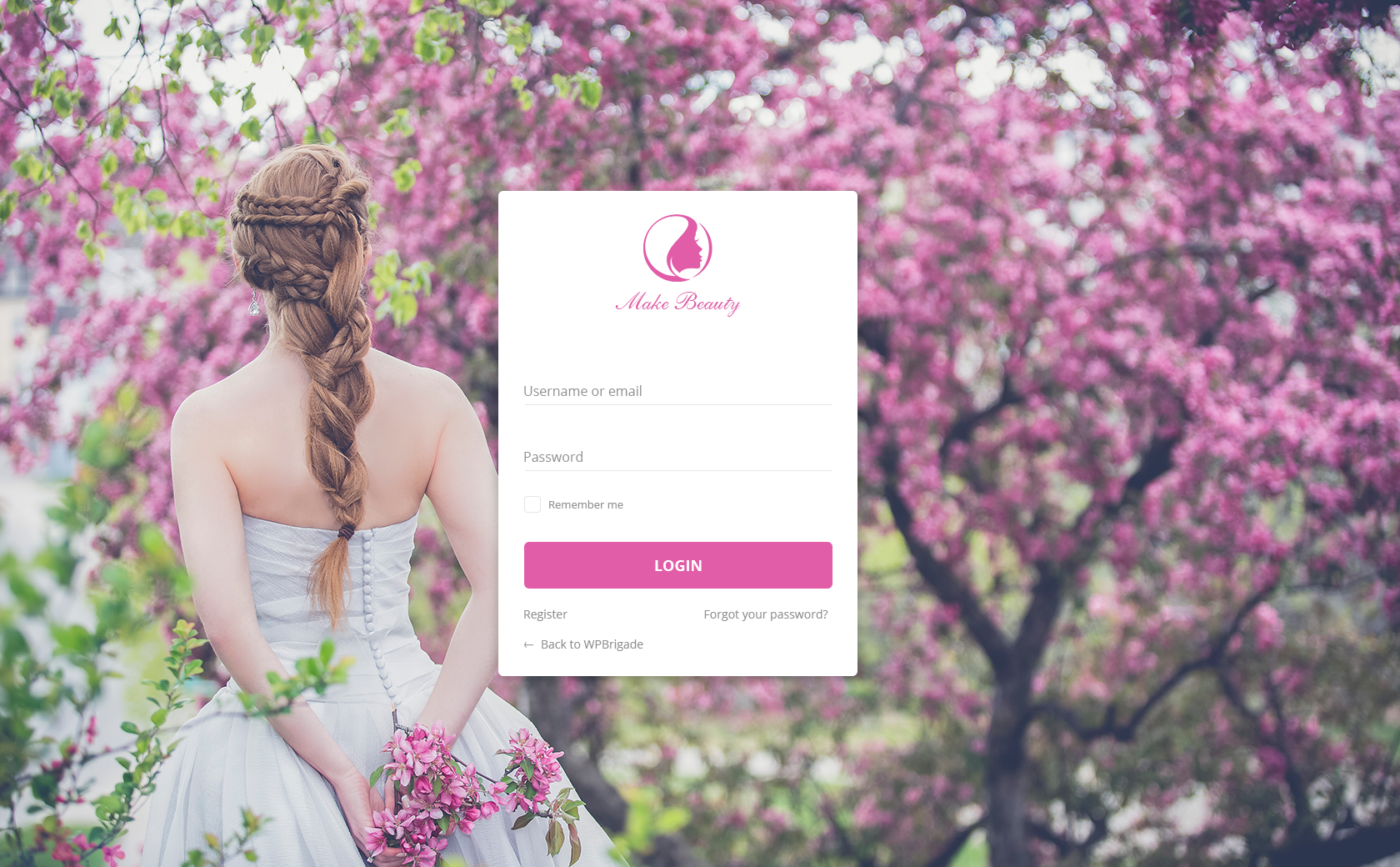
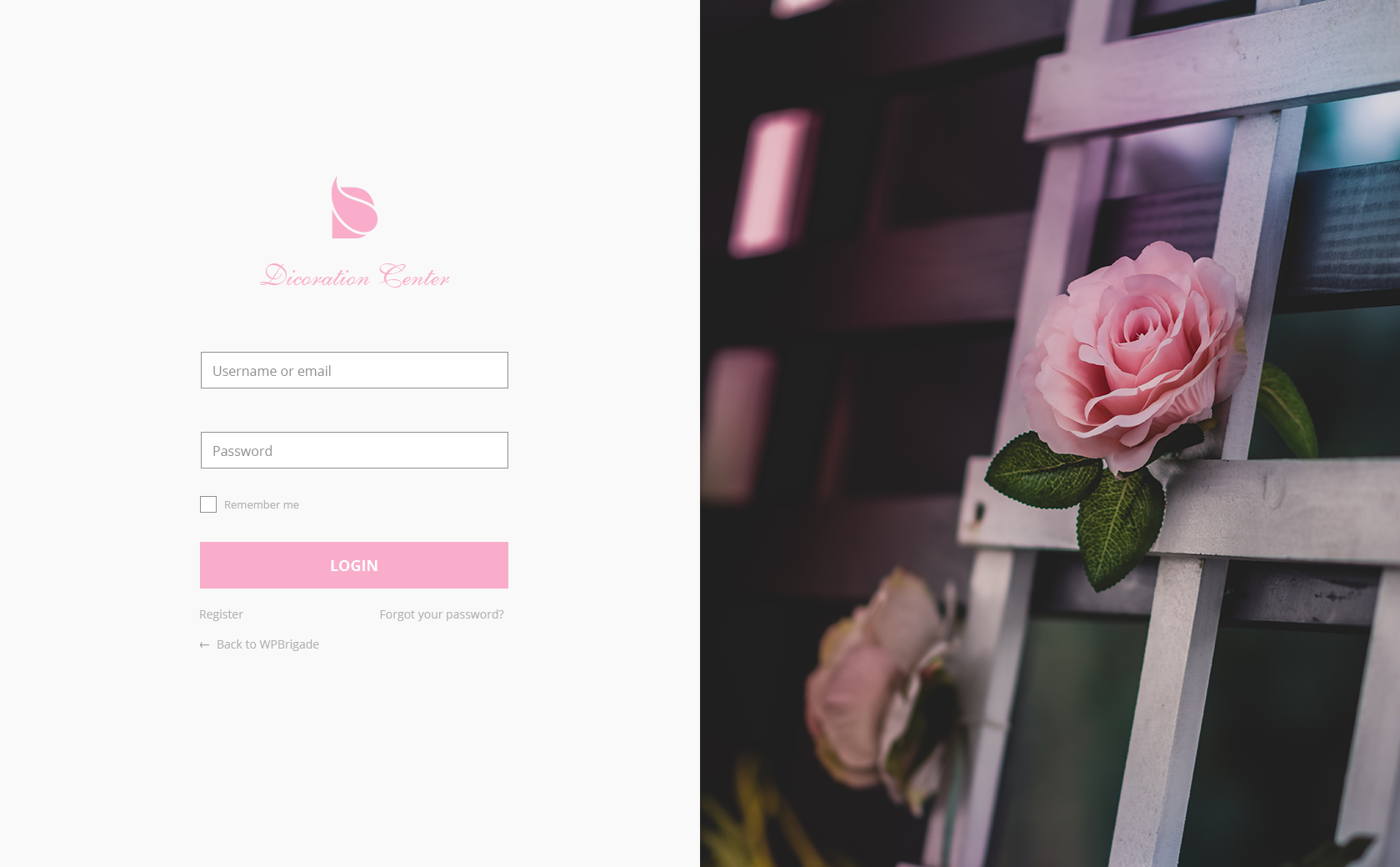
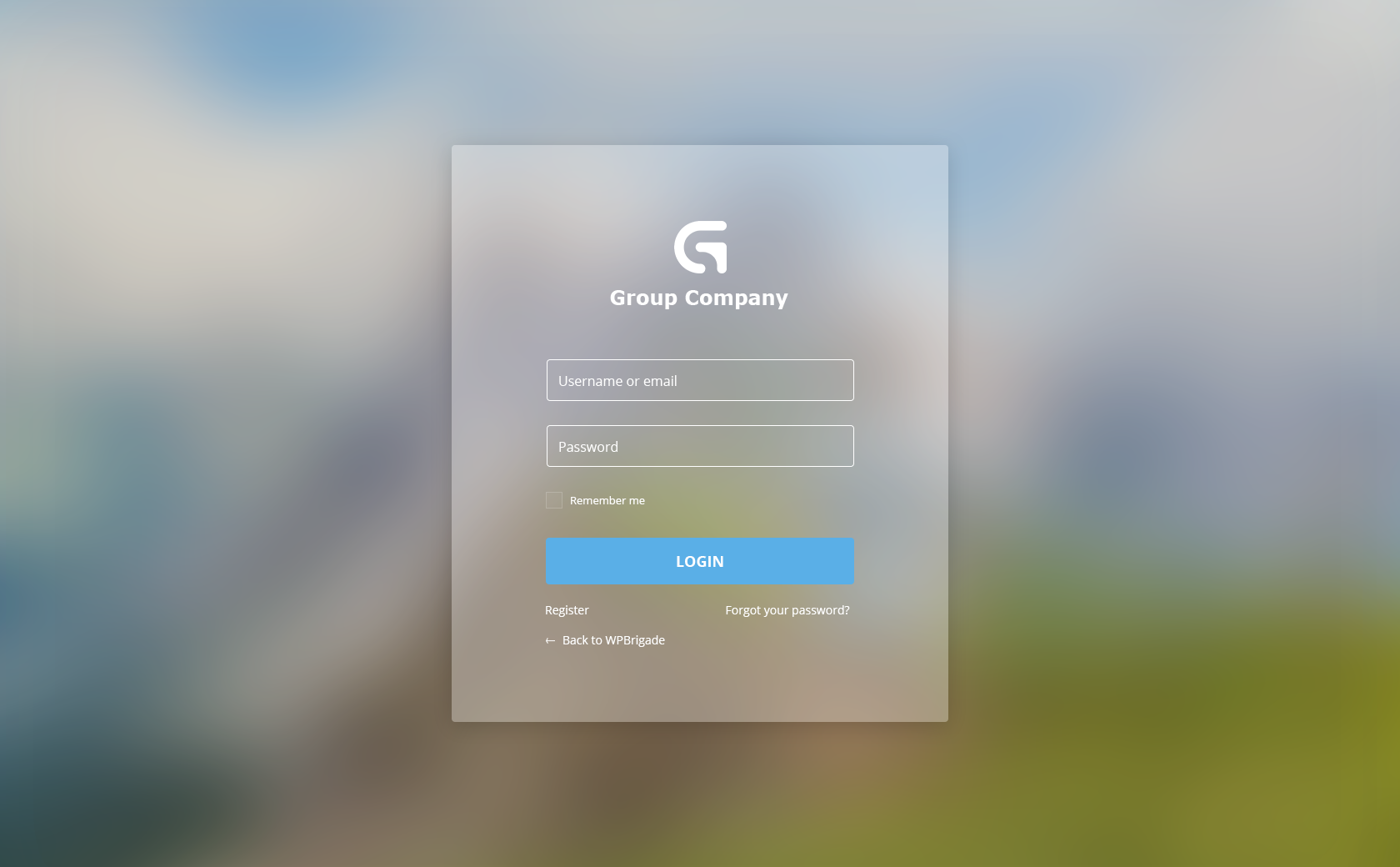
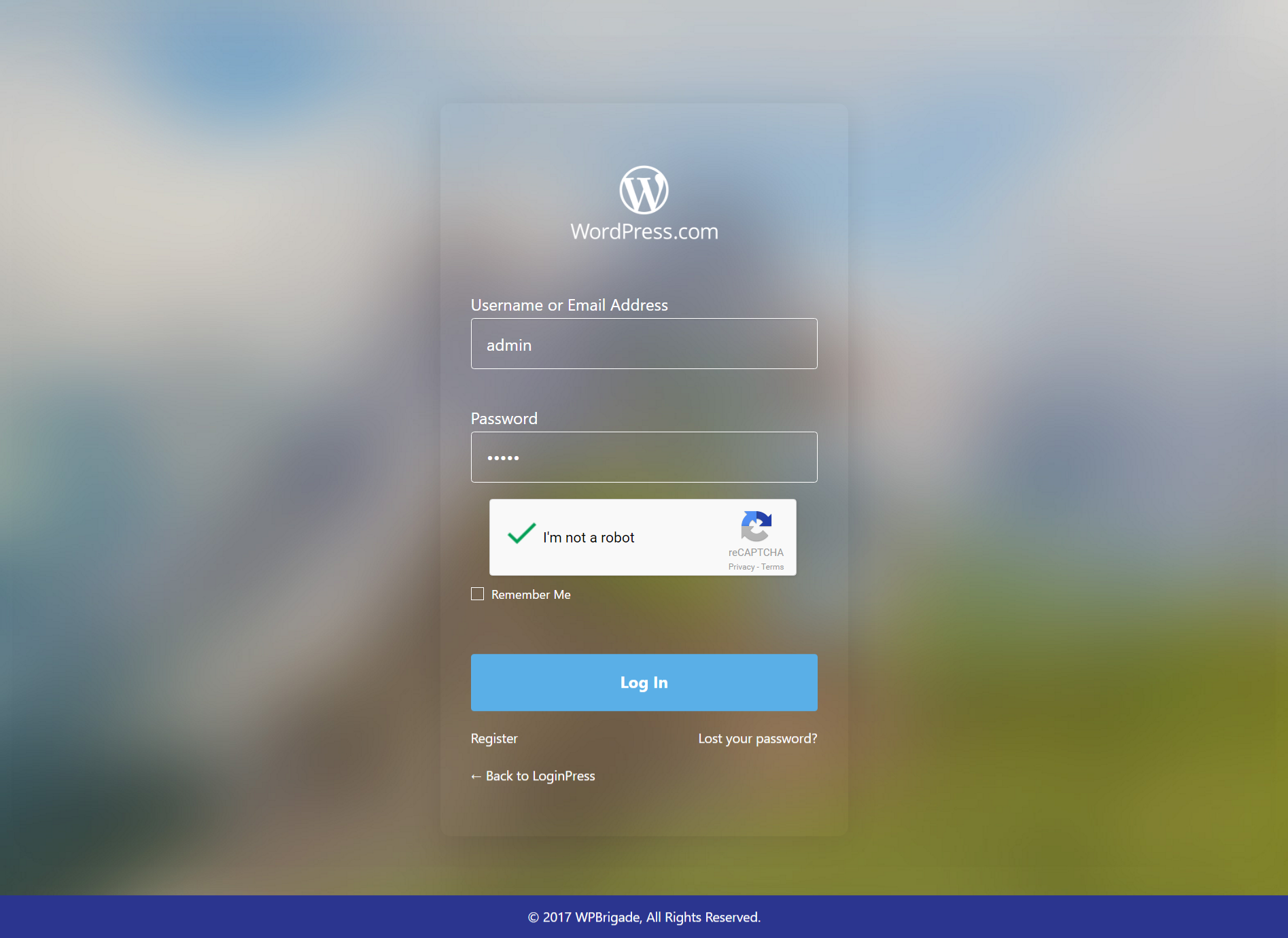
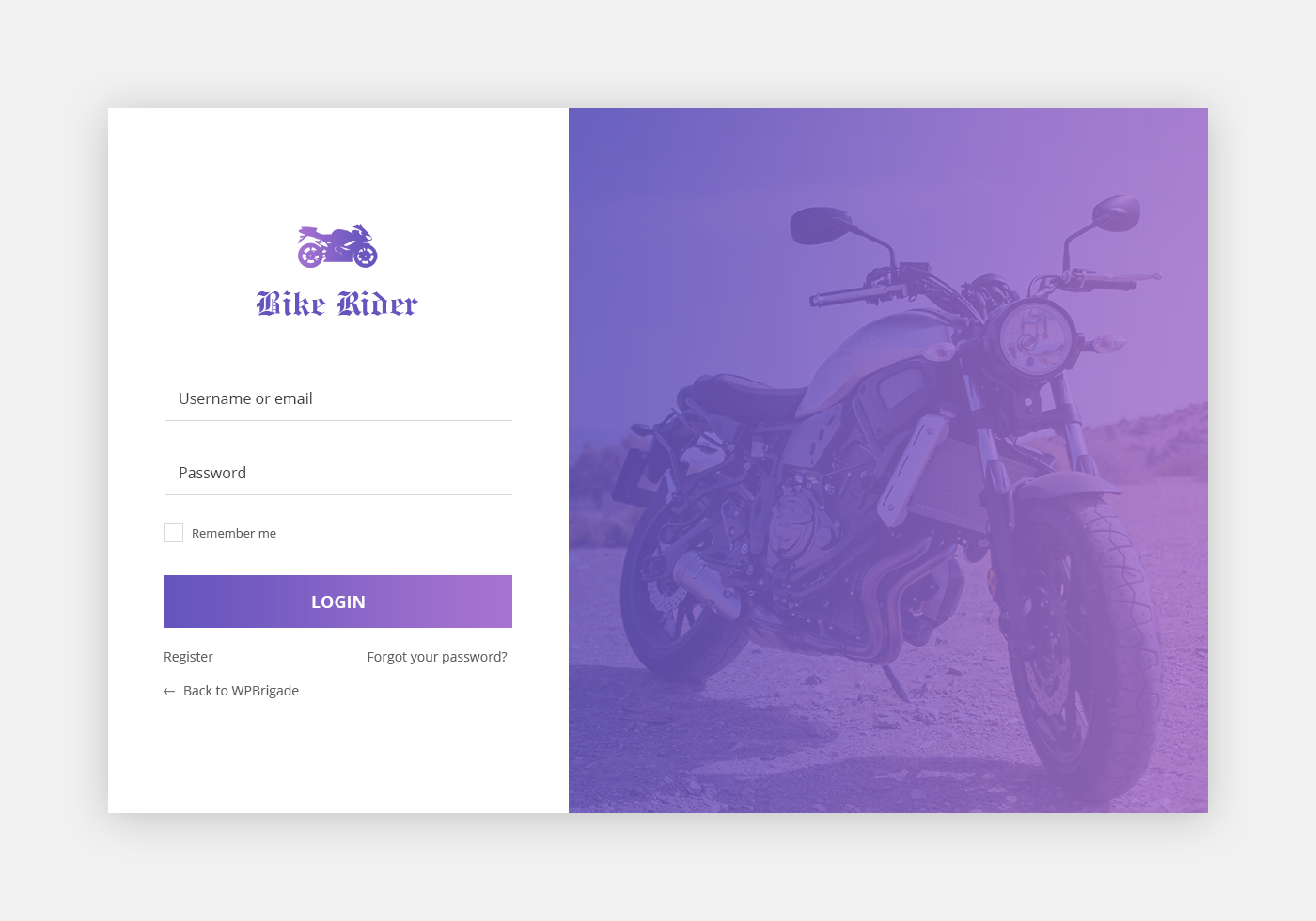
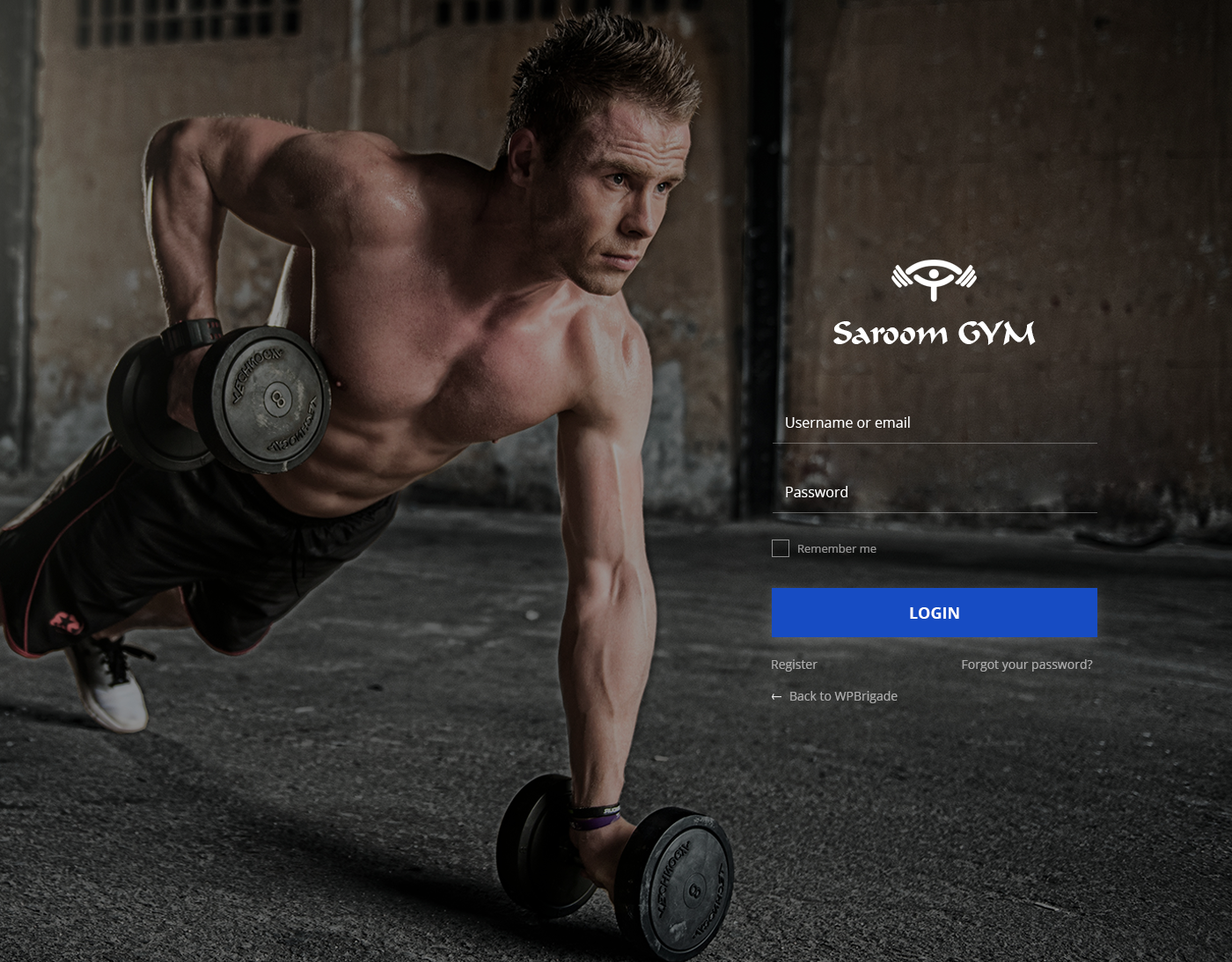


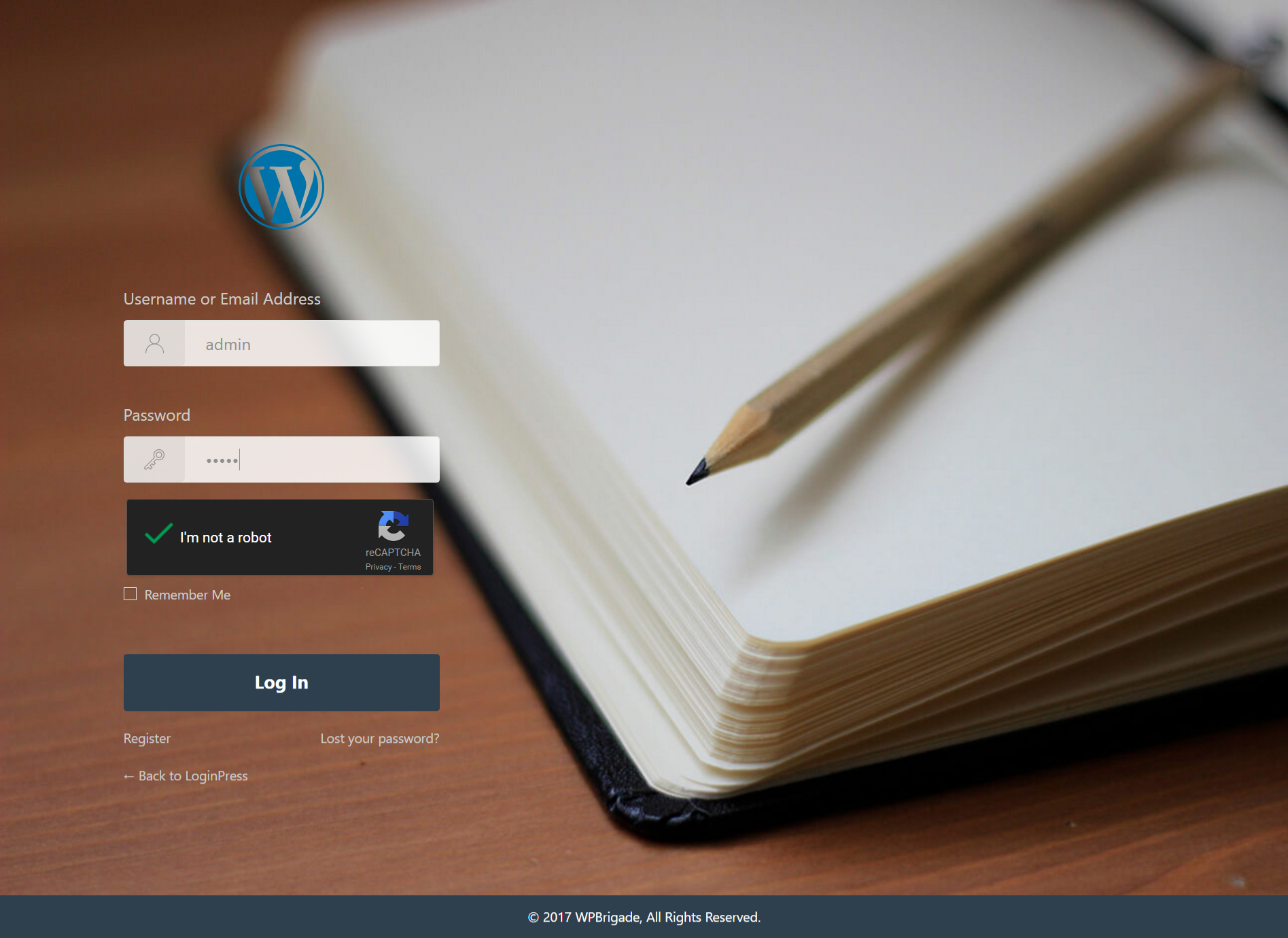
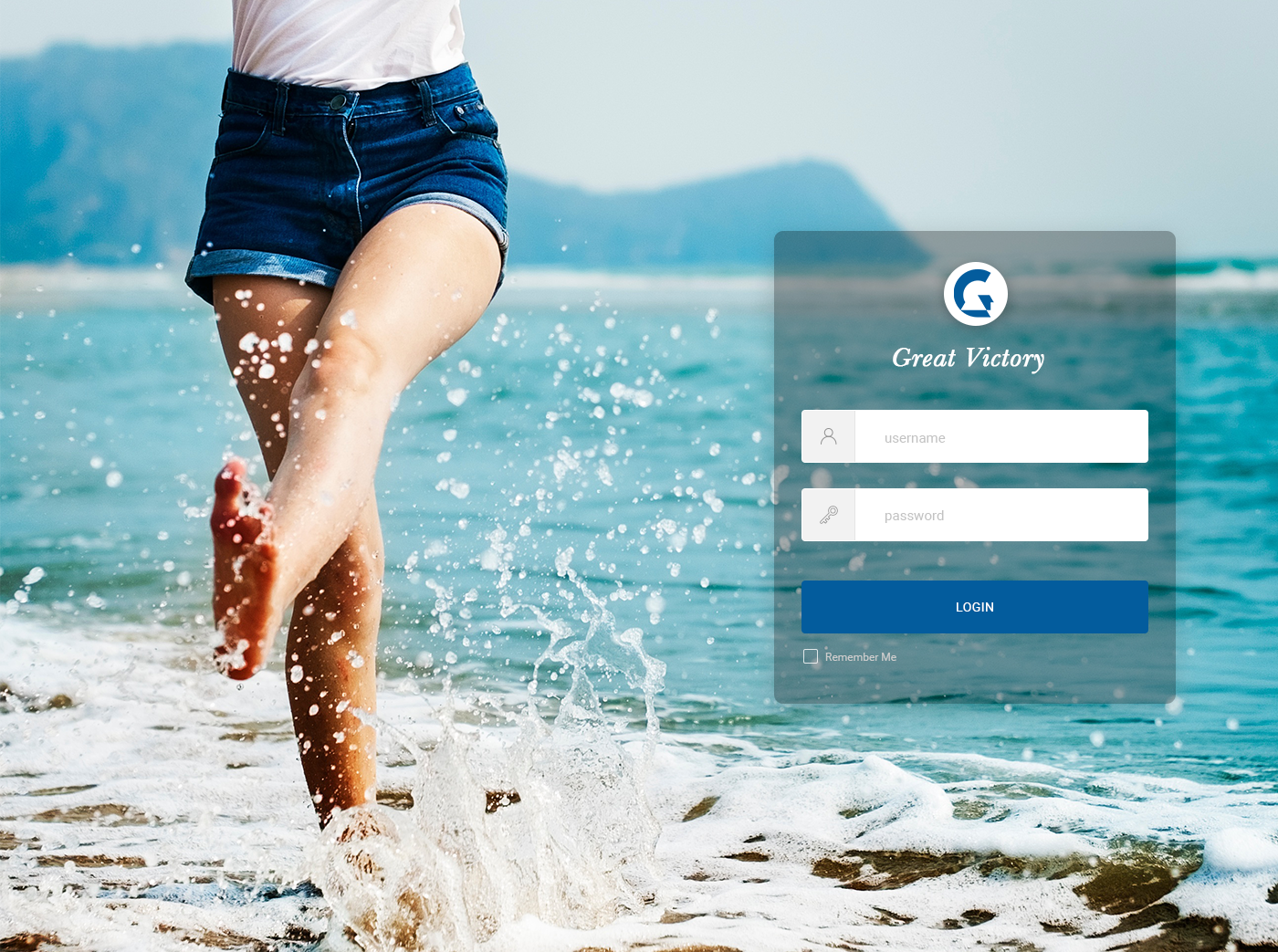

Installation
- Upload the plugin to your ‘wp-content/plugins’ directory, or download and install automatically through your admin panel.
- Activate the plugin through the ‘Plugins’ menu in WordPress.
FAQ
-
How to get started with LoginPress?
-
In your WordPress Dashboard, navigate to LoginPress > Settings to get started.
-
Who should use LoginPress?
-
Every WordPress user should use LoginPress. It is easy to use and can transform your boring wp-login.php login page into a beautiful customized login form page.
-
Do I need to have coding skills to use LoginPress?
-
Absolutely not. You can create and manage custom login page without any coding knowledge. LoginPress is the most beginner friendly custom login form solution in the market.
-
Is LoginPress translation ready?
-
Yes, LoginPress has full translation and localization support via the loginpress text domain. All .mo and .po translation files should go into the languages folder in the base of the plugin.
-
Is LoginPress WPML Compatible?
-
Yes.
-
Do I Need LoginPress Pro?
-
If you have a WordPress Website, and you want to add a cool looking login page. LoginPress is your must have plugin.
-
How to upgrade to LoginPress Pro?
-
Buy Pro version from this link. LoginPress Pro is a premium plugin which works if you have installed Free version already. So, first install our Free version and then install the Pro package.
LoginPress Pro version extends the Premium functionality to our Core Free version of LoginPress.
-
Step-by-step instructions on How to Upgrade from existing Free version to Pro
-
- You have installed and setup Free version already.
- Buy Pro version from this link.
- Upload the Pro version.
- Pro features will be enabled automatically.
- You don’t need to setup Free version options again.
- Setup Pro features like Google fonts, Google reCaptcha, Choose themes etc
-
Where is my license key?
-
License key is the Order ID which looks like in this format. WHI150807-1234-12345
You can find it in the email Sales Receipt. -
How to donate or contribute?
-
Please visit this link for more info.
-
Where do I report security bugs found in this plugin?
-
Please report security bugs found in the source code of the LoginPress plugin through the Patchstack Vulnerability Disclosure Program. The Patchstack team will assist you with verification, CVE assignment, and notify the developers of this plugin.
Reviews


Contributors & Developers
“LoginPress | wp-login Custom Login Page Customizer” is open source software. The following people have contributed to this plugin.
Contributors


“LoginPress | wp-login Custom Login Page Customizer” has been translated into 13 locales. Thank you to the translators for their contributions.
Translate “LoginPress | wp-login Custom Login Page Customizer” into your language.
Interested in development?
Browse the code, check out the SVN repository, or subscribe to the development log by RSS.
Changelog
6.2.5 – 2026-07-10
- Enhancement: Refined admin notice handling so notifications appear only in the relevant context.
- Enhancement: Minor internal improvements and code optimization.
- Compatibility: Compatible with PHP 8.5.
6.2.4 – 2026-06-19
- Enhancement: Improved internal notice handling and error logging.
- Bugfix: Fixed plugin conflict and uninstall cleanup issues.
6.2.3 – 2026-06-04
- Bugfix: Fixed duplicate action links for LoginPress on the Plugins screen in wp-admin.
- Enhancement: Improved layout and styling of the license reminder buttons for clearer actions.
- Enhancement: The maximum allowed session expiration has been increased from 500 minutes to 43,200 minutes (30 days).
- Enhancement: Added a new filter,
loginpress_session_expiration_max, to adjust session expiration maximum limit as needed. - Enhancement: Code re-factorization and optimization.
- Compatibility: Compatible with WordPress 7.0.
6.2.2 – 2026-05-12
- Bugfix: Resolved the readme checkbox tick indicator issue.
- Bugfix: Fixed live preview for the Customizer control “Label Font Size”.
- Enhancement: Added new mobile-specific controls for logo size and form width.
- Enhancement: Refactored and optimized code for improved maintainability and performance.
6.2.1 – 2026-04-29
- Bugfix: Fixed button color issue on “confirm your email” login screen.
- Bugfix: Fixed background image bug for LoginPress Pro Wedding # 2 template.
- Bugfix: Resolved uninstall.php issue.
- Compatibility: Compatible with WordPress 7.0.
6.2.0 – 2026-04-20
- Security: Added nonce verification and capability checks to prevent CSRF attacks.
- New Feature: Added an option to exclude specific URLs from Force Login, so selected pages can stay public while the rest of the site remains protected.
- New Feature: Added a Customizer control to change the color of the password visibility eye icon and the “Remember Me” checkbox on the login form.
- New Feature: Added a Customizer color control for the “Show some love” footer text to better match your site’s branding.
- Enhancement: Refined multiple UI elements and layouts in the admin and login screens for a more polished and consistent experience.
- Enhancement: Improved and refactored the codebase for better performance, readability, and long-term maintainability.
- Bugfix: Fixed a markup issue in the login screen templates to ensure cleaner HTML and better compatibility with themes and plugins.
- Compatibility: Improved compatibility with WPS Hide Login to ensure custom login URLs work reliably with LoginPress settings.
- Compatibility: Compatible with WordPress 7.0.
6.1.2 – 2026-01-26
- Bugfix: Fixed box shadow customization issues.
6.1.1 – 2026-01-09
- Enhancement: Improved compatibility between LoginPress Custom Password Strength and the WordPress core password strength feature.
- Bugfix: Fixed a JavaScript issue that could trigger an “Invalid or unexpected token” error during optout.
- Bugfix: Fixed footer bar issue with the LoginPress Customizer live preview vs frontend.
- Bugfix: Fixed box shadow customization issues.
- Bugfix: Fixed “Back to site” option in customizer.
- Bugfix: Fixed auto-playing audio for YouTube background videos.
6.1.0 – 2025-12-09
- Major update: Applied coding standards across the entire codebase.
- Enhancement: Improved add-ons layout management by adding the
loginpress_excluded_addonsfilter. - Enhancement: Optimized and cleaned up the codebase for better performance and maintainability.
- Enhancement: Reduced overall plugin file size for faster loading.
- Enhancement: Updated the LoginPress branded icon in the WordPress dashboard menu.
- Bugfix: Fixed several issues with the LoginPress Customizer live preview.
- Bugfix: Resolved social login issues on subfolder installations.
- Compatibility: Compatible with WordPress 6.9
6.0.0 – 2025-10-16
- Roar to 6.0: Converted all plugin settings to React for a faster and more modern UI experience.
- New Feature: Updated the color control in the Customizer, introducing a new transparency feature.
- New Feature: Added the ability to restrict specific email domains from registering on the site.
- New Feature: Added support for special characters in usernames during registration, with language-based handling.
- New Feature: Introduced a random background image control for the login page.
- Bugfix: Resolved welcome message display issue when the force password change screen appears.
- Bugfix: Error message during password reset.
- Bugfix: Range control issue in customizer.
- Enhancement: Optimized and cleaned up codebase for better performance and maintainability.
5.0.0 – 2025-07-03
- New Feature: We’ve added a new Integrations section that allows LoginPress to connect with other powerful WordPress plugins.
* WooCommerce
* Easy Digital Downloads
* BuddyPress
* BuddyBoss
* LearnDash
* Lifter LMS - New Feature: Adding more Social login providers.
* Login with Amazon
* Login with Twitch
* Login with Spotify
* Login with Disqus
* Login with Pinterest
* Login with Reddit - New Feature: Enhanced security with a password strength meter now applied to the LoginPress widget.
- Bugfix: Resolved an issue with inconsistent button height for language selectors.
- Enhancement: Improved diagnostic logging for better error tracking, debugging, and support.
- Enhancement: Updated language files for Arabic, Dutch, Espanol, Polish, Portuguese, Urdu, Chinese and French to ensure better translations and localization.
- Compatibility: Compatible with WordPress 6.8
4.0.1 – 2025-04-18
- Bugfix: Resolved CSS conflict in review notification.
- Bugfix: Resolved an issue where background videos were not auto-playing as expected.
- Bugfix: Translation issue fixed concerning WordPress 6.8
- Compatibility: Compatible with WordPress 6.8
4.0.0 – 2025-03-10
- Bugfix: Force reset password email issue for newly register users.
- New Feature: Dashboard UI/UX Refresh – Introducing a sleek new dashboard design for LoginPress pages.
- New Feature: Password Strength Meter – Added a new feature to enhance security and user guidance.
- New Feature: Mobile Background – Introduced a new control in customizer to change background image for mobile devices.
- Enhancement: Improved RTL styling for all strings within the plugin settings.
- Enhancement: Style the “Generate New Password” CTA based on select template.
- Enhancement: Color Customization – Eye-icon & Remember me checkbox color are now syncs with the button color settings.
- Enhancement: Import/Export Improvements – Enhanced functionality for smoother data handling.
- Enhancement: Uninstallation Optimization – Improved the uninstallation process for better cleanup and efficiency.
- Enhancement: Language File Updates – Updated language files for Arabic, Dutch, Espanol, Polish, Portuguese, Urdu, Chinese and French to ensure better translations and localization.
- Compatibility: Customizer Conflict with LoftLoader plugin.
3.3.1 – 2025-01-03
- Bugfix: PHP Warning for translation hook.
- Enhancement: Optimize hook calls for LoginPress Pro.
- Compatibility: Compatible with WordPress 6.7
3.3.0 – 2024-11-18
- Bugfix: Apply Customized style on the Password Reset page.
- Enhancement: Created a new Control in customizer for handling Padding/Margin for the login form.
- Compatibility: Compatible with WordPress 6.7
3.2.2 – 2024-10-22
- Bugfix: Optimized LoginPress Pro Add-ons server response.
- Enhancement: Refactored and optimized the code for better performance.
3.2.1 – 2024-10-11
- Security Fix: Resolved the specific opt-out consent issue.
- Bugfix: Updated the login
Custom Passwordemail body content. - Bugfix: Addressed the login Customizer issue related to subdirectory installations.
- Bugfix: Corrected the reset email URL link for usernames containing spaces.
- Enhancement: Refactored and optimized the code for better performance.
3.2.0 – 2024-09-11
- Security Fix: Fixed Opt-out and Opt-in consent.
- Enhancement: Code re-factorization and optimization.
3.1.2 – 2024-08-22
- Enhancement: Code re-factorization and optimization.
- Compatibility: Compatible with WordPress 6.6
3.1.1 – 2024-07-29
- Bugfix: Lost Password link issue on WooCommerce account login page.
- Enhancement: Code re-factorization and optimization.
- Compatibility: Compatible with WordPress 6.6
3.1.0 – 2024-06-16
- Bugfix: Version conflict with LoginPress Pro 3.0
3.0.10 – 2024-06-15
- Bugfix: BuddyBoss title conflict with login page logo.
3.0.9 – 2024-06-12
- Enhancement: Compatible with BuddyBoss concerning login logo and title on login page.
3.0.8 – 2024-06-03
- Bugfix: Resolved a PHP warning issue related to the Force Password Reset feature.
- Enhancement: Enabled functionality for the WooCommerce lost password link feature on WooCommerce account page.
- Compatibility: Compatible with [WPS Hide Login] (https://wordpress.org/plugins/wps-hide-login/) plugin.
3.0.7 – 2024-05-08
- Bugfix: Resolved PHP warning for Login Order.
- Bugfix: Set’s the default Login Order value.
- Bugfix: Focus on LoginPress panel in customizer for FireFox Browser.
3.0.6 – 2024-03-20
- Bugfix: Resolved PHP warning in TAV-notification.
- Bugfix: Addressed welcome message issue on Logout Form.
- Enhancement: Improved styling of the Privacy Policy link on the login page.
- Enhancement: Refactored and optimized code for improved performance.
- Enhancement: Fixed login page display issue in the login customizer preview on WPEngine host.
- Compatibility: Compatible with WordPress 6.5
3.0.5 – 2024-01-04
- Bugfix: Background issue for lost password form in customizer.
- Bugfix: Google reCaptcha layout issue at login page.
- Enhancement: Update Built-in Layout with [Password Protected] (https://wordpress.org/plugins/password-protected/) plugin.
- Enhancement: Update the LoginPress Premium Add-Ons routine.
- Enhancement: Update the Import/Export settings.
- Enhancement: Important Security update.
3.0.4 – 2023-12-12
- Bugfix: Background image conflict with login Form image.
- Enhancement: Compatible with WishList Member plugin. Broken Login page layout fixed.
3.0.3 – 2023-12-09
- Bugfix: The default theme is switched back to the previous template for backward compatibility.
- Bugfix: Background/Logo image customization issue.
- Bugfix: Multisite
headers already sentcustomization issue. - Bugfix: Multisite Form field layout customization issue.
- Bugfix: Google reCaptcha v2 invisible layout on submission.
- Enhancement: Code re-factorization and optimization.
3.0.2 – 2023-12-06
- Bugfix: Background/Logo image customization issue.
- Bugfix: Fixes from 3.0.1 version.
3.0.1 – 2023-12-05
- Bugfix: Revert the default layout of the LoginPress from 3.0.0
- New Feature: Introducing a new and trendy LoginPress template named as
Minimalist. - Compatibility: Compatible with PHP 8.2
- Compatibility: Compatible with WordPress 6.4
3.0.0 – 2023-12-04
- New Feature: Introducing a new and trendy default LoginPress design.
- New Feature: Introducing a new dashboard UI/UX for LoginPress pages.
- New Feature: Introducing a new control to customize the Password miss-match error message.
- New Feature: Force newly register users to reset their password after a certain time limit, by default six months.
- New Feature: Introducing new control for YouTube video as login page background support.
- Enhancement: Added a filter
increase_force_time_limitto change the limit of force login beyond 6 Months. - Enhancement: Added a filter
loginpress_password_reset_for_allto force all user/s to forcefully reset password after a specific time. - Enhancement: Added a filter
loginpress_change_reset_messageto change reset email. - Enhancement: Added a filter
loginpress_username_labelto change label for username field. - Enhancement: Code re-factorization and optimization.
- Enhancement: UI/UX design updates.
- Enhancement: Update All supportive language
.potfiles. - BugFix: WordFence 2FA layout breaks issue.
- BugFix: Import/Export settings updated.
- Compatibility: Compatible with PHP 8.2
- Compatibility: Compatible with WordPress 6.4
1.8.0 – 2023-06-05
- New Feature: Introducing PCI Compliance (Enable / Disable) settings for login and registration forms.
For more detail on changelog visit LoginPress.Pro