

Description
IP Location Block is a WordPress geo blocking plugin for blocking or allowing visitors by country, US state or equivalent region, IP address, CIDR range, or ASN.
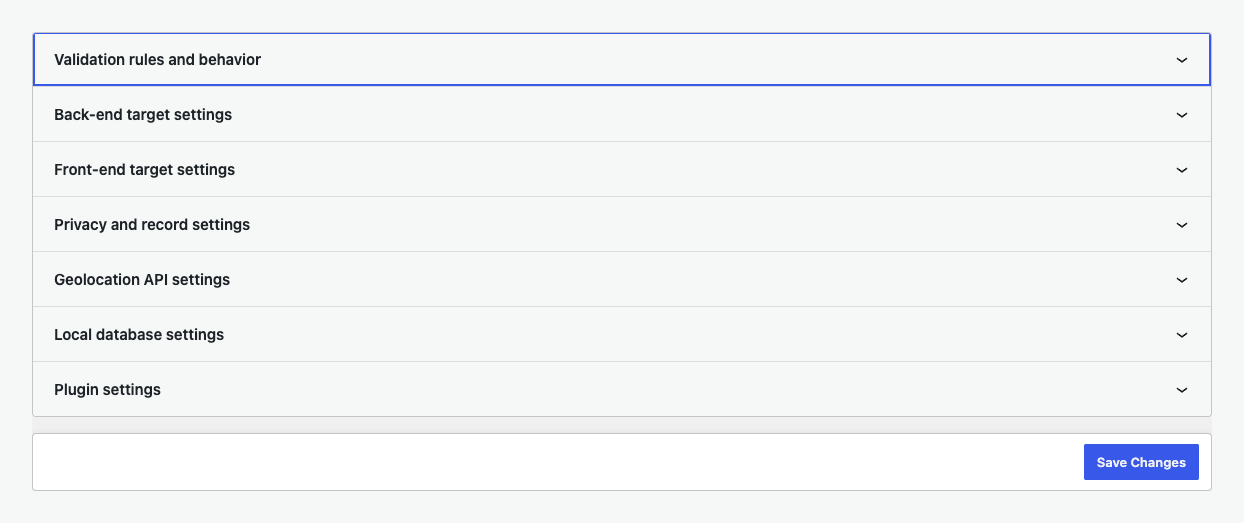
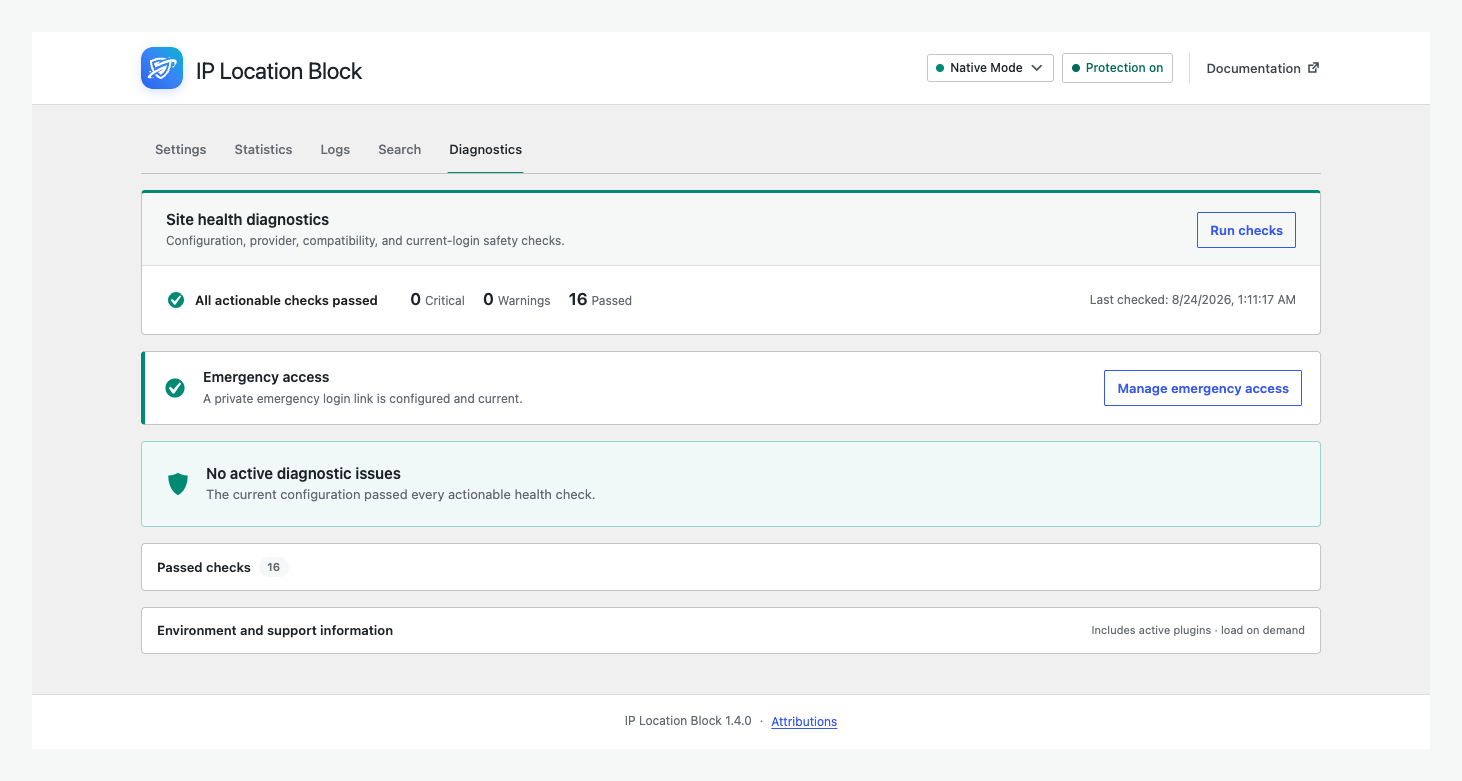
Simple view covers common rules. Advanced view adds login, registration, comment, XML-RPC, bot, response, logging, privacy, provider, and diagnostic controls.
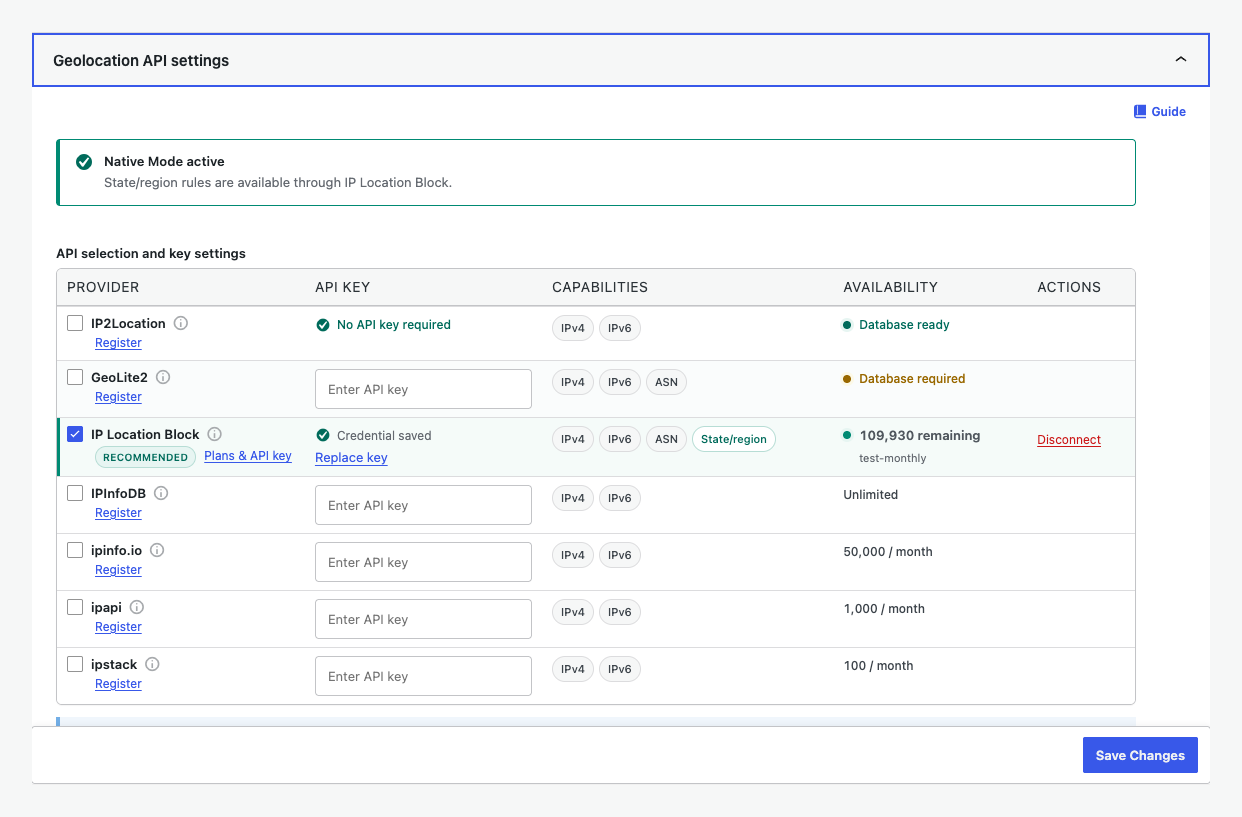
For the recommended setup, connect the IP Location Block Cloud provider for premium, frequently updated data, better country accuracy, ASN data, and state or region precision.
WordPress geo blocking by country, state, or region
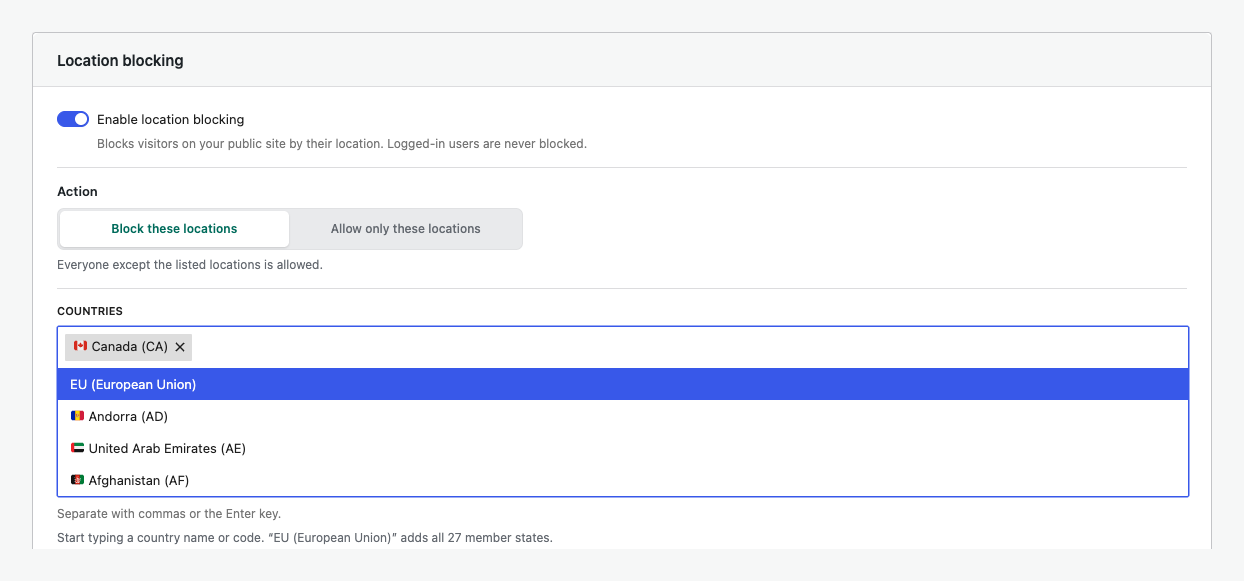
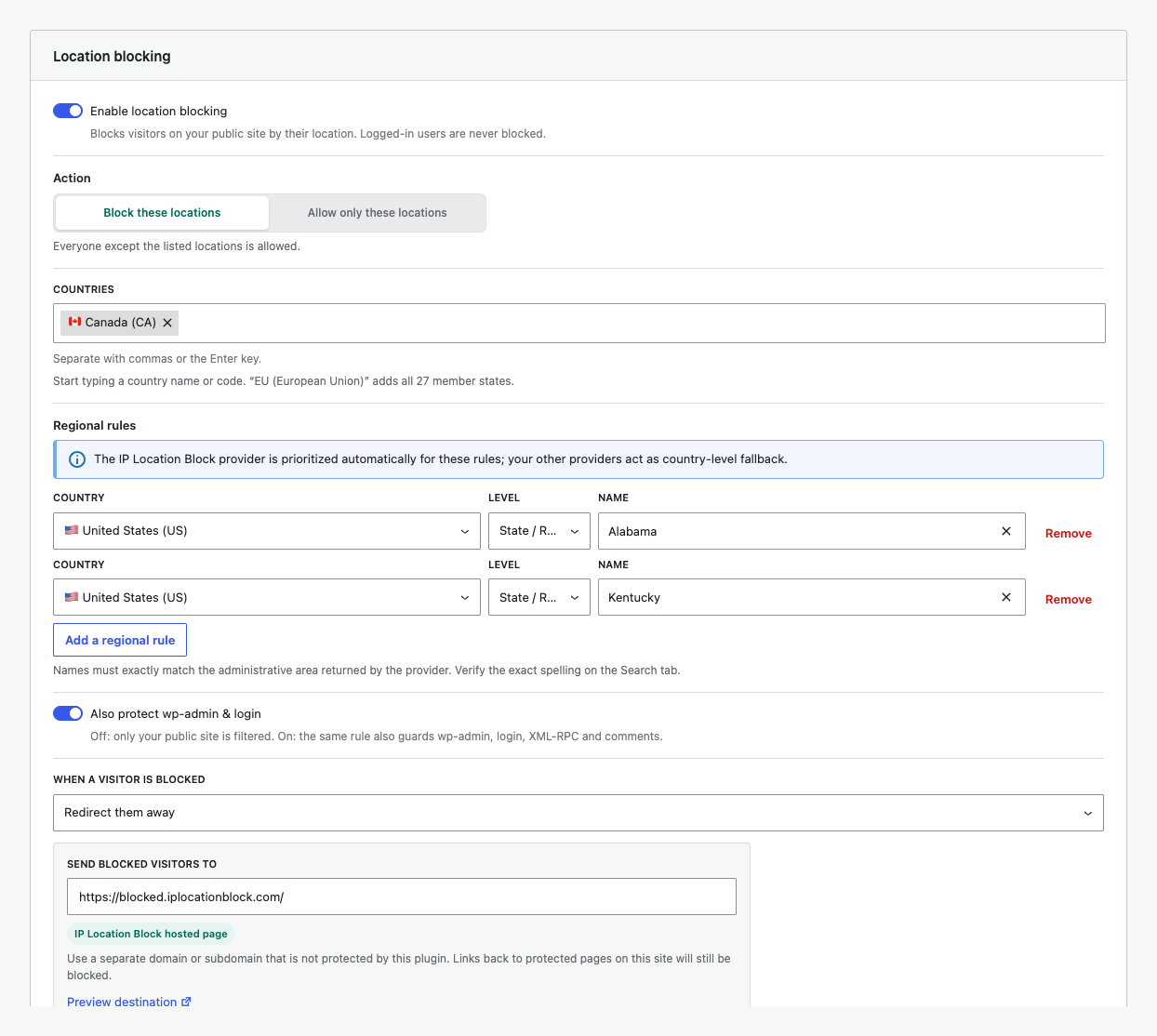
Use a blocklist to deny selected locations or an allowlist to limit access. Regional rules use the administrative area returned for a country, such as a state, province, prefecture, territory, or region. This supports regional availability, service areas, store access, and site policies. Country rules remain active when precision is unavailable.
Key features
- Block or allow visitors by country and state or equivalent region.
- Add priority rules for IP addresses, IPv4 or IPv6 CIDR ranges, and ASNs.
- Protect public pages, login, registration, comments, XML-RPC, and selected wp-admin requests.
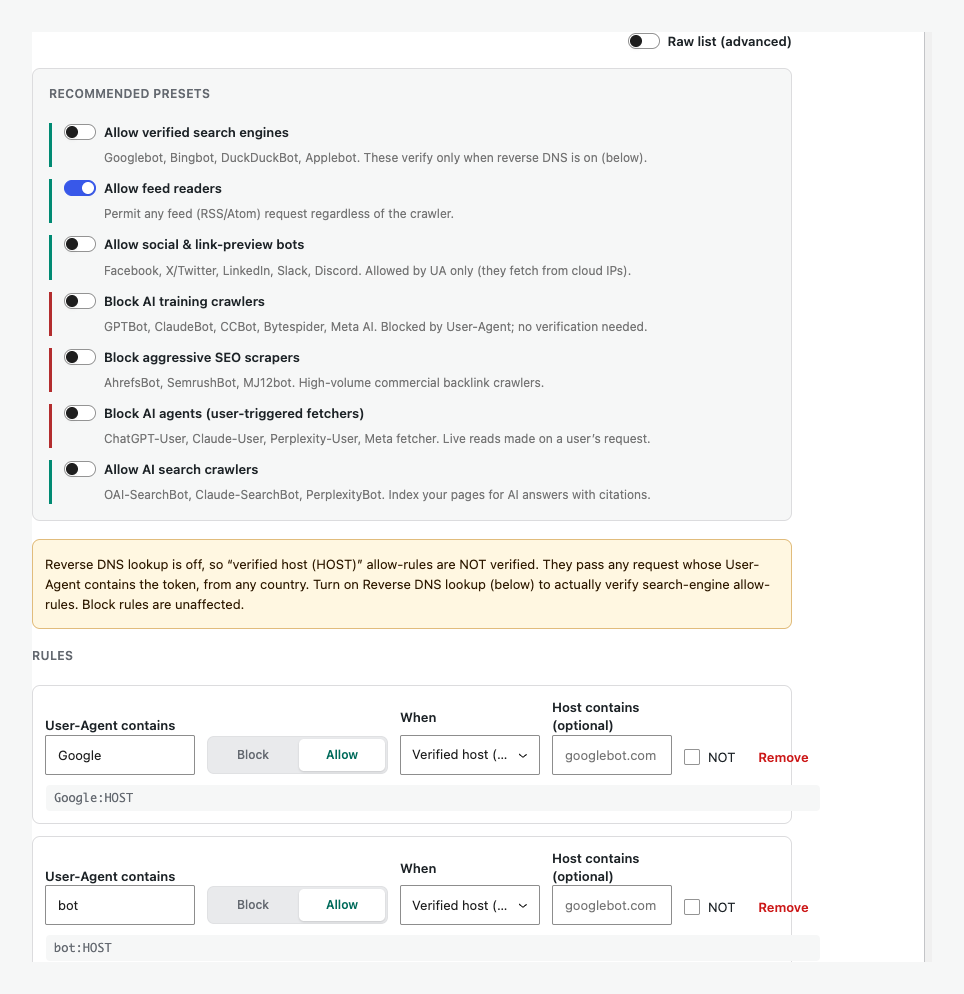
- Configure blocked responses and control failed logins or unwanted bots.
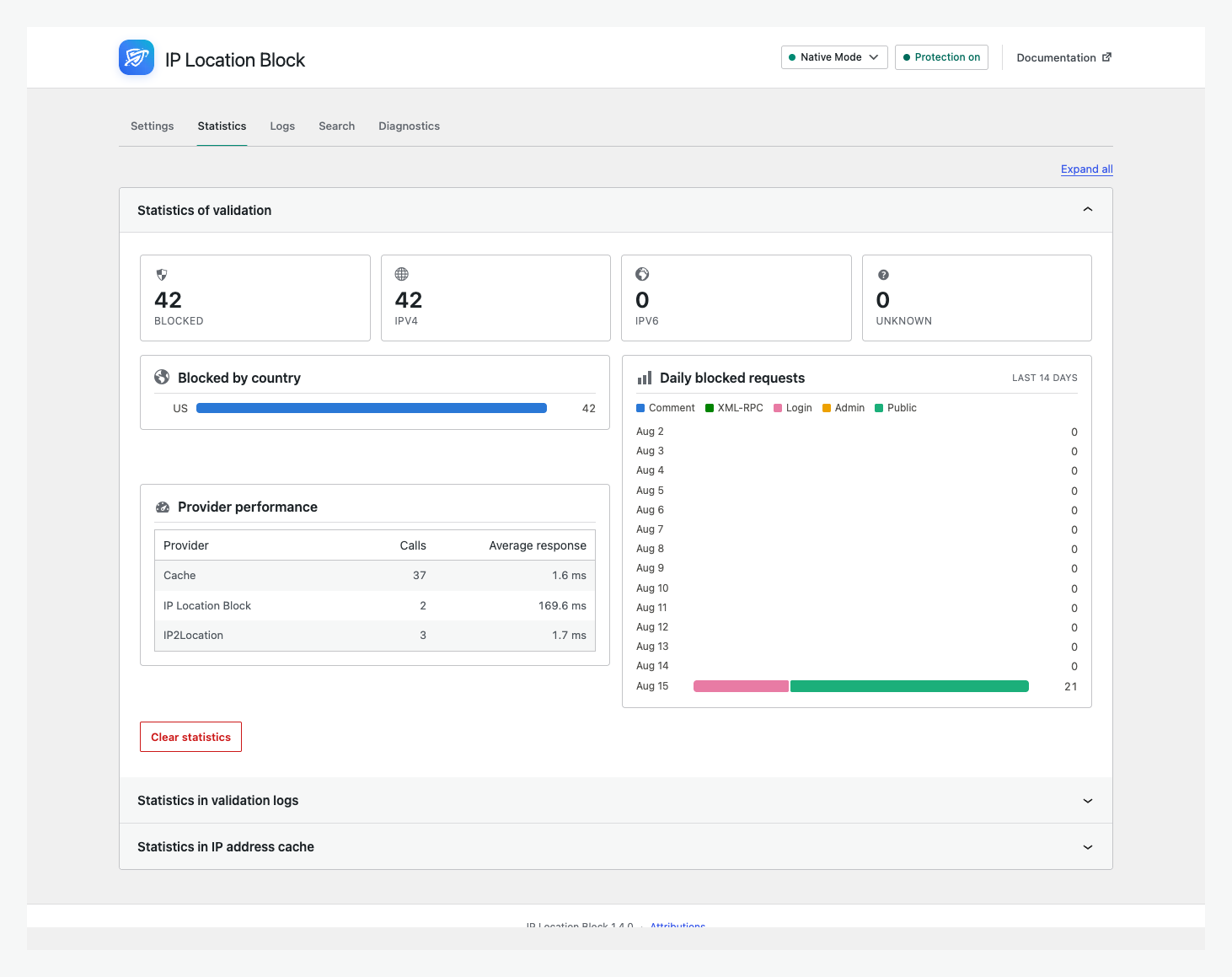
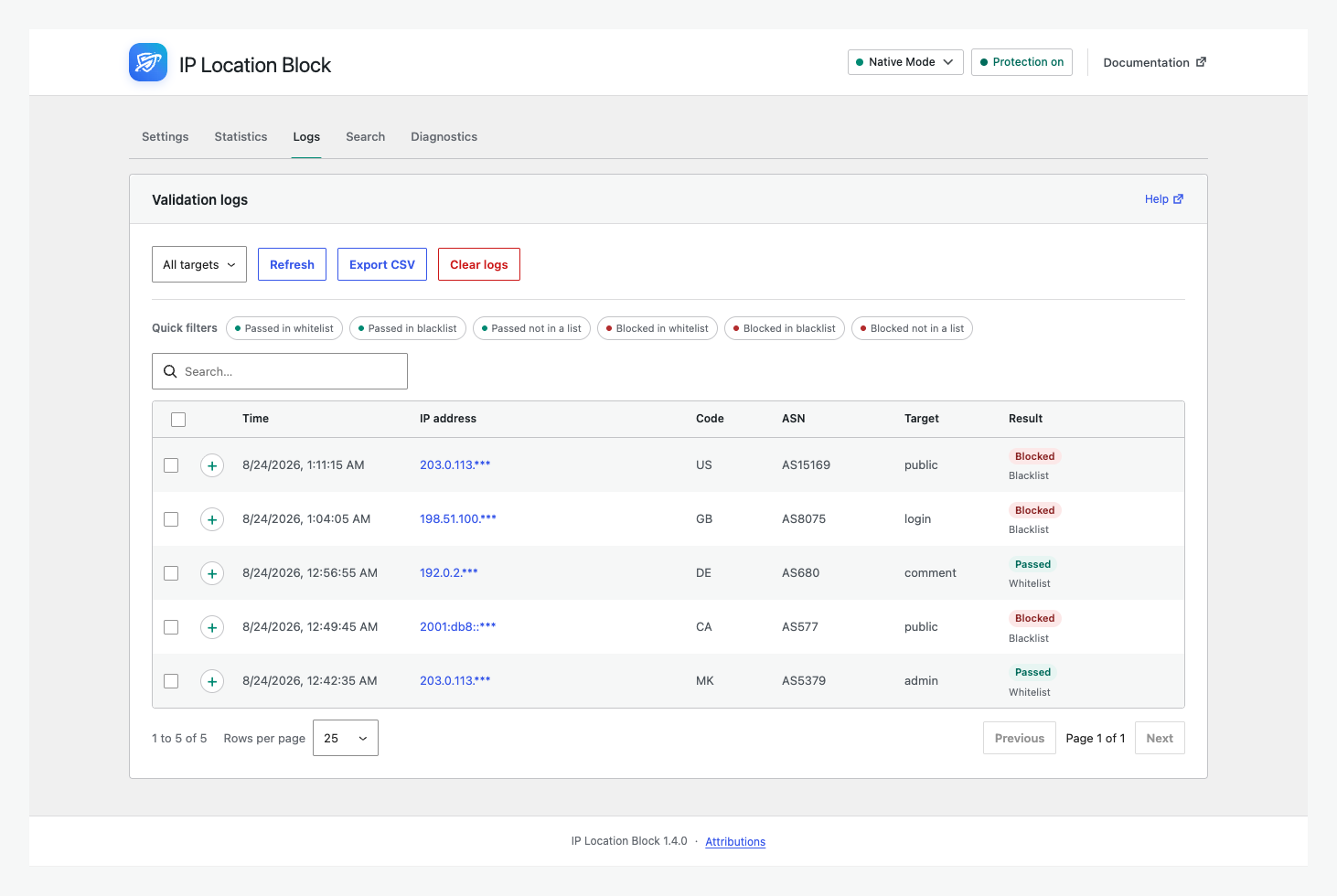
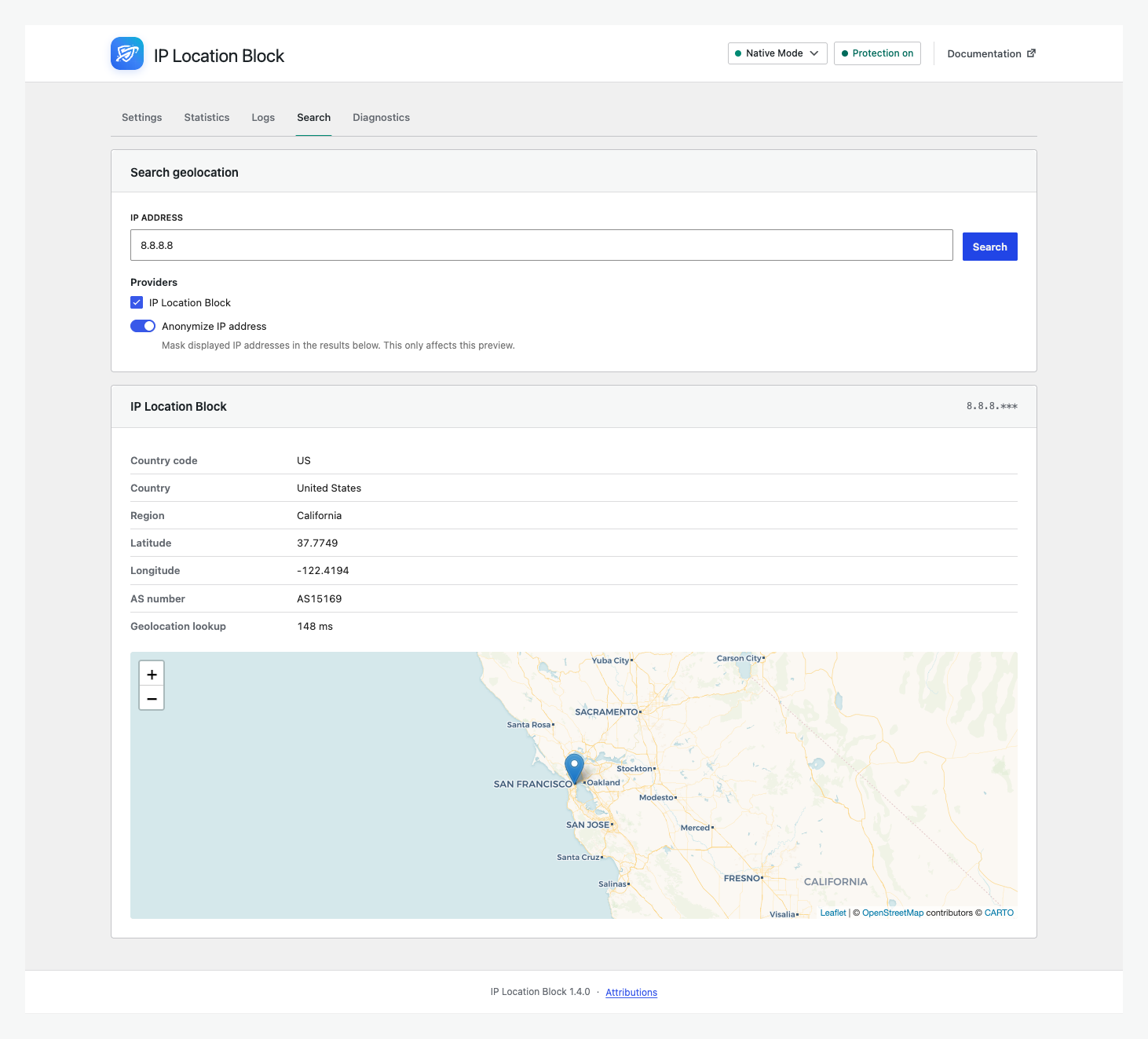
- Search IPs and review validation logs, statistics, and diagnostics.
- Use frequently updated data from the IP Location Block Cloud provider with country-level fallbacks.
- Encrypt stored IP addresses, with optional anonymization.
IP Location Block Cloud provider
- Better accuracy: Premium geolocation databases are updated frequently for more reliable country results.
- Regional precision: Add state, province, prefecture, territory, or equivalent regional rules.
- Broader data: Use IPv4, IPv6, and ASN information through one managed provider.
Legacy local and third-party providers remain supported for existing installations and country-level fallback rules. Regional precision requires the IP Location Block Cloud provider.
External services and privacy
- IP Location Block Cloud provider: Selecting this provider sends the visitor IP and configured credential to IP Location Block for lookup. Review its privacy policy and terms.
- IP2Location LITE: For compatibility with this provider, the plugin downloads country databases on activation and scheduled updates. Review its terms and privacy policy.
- MaxMind GeoLite2: For compatibility with this provider, the plugin uses your license key to download databases. Review its license and privacy policy.
- Other remote providers: Selecting IPInfoDB, IPinfo.io, ipapi, or ipstack sends the visitor IP and configured credential to that service for lookup. No remote provider is selected automatically.
Other remote provider policies: IPInfoDB privacy and service agreement; IPinfo.io privacy and terms; ipapi privacy and terms; ipstack privacy and terms.
The administrator chooses the providers and is responsible for any required consent or disclosure.
Documentation, support, and credits
Use the documentation, troubleshooting guide, support forum, or GitHub.
Independently maintained, IP Location Block is based on IP Geo Block by tokkonopapa. It uses IP2Location LITE and GeoLite2 data under their licenses.
Screenshots
Installation
- Open Plugins > Add New Plugin, search for IP Location Block, install it, and activate it.
- Open Settings > IP Location Block.
- In Simple view, choose whether to block or allow locations and where protection applies.
- Connect the IP Location Block Cloud provider for the recommended accuracy, ASN data, and regional precision.
- Verify representative IPs in Search, save the rules, and use Advanced view when you need more control.
See the getting started guide for a complete walkthrough.
FAQ
-
Can I block visitors from specific US states?
-
Yes. Connect the IP Location Block Cloud provider, add a United States rule, then select states under Regional rules. Other countries use their equivalent administrative areas. See state or region rules.
-
What does the IP Location Block Cloud provider add?
-
It uses premium, frequently updated geolocation data for better country accuracy, ASN information, and state or region precision.
-
Which parts of WordPress can the plugin protect?
-
Public pages, login, registration, comments, XML-RPC, and selected wp-admin requests. Advanced view controls each target.
-
Does it work with page caches, CDNs, and reverse proxies?
-
Yes, when configured correctly. Page caches may respond before WordPress runs, while a CDN or proxy can hide the visitor IP. Review the page-cache guide and test Search.
-
What if I block myself from wp-admin?
-
Bookmark the private emergency link before enforcing admin rules. If blocked, follow the admin access steps.
-
Can I migrate settings from IP Geo Block?
-
Yes. When old settings are detected, Plugin settings offers a migration preview before saving them.
Reviews


Contributors & Developers
“IP Location Block” is open source software. The following people have contributed to this plugin.
Contributors

“IP Location Block” has been translated into 2 locales. Thank you to the translators for their contributions.
Translate “IP Location Block” into your language.
Interested in development?
Browse the code, check out the SVN repository, or subscribe to the development log by RSS.
Changelog
1.4.1
Release Date – 4 Sep 2026
- The release notes panel now appears only on fresh installations. Existing sites are no longer shown it after an update, on single sites and across a network.
- Simple Mode now has a compact Native Mode suggestion that can be permanently hidden for all administrators on the site.
- Uninstalling now clears the stored release notes panel state, so a later re-installation is treated as a first install again.
1.4.0
Release Date – 24 Aug 2026
- Redesigned the admin with Simple and Advanced views, provider setup, statistics, logs, search, and diagnostics.
- Added searchable state or region rules and a modern bot-rule builder.
- Prioritized the IP Location Block provider for regional rules while retaining country fallbacks.
- Rebuilt internals with PSR-4 and scoped dependencies, plus broad provider, cache, database, filesystem, and interface fixes.
- Requires PHP 8.1 and WordPress 6.5 or newer. The redesigned admin requires WordPress 6.6.
Older release history is available in changelog.txt included with the plugin.