

Description
Flexy Breadcrumb by PressTigers is a clean, robust, and accessible breadcrumb navigation system for WordPress sites. By using this plugin, you can display breadcrumb navigation anywhere in your website via the [flexy_breadcrumb] shortcode or the flexy_breadcrumb() PHP template tag.
With the help of this plugin, you can customize the text, links, separators, typography, and styling of your breadcrumbs to match your site design seamlessly.
Plugin Features
- SEO Friendly: Includes valid Schema.org structured data (Microdata and JSON-LD) for rich snippets in Google Search.
- Easy Implementation: Use anywhere on your site via
[flexy_breadcrumb]shortcode or native PHP template tag. - Customizable Separator: Easily change the breadcrumb separator character or icon.
- Custom Home & End Text: Set custom Home text, Home URL, and current page/post end text.
- Word & Character Limits: Set word or character limits for breadcrumb titles to keep navigation clean.
- Font Awesome Icon Picker: Choose any Font Awesome icon for the Home item with an integrated icon picker.
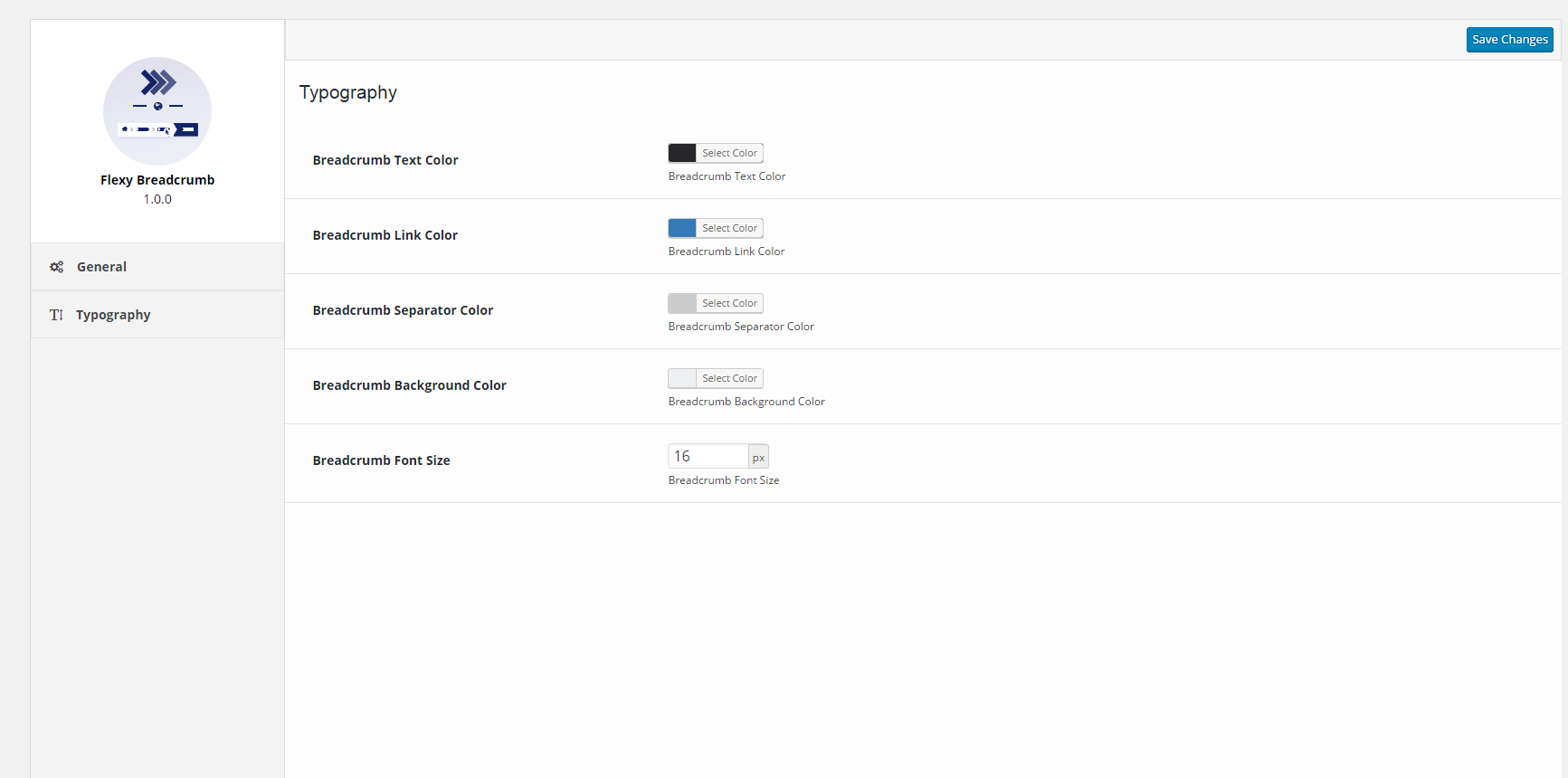
- Global Color Options: Complete color controls for text, links, separators, and background through global settings.
- Typography Controls: Adjust the font size of the breadcrumb trail with automatic theme font matching.
- Accessible (A11y): Built with semantic
<nav aria-label="Breadcrumbs">,aria-current="page", and screen-reader optimizations. - Modern Responsive Layout: Clean Flexbox layout with full right-to-left (RTL) language support out of the box.
- E-Commerce & CPT Ready: Supports WooCommerce categories and tags, custom post types, hierarchical taxonomies, archives, author pages, search, and 404 pages.
- GDPR Compliant: No remote external font loading in WordPress Admin.
- Developer Extensible: Global
flexy_breadcrumb()template tag and filter hooks (flexy_breadcrumb_output,flexy_breadcrumb_enqueue_font_awesome).
Shortcode
Add this anywhere in your posts, pages, or theme templates:
[flexy_breadcrumb]
PHP Template Tag
Add this directly inside your theme template files (e.g. header.php or archive.php):
<?php if ( function_exists( 'flexy_breadcrumb' ) ) { flexy_breadcrumb(); } ?>
Submit Patches
If you’ve identified a bug or have an improvement, we welcome contributions at our GitHub page for Flexy Breadcrumb. Simply submit a pull request so we can review and merge into the codebase. Happy coding!
Credits
- jQuery UI (https://jqueryui.com)
- WP Color Picker Alpha (https://github.com/23r9i0/wp-color-picker-alpha)
- Font Awesome Icon Picker (https://github.com/itsjavi/fontawesome-iconpicker)
Screenshots


Installation
- Upload the
flexy-breadcrumbfolder to your/wp-content/plugins/directory or install directly via WordPress Plugins screen. - Activate the plugin through the ‘Plugins’ menu in WordPress.
- Configure your breadcrumb preferences under Flexy Breadcrumb in the WordPress admin menu.
- Add the
[flexy_breadcrumb]shortcode in the block editor/page content or use<?php flexy_breadcrumb(); ?>in your theme.
FAQ
-
You can call the native template tag directly:
Or use WordPress do_shortcode:
-
How can I prevent duplicate Font Awesome stylesheets if my theme already includes it?
-
Add the following snippet to your theme’s
functions.php:
add_filter( ‘flexy_breadcrumb_enqueue_font_awesome’, ‘__return_false’ ); -
Does this plugin output Google Search Console compliant structured data?
-
Yes! Flexy Breadcrumb 1.3.0 outputs valid Schema.org
BreadcrumbListvia JSON-LD in addition to microdata markup, resolving Google Search Console errors.
Reviews


Contributors & Developers
“Flexy Breadcrumb” is open source software. The following people have contributed to this plugin.
Contributors
“Flexy Breadcrumb” has been translated into 3 locales. Thank you to the translators for their contributions.
Translate “Flexy Breadcrumb” into your language.
Interested in development?
Browse the code, check out the SVN repository, or subscribe to the development log by RSS.
Changelog
1.3.0
- Feature – Added support for direct theme integration to display breadcrumbs anywhere in your theme templates.
- Feature – Added Schema.org JSON-LD structured data for better SEO and Google Search Console indexing.
- Feature – Added full accessibility (a11y) and screen reader support following modern web standards.
- Feature – Modernized layout styling with automatic theme font matching and full right-to-left (RTL) language support.
- Feature – Added customization hooks for developers to easily filter breadcrumbs and icon loading.
- Security – Enhanced security and data validation across all plugin settings.
- Performance – Faster page loading by removing frontend jQuery dependency.
- Performance – Optimized admin dashboard loading by only loading plugin assets on the settings page.
- Performance – Removed external Google Fonts in the admin dashboard for full GDPR/privacy compliance.
- Fix – Fixed admin settings page errors on newer WordPress versions.
- Fix – Resolved PHP 8.2+ compatibility issues and warning notices across post, archive, and category breadcrumbs.
- Fix – Fixed title trimming issues for international languages and special characters.
- Fix – Ensured existing settings are safely preserved during plugin activation and updates.
1.2.1
- Fix – Fixed the issue where field “item” missing (in “itemListElement”).
1.2.0
- Feature – Made it compatible with the WooCommerce product categories and tags.
- Feature – Made it compatible with the Simple Job Board job categories.
- Feature – Added “Home Text URL” field in General settings for Flexy Breadcrumb.
- Fix – Fixed the issue where “Home”, “Page” and other strings were not translatable.
- Fix – Fixed the issue where HTML tags in posts title appear in breadcrumb.
- Fix – Fixed the issue where date and tags “Post Types Hierarchy” doesn’t work for custom post types.
- Fix – Fixed the issue where the blog page is binded to incorrect URL on change of domain.
1.1.4
- Feature – Added breadcrumb trail for Blog.
- Tweak – Updated Google Structured of breadcrumbs.
- Fix – Fixed the responsive spacing issue of separator.
- Fix – Resolved separator color issue related to typography.
1.1.3
- Tweak – Added compatibility for WordPress 5.5.
1.1.2
- Fix – Resolved errors of breadcrumb trail with Google Search Console.
1.1.1
- Fix – Added slash at the end of the URL – Google Recommendation.
- Fix – Wrapping the admin style to avoid from any style conflict.
- Tweak – Update the schema links to https.
1.1.0
- Feature – Added breadcrumb trail for default posts page.
- Feature – Display category in post detail page having highest count.
- Fix – Fixed Google Structured Schema for Breadcrumbs.
- Fix – Remove archive link for custom post type if archive parameter is false.
- Tweak – Display only highest category count in post detail page.
1.0.3
- WP 4.9 Compatibility – Resolved the color picker issue in settings’ typography tab.
- Fix – Resolved the space issue between the attributes.
1.0.2
- Fix – Resolved the structured data issue for active list element.
1.0.1
- Fix – Resolved the floating issues in breadcrumb template.
- Fix – Fixed the styling glitches of settings tab’s layout.
- Fix – Resolved the 404 error in case of home page.
1.0.0
- Initial release.