
Description
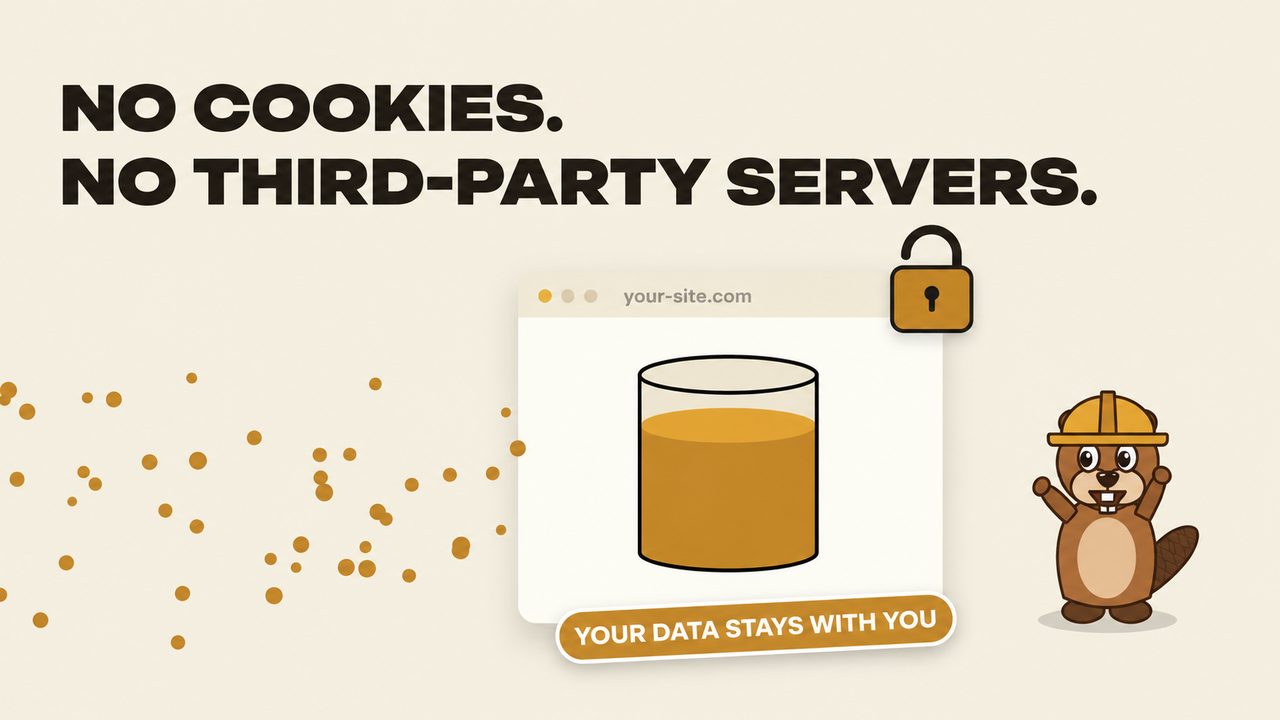
Bobr Analytics collects website statistics directly into your WordPress database. No cookies, no localStorage, no external analytics service. If a big analytics provider goes down, your statistics keep working as long as your site does.
It works next to Google Analytics or any other counter and does not touch them.
A tour of the dashboard
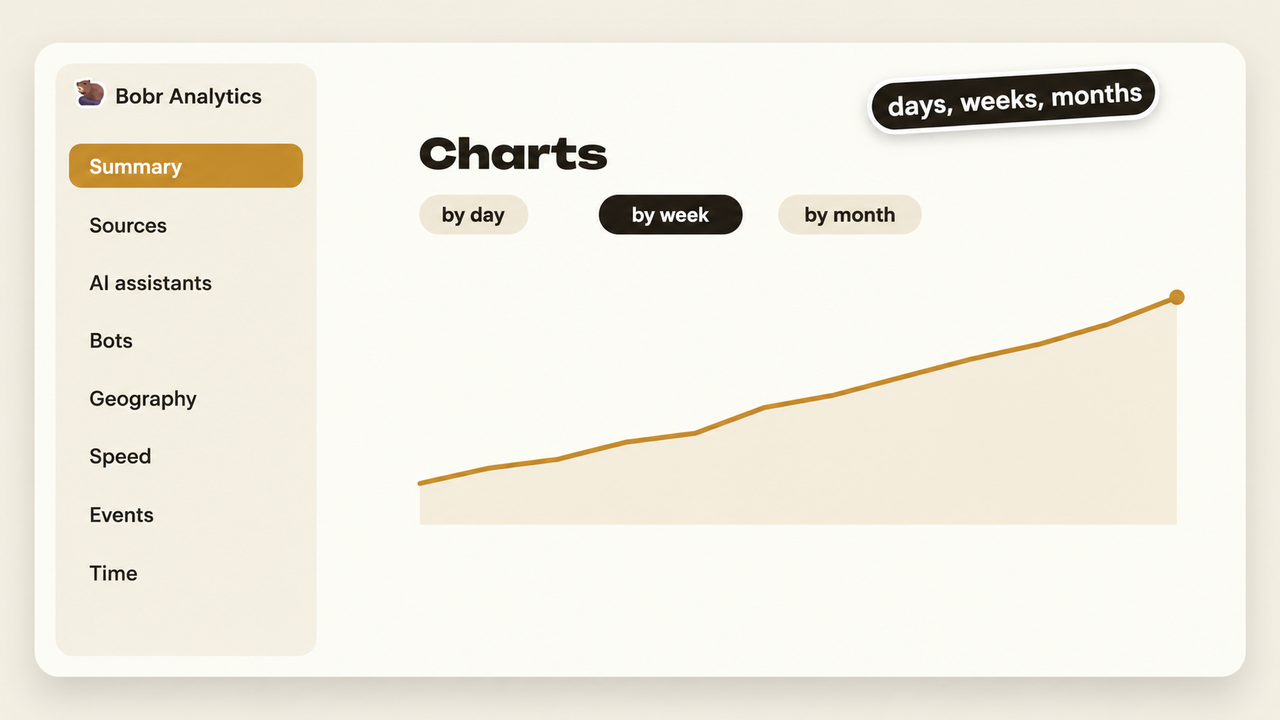
The plugin adds a Bobr Analytics menu to the WordPress admin with 15 sections. At the top of every section you choose the period (today, yesterday, 7 days, 30 days, this month or your own dates), the chart step (by day, week or month), turn on comparison with the previous period and filter by source type, device, city or page. Every table has search, sorting, pagination and CSV export.
- Summary. Visitors, visits, pageviews, bounce rate, pages per visit and time on site, with the change against the previous period. Traffic chart, visits by source type, top sources and top entry pages. A switch shows the same numbers for bots instead of people.
- Entry pages. Pages where visits start, with bounce rate and time. Click a page to see its own chart and where its visitors came from.
- All pages and exits. Every page with pageviews, visits, time on page and scroll depth, plus the pages where visits end.
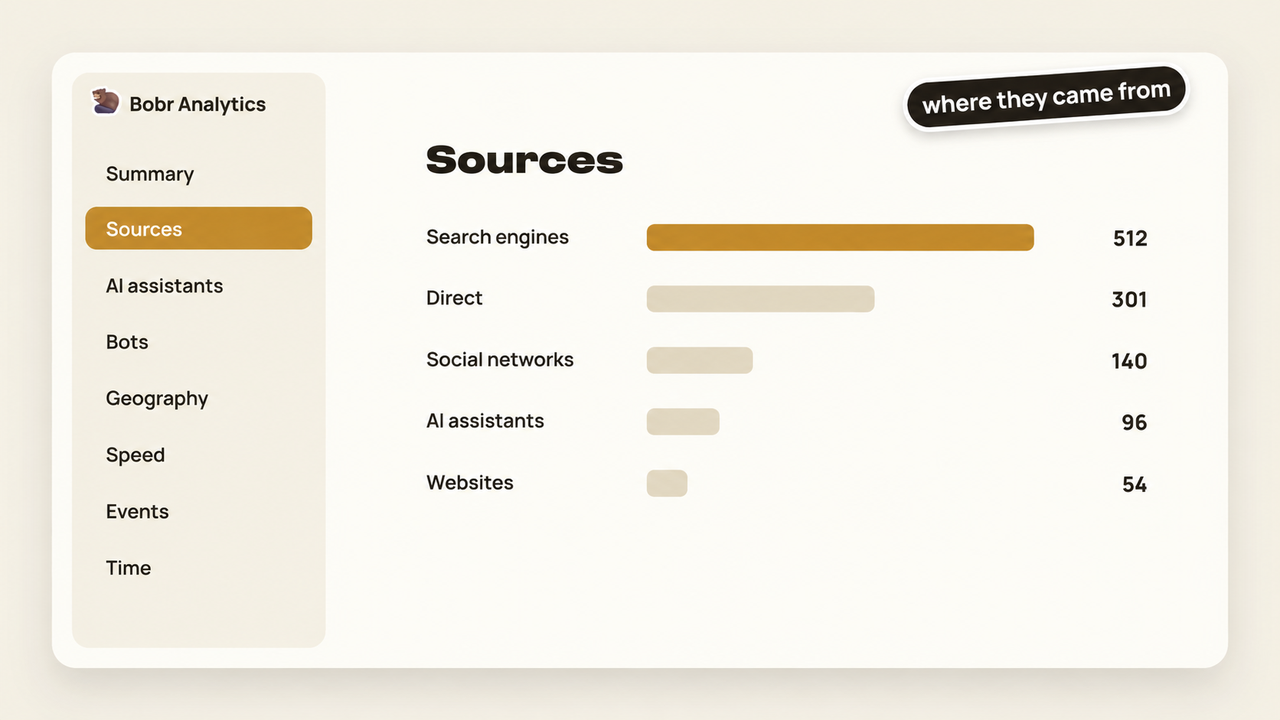
- Sources. Search engines, social networks, other websites, direct visits, internal navigation and UTM campaigns, each with a chart and a table. Click a source to see which pages it brings people to.
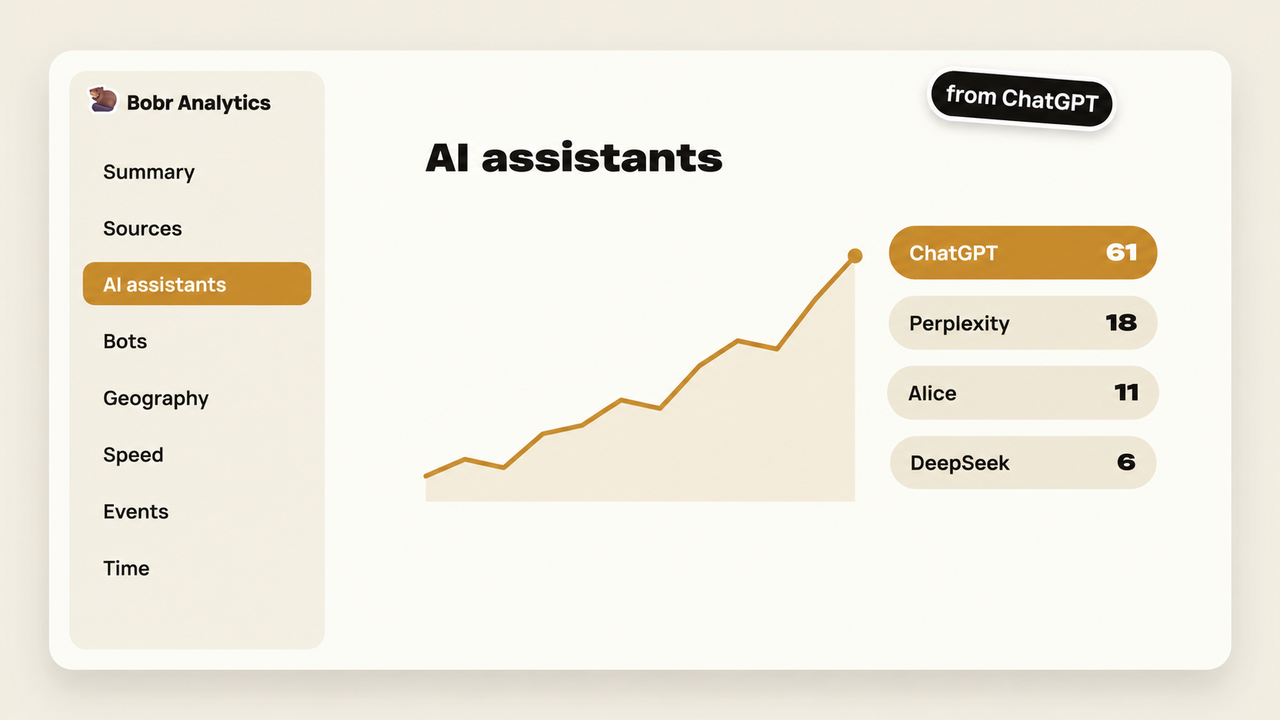
- AI assistants. Visits from ChatGPT, Perplexity, Gemini, Claude, Copilot, DeepSeek, Alice, GigaChat and other assistants, and the pages of your site they link to.
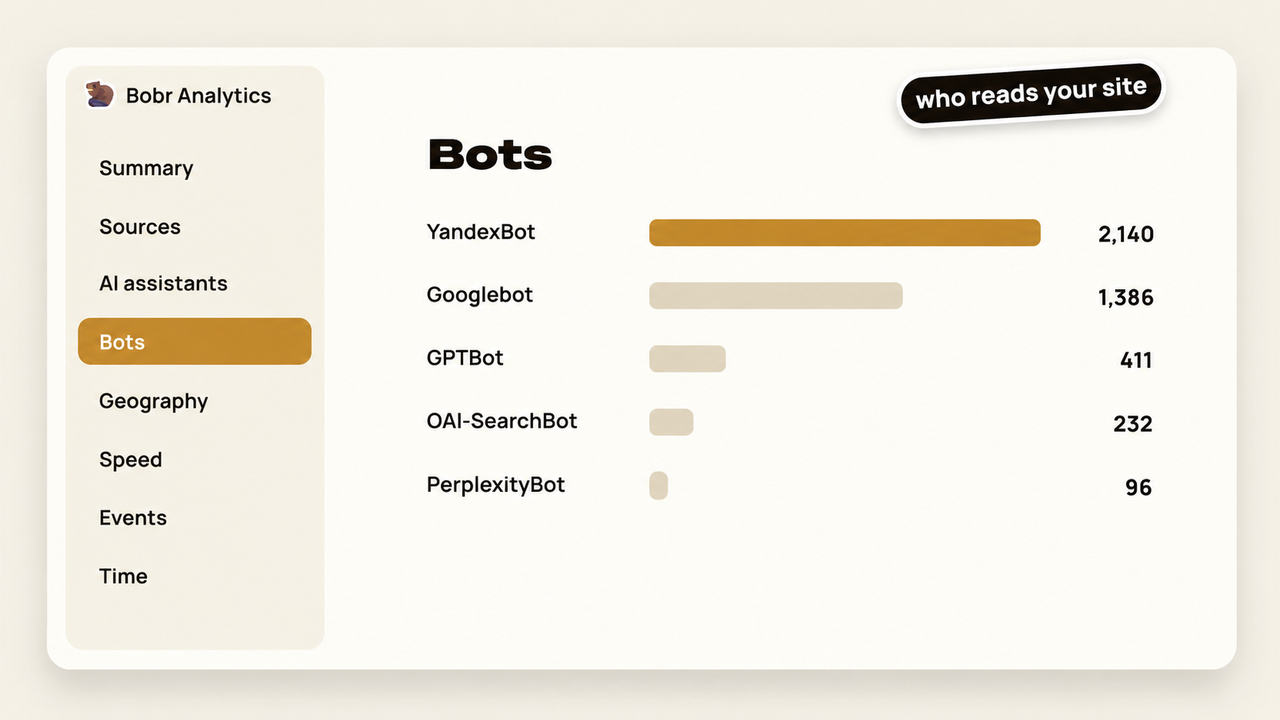
- Bots. Search engine crawlers and AI agents: requests, pages, errors, last visit, a heat map of when they come and a list of what AI agents read.
- Geography. Countries, regions and cities, and the top five cities over time. Without any setup the country is estimated from the browser time zone; cities need the free offline city database.
- Technology. Devices, operating systems, browsers and screen widths, and the mobile and desktop share over time.
- Time. Heat map by day of the week and hour, visits by hour and by weekday, in the site time zone.
- Behavior. Visible time on page and scroll depth over time, which pages people read to 75 percent and which ones they leave within 10 seconds.
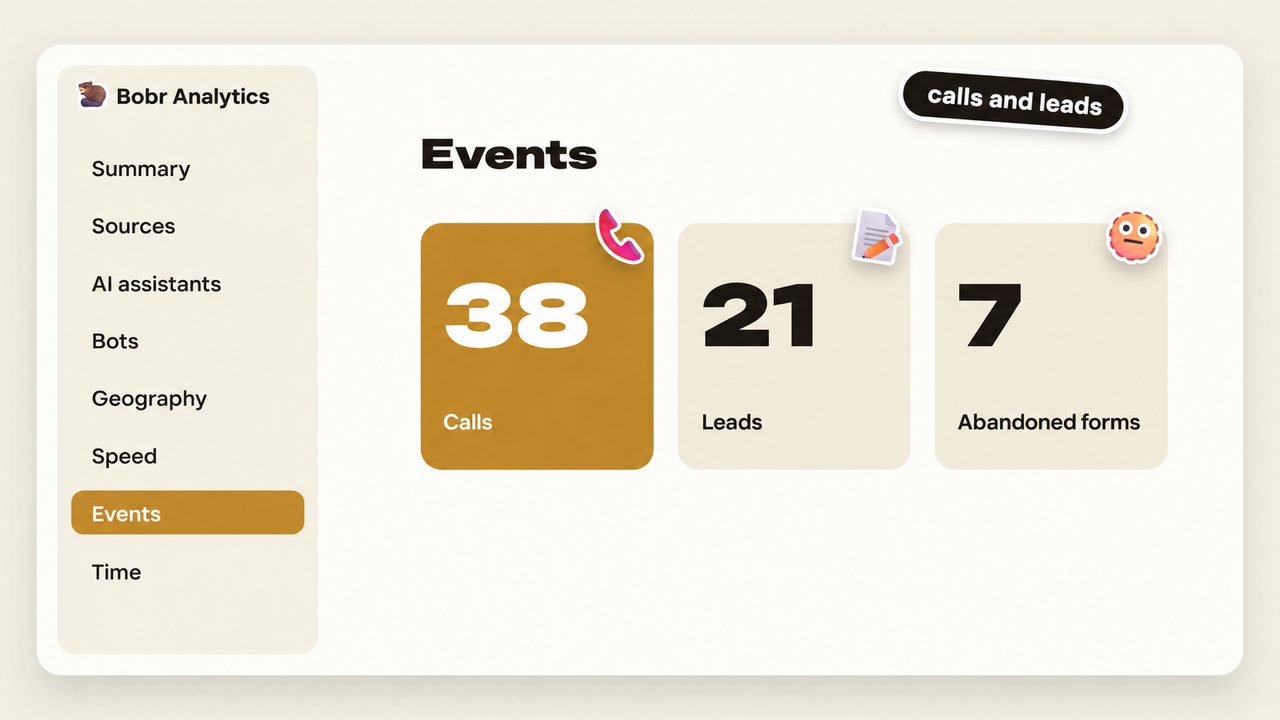
- Events. Phone and email link clicks, outbound links, submitted and abandoned forms, and the pages where they happen.
- 404 errors. Missing addresses that real visitors hit and where they came from.
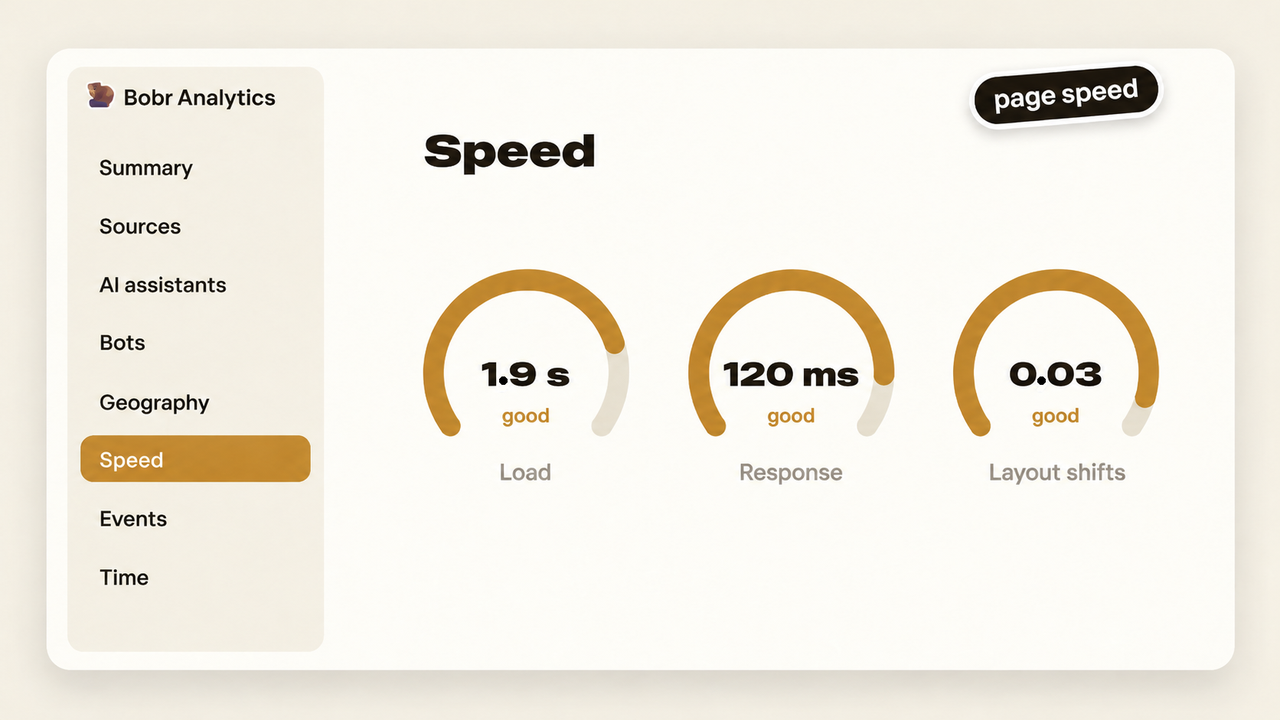
- Speed. Server response, first paint, LCP, INP and CLS measured on real visitors, 75th percentile, colored by the Google Core Web Vitals thresholds, for the whole site and for each page.
- Live now. Visits in the last 30 minutes with entry page, current page, source, device and city.
- Settings. User roles that are not counted, your own IP addresses, data retention, city detection, bot recording, the city database and recalculation of daily totals.
Privacy
- No cookies and no localStorage.
- IP addresses are never stored. When city detection is enabled, the IP is used once to look up the city in a local file and then discarded.
- The full user agent string is never stored, only device type, operating system and browser.
- A visitor is identified by a hash of IP, user agent, site address and a random salt that changes every day. The previous salt is deleted, so a visitor can be recognized only within one day.
- Form field values, phone numbers and email addresses are never read or sent.
- Logged-in administrators, editors and shop managers are not counted by default.
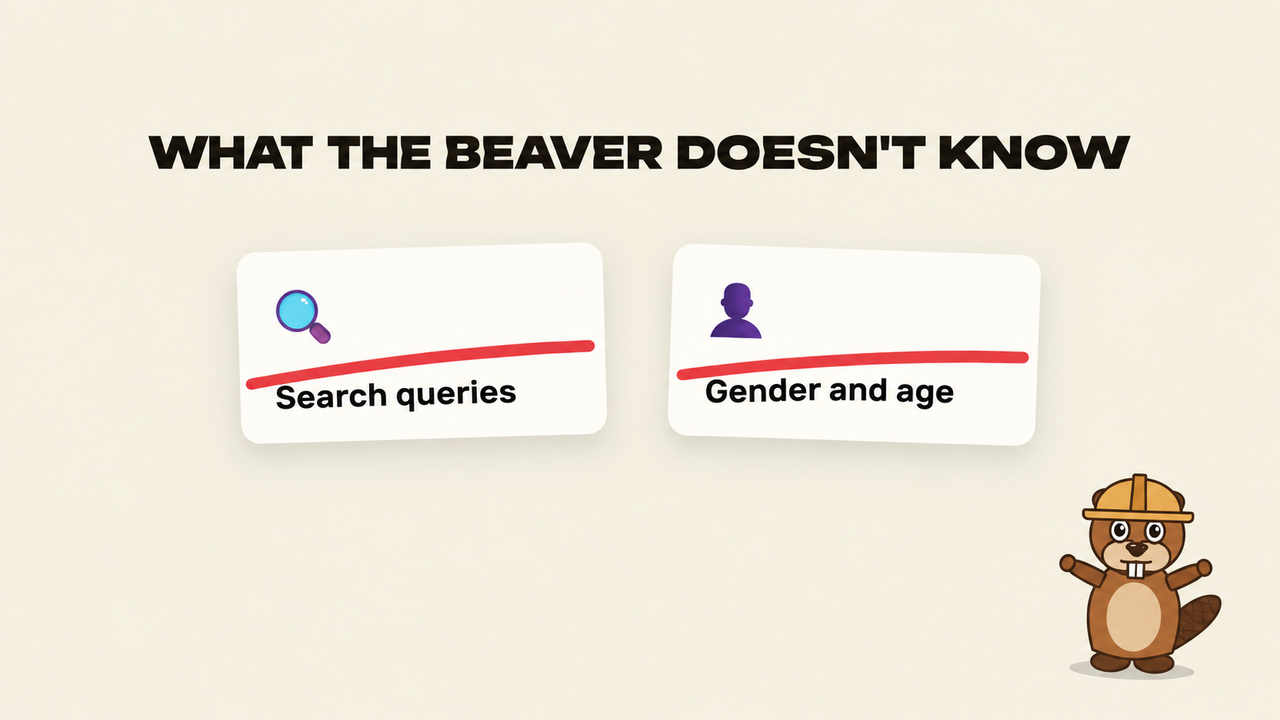
What it does not show
- Search queries. Only search engines know them, in their webmaster tools.
- Gender and age. Large services infer them from cross-site profiles. This plugin sees only your site and uses no cookies.
Languages
The plugin is translation ready. Translations are delivered through translate.wordpress.org, the interface language follows the site language.
External services
This plugin can download the free DB-IP IP to City Lite database to detect visitor cities. The download happens only when an administrator clicks the Download the city database button in Bobr Analytics, Settings. The plugin then requests a single file from db-ip.com (https://download.db-ip.com/free/dbip-city-lite-YYYY-MM.mmdb.gz). No visitor data and no site data are sent in this request. The file is stored in wp-content/uploads/bobr/ and all lookups happen locally on your server.
The database is provided by DB-IP under the Creative Commons Attribution 4.0 license.
- DB-IP website: https://db-ip.com
- Terms of use and license: https://db-ip.com/db/download/ip-to-city-lite
The plugin makes no other external requests. The tracking script sends data only to your own site (/wp-json/bobr/v1/hit).
Screenshots
Installation
- In the WordPress admin go to Plugins, Add New Plugin and search for Bobr Analytics, or upload the plugin zip file.
- Install and activate the plugin.
- The tracker is added to your pages automatically, no code is needed. Open Bobr Analytics in the admin menu.
- Optional: in Bobr Analytics, Settings, exclude your own IP addresses and download the city database.
FAQ
-
The plugin sets no cookies and stores nothing in the visitor’s browser. Whether you need a consent banner depends on the laws that apply to your site, please check them.
-
Does it work with page caching?
-
Yes for people: the tracker runs in the browser. Bots are recorded on the server side, so bot visits to cached pages are not counted. The settings page shows whether a page cache is active.
-
Why is the number of visitors over a week higher than expected?
-
Without cookies a visitor is recognized only within one day, so visitors over several days are the sum of daily visitors.
-
How long is data kept?
-
Detailed records are kept for 180 days by default (configurable from 30 to 1095 days) and deleted at night. Daily totals without personal data are kept forever.
-
How do I remove all data?
-
Data is kept when the plugin is deleted, so statistics are not lost by accident. To remove everything, drop the tables
wp_bobr_visits,wp_bobr_hits,wp_bobr_events,wp_bobr_bots,wp_bobr_daily(with your table prefix), delete the optionsbobr_settings,bobr_db_ver,bobr_salt,bobr_geo_updatedand the folderwp-content/uploads/bobr/. -
Where can I report a bug?
-
On GitHub: https://github.com/LopatinaDVP/bobr-analytics/issues
Reviews
There are no reviews for this plugin.
Contributors & Developers
“Bobr Analytics” is open source software. The following people have contributed to this plugin.
Contributors
Translate “Bobr Analytics” into your language.
Interested in development?
Browse the code, check out the SVN repository, or subscribe to the development log by RSS.
Changelog
1.3.0
- English interface, ready for translation.
1.2.0
- Settings and Feedback links on the Plugins page.
- Whole numbers on chart axes.
1.1.0
- Charts by day, week or month for all sections.
- Device share, top cities, speed and visitor actions over time.
1.0.0
- First release.