

Description
Blockmason Core adds the content a construction company website needs:
- Projects, with categories (residential, commercial, industrial, public)
- Services, with categories
- Team members, grouped by department
- Testimonials, with company, rating and related project
Fill in the details from the editor sidebar, then show them with the Blockmason blocks:
- Project details: client, location, year, area, duration and services
- Before / after: compare two photos with an accessible slider
- Team member details: role, email, phone and LinkedIn
- Service icon: one of the included line icons
- Testimonials: a grid of client quotes with ratings
- Projects and “Projects of this service” variations of the Query Loop block
All fields are standard WordPress custom fields available in the REST API, so they also work with block bindings.
It is made for the free Blockmason Build theme, and works with any block theme. Your content stays in WordPress if you change theme.
Resources
Images in demo/build/images:
- hero-site-work.webp
License: CC0 1.0 Universal (public domain), https://creativecommons.org/publicdomain/zero/1.0/
Source: https://www.rawpixel.com/image/5927996 - team-planning.webp
License: CC0 1.0 Universal (public domain), https://creativecommons.org/publicdomain/zero/1.0/
Source: https://www.rawpixel.com/image/5928035 - worker-site.webp
License: CC0 1.0 Universal (public domain), https://creativecommons.org/publicdomain/zero/1.0/
Source: https://www.rawpixel.com/image/5928022 - project-brick-house.webp
License: CC0 1.0 Universal (public domain), https://creativecommons.org/publicdomain/zero/1.0/
Source: https://www.rawpixel.com/image/6042800 - project-timber-house.webp
License: CC0 1.0 Universal (public domain), https://creativecommons.org/publicdomain/zero/1.0/
Source: https://www.rawpixel.com/image/5919896 - project-apartment-block.webp
License: CC0 1.0 Universal (public domain), https://creativecommons.org/publicdomain/zero/1.0/
Source: https://www.rawpixel.com/image/5951910 - demo-modern-villa.webp
License: CC0 1.0 Universal (public domain), https://creativecommons.org/publicdomain/zero/1.0/
Source: https://www.rawpixel.com/image/6043057 - demo-bathroom.webp
License: CC0 1.0 Universal (public domain), https://creativecommons.org/publicdomain/zero/1.0/
Source: https://www.rawpixel.com/image/6042774 - demo-bathroom-before.webp
License: CC0 1.0 Universal (public domain), https://creativecommons.org/publicdomain/zero/1.0/
Source: generated by Themewright from demo-bathroom.webp - demo-roofing.webp
License: CC0 1.0 Universal (public domain), https://creativecommons.org/publicdomain/zero/1.0/
Source: https://www.rawpixel.com/image/5925457 - demo-bathroom-2.webp
License: CC0 1.0 Universal (public domain), https://creativecommons.org/publicdomain/zero/1.0/
Source: https://www.rawpixel.com/image/5906896 - demo-metalwork.webp
License: CC0 1.0 Universal (public domain), https://creativecommons.org/publicdomain/zero/1.0/
Source: https://www.rawpixel.com/image/5910507 - demo-timber-house-day.webp
License: CC0 1.0 Universal (public domain), https://creativecommons.org/publicdomain/zero/1.0/
Source: https://www.rawpixel.com/image/6015942 - demo-interior.webp
License: CC0 1.0 Universal (public domain), https://creativecommons.org/publicdomain/zero/1.0/
Source: https://www.rawpixel.com/image/5919752 - demo-team-*.webp
License: CC0 1.0 Universal (public domain), https://creativecommons.org/publicdomain/zero/1.0/
Source: AI-generated portraits made for Blockmason by Themewright (fictional people)
Icons in the Service icon block:
- Original artwork by Themewright, (C) 2026 Themewright
License: GNU GPL v2 or later, https://www.gnu.org/licenses/gpl-2.0.html
Screenshots
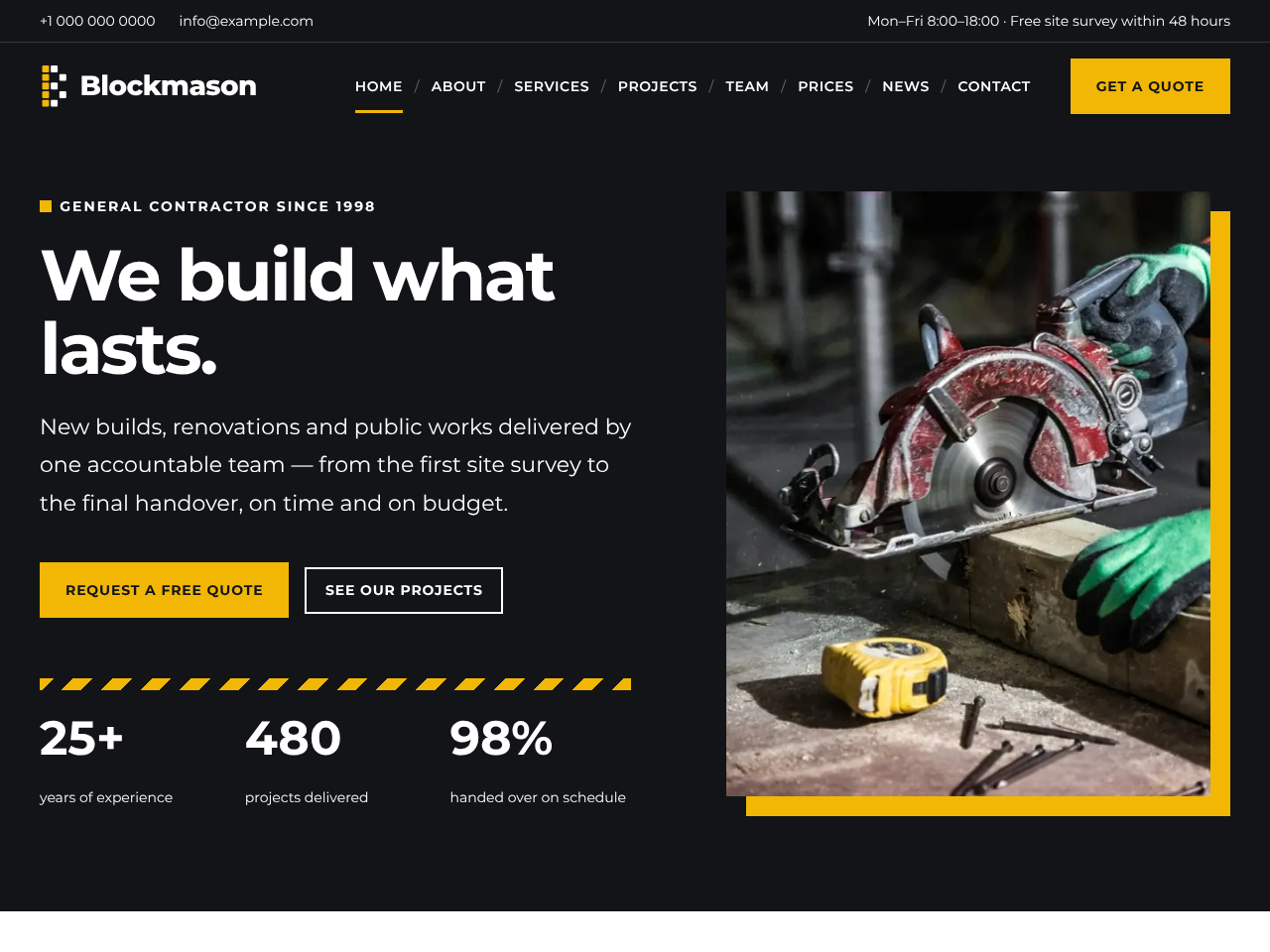
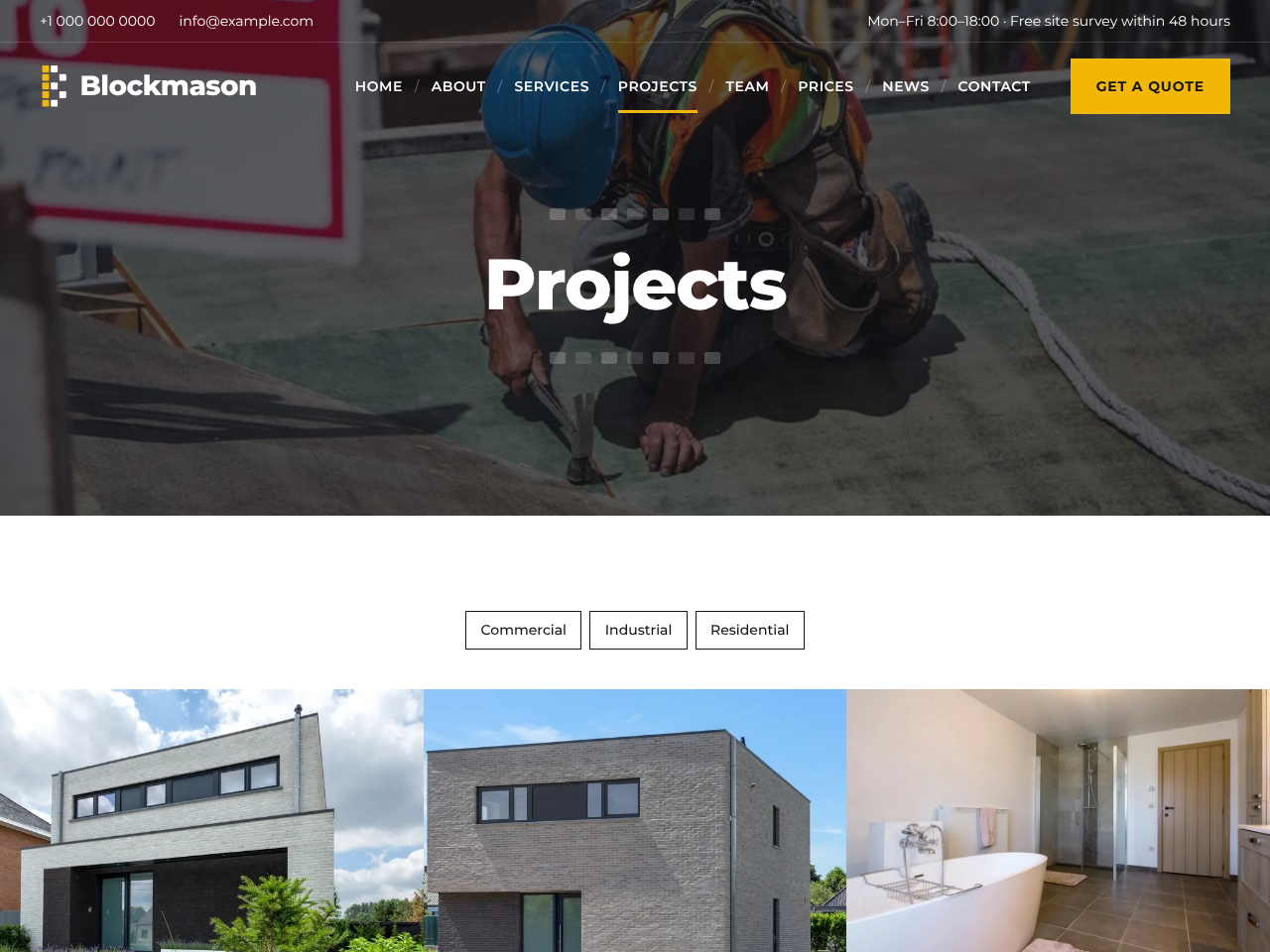


Blocks
This plugin provides 5 blocks.
- Testimonials Show what your clients say, with name, company and rating.
- Project details Client, location, year, area, duration and services of a project.
- Service icon The icon chosen for a service. Works in a Query Loop of services.
- Team member details Role, email, phone and LinkedIn of a team member. Works in a Query Loop of team members.
- Before / after Compare two photos with a slider. In a project it uses the project's before and after images, or you can choose two images.
Installation
- In your admin panel, go to Plugins > Add New Plugin and search for “Blockmason Core”.
- Click Install Now, then Activate.
- You will find Projects, Services, Team and Testimonials in the admin menu.
- Optional: go to Appearance > Blockmason demo to import sample content with images. You can remove it again with one click; content you created yourself is never touched.
FAQ
-
Do I need the Blockmason Build theme?
-
No. The plugin works with any block theme. Blockmason Build adds templates and patterns designed for it.
-
What happens to my content if I deactivate the plugin?
-
Nothing is deleted. Projects, services, team members and testimonials stay in your database and come back when you activate the plugin again.
-
Does the plugin connect to external services?
-
No. It does not send data anywhere and does not load anything from other servers. The demo images are included in the plugin.
-
Can I translate it?
-
Yes. Italian, Spanish, French, German and Brazilian Portuguese are included, and every text can be translated on translate.wordpress.org.
Reviews
There are no reviews for this plugin.
Contributors & Developers
“Blockmason Core” is open source software. The following people have contributed to this plugin.
Contributors
Translate “Blockmason Core” into your language.
Interested in development?
Browse the code, check out the SVN repository, or subscribe to the development log by RSS.
Changelog
1.0.2
- Fix: on sites in Spanish, German, Italian and Portuguese the Team page link of the demo menu gave a “page not found” error. URL slugs are no longer translated.
- Permalinks are refreshed automatically after an update.
1.0.1
- The demo importer can list more than one demo: other plugins can add their own with the blockmason_core_demos filter.
- New actions blockmason_core_demo_imported and blockmason_core_demo_removed.
1.0.0
- First public release.
0.7.3
- Translations included: Italian, Spanish, French, German and Brazilian Portuguese.
0.7.1
- Demo: About page with the history timeline, why choose us and careers; new Prices page (photo hero, packages, gallery, FAQ) in the menu.
0.7.0
- Query Loop: new “bmExcludeCurrent” option leaves the current post out (used by “More projects”).
- Demo: every project has a short case study (the challenge, what we did, photos, the result).
0.6.2
- Demo: the Home page uses the theme’s Landing page template and Home page pattern.
0.6.1
- Code clean-up for the WordPress.org plugin checks (prefixed variables in block templates).
0.6.0
- Demo: AI-generated team portraits (fictional people) instead of monograms; each service linked to more projects; the “Projects for this service” section is hidden when a service has none.
- Team member details block: contacts can be shown as round icons.
- Demo: longer service pages and news posts with photos, tags, a map on the Contact page, email and LinkedIn for every team member.
0.5.0
- Demo: quote form in a card on a full-width photo, with placeholders and privacy consent; About and Contact pages with a title band; news categories; site title set to “Blockmason” (restored when the demo is removed).
- Services and team archives follow the manual order.
0.4.0
- Remove demo content: deletes everything the importer added and restores the reading settings.
- Translation template (.pot) and Italian translation, including the editor scripts.
0.3.0
- Demo importer (Appearance Blockmason demo) with the Build demo.
- Patterns: services grid, projects grid, team grid, testimonials.
0.2.0
- Custom fields with an editor sidebar panel.
- Blocks: Project details, Before / after, Team member details, Service icon, Testimonials.
- Query Loop variations: Projects, Projects of this service.
0.1.0
- Initial development version: content types and taxonomies.