Rafael Nathan

Forum Replies Created
-
There are no words to describe how I’m feeling right now. Thank you so much for your support, I’m sure this thread will lead to many people being proud of WordPress Community Support as I am.
My issue is fixed and my team can get back to work with this beautiful tool. You’re the best!
@michael Simpson,
You’re right, all I can do is to modify the source code. Although your suggestion is already my top alternative, what are the chances I can get this problem fixed by modifying the SQL Query which returns the image?
I’ve already checked the BLOB and it is not corrupted in any way (I downloaded it directly from database and it opens flawlessly in my linux), so my guess is there is some way to tweak the WordPress Action that queries the BLOB in the database. Do you think this tweak is possible?
@michael Simpson
I’ve Googled everywhere and the most promising clue I’ve found is in this link in which you mention something about LONGBLOBS and MySQL version.
Although this is a 4 year old thread, what are the chances the bug persists? I just checked and verified my server configuration:
Server version: 5.5.38-35.2
Database client version: libmysql – 5.1.73This is a shared host and it seems like I’m not able to update anything. Is there a way to solve this? Thanks in advance.
@michael Simpson: To visualize the images I click the uploaded image’s link in any Returned Entries in CFDB Main Dashboard (WordPress Menu > Contact Form DB > Contact Form DB).
Clicking the image’s link on the uploaded image field open’s a new tab which loads the following URL:
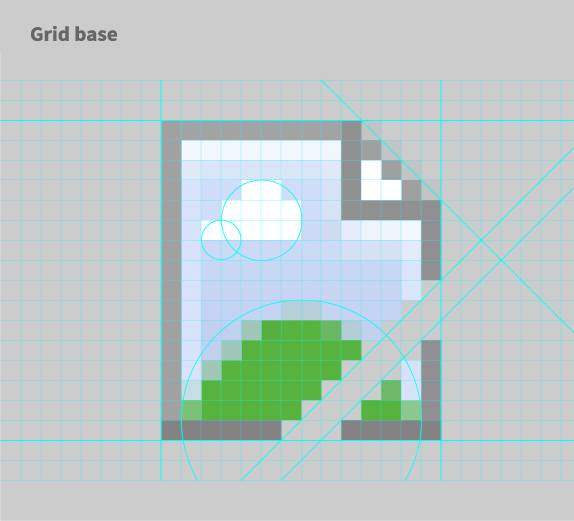
When the page is loaded, all I see is an icon of a broken image (http://www.underconsideration.com/brandnew/archives/google_broken_image_02_grid_base.png)