Lukman Nakib

Forum Replies Created
-
Thanks for letting us know. We have already fixed the issue and will release and update very soon.
You can turn off analytics, for now, to fix the issue from global settings > misc.
Thanks for your feedback, if you can mention what areas you find issues we will try our best to improve those. We are a user-centric company and every user feedback is important to us.
Have a good day.
Forum: Plugins
In reply to: [Debug Log - Manager Tool] Feature request – display order and filtersHello chrisplaneta,
Happy to hear it 🙂 .
Thanks for the nice suggestions sounds great, I will add these soon.
Hello Luis,
- We are in the process of making it fully translatable, you can help us by letting us know the missing strings.
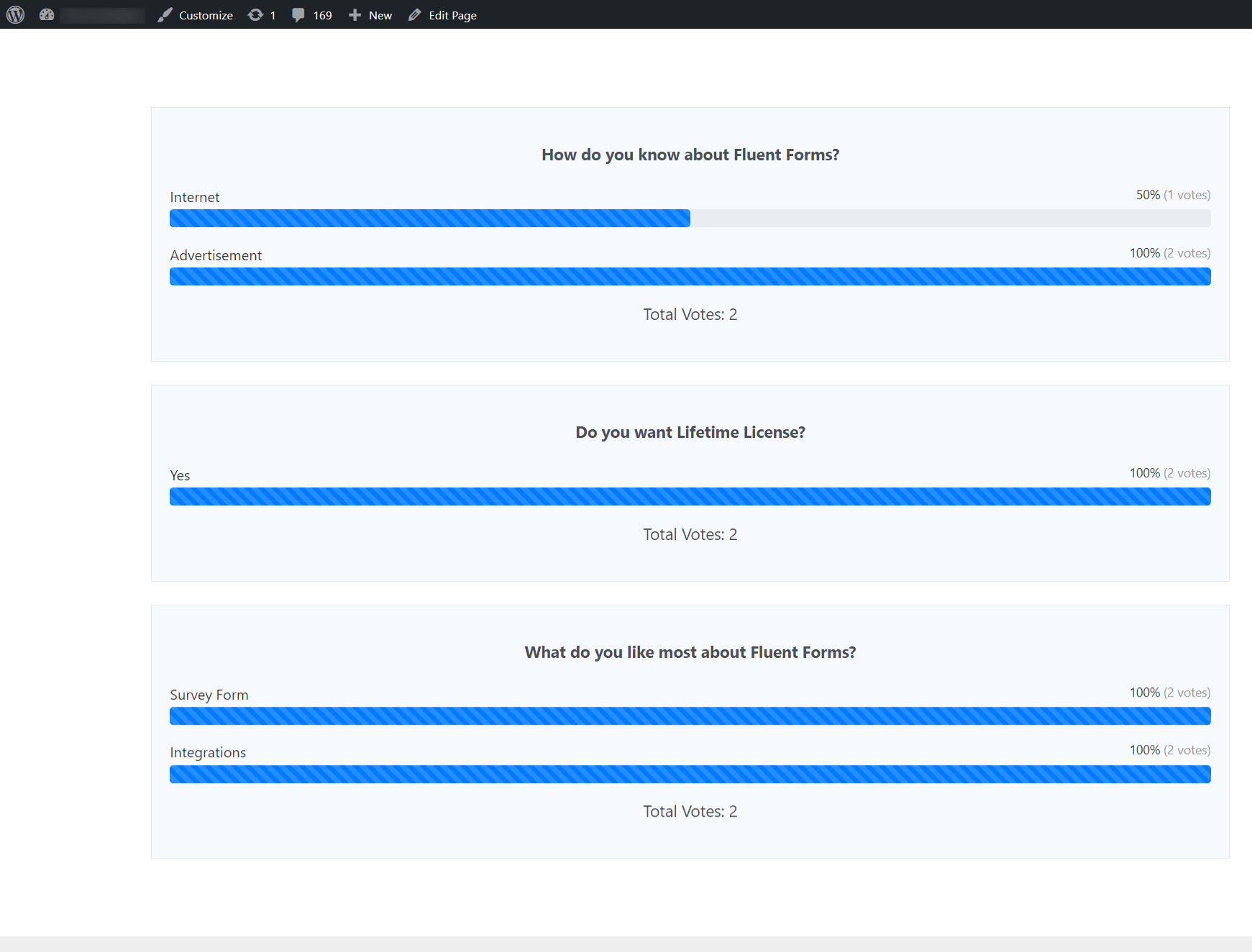
- We already have this feature displaying visual representation of the survey, see here . For details you can visit.
Thank you so much for your nice feedback. Have a good day ahead.
I have just imported your form and it was submitted successfully, see here. So that means there are some plugin scripts that are creating the conflict. You can try disabling other plugins individually to see if the issue is resolved. If not we will need to debug the problem on your site. For that, you can create a support ticket here.
Hope that helps.
Thank you for your patience.
Forum: Fixing WordPress
In reply to: Docx file can not be uploaded to MediaIt does not work if you download a docx file from google doc other files works fine. No plugins and default theme.
Forum: Fixing WordPress
In reply to: Docx file can not be uploaded to MediaYes different , previously I tried chrome. Other files works fine, can you try it in your end with the latest WordPress version.
Forum: Fixing WordPress
In reply to: Docx file can not be uploaded to MediaTried safari ,Error message .Sorry, you are not allowed to upload this file type.
Hello Bmuzammil,
Looks like you have turnstile captcha enabled, please make sure the key is correct, if this does not resolve , please share your form json file as zip ,here. We will help you to solve it.
Thanks
Sorry for the delay, actually it’s the Eid holiday here, and that is the reason for the delay. I could not recreate the issues, so I will need admin access, for this, can you please open a support ticket here, I will help you with all your issues. Also, you get faster response there now.
Thanks
- This reply was modified 2 years, 10 months ago by Lukman Nakib.
Thank you for clarifying all the points. We have released another update this should fix point 3 and 4. Can you please check and let us know. Also please let me know your ticket ID.
Thank you so much for your help and patience.
I understand, just for debugging purposes can you tell me which plugins you are using and is there any server-side and client-side caching system like Cloudflare, lightspeed cache, or anything else?
Thanks
Hello Syd,
We are sorry for the inconvenience. We would really appreciate it if you can help us to reproduce the issue you can share your debug log file info ,or it will be best if you can open a ticket here https://wpmanageninja.com/support-tickets/ and let me know the ID, resolving this issue is a high priority to us.
Thank you for your patience.
Hello Bryan,
Sorry for the inconvenience, we will help you to resolve the issue. However We could not recreate the issue, are you using multisite, can you let us know? Please try deactivating and activating the plugin again. If the issue is not resolved please let us know.
Thanks
Forum: Plugins
In reply to: [Debug Log - Manager Tool] Debug log not could not be opened !There is a filter hook available if you want to change the path ‘wp_dlct_log_file_path’ just return your file path