jureka

Forum Replies Created
-
Forum: Plugins
In reply to: [W3 Total Cache] Language domains , aliases and multiple sitemapsthanks for your answer,
please clarify, do WPML translations of one page available at .com and .eu qualify as same content accessed from different domains? for example “mypage.com”, “mypage.eu” and “mypage.pl”?
- This reply was modified 2 years, 11 months ago by jureka.
numerous updates later, the issue persists…
I have a similar issue, I also use w3tc. Last update was on 28.02.2023 WPForms Lite (from version 1.8.0.1 to 1.8.0.2), today is 16.03.2023 and the problem was first brought to our attention about 4 hours ago. I do not use database cache but do use object cache with 7200 seconds as default life time of cache objects. I have excluded contact form page from page caching, yet issue persits. Disabling form antispam protection fixes the issue (captcha remained without issue). Perhaps its relevant we were under an automated sql injection attack last night. Please advise how to fix the issue without disabling form antispam function. thank you,
Forum: Plugins
In reply to: [W3 Total Cache] Add cookie for WPML multicurrency featureIf I not only disable the cookie “wcml_client_currency” in Cache Groups, but also in Page Caching setting “Rejected cookies:” the issue is fixed. However as far as I understand the disclaimer “Never cache pages that use the specified cookies.” this would disable page caching for all my pages that feature some sort of a currency widget. Please confirm. If so, this can’t be the solution.
PS. I have server side caching disabled.
Forum: Plugins
In reply to: [W3 Total Cache] Add cookie for WPML multicurrency featureThat is correct, however as logged in user only 1 currency displays anyway, probably its saved per user, perhaps that is not the best troubleshooting way.
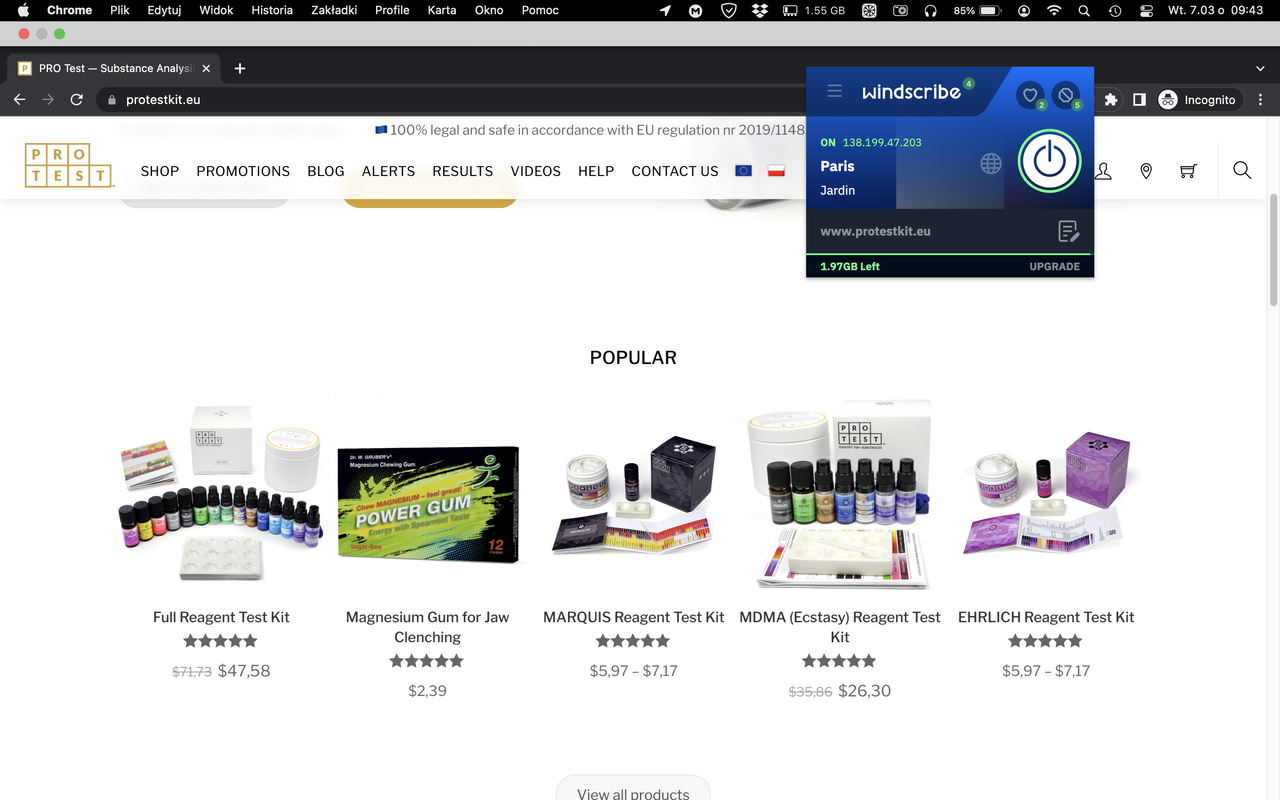
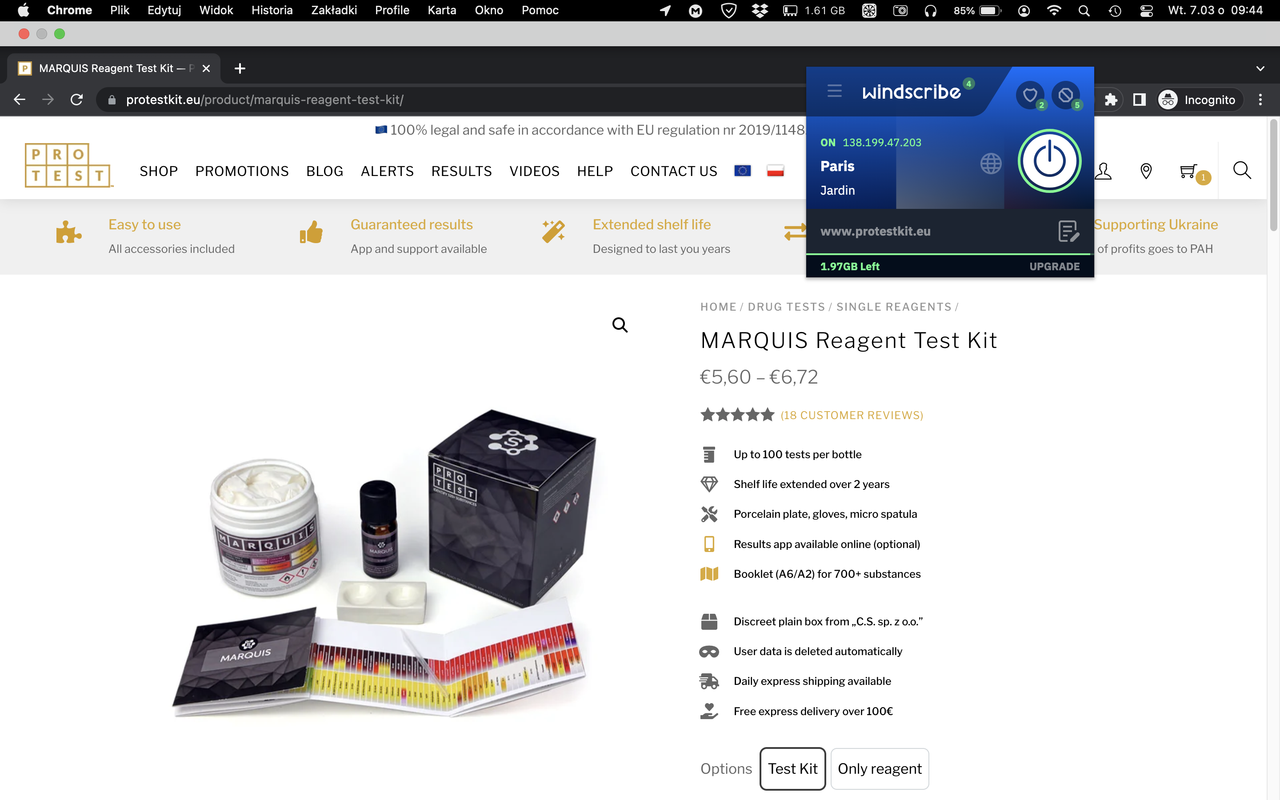
See these 2 screenshots when browsing in an incognito tab with VPN set to Paris:
- Main page widgets show random currency – https://i.postimg.cc/cLR7BPxy/Captur-Files-2336.png
- Navigating to any product page updates currency to the correct one (EUR) – https://i.postimg.cc/GpbF7ztB/Captur-Files-2337.png
I confirmed the issue to be present only when w3tc caching (I think page caching if I recall correctly) is enabled, definietly does not persist after disabling w3tc. The issue persists with only default theme, w3tc, wpml and woocommerce enabled. Going to product page updates currency correctly, but starting at home page displays random currency. WPML suggests there is some homepage caching going on that applies even to users browsing with cleared cache… Does that ring any bell?
Forum: Plugins
In reply to: [W3 Total Cache] Add cookie for WPML multicurrency featureThank you for your response.
Do you have any suggestion why when browsing as admin does the issue persist in one widget and not in another one (one currency in menu bar widget, different currency on home page product widget), considering I have caching disabled for my admin account? Issue dissapears when I disable w3tc.
Forum: Plugins
In reply to: [W3 Total Cache] Add cookie for WPML multicurrency featureCurrently WCML currency related data are stored in WCSession to store them in cookies instead please use the following code in your child theme’s functions.php file :
add_filter ('wcml_user_store_strategy', function($strategy, $key) {return'cookie';}, 10, 2);Once the code is added in your child theme functions.php file you can then see that the cookie wcml_client_currency holds your current currency. You can then exclude this cookie from cache (check “enabled”, do not check “cache” in the relevant Manage Cookie Groups w3tc Cache Groups settings, you need to create a cookie group there and simply add “wcml_client_currency” there) to make sure the pages using currency features are cached properly.
Thank you for the instructions. I was able to exclude cookie “wcml_client_currency” from caching, and it works for the most part. It does not however work in widgets, both default wordpress widget in my page menu (top rated products) and my theme widgets on my main page. How do you recommend I proceed, considering that not caching main page is not desired? Thank you for your support.
Same issue, has been experiencing it for months. Any progess with debugging? I need to disable the plugin every time i need to edit my website.
Your paid version has annual licencing to continue running, not just for future updates – this is extortion. There is 0 reason to force users to pay you annually whn your plugin runs locally. So forgive me, its not a scam, its extortion. Here you go. Fixed.