nikdow

Forum Replies Created
-
Forum: Plugins
In reply to: [Image horizontal reel scroll slideshow] plugin is suspended by WordPressthanks, that looks good – I will see if I can fix it and publish a new plugin soon.
Forum: Plugins
In reply to: [Max Mega Menu] incorrect Stable Tag in readme.txtThanks for the helpful information, however we are using a PY script to update, not PHP.
You have the correct version in the /trunk/readme.txt, and the wordpress plugin developer guidelines say:
Put your code files directly in the trunk/ directory of your repository. Whenever you release a new version, tag that release by copying the current trunk revision to a new subdirectory of the tags/ directory.If you do the above, the file in the tags/ directory will have the correct version number.
Here’s what our PY script finds:
⬆ Updating megamenu: 3.4.1 → 3.5
✅ Updated: /home/lamp/wordpress/plugins/megamenuSo it looks like you are copying the files to tags/ then after that you are updating the readme.txt in trunk, which is the wrong way around.
Anyhow it’s still a great plugin and we can put up with downloading it every 12 hours, thanks for you attention to this request.
Forum: Plugins
In reply to: [Image horizontal reel scroll slideshow] plugin is suspended by WordPressI think this is done to prevent hackers using it as a source of information to target the vulnerability. I assume that the plugin author gets some information but again, they can’t share it here. I don’t know if the author is reading these posts, but if you are, please share with me at https://www.cbdweb.net/contact-us/ or maybe it’s possible to do a private reply here.
Having heard nothing, I plan to pull the code using svn and register a new plugin. Maybe WP will tell me what is wrong with it that way and I can offer a fork to this plugin.
Forum: Plugins
In reply to: [Max Mega Menu] incorrect Stable Tag in readme.txtThanks for your response.
Our script already gets the correct stable tag from the WP API but we have to compare that to the installed plugin, which we install from the tag, not from trunk. The installed plugin references an incorrect version number and that is the only way the script can determine the version of the installed plugin on our server.
We can’t install from trunk because some plugins have pre-release tags which we obviously don’t want to automatically install.
99% of plugins do this correctly, I’m afraid that only a couple that we use are not updating the stable tag in the readme that is included with the installed plugin code.
Forum: Plugins
In reply to: [Two Factor] Can a “backup” email address be set for recovery/2FA?Small issue: readme.txt has:
Stable tag: 0.11.0whereas WP API has 0.12.0
and two-factor.php has define( ‘TWO_FACTOR_VERSION’, ‘0.12.0’ );This is causing our updater to update the plugin every run. Our WordPress admin > plugins shows 0.12.0 so I guess WP is using a filter that returns the version, but our script is python so it can’t see that, it just reads readme.txt
If the readme.txt Stable tag could be maintained would be much appreciated.
Thanks to all the maintainers!
Forum: Everything else WordPress
In reply to: svn.wordpress http status 429successful run today, plugins are updating again, thanks.
Forum: Everything else WordPress
In reply to: svn.wordpress http status 429What is Slack?
Forum: Plugins
In reply to: [WooCommerce] x-sendfile with php-fpmThanks, I had tried that approach and succeed in unhooking the function and writing my own but hadn’t succeeded in getting it working on the live server. I’ll try that again, and post the code here if I can get it to work.
Forum: Plugins
In reply to: [WooCommerce] x-sendfile with php-fpmSorry but your answer does not address the question.
WC X-sendfile for downloads does not work with any version of FPM because your software attempts to use PHP function apache_get_modules which is not supported in any PFM version.
I’m asking for an alternative way, for example to override that check and force X-sendfile regardless. Otherwise it isn’t available in our configuration.
Forum: Plugins
In reply to: [WooCommerce] x-sendfile with php-fpmthe function that WC calls is apache_get_modules which isn’t present in PHP-FPM
Forum: Plugins
In reply to: [WooCommerce] payment plugins brokenThe problem was fixed by removing the code shown above. Seems both Paypal and eWay payment plugins now go through that filter, which wasn’t the case previously.
The root cause of the issue was the flakey PayPal plugin. When it failed to suppress the WC payment button, people would click on it and get stuck.
Forum: Plugins
In reply to: [WooCommerce] payment plugins brokenFound the problem. Some years ago, while we were still using Paypal, it was necessary to suppress the WC order button. The Paypal plugin had code to do this but was not always successful. So we put this in the theme:
add_filter( ‘woocommerce_order_button_html’, ‘replace_order_button_html’, 10, 2 );
function replace_order_button_html( $order_button ) {
return ”;
}Since then we switched to the eway payment gateway, so this filter would have been redundant since then.
A WC update must have changed the behaviour of this filter, causing our problem. Removing the filter fixed the problem.
Forum: Plugins
In reply to: [WooCommerce] payment plugins brokenThis is the only site we have that runs the woocommerce-gateway-eway plugin. Other WP sites on the same server run the woocommerce-paypal-payments plugin which is working OK on other sites but not on spelfabet.com.au.
We run a modified version of WP Network sites, which means all the websites are using the same PHP code directories for core and plugins.
So it’s something specific to this site. It’s not Paypal/eWay specific. The site runs a very simple theme that we wrote. The theme hasn’t been updated in the last year or so.
I’ve reinstalled WC from scratch with:
svn co https://plugins.svn.wordpress.org/woocommerce/tags/8.7.0/ woocommerce just in case an update was incomplete, no change.Forum: Plugins
In reply to: [WooCommerce] payment plugins brokenThanks for suggestions. I ran the conflict test by disabling all plugins (even Jetpack) except for:
WooCommerce
woocommerce-gateway-ewayplugins update every 12 hours via a cron job that runs via a user that is not apache.
Paypal was turned on for testing and is disabled again now as it showed the same symptoms, nothing happens. Normally Paypal loads up an iframe. No JS errors.
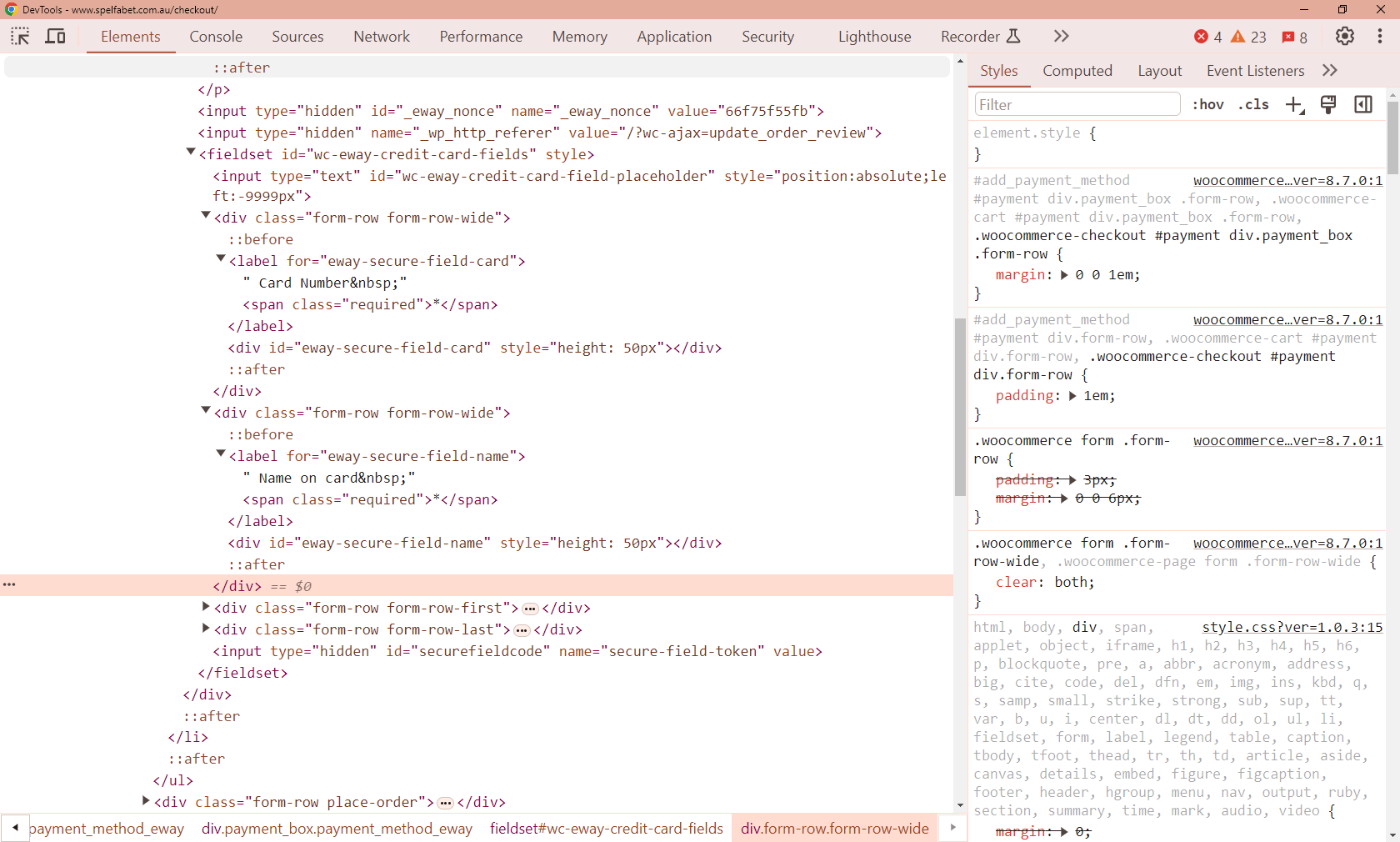
I tried loading up the previous version of eWay plugin but no change is visible. Screen shot of missing payment fields is at
https://www.cbdweb.net/wp-content/www.cbdweb.net/uploads/2024/03/wceway.pngI’ve now restored to the current version of eWay plugin.
This is hard to debug because there is nothing in any log that gives a clue. eWay have responded but haven’t got any clues.
Forum: Plugins
In reply to: [WooCommerce] payment plugins brokenAdditional information:
Theme is a very simple theme written by us, in use on this site for the last year or so.
Our hosting is non-standard in that apache has no write permission to any directories containing PHP files. Our software updates are done by a python cron job which updates from wordpress SVN repositories.